
With the surge of digital education, launching an online course has never been more accessible. In 2020, the sector experienced a remarkable upswing, and by 2026, 49% of the global workforce has engaged in some form of online learning. Businesses are following suit, with 80% now offering digital training programs to empower employees and clients alike. Whether you’re a seasoned educator or a newcomer, the right platform can amplify your expertise, build credibility, and expand your network.
What Is an Online Learning Platform?
An online learning platform is a digital hub where students access diverse materials—readings, videos, quizzes, and more—through a web portal or mobile app. It offers a cohesive learning journey without the constraints of traditional classrooms.
Unlike specialized course builders, learning platforms are flexible, supporting both structured curricula and informal, self‑paced study. Meanwhile, learning management systems (LMS) provide added features such as discussion boards, file sharing, and real‑time messaging to foster community.
Why Choose the Right Platform?
- Align the platform’s strengths with your teaching goals.
- Match its technical demands to your skill level.
- Stay within your budget while ensuring long‑term scalability.
Top 20 Online Learning Platforms for All Use Cases
Below is a curated list of the most effective platforms, categorized by the primary audience they serve.
Best Recording and Editing Platform for Online Learning
Riverside
Pricing: Free plan to $24/month
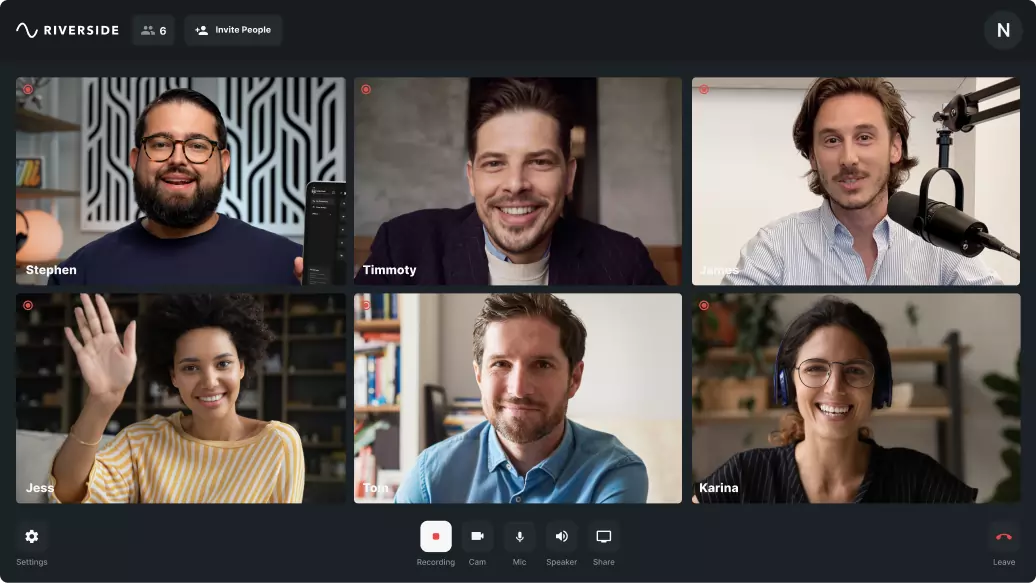
Riverside delivers studio‑grade video creation, allowing local recording up to 4K resolution and 48kHz audio. Its intuitive interface, integrated teleprompter, and media board streamline production, while the AI‑powered editor offers automated transcriptions, audio cleanup, and dynamic captions.
Interactive features—live call‑ins, screen capture, and presentation recording—ensure a professional learning experience.
- Pros: High‑quality local recordings, user‑friendly workflow, all‑in‑one hosting, editing, and AI post‑production.
- Cons: Full feature set requires a paid plan.
Best for: Beginners seeking top‑tier video quality with minimal setup.
Learn more or sign up today.
Best Platforms for Business‑Driven Learning
Udemy
Pricing: Contact sales team
Udemy supports a wide array of professional courses and provides robust analytics, making it a go‑to solution for corporate trainers.

- Pros: Easy course creation, clean branding options, built‑in analytics.
- Cons: Advanced features gated behind paid plans; some tools may be complex for novices.
Best for: Professionals and business owners who need a versatile, scalable platform.
LinkedIn Learning
Pricing: Contact sales team
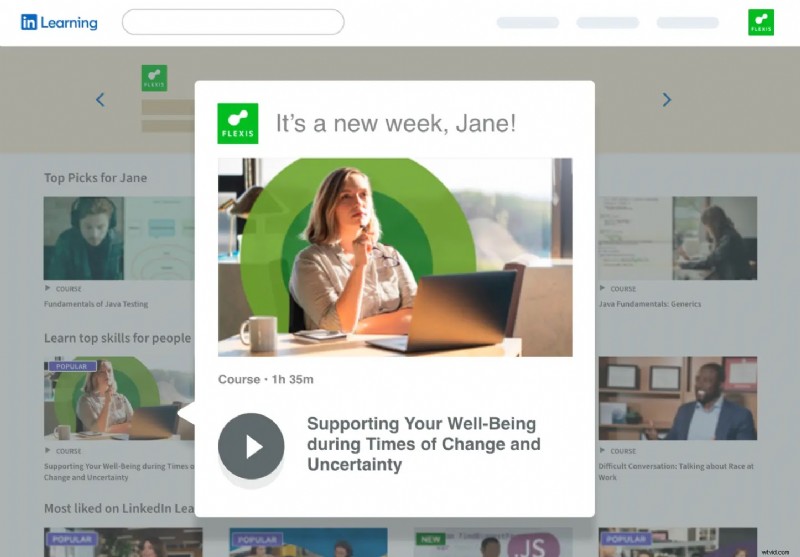
LinkedIn Learning integrates seamlessly with your LinkedIn presence, offering video and text modules that align with industry trends.
- Pros: LinkedIn network reach, intuitive tools for creators and learners.
- Cons: Feature set may be limited for advanced pedagogies.
Best for: Tech‑savvy firms wanting a polished, professional knowledge base.
Thinkific
Pricing: $49–$199/month
Thinkific excels in course design with drag‑and‑drop content, quizzes, and messaging—all within a brand‑customizable framework.

- Pros: No‑code customization, extensive feature set, sales funnel integration.
- Cons: Higher price point; setup can be time‑consuming.
Best for: Educators aiming for a comprehensive, branded learning experience.
Kajabi
Pricing: $149–$399/month
Kajabi offers an all‑in‑one solution for courses, coaching, and memberships, with robust branding and template options.

- Pros: Supports multiple learning formats, deep branding control, no‑code templates.
- Cons: Premium pricing may be prohibitive for small teams.
Best for: New creators seeking a turnkey platform with extensive features.
Top Platforms for Individual Learners
Coursera
Pricing: $74/month–$603/year
Coursera aggregates over 7,000 courses from universities worldwide, offering certificates that can enhance career trajectories.

- Pros: User‑friendly interface, certificate options, diverse subject coverage.
- Cons: Some features locked behind paid tiers.
Best for: Learners exploring a breadth of topics with credible credentials.
Articulate 360
Pricing: Contact sales team
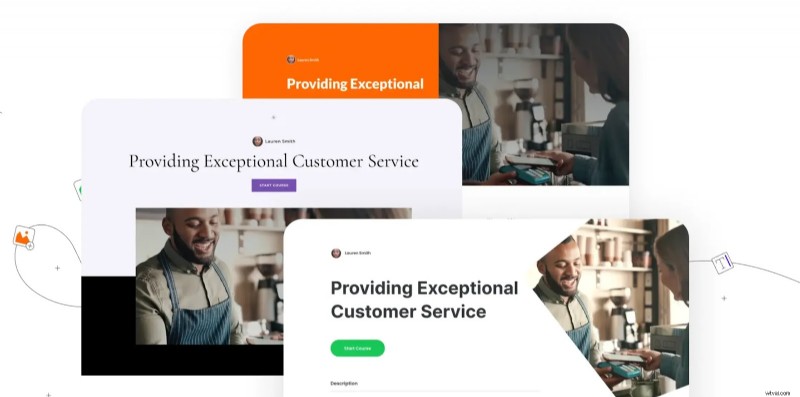
Articulate 360 delivers professional e‑learning content with both live and on‑demand modules, plus app‑ready tools.
- Pros: Intuitive course creation, strong branding, built‑in webinars.
- Cons: Requires subscription; may not suit highly specialized subjects.
Best for: Users seeking a broad, polished curriculum library.
LearnWorlds
Pricing: $249–$448/month
LearnWorlds blends AI‑driven insights with interactive quizzes, exams, and a built‑in LMS.

- Pros: AI personalization, comprehensive assessment tools, clean UI.
- Cons: AI focus may reduce human interaction; fewer course templates.
Best for: Learners who value adaptive content and robust analytics.
EdX
Pricing: Free to premium
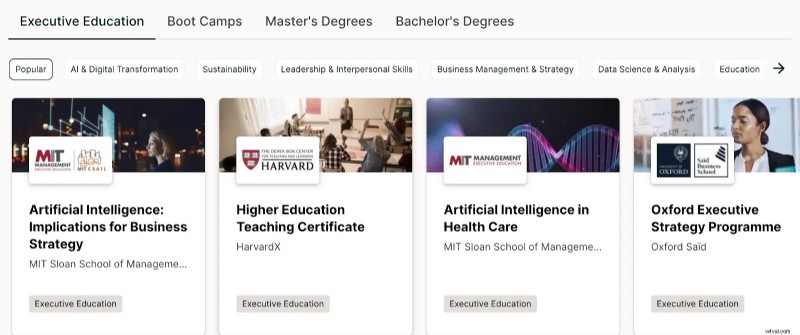
EdX partners with top universities, offering over 4,000 courses, many free, with optional verified certificates.
- Pros: Academic credibility, built‑in assessments, beginner‑friendly.
- Cons: Group‑based delivery limits personalized pacing.
Best for: Those seeking foundational learning from respected institutions.
Best Platforms for Creators
Teachable
Pricing: Free–$199/month
Teachable offers full control over course design, pricing, and marketing, ideal for monetizing expertise.

- Pros: Flexible pricing, no‑code branding, built‑in quizzes.
- Cons: Paid plans unlock advanced features; some limitations compared to niche platforms.
Best for: Creators aiming to generate revenue through education.
Skillshare
Pricing: Contact sales team
Skillshare specializes in creative disciplines, offering community‑driven courses with straightforward creation tools.

- Pros: Large audience, professional design options, easy navigation.
- Cons: Subscription required for full access; content tends toward introductory level.
Best for: Beginners and hobbyists testing their teaching skills.
LearnDash
Pricing: Add‑on for WordPress
LearnDash integrates as an LMS plugin, providing robust quiz creation, certificates, and membership management directly on your WordPress site.
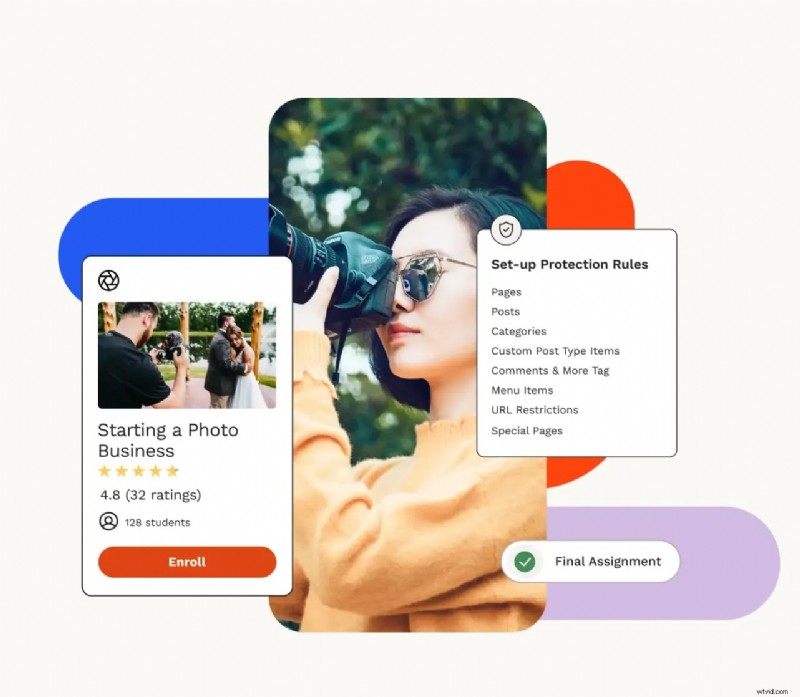
- Pros: Zero transaction fees, customizable assessments, community features.
- Cons: Requires a WordPress site; learning curve for non‑technical users.
Best for: Creators who control their own website and want full ownership.
Podia
Pricing: Free–$59/month
Podia bundles course creation, email marketing, and website building into one platform, simplifying business management.
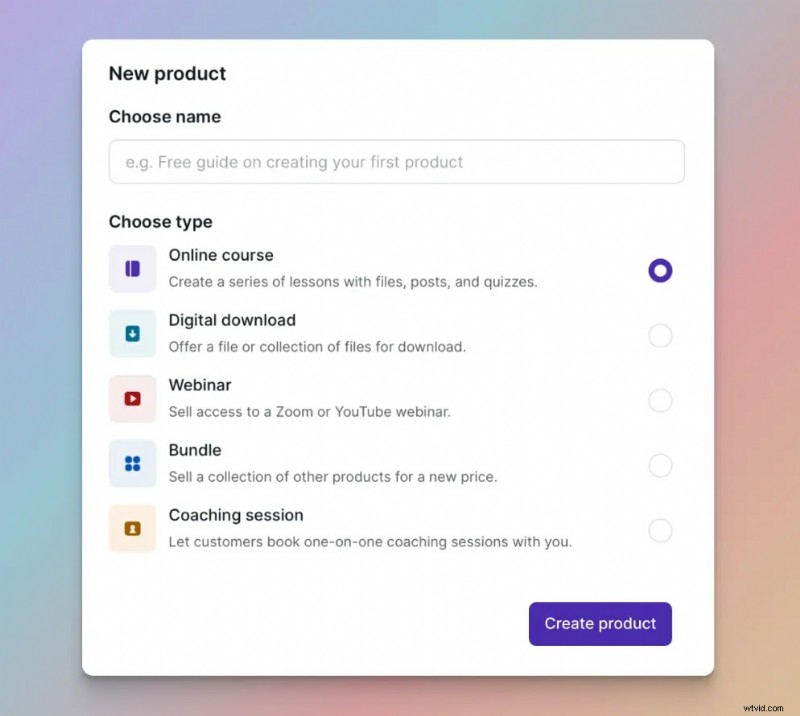
- Pros: All‑in‑one solution, simple branding, intuitive interface.
- Cons: Limited advanced tools; may feel generic for power users.
Best for: Creators who want a single hub for content, marketing, and sales.
Best LMS for Large Organizations
Talent LMS
Pricing: $69–$459/month
Talent LMS offers scalable course creation, social integrations, and customizable branding, suitable for enterprise training.
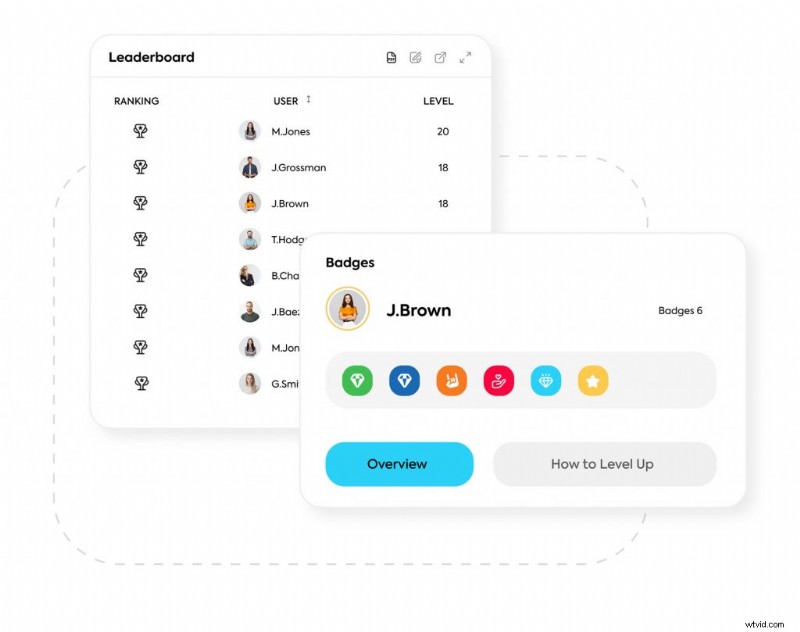
- Pros: End‑to‑end learning control, video repurposing, custom themes.
- Cons: Advanced features may require training; some editing tools are limited.
Best for: Corporations needing a comprehensive, brand‑aligned LMS.
Best LMS Plugins for WordPress & Squarespace
Masteriyo
Pricing: Free–$299/year
Masteriyo delivers quizzes, payment gateways, and native engagement tools, all integrated into WordPress.
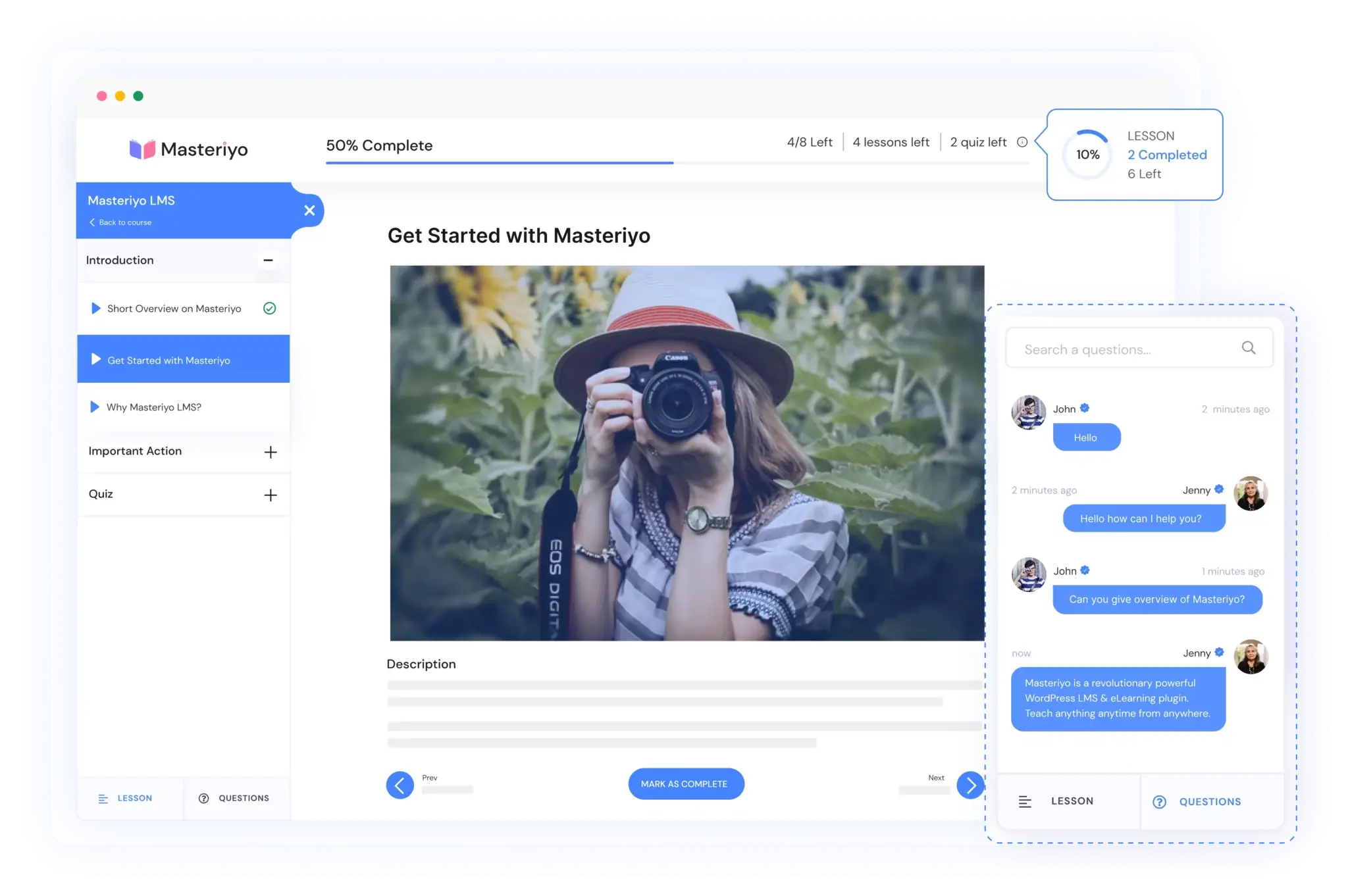
- Pros: Easy quiz setup, WooCommerce integration, customizable UI.
- Cons: Advanced features may be intimidating for beginners; WordPress‑only.
Best for: WordPress owners seeking a streamlined learning plugin.
Mighty Networks
Pricing: $99–$360/month
Mighty Networks plugs into Squarespace, offering event pages, community hubs, and premium course delivery.
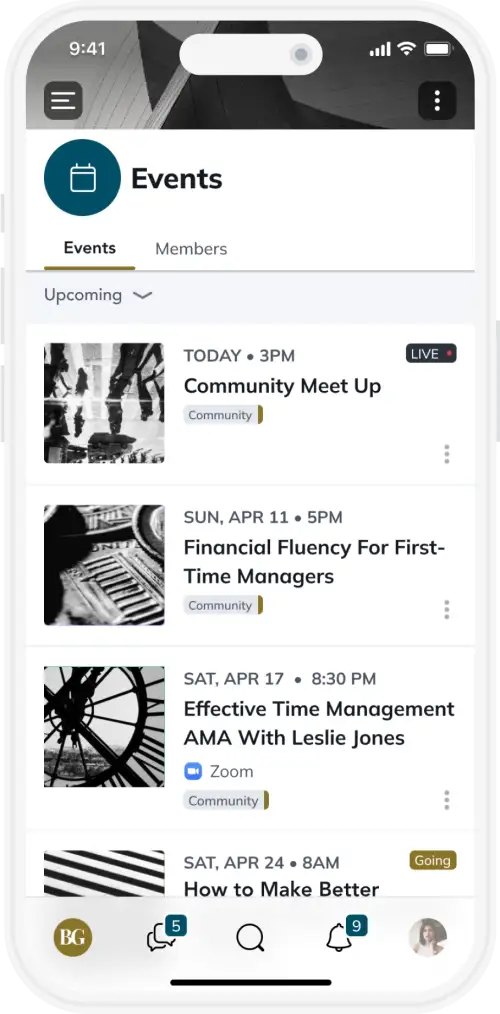
- Pros: Intuitive Squarespace integration, customizable branded apps.
- Cons: Squarespace‑only; higher pricing may deter smaller creators.
Best for: Squarespace users seeking robust community and course features.
How to Choose the Right Platform
- Define your teaching objectives: Determine the learning outcomes and required features.
- Assess your technical skillset: Choose a platform that matches your comfort level with technology.
- Set a realistic budget: Balance cost against the value and longevity of the platform.
5 Tips for Delivering Impactful Online Training
- Leverage your expertise to establish credibility.
- Design interactive opportunities for student engagement.
- Embed consistent branding to reinforce identity.
- Communicate clearly, avoiding jargon.
- Solicit feedback and iterate continuously.
Final Thoughts
Embarking on your online teaching journey starts with the right tools. Whether you’re a solo instructor, a corporate trainer, or a content creator, Riverside offers a robust, low‑friction solution to help you capture, edit, and share high‑quality training. Start recording today and elevate your educational impact.