
How to make a Flipagram online
If you don’t happen to have an iPhone or an iPad, don’t despair, we have the privilege to introduce you a cool alternative – Clideo service. It will also be of interest to those who do possess iOS devices, as it functions online without extra downloading or installations.
Our slideshow maker is compatible with all the popular video and photo formats, including JPG, PNG, AVI, MP4 and others. We don’t store your private data and uploaded files, so the tool is completely secure. Moreover, it is user-friendly and super easy-to-use even without any previous experience in editing.
Let’s go further and get to know how to make a Flipagram video on any devices including Android, Mac and PC.
Upload files
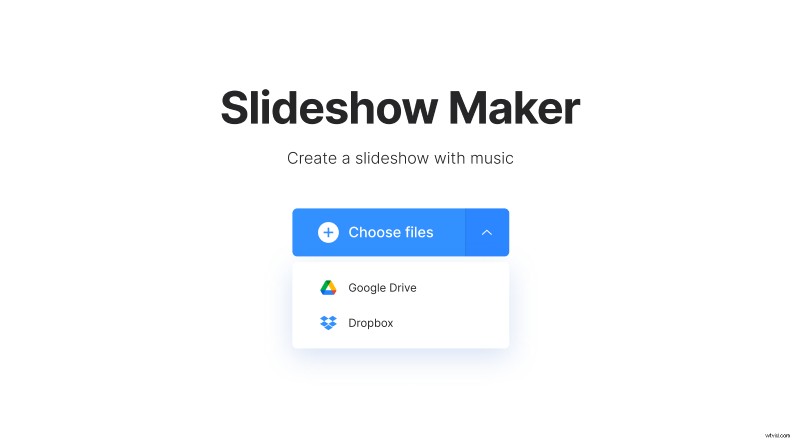
Open Online Flipagram Maker by Clideo. Select several files from your camera roll or computer folders by clicking “Choose files”. Alternatively, import videos and/or pictures from Dropbox or Google Drive.
When the first portion is done, you are transferred to a new console where you can add more files. You can add any amount of files with a total size of 500 MB for free.
Create a Flipagram with music
Change the files order as you need, try different crop options to choose the best one. Our tool has a number of ready presets for the most popular social media: YouTube (16:9), Instagram (1:1 and 9:16 for Stories), Facebook (5:4). You may either fit your future slideshow with borders or zoom it.
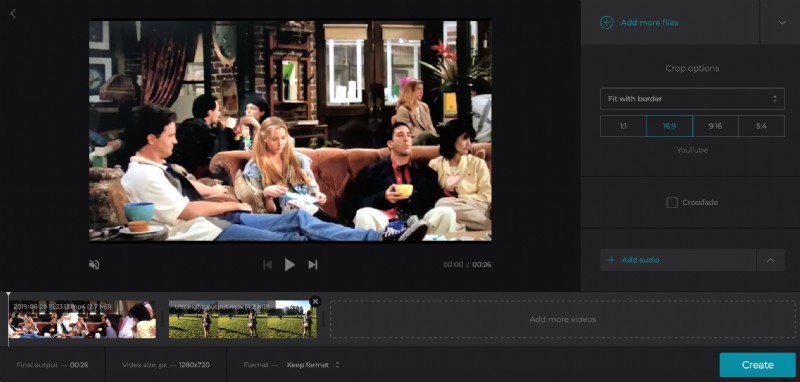
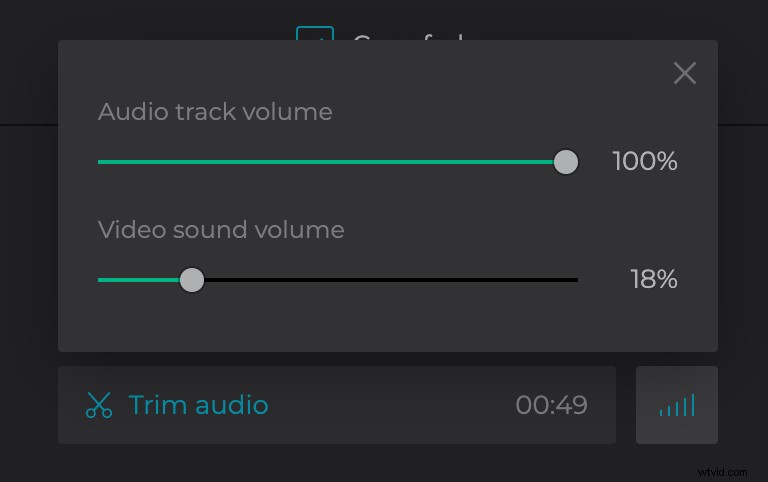
Click “Add audio” to select a good song, trim it using sliders. You can also decide if you wish to keep the initial format for the final output or choose a new one.
Download the result
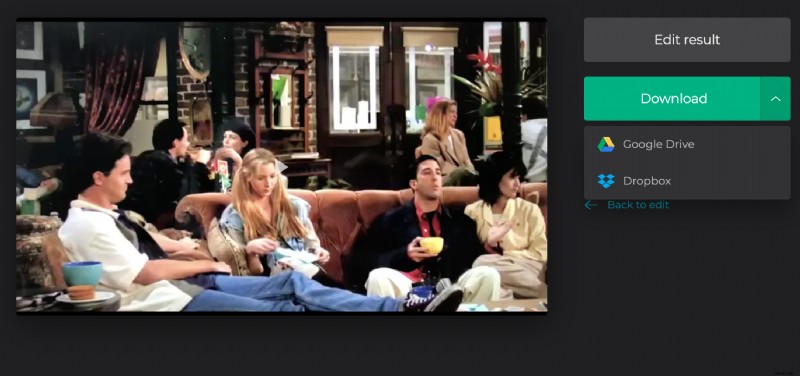
Once your slideshow is ready, watch it and go back to editing if anything goes wrong. When you are happy with the result, save it to your personal device or to cloud storage.