
Explore the differences between in-camera audio recording and external field recorders to determine which is right for your video needs.
If you’ve recently jumped into content creation and are taking notes from other creators, you may sometimes see creators feeding a microphone straight into their camera. Meanwhile, other creators are feeding the microphone into a field mixer. If you find yourself asking what’s the difference, and what are the pros and cons between the two, you’ve come to the right article. Without diving headfirst into the auditory science behind the two, let’s break down the differences.
Feeding the Microphone Straight into the Camera
For consumer cameras, onboard audio wasn’t at all that great at the start of the 2010s. And, while it’s better now, there are still some detriments to using onboard audio. A professional cinema camera like the C300 Mark III would be at the top end of having onboard audio tools, whereas something like the 5D Mark IV DSRL would be at the very bottom.
Easy Editing
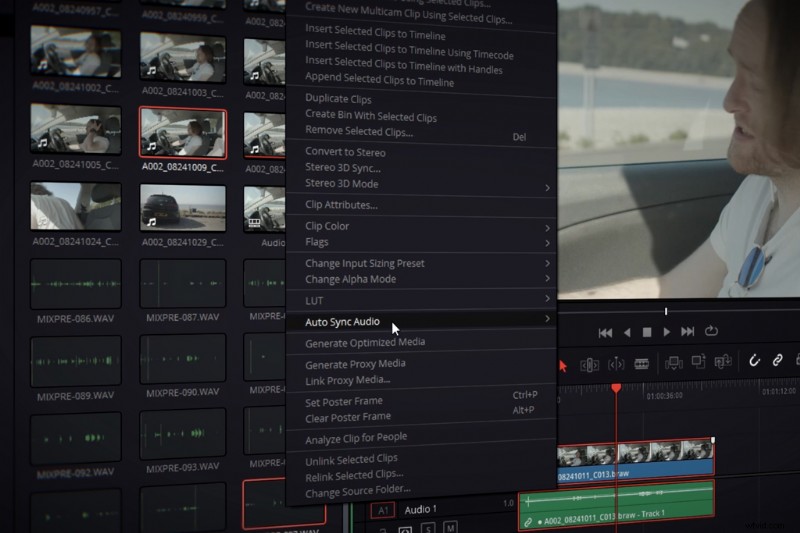
The first benefit of recording your sound straight into your camera is that it removes the tedious task of syncing separate audio and video files, especially if it’s for something like a home video or tutorial where you shouldn’t really need separate video and audio. Having reliable sound and video pulled from a single memory card is incredibly convenient. However, that sound file is only ever likely to be the one audio track as most consumer cameras will only have one mic input port. However, you’ll find that when cameras break the $5,000 margin, there will be more XLR inputs.
Less Cable Management
On the topic of inputs, let’s talk about cables. There’s nothing worse than having a trail of cables when you’re creating content. By feeding a mic directly into the camera and placing the mic on the camera, you can swap out the line of trailing XLRS for a short cable and keep the shoot stress-free. But, it’s important to note that upon attaching the mic to the camera (as it’s most-likely going to be a shotgun microphone), you’re now primarily only going to be recording audio in the direction of the camera.
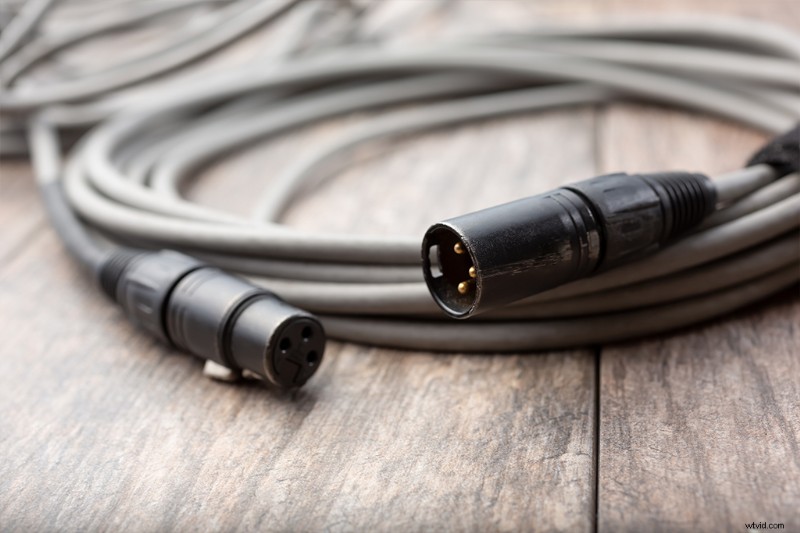
However, if you intend on having someone operate the boom mic and you end up in a tethered situation, you’ll not only have those sprawling cables about. You’ll also have to coordinate with another person.
Poor Audio Monitoring
One component that’s usually a huge detriment in recording straight to the camera is the audio monitoring and setup. Simply put, tools built for video are 90% of the time not designed to monitor and adjust audio live. Even on a camera as grand as the C300 Mk III, it’s not practical to adjust levels on-the-fly. You’d either have to resort to the automated function or gauge the median Db of the scene.
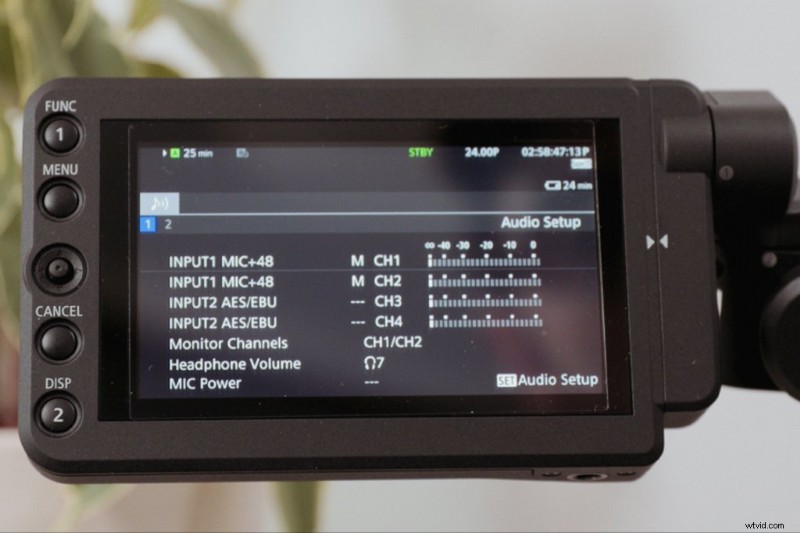
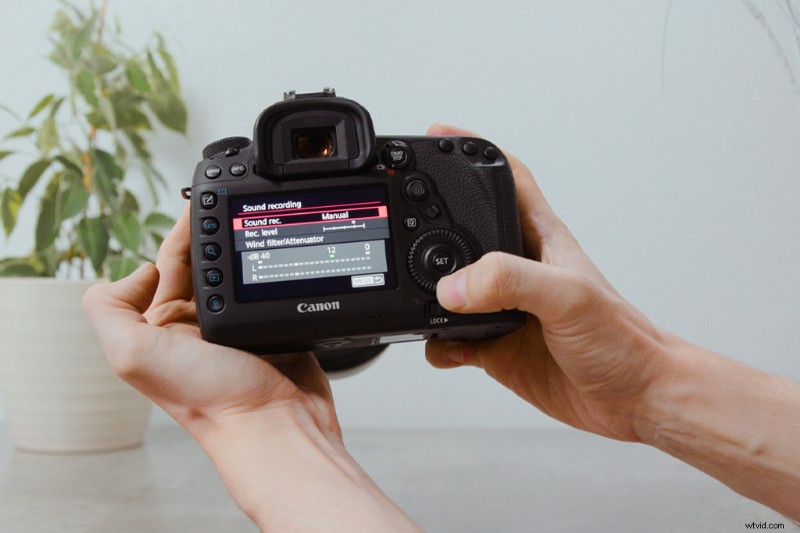
Even on lower-budget cameras that still have excellent sound, say the Blackmagic Pocket 4K, while it handles audio great, you have to physically enter the menu to adjust the audio parameters. It’s even worse when using something like the 5D. Having to jump through several menus to adjust the audio would be like having to go through four pages of operations just to change the shutter speed.
Less Audio Tools
Additionally, a lot of the time lower-priced cameras will only have the core fundamentals of audio features. The audio might not be balanced, may not support phantom power (this is where your microphone needs external power). Newer and pricier cameras may have the option of turning on a low pass filter and have decent preamps, but perhaps not as good preamps as that in a dedicated audio recorder.
Feeding a Microphone into a Field Mixer
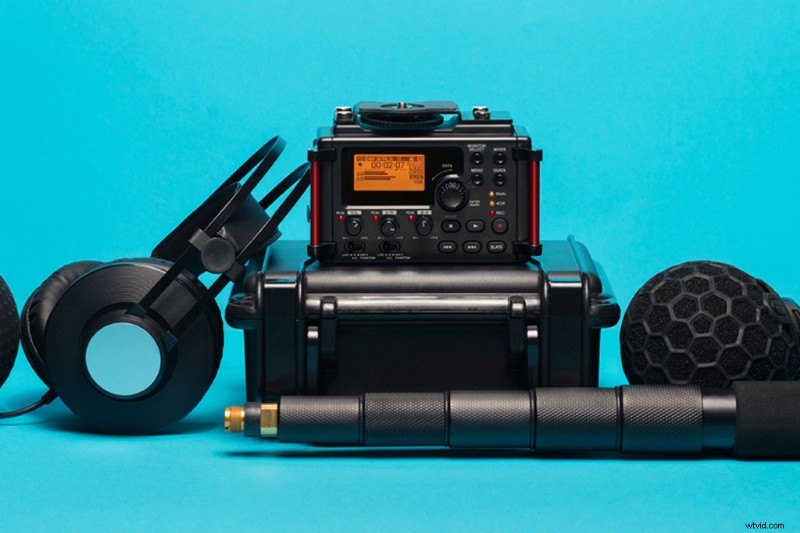
The first thing you’re going to notice is the abundance of inputs you have available. If you’ve jumped from shooting content at home to a corporate shoot where three people are speaking, and you need three inputs, you have that available to you with a field mixer (depending on the model). You’ll also be able to monitor and adjust each input individually, and at the same time.
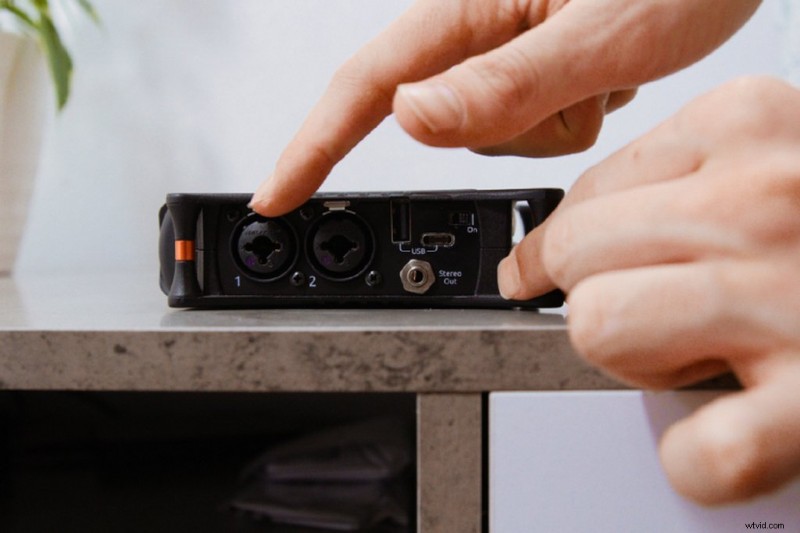
Excellent Monitoring and Adjusting
For the most part, field recorders will have knobs that allow you to adjust the gain while recording. This will either be a scroll wheel or a conventional knob, but this is pivotal for adjusting the gain when something loud is happening.
Some cameras may have a clipping feature that stops the sound from clipping. This is when it gets too loud to audibly hear the sound. Think of when your highlights are too bright to recover that data. But, that’s not the same as pre-emptively lowering the gain when you know something loud is about to happen, as performing this action allows you to further manipulate the audio in post-production. Again, compare this notion to the action of properly exposing your images. The more you overexpose, the less leeway you have in recovering the highlights.
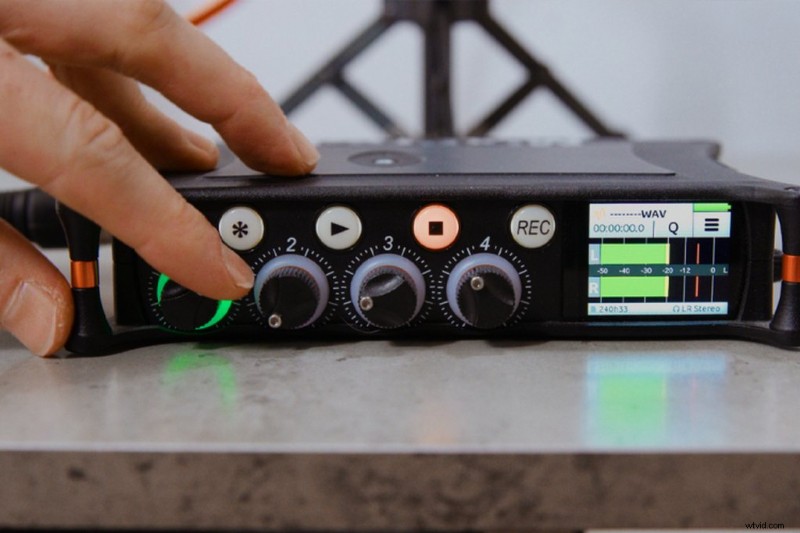
Multiple Format Options
Cameras will typically only have one audio recording option. Or, perhaps on more advanced cameras, you can change from 16-bit to 24-bit. But on field mixers, like switching between a variety of codecs, you’ll be able to switch to a variety of different formats. From compressed MP3 to uncompressed WAV, with a selection of different data rates. Overall, you’ll find the user interface and features very accommodating to recording and manipulating audio, rather than it being a small blip within your camera’s LCD.
Perhaps one of an external recorder’s more significant features is that it will house a better preamp. A preamp converts a weak electrical signal into an output signal strong enough to be noise tolerant. So, they have one fundamental job—to increase clear gain. Most DSLRs don’t have great preamps, so what will happen is when you increase the gain to receive a better signal, there will be an increase in noise. You know the hissing you may hear in quiet moments? That’s noise. An external recorder with a preamp will keep that noise floor lower, resulting in cleaner audio.
Flexible Camera Angles
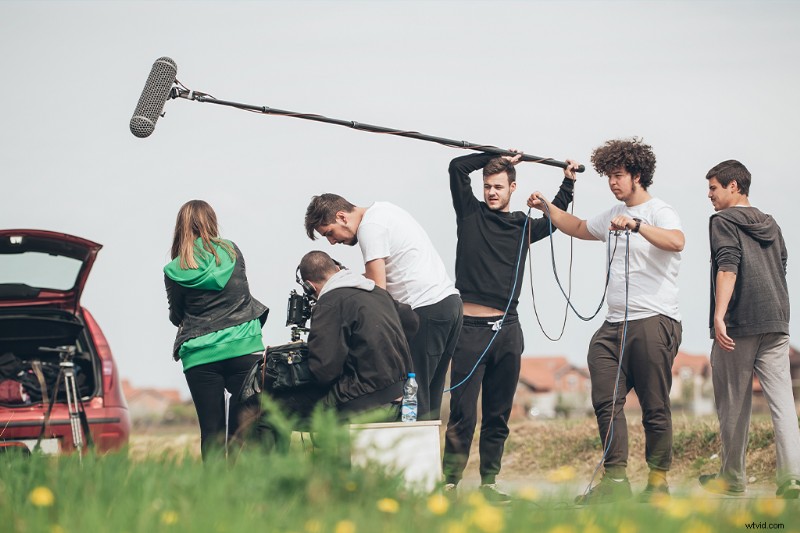
Now, of course, let’s talk about an obvious element. A field recorder will allow you, or a separate person, to record and possibly place the microphone in a completely different area than the camera. So, there’s no tethering, which, in turn, will result in more flexible shots. Additionally, having a field mixer is the perfect device for solo sound recording, perhaps for sound effects. Or, to record audio at home at the desk without needing to turn the camera on.
Additional Work
Conversely, having a separate device to control sound requires double the work if you’re creating content yourself. There are devices you need to start, two devices you need to stop. Two media cards you need to take care of. And now, two devices that require separate power.
Likewise, you also have to remember it’ll be an additional item that requires some form of support. You wouldn’t want to just place it on top of the camera unfastened, so you may have to invest in an additional gear bag.
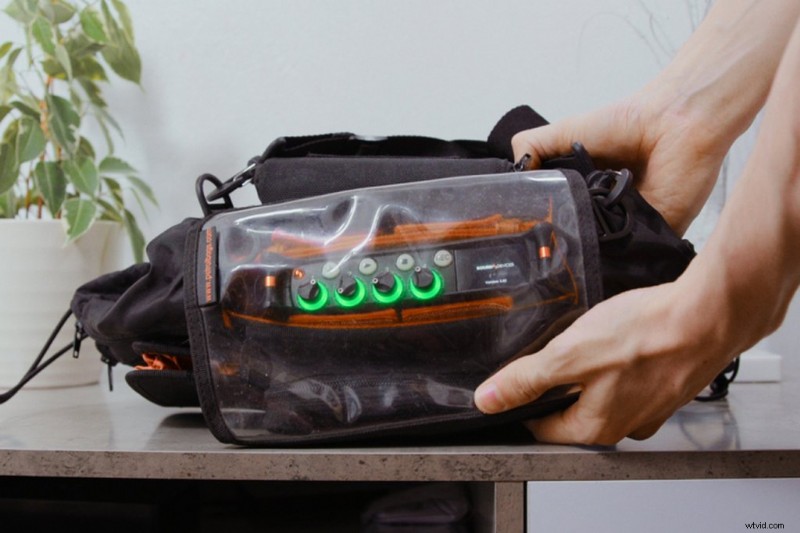
It should be noted, however, you could also mix the best of both worlds by feeding your external recorder into your camera, so you have the better audio attached to the single video clip. But this would require some additional setup.
Which One to Buy?
A mic fed into a camera is perfect for quick and easy shooting, minimal cable setup, and having the mic audio attached to the video file. However, most times you’ll only be able to use one microphone, and you won’t have a variety of audio formats to choose from. Plus, most low-budget cameras will have iffy audio internals resulting in subpar sound even if you have an expensive microphone.
Field recorders will have more mic inputs, greater audio monitoring, and adjustment features, and will excel in capturing cleaner and better audio. However, they require additional media and power. They will likely need a second person operating audio if your video work isn’t still. You’re also going to be paying a fair amount for a decent recorder. At least from $500 to $1000.
Now, I don’t want to leave you with this information and say make your mind up. I’m going to say that if you do have something like a DSLR, you’re going to be much better off buying a field mixer.
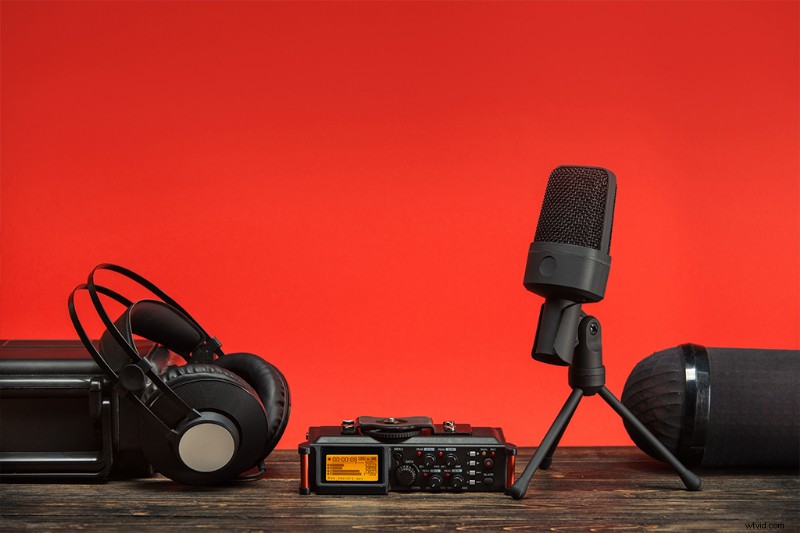
Cover image by Bryce Eilenberg.
For more gear recommendation, see the articles below.
- The Best Pocket-Sized Cameras for Professional Photographers
- What’s in My Bag: A Pro Travel Photographer’s Go-To Camera Equipment
- Is Buying a $1,000+ Point-and-Shoot Film Camera Worth It?
- From Tripod to Gimbal: What Is the Best Camera Stabilization System?
- Lens Basics:16-35mm or 24-70mm for Video?