
We’ll go over some simple loopOut expressions — from different types of loops to argument modifiers — opening up a new world of animations in After Effects.
It always fascinated me that letters, numbers, and symbols can create such cool things on a computer. I am definitely guilty of this, but many motion designers don’t dive into the world of expressions. We all need to look at this side for two reasons. It can save you A TON of time, and it can unlock animations that we otherwise never would have considered.
Some of this might look scary, but no worries. I’ll break it down.
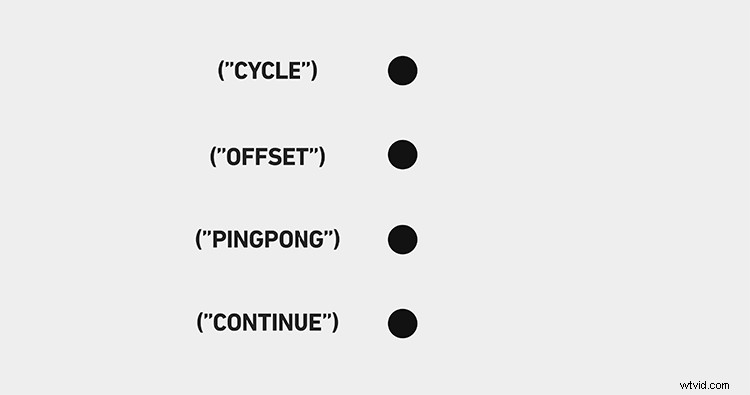
To start things off, you need to know that there are four loop types:
- loopOut(“pingpong”);
- loopOut(“offset”);
- loopOut(“continue”);
- and loopOut(); or loopOut(“cycle”);
The last thing we can throw in there is an argument modifier, which we’ll talk about later.
Ping Pong
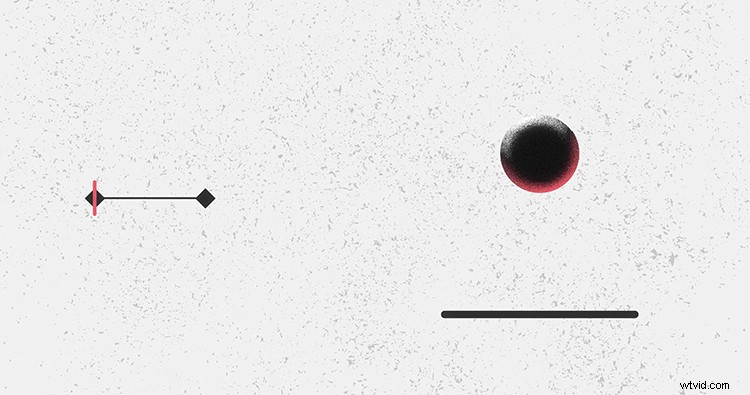
First off, let’s talk about loopOut(“ping pong”);. This expression infinitely loops between the first and last key frame, seamlessly. I love using this expression for making objects bounce.
Offset
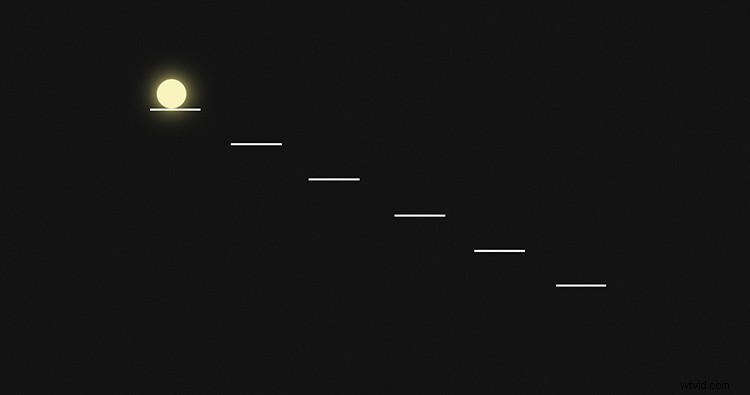
Next is loopOut(“offset”); — one of my favorites. What this expression does is start the next loop at the same spot the loop ended in. If that’s hard to visualize, check out the example above.
Continue
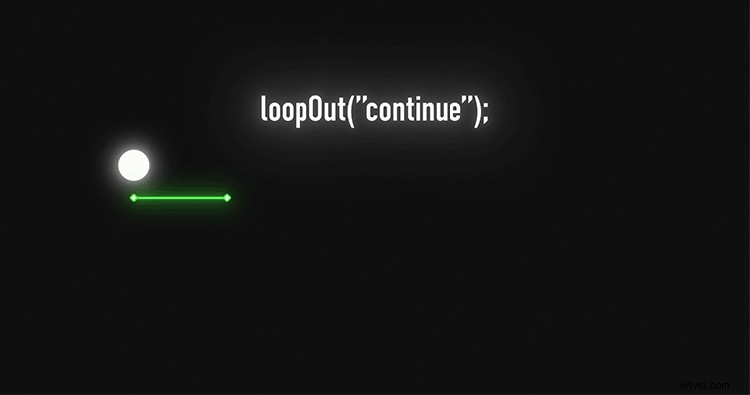
I don’t use the loopOut(“continue”); expression very often, but it’s really helpful. This expression continues the last key frame’s movement. So, if you animate a shape across half your screen and it takes five seconds, the shape will take five more seconds to cross the second half of your screen.
Cycle
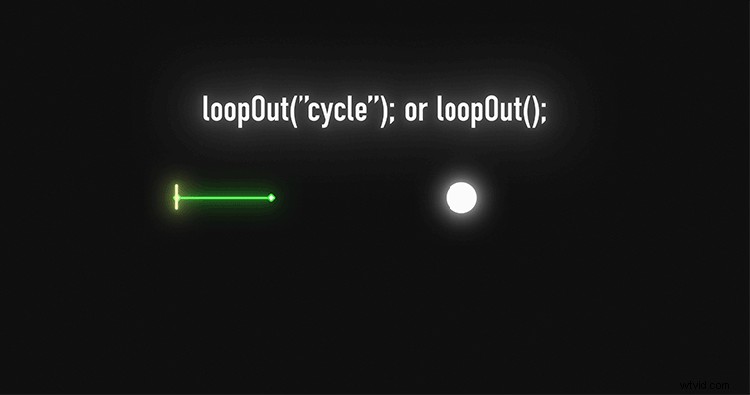
Finally, we have the standard loopOut(); expression. You will also see this written out as loopOut(“cycle”);. With this loop type, you get a constant loop from the first and last key frame, but it’s a hard cut.
Argument Modifier
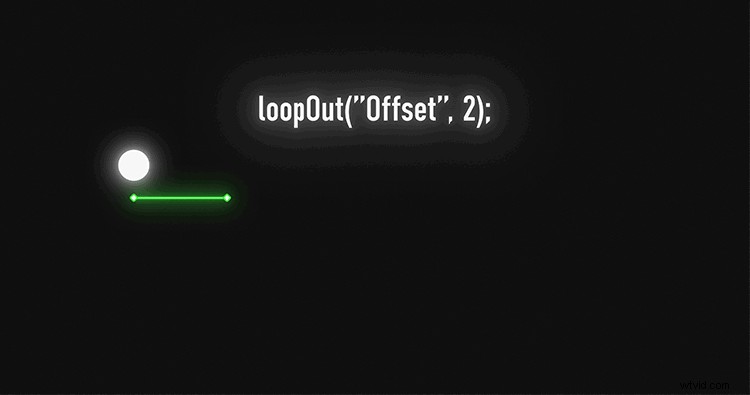
The final thing we can add into this expression is an argument modifier. These modifiers tell After Effects what key frame segments to loop. Check out the example above to get a better explanation of it.
If you find yourself in a creative rut, learning some expressions can help you get out of it. They’ll let you move on with more advanced animations, while also saving time. If you’re looking to set yourself apart from other designers, beefing up your expression toolbox will be the way to go. Good luck on your After Effects journey, and remember to always keep exploring new territory.
Interested in the tracks we used to make the video?
- “On the Up” By Dan Phillipson
- “Roll Up Your Sleeves” By Delicate Beats
- “Dream Gazer” By Ethan Rank
- “Punchy Hip Hop” By Trending Music
- “Overcome the Challenges” By Klimenko Music
- “Boom Bap Happiness” By Sugar Beats
- “Wholesome Goodness” By Elizabells
Looking for more insight on editing your video projects? Check these out.
- Premiere Pro Playbook: 10 Video Editing Workflow Tips
- Video Tutorial: How to Change Colors on Footage in Premiere Pro
- Creating an Entire Solar System in Adobe After Effects
- 3 PC Upgrades for a Lightning-Fast Video-Editing Rig
- Eight Tips on Viewing Your Videos with Fresh Eyes