
If you’re tired of hauling tons of gear for a photo or video shoot, leave your laptop at home and bring a Gnarbox 2.0, instead.
Photographers and videographers are well aware of weight constraints when traveling and, not unlike packing for a camping trip, every ounce matters. Devices capable of multitasking, or serving more than one purpose, are ideal for traveling, and they’re easier on your back. One such device that carries its weight is the Gnarbox 2.0, which is essentially a rugged, external Solid-State Drive (SSD) that can eliminate the use of a laptop.
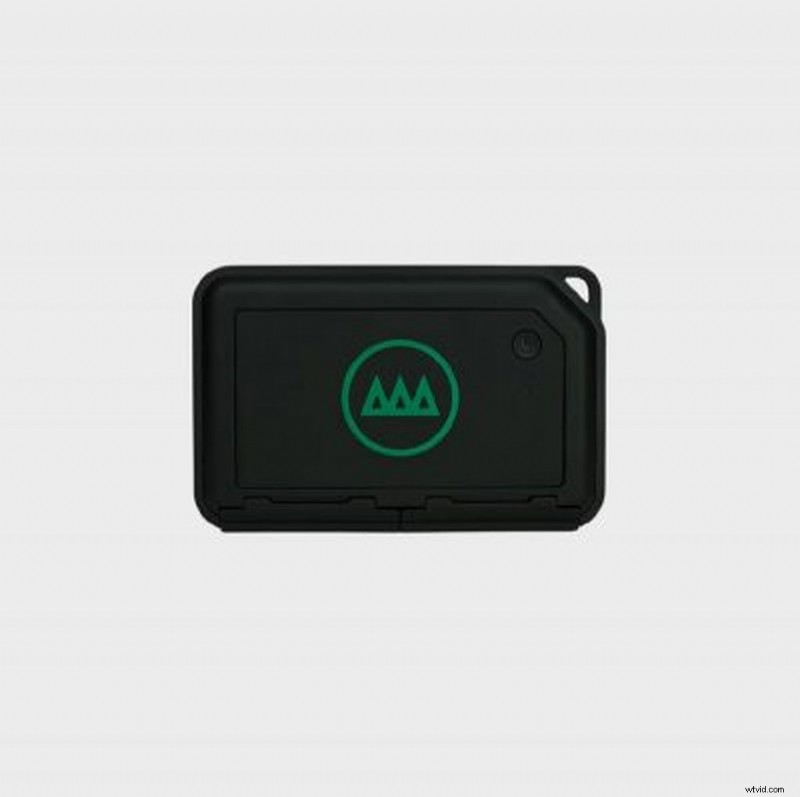
The Gnarbox, first and foremost, is a portable storage device that can withstand the elements and help you organize, sort, edit, and upload files. The first-generation Gnarbox, funded on Kickstarter in 2015, lacked the design aesthetics of the newest version, yet it was the first device of its kind on the market. The new and improved version is a rugged mini-computer that looks great and can edit high-quality images from your phone. So, what’s inside the device?
Anatomy of a Gnarbox 2.0
Inside the water-resistant, MIL-SPEC case, the Gnarbox 2.0 is equipped with state-of-the-art computer components such as an Intel Quad Core CPU, an Intel HD Graphics GPU, and 4GBs of RAM. There are three models, though the most expensive model has a 1TB storage capacity. It’s priced at $899.
Thanks to the device’s built-in 802.11 ac Wi-Fi, you can connect and quickly transfer files wirelessly to and from your phone. The whole device is powered by a 3000mAh battery, which has three to six hours of use. Perhaps the most impressive feature, however, is the weight of the device. Even with all those parts, it weighs only 0.8 pounds.
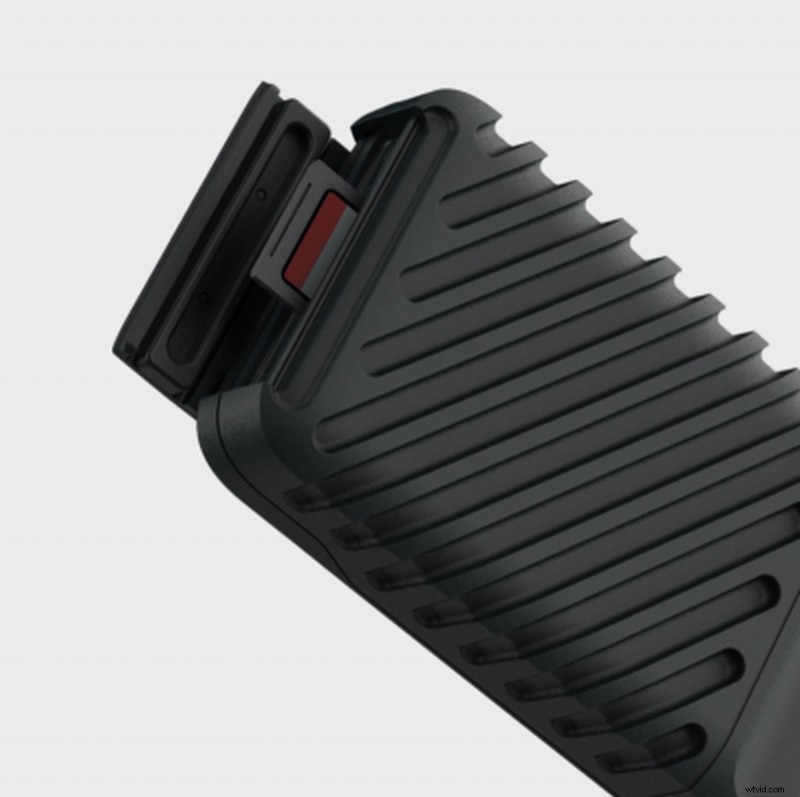
Once you’re done with your shoot, transferring files is easy. The device has two USB-C ports to transfer directly from your camera or other devices, and it comes with a built-in SD card slot. CFast 2.0 and XQD card readers are sold separately. The max transfer speed for SD cards is 75MBs per second, while a USB-C connection transfers files expeditiously at 350MBs per second.
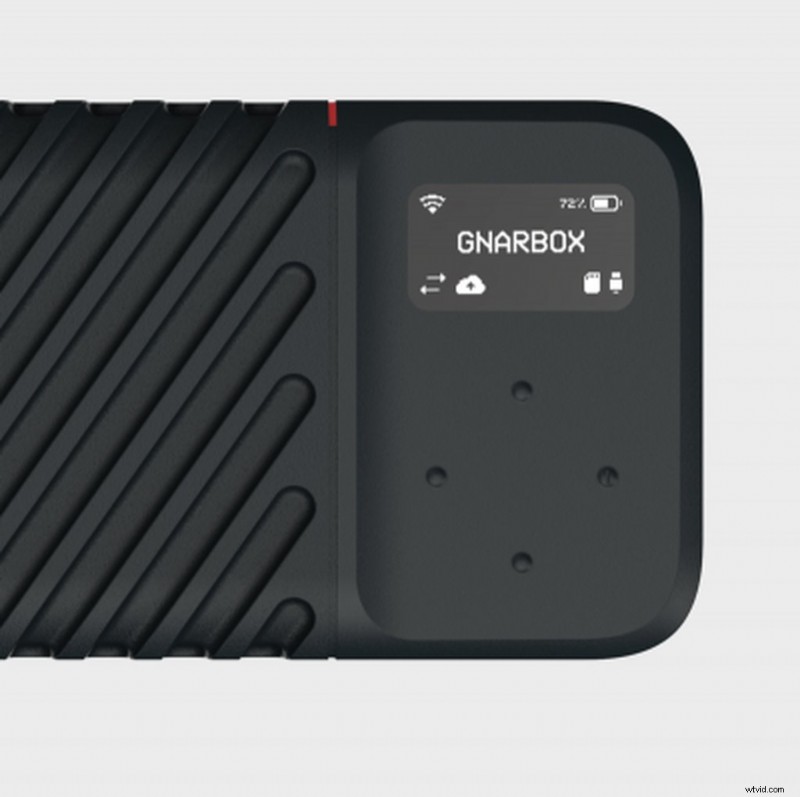
The device also has navigational buttons and a small screen that displays important information, such as signal strength, battery life, and checksum verifications that indicate if files have transferred successfully. With the Micro HDMI port, you can view your files directly on a monitor or TV.
Streamline Your Workflow
After you upload files to the Gnarbox, you can sort, categorize, and start editing your files. The company has an IOS and Android app called Selects that lets you preview your files and rate them on a five-star scale, before transferring them from the Gnarbox to your phone. By picking the best images or videos, you can save time transferring and create folders with minimal junk. The device supports all major video and image file types.
With the files now on your phone, you can start to edit with apps like Adobe Lightroom CC, LumaFusion, Affinity Pro, and others. After your edits are complete, you can transfer the files back to your Gnarbox, or you can upload them to your favorite social media or video platform. Most importantly, you can plug the Gnarbox into your editing computer and edit right from the device, thanks to the NVMe SSD onboard. These kinds of SSDs are as good as it gets in the storage industry. So, say goodbye to waiting for files to load.
Should You Buy One?
With the 256GB version priced at $499, the Gnarbox’s steep price might be too much of an investment for most, but its features shouldn’t be overlooked. Sure, you could do the same with a laptop and an external hard drive, but the Gnarbox is lighter, faster, weatherproof, and it can streamline your editing process. It won’t change your life, but it can change the way you work.
Top image via Gnarbox.
Looking for more on video production and gear? Check these out.
- Unlimited Access to Music for Content Creators
- Earn Money Referring Customers with this Special Promo
- December Fresh: New Content We Love
- What You Need to Know About Memory Cards Heading into 2020
- How to Create a Realistic Miniature Look with a Drone