
You don’t need to record everything at 24 fps. Consider changing up your frame rates to capture more interesting footage.
Let’s say you’re capturing B-roll for a new project. If you only record at 24 fps, you won’t be able to slow down any of the footage without making it look choppy. All right, so you record at 120 fps — but then you lose that cinematic motion blur at high shutter speed. So, when should you shoot at which frame rate?
Zach Ramelan over at PremiumBeat has created a video that demonstrates when to use certain frame rates — and how you should plan your edit while shooting. Here, we’ll take a look at the advantages and the disadvantages of four frame rate settings: 120 fps, 60 fps, 30 fps, and 24 fps.
120 fps
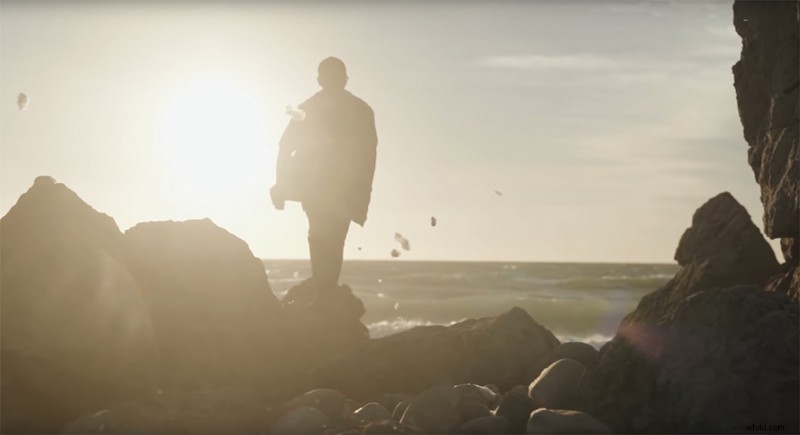
If your camera can shoot all the way up to 120 fps, you’ve probably gone out and shot some killer slo-mo footage that made you feel like a real filmmaker. However, even though the footage might look cinematic and powerful, you can’t really build every project entirely out of cool slo-mo shots. 120 fps is great for establishing shots since it makes even the slightest movement look like a grand, sweeping masterpiece and really immerses your viewer. But if your video is just taking you from point A to point B, these shots can be a little too slow to keep things moving.
60 fps
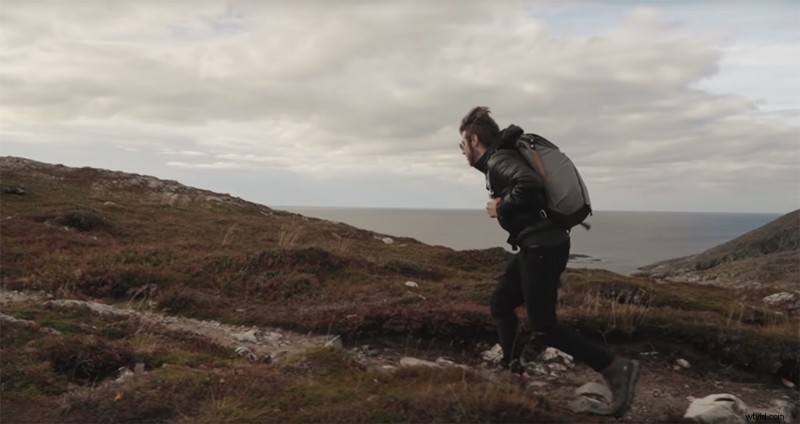
A favorite for B-roll, 60 fps is the perfect middle ground when shooting for an edit because it’s so multipurpose. You can downrate it to 24 fps, and it won’t look too bad. 60 fps is a great tool for slo-mo edits since it still moves pretty fast — while still retaining the “travel B-roll” look that a lot of filmmakers and travel videographers go for these days.
A downside, however, is that since everyone is using it, it’s become pretty common. Projects full of nothing but slowed-down 60 fps shots can get boring. The shutter speed is also too high to get that “24 fps cinematic” look when downscaled, so take a moment before you record to really make sure that you want that shot in slow motion later.
30 fps
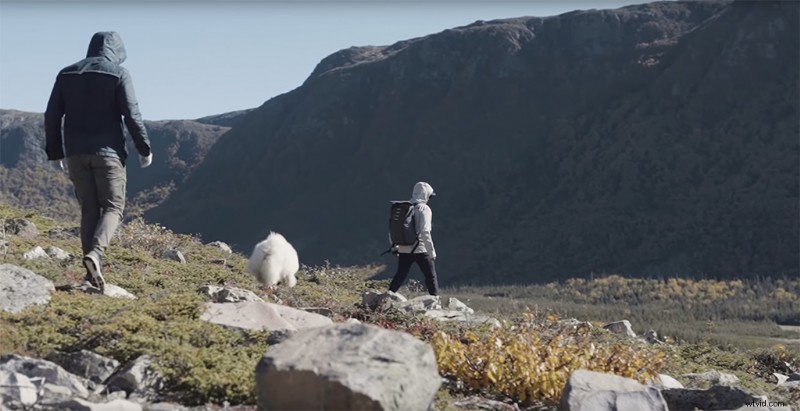
While we’re on the topic of shooting for travel video (or anything other than a news broadcast) 3o fps is probably not the best choice. It’s the standard frame rate for broadcast cameras, which gives the news that distinct look. But when you’re shooting for anything else, 30 fps can look out of place and too crisp.
24 fps
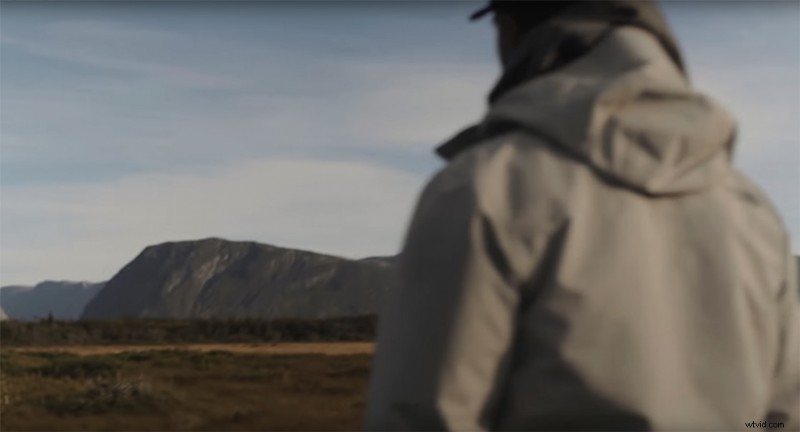
Then there’s the old favorite: 24 fps. It’s the traditional filmmaking frame rate, and it has that motion blur that really enhances the aesthetic qualities of your film. If you’re shooting something that you know you aren’t going to slow down, make sure to dial those camera settings to 24 fps.
If you even have the slightest inkling that you might slow the footage down, I recommend bumping the frame rate up to 60 fps because you really can’t slow down 24 fps footage. It’s just going to look like it came straight out of a ’90s action flick.
Looking for more video production tutorials? Check these out.
- Avoiding Mistakes on Set: How to Properly Set Up A Product Photoshoot
- After Effects Playbook: 10 Tips and Tricks for Almost Everything
- Drones Vs. Helicopters: Which Is Better for Professional Aerial Footage?
- Video Tutorial: How to Build Your Own Film and Video Sets
- DIY Filmmaking: 7 New Hacks to Help Your Shots — and Sanity