
Getting people to punch each other for your video project is easy. Making it look good on camera, however, is a lot harder.
Cover image via Helen Fields Hotelfoxtrot.
A fight scene can be one of the most exciting sequences in a film. Whether it’s in an action film or a gritty drama, a fight can pump your viewers full of adrenaline and release narrative tension. However, while writing a fight scene seems simple enough, there is a great deal of planning involved in recording one. Do you want it to be bloody? Slow-motion? Do you want teeth to fly around the screen? There are many things to consider when planning a fight scene, so in this article, let’s explore how to prepare for one in your next film.
Improvised Fighting vs. Choreographed Fighting
There are two schools of thought on capturing a fight sequence in your film: choreographing the entire sequence, or getting a lot of coverage of an improvised fight sequence. Depending on what you want your fight to look like, you need to weigh both of the options before choosing either.
Improvised Fighting
GIF via Robbie Janney.
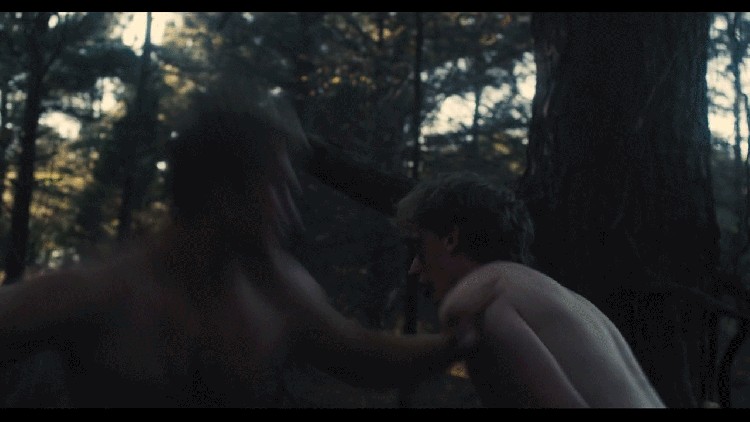
This type of fight scene involves two actors (preferably who know stage fighting). Tell them where to begin and where to end, and let them improvise the rest. This option is best when working on a tight schedule — or if you’re simply not very picky regarding the direction you want your fight to take.
This option does put most of the burden on the actors. If you really trust your actors and believe they can effectively realize your vision, this can be a great choice. Improvised fights might look more realistic than a staged, choreographed fight.
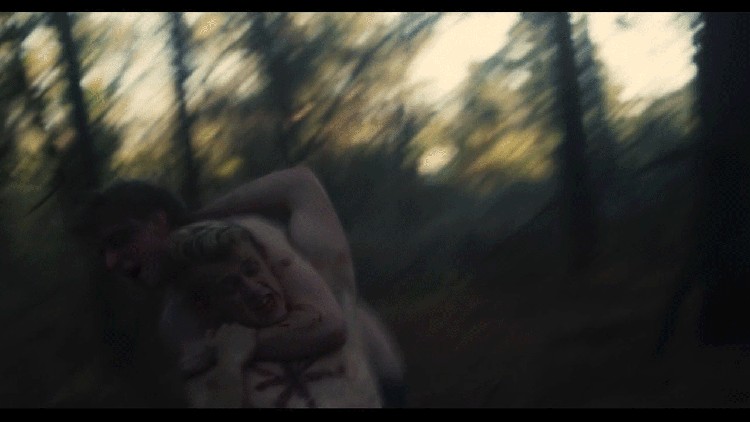
The trick to making a improvised fight look good is a lot of camera coverage. Discuss with your actors how long you would like the fight to last, let them improvise once, then get a feel for where you want to place your camera. Usually, when the actors have improvised the fight at least once, they will have a loose plan in mind when they spar. You can also give them direction regarding specific hits and movements you would like to see.
Gif via Robbie Janney.
The best way to get good coverage is using a handheld stabilizer rig. Since the actors are going to be moving so much, you want to be able to move around with them. A handheld rig will also give your shots a less polished or staged look. Begin recording the fight on the first take, and take mental note of what you’re capturing: close-ups, wides, mids, and the like. What I have done in the past is record about seven takes of an improvised fight — one for wide coverage of both actors, two of mids of each actor, and then various close-ups of certain elements you want to feature. I highly recommend recording this sequence at 60 fps, or even 120 fps — that way you have the option in post to slow down the footage and still make it look smooth.
One drawback of an improvised fight is the lack of control. If you’re looking for specific throws and punches, a choreographed fight is probably the way to go. Also, you probably won’t get the opportunity to throw in special effects like blood or falling teeth. Since you are doing one take of the entire sequence, it won’t look natural to add in SFX. Also, this technique will be more challenging for your editor. Once completed, however, it can turn out very and violent and cinematic.
Choreographed Fighting
Gif via Helen Fields Hotelfoxtrot.
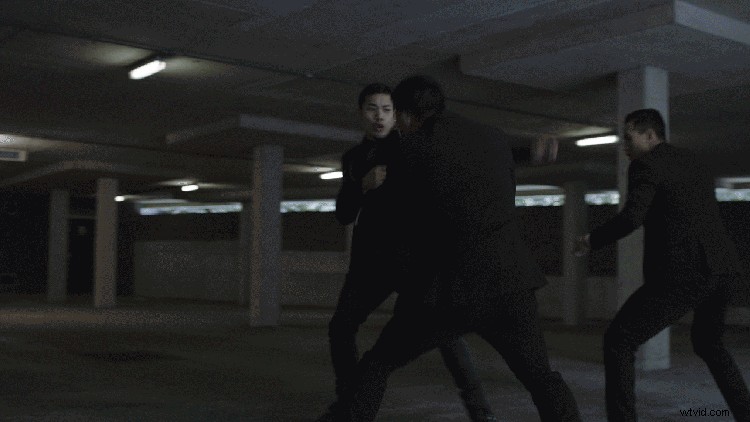
Now, let’s consider the other option. Choreographed fighting can be quite a hurdle, but with enough time and preparation, you can make it look like a Hollywood blockbuster. If you have ample time with your actors and want a specific sequence of events in your fight, this is the way to go.
The biggest element of a choreographed fight is planning. Blocking the actors and going through every single hit and movement takes time, but it can yield amazing results. Take a look at this video by professional stuntman Rustic Bodomov on how to properly choreograph your fight scene.
In this video, Bodomov teaches the basic tenets of choreographic fighting. As you can see, there’s a lot of ways to plan a fight. (Make sure to check out the rest of the series on choreographing fights here.)
One perk of a choreographed fight is that you can add special effects to your sequence in post. A planned-out fight, divided into shots of specific punches and dodges, gives you the control you need to add fake blood into the mix and make it look more realistic.
If you do go this route, I would highly recommend hiring a stunt coordinator. They know what they’re doing, and they can teach your actors how to safely and effectively conduct the fight you’re looking for. This also decreases liability on set, since you have a trained professional overseeing the sequence. All it takes is one stray punch, and you can end up in hot water with an actor and their agent.
Give all of these elements careful consideration before deciding between choreographed and improvised fighting. Go over your timeline, your budget, and your vision for the film, and then see which one best suits your project. And keep in mind that you can combine the two if you want some improvisation and some choreography.
Want more resources on filming action scenes? Check these links out!
-
- Learn to Edit Fight Scenes in This Atomic Blonde Breakdown
- 6 Tutorials for Filming Realistic Fight Scenes
- How Robert Rodriguez Engineers a Shoot-Out Scene
- 7 Explosive Action Video Tutorials
- 6 Tips for Filming a Thrilling Car Chase Scene