
A beautiful sky can take any image to a whole new level. However, there are quite a few challenges when it comes to capturing beautiful skies in your scenes. Most of the time, skies end up overexposed, and when they don’t, the sky is often simply uninteresting. We’ve all taken photos and videos of the beautiful orange and bright red tones of an especially beautiful sunset and wished that all of our images could look like that.
Well, with a bit of technical trickery and planning, they can. The technique is called a sky replacement, and it’s a method that filmmakers use in almost every Hollywood movie — and many high-end commercials.
Blown-Out Skies

In the image above, you can see the overexposed and blown-out sky. This happens because at most times of day (even sometimes during magic hour) if you want to expose your camera for the full detail of the subject (in this case, the buildings and cars in the foreground), you will end up overexposing the sky.
In these cases, the blown-out sky can actually work to your advantage. You can use the brightness values of the sky to create a luma matte. This is a process that involves using the brighter values of the image as a matte to cut out anything darker than those brighter values.
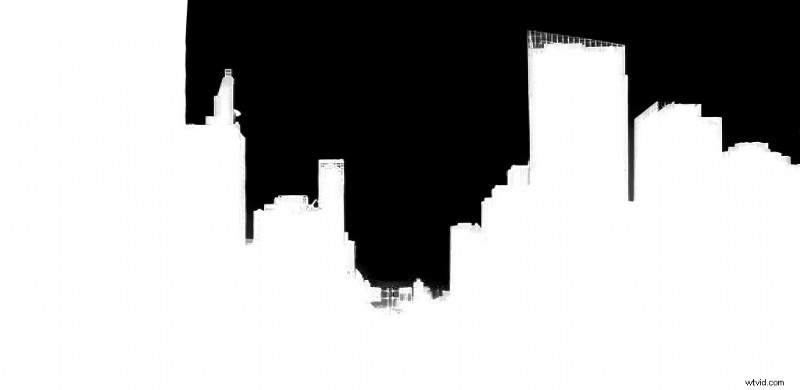
The luma matte.
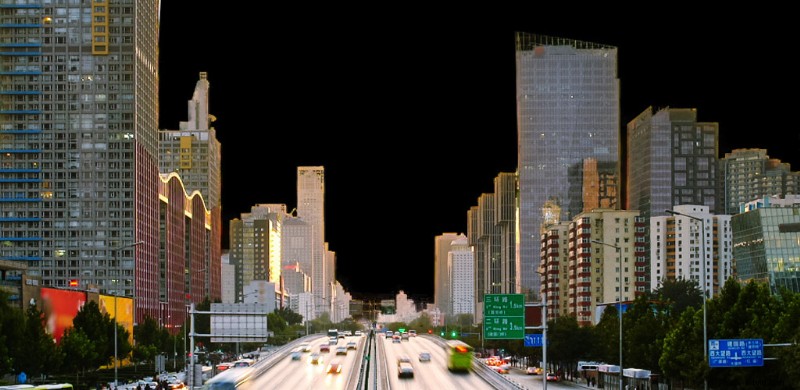
The keyed image before sky replacement.
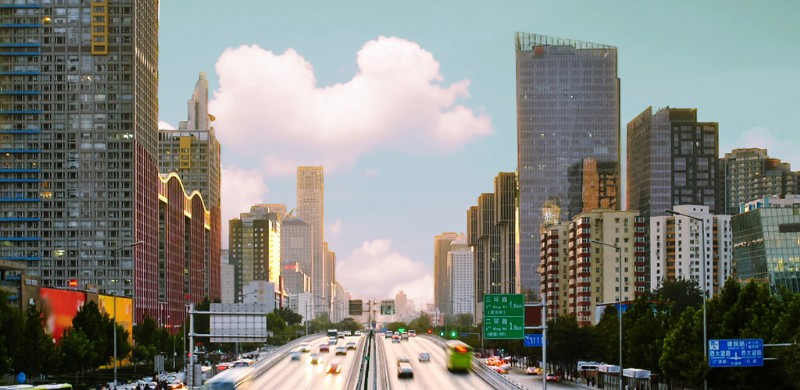
Our final image with sky replaced.
Above is an example of a luma matte pulled from the blown-out sky. This is a really quick way to replace a sky in three-to-four easy steps.
Motion-Tracked Sky Replacements
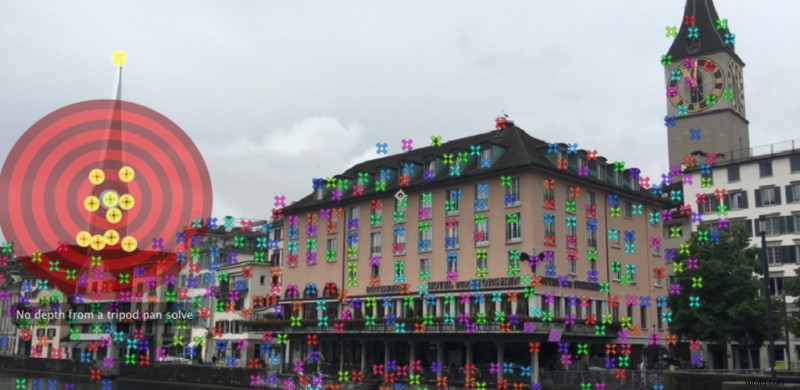
The 3D Camera Tracking tools inside of Adobe After Effects.
If you have a shot that includes movement, and you need a sky replacement, you’ll need to do some motion tracking. If you don’t apply the motion data of your scene to your sky layer, your replacement will look very amateurish — when the shot moves, your sky won’t. While motion tracking can be complicated, it’s really simple in this instance. As long as there are two trackable points in your scene, you can do all the tracking that you need for a sky replacement.
To do the tracking, you’ll need compositing software like Adobe After Effects. There are a few different tracking options in After Effects, but in most cases, the most basic tracking tools are all you need. You can check out the tracking and sky replacing methods in the following video from Film Riot.
How Professionals Use It
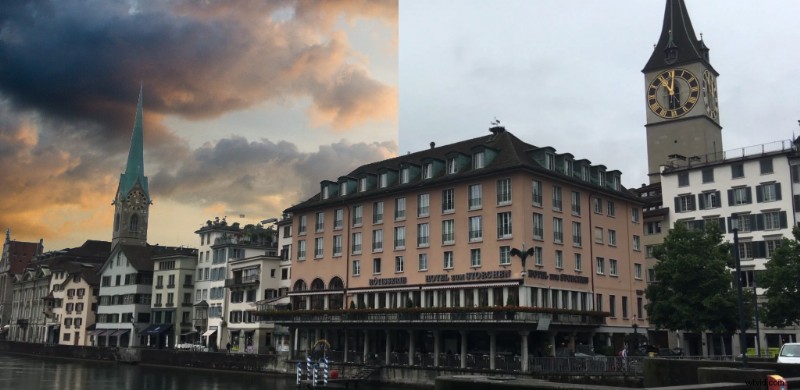
If you start to pay attention, you’ll notice how often you see skies that look incredible in film and television. You may see them so often that you might start to wonder why the sky doesn’t look like that as often in real life. It’s because they used a sky replacement.
Sky replacements are much more common than most people realize. Mad Max: Fury Road, for example, used a sky replacement in almost every shot with a visible sky. In the following video, you’ll notice a couple of examples of sky replacements in the film.
Sky replacements can do more than just improve the sky. Sometimes, you can use them to add drama to your scene, or create a visual world that better supports your story.
Sky replacements are a very powerful tools. The process can drastically increase the production value of your project, and even the most critical viewers typically won’t notice what they’ve seen.
All images via Shutterstock.