
Let’s explore the different methods you can use on your next project to create beautiful bokeh effects in your footage.
In this video tutorial, we’re going to look all the different ways to create bokeh effects on your video footage. We’ll look at creating them in-camera, adding them in post, and even how we can create them with effects and plugins.
What Is Bokeh?
The term bokeh usually refers to the out of focus “light orbs” you see on photos or videos. A more formal definition of bokeh would be: the way in which out of focus light is rendered.
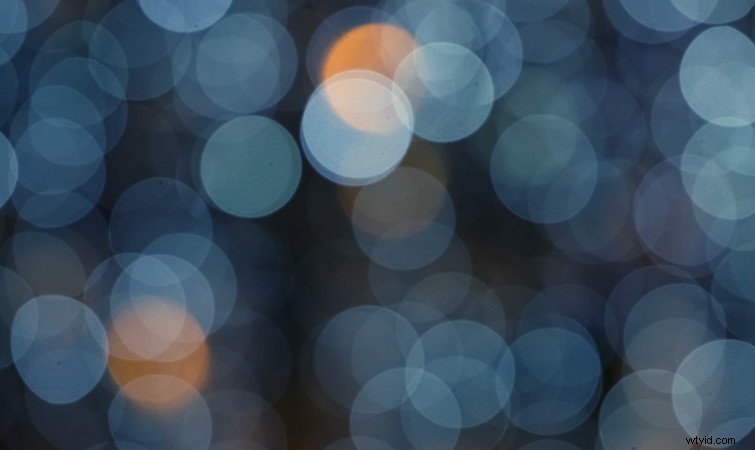
In-Camera Bokeh Effects
Without getting too technical, if you’re trying to achieve bokeh effects in-camera there are four main things that determine the quality of your bokeh. They are the f-stop of your lens, the positioning of your subject, the size of the camera’s sensor, and zoom lenses.
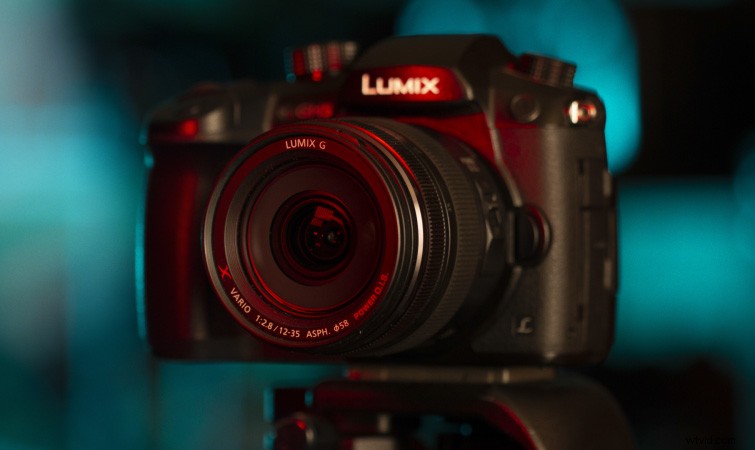
Lens F-Stop
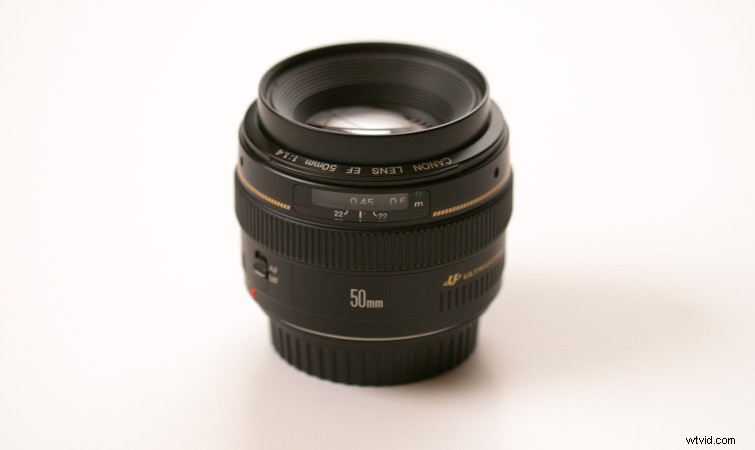
First off, for bigger bokeh you’re going to want to use a lens with a low f-stop number. A lot of people refer to these as “fast” lenses. They’ll typically be prime lenses, such as a 50mm f/1.4.
When you open the aperture all the way to f/1.4, you will get an incredibly shallow depth of field, resulting in some drastic bokeh effects.
Positioning of Your Subject
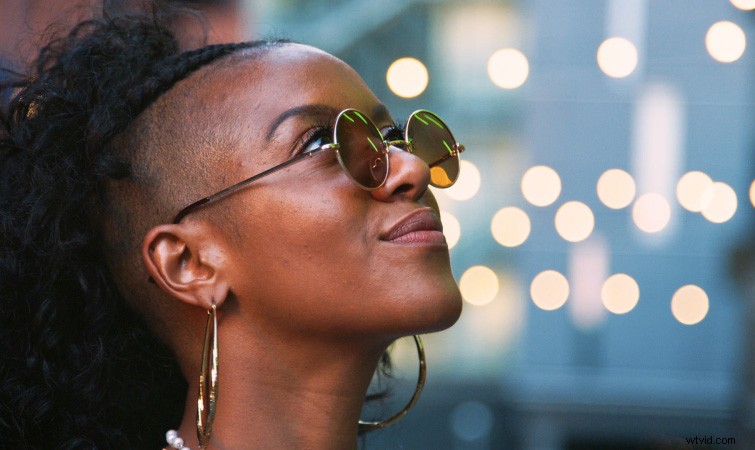
When trying to achieve bokeh, the positioning of your subject is extremely important. You’ll want to position your subject fairly close to you, since this will allow the background to fall farther out of focus. This results in bigger bokeh in the distant background.
Camera Sensor
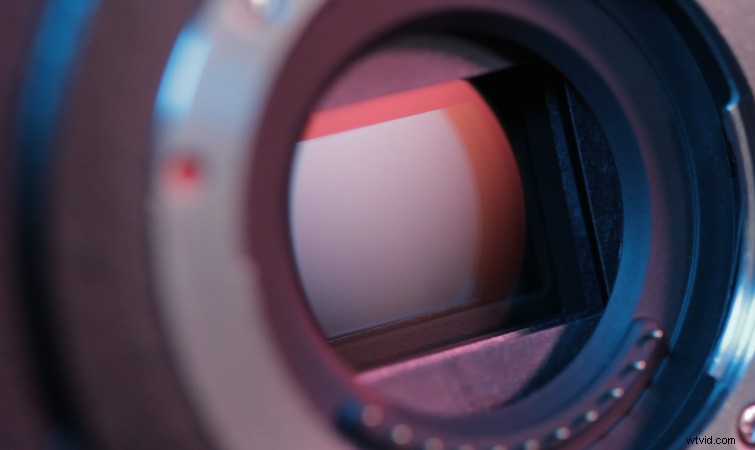
In short, the bigger the camera’s sensor, the easier it will be to achieve a deep shallow depth of field. This results in more bokeh potential for your background. Larger camera sensors typically allow for more light, which gives the potential for a narrow focus area.
Zoom Lenses
Finally, if all else fails, you can use zoom lenses. When you zoom in on your subject, you’re effectively limiting the field of view. So, small bokeh shapes will become quite large. This is simply due to the fact that you’re zoomed in. This is a nice trick if you have “slow” lenses, or a small camera sensor, like Micro Four Thirds.
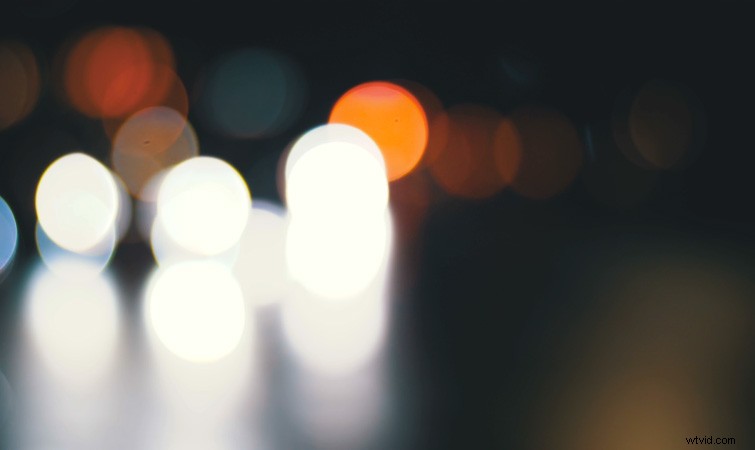
Custom Bokeh Shapes
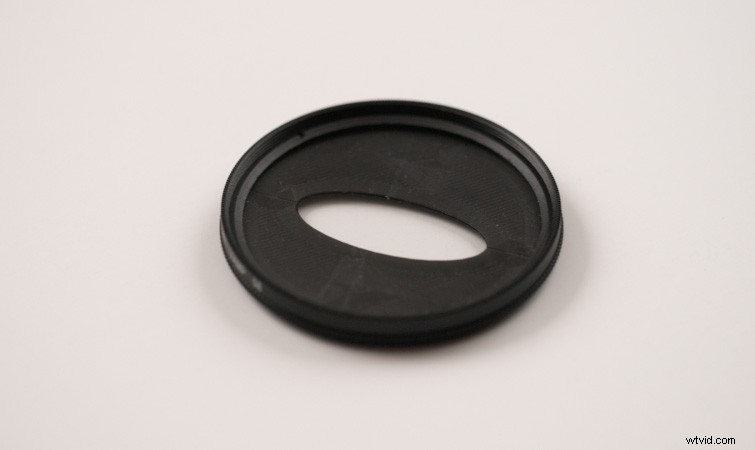
You can also adjust the shape of bokeh in-camera using modifiers like custom lens filters. The CineMorph lens filter is a popular one that helps replicate the oval shaped bokeh of anamorphic lenses.
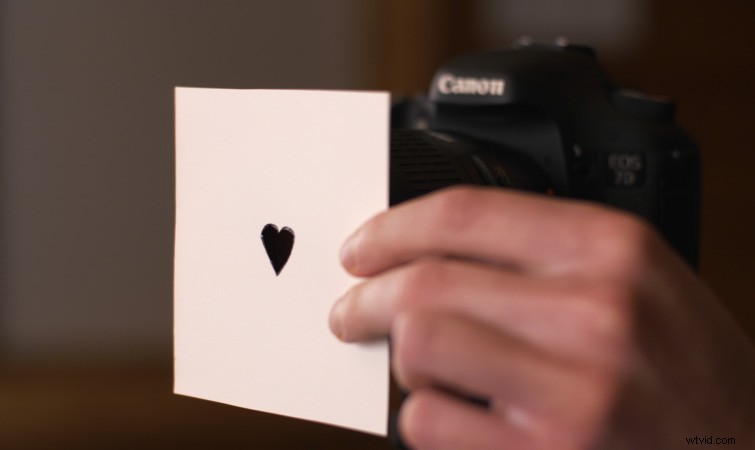
You can even create your own custom bokeh shapes by cutting out a shape on a piece of construction paper and holding it in front of your camera lens. You’ll want to make the hole of the shape fairly large, and use it on a lens with a low f-stop, with the aperture wide open.
If you want to know even more about customizing lenses, check out Todd Blankenship‘s tutorial on the Shutterstock Blog on How to Modify Your Own Lenses.
Adding Bokeh Effects in Post
Adding bokeh effects to your video footage in post is a nice way to accent a shot. The easiest way is by using some bokeh overlay footage. And, luckily for us, RocketStock has a Free Pack of Prism Bokeh Overlays we can use!
To apply these, add a bokeh overlay clip above your existing footage, then set the bokeh overlay footage to a Blending Mode of Screen or Add. Check out our tutorial on Creative Uses for Bokeh Overlays to learn even more use cases.
Creating Bokeh Using Effects
We can also create our own “digital bokeh” using effects and plugins. We’ll start with a look at the best bokeh effect bundled with After Effects and Premiere Pro. We’ll also look at a third-party plugin and a free After Effects preset.
Camera Lens Blur
The Camera Lens Blur effect is a fantastic effect for creating realistic bokeh and it’s built into Premiere Pro and After Effects. Just apply it to your footage and increase the Blur Radius. You can then customize the bokeh options from there. One thing to note is that the Camera Lens Blur effect renders quite slowly. Keep that in mind if you run into slowdowns while using it.
Crossphere Bokeh
Crossphere Bokeh is a plugin for After Effects that creates similar bokeh effects to Camera Lens Blur. However, I feel that Crossphere Bokeh does a much better job and gives users even more bokeh options. It also renders extremely fast. One of the cool features Crossphere Bokeh offers is the ability to customize the shape of the bokeh.
Better Bokeh Preset
Finally, Plugin Everything has created a free After Effects preset called Better Bokeh. It corrects the native gamma in After Effects to make blur effects look more realistic, and gives you even better looking bokeh.
Adding Bokeh Effects to Photos
Also wondering how to add bokeh effects to photographs? Well, the process is similar to adding them to video footage. Check out Jessica Safko‘s tutorial on Shutterstock for How to Add Bokeh Overlays to Photos. What’s more, you can download the bokeh and light overlays she uses from the article—and did we mention they’re also free?
If you want to enhance the background lights already in your photo instead of adding an overlay, no problem. Simply use the Field Blur tool in Photoshop to create that bokeh effect.
Interested in the royalty-free tracks we used to make this video? Give them another listen:
- “Influencers” by FASSounds
- “Lo Fi Beach Dawn” by Trending Music
- “Rain Rain Go Away” by Cosmo
- “Fresh Hip Hop” by Trending Music
For additional articles on video tips and tricks, check these out:
- 5 Tips for Project Managing a Video Edit Remotely
- Breaking Down Individual Roles in a Video Production Company
- 7 Basic Editing Tips for Creating TikTok Videos on the Fly
- How to Use Film Noir in Your Next Video Production
- 5 Ways to Use Undercranking on Your Next Project
Cover image by GRSI.