
On this page
- 10 emojis to try in Clipchamp
- How to add emojis to a video in Clipchamp
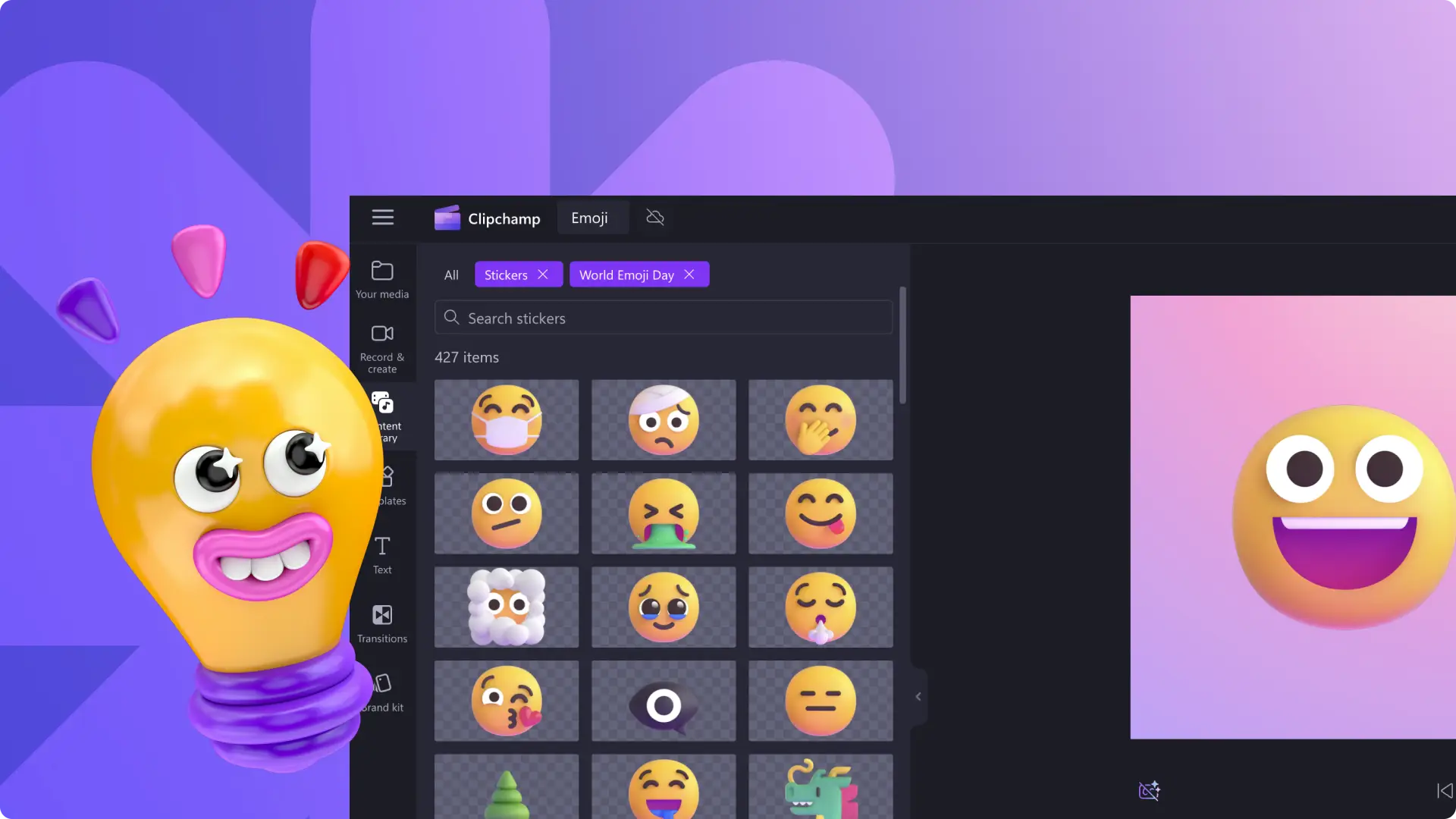
Looking to add creative flair or celebrate World Emoji Day? Clipchamp’s emoji library has you covered.
Our vibrant collection, crafted by professional designers, includes animated, sign‑language, and Microsoft Teams emojis to suit any video style.
Explore our favorite stickers and let them inspire your next project.
1. Lightbulb Emoji
Designed by Mora Vietyes, this 3D animated lightbulb adds a cute, uplifting touch. Perfect for how‑to tutorials, life‑hack reels, meeting recaps, or pitch videos.
2. Gaming Controller Emoji
Essential for gamers, streamers, and YouTube creators, this sleek animated controller brings playfulness and energy. Use it in gaming highlights, reaction clips, Let’s Play videos, or countdowns. Clipchamp lets you import Xbox clips directly to streamline production.
3. Retro Smiley
Inject old‑school positivity into any video with this classic smiley. Ideal for birthday videos, get‑ready‑with‑me segments, or daily vlogs. Pair it with a VHS effect for a cohesive retro aesthetic.
4. Microsoft Teams Thinking Emoji
Clipchamp, part of Microsoft, offers exclusive access to Teams emojis. This thought‑provoking icon signals reflection, making it ideal for training videos, school quizzes, or Q&A sessions.
5. ASL Thank You Emoji
Accessibility is a priority. Our American Sign Language emoji, available in three inclusive skin tones, lets you express gratitude in any context—team meetings, social media shout‑outs, or classroom settings.
6. Shaking Face Emoji
Elevate drama with this expressive sticker. Convey surprise, confusion, or shock in gaming fails, Instagram collabs, YouTube reactions, or Shorts. Complement it with a dramatic sound from Clipchamp’s stock library.
7. Raising Hands (Celebration) Emoji
Celebrate milestones—quarterly results, employee send‑offs, graduations, or wedding recaps—with the two‑handed “well‑done” icon. Enhance meaning with party poppers or folded‑hands stock graphics.
8. Like and Subscribe Emoji
Boost YouTube engagement with this dynamic, eye‑catching sticker. Pair it with a movie camera, bells, or other YouTube icons for maximum impact. Emoji lower‑third templates are also available.
9. Rocket Emoji
Ignite excitement with a cartoon rocket. Rotate the direction to match your message—upward for ambition, downward for playful mishaps. Ideal for gaming, sales promos, travel vlogs, or business growth showcases.
10. Wow Emoji
Highlight emotion with this reaction sticker. Use it in reaction videos, travel highlights, or layer it for a bold statement. Pair with smooth transitions to elevate your edit.
How to Add Emojis to a Video in Clipchamp
Learn how to layer stickers and emojis with Clipchamp’s intuitive drag‑and‑drop editor. Select an emoji from the library, drag it onto your timeline, and position it wherever you need visual emphasis.
Ready to elevate your videos? Start editing with Clipchamp or download the Microsoft Clipchamp Windows app today.