

Shreshtra - March 27, 2026 - Leave your thoughts. 14 min read
ai animation, ai animation app, ai animation generator, ai animation software, ai animation tools, ai animations, ai animator, ai for animation, animation ai, animation generator
We all know that the animation industry has undergone a remarkable transformation over the years. The tedious process of hand-drawn sketches and frame-by-frame creations has become a thing of the past.
Today, Artificial Intelligence (AI) technology has revolutionized the industry by providing animators with many powerful tools that can simplify their workflow, enhance creativity, and create unique animations.
From character design to motion graphics, AI animation tools have transformed the game. In this article, we'll look at 14 of the most impressive AI animation tools making big changes in the animation world.
- Animaker AI
- Blender
- Cascadeur
- Deepmotion
- Runway
- Autodesk Maya
- Animated drawings
- Krikey.ai
- NVIDIA Omniverse Machinima
- Kaiber
- Adobe Character Animation
- Plask Motion
- Synfig Studio
- Toon Boom
Whether you're an advanced animator or just getting started, these tools are sure to spark your imagination and take your creations to the next level.
Let's dive in and look into each of the tools in more detail.
1. Animaker AI
Animaker AI is a powerful all-in-one animation maker that is designed to help users turn ideas into high-quality videos in minutes.
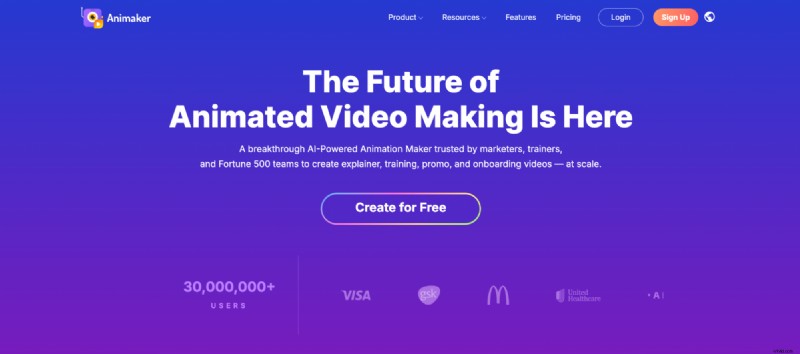
With the latest updates, Animaker AI now supports multiple animation styles - including whiteboard animation, 2D animations, and more, giving users the flexibility to choose the format that best fits their content.

Animaker AI is built from the ground up to understand the prompt and inputs selected, and generate an output that's the most accurate of all video generation tools.
It also comes with built-in AI voice-over capabilities, allowing users to add natural-sounding narration by selecting voice type, language, and tone. The platform automatically syncs character lip movements with the voiceover, making the animation feel more realistic and polished.
Beyond generation, Animaker offers an advanced editing suite, where users can fine-tune every detail of their video from animations and transitions to text, timing, and visuals.
Another standout feature is AI subtitle generation, which lets users add accurate subtitles to their videos in just a few clicks, perfect for accessibility and social media optimization.
Animaker AI also supports real-time collaboration, making it easy for teams to work together during the editing process.
To sum up, Animaker AI can generate animated videos and voiceovers, auto-lip sync them to characters, and generate subtitles for the video!
All in one place, making it convenient for users!
Check out Animaker AI to generate animated videos in minutes!
Pros:
- Generates both script and video from a single prompt
- Supports multiple styles, including whiteboard animation
- Advanced editing capabilities for full customization
- Built-in AI voiceovers with auto lip-sync
- AI-powered subtitle generation
- Real-time collaboration features
Cons:
- Honestly? None
2. Blender
Blender is a remarkable software for creating 2D and 3D animations.
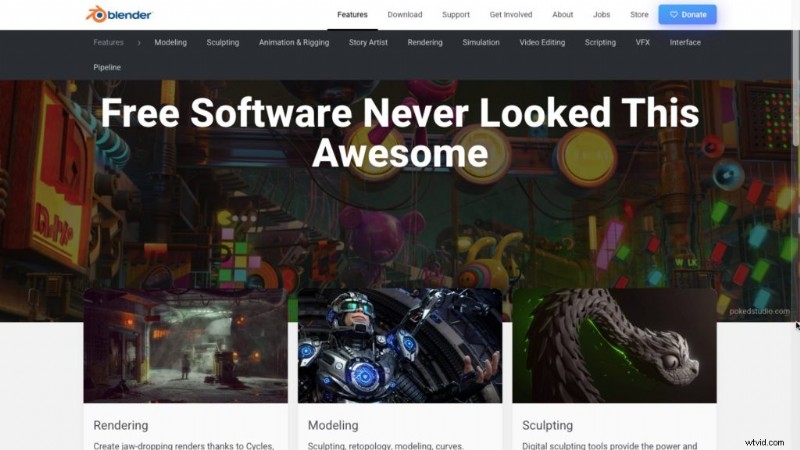
When it comes to 2D animations, Blender’s standout feature is the grease pencil. This tool allows users to create 2D animations in a 3D space, providing better perspective and clarity while drawing.
Apart from its 2D capabilities, Blender is primarily known for its 3D animation features, which include Modelling, Sculpting, Auto rigging, and Motion Capture. These features make the entire animation process feel like a breeze.
Its most impressive feature is its ability to stimulate movements that comply with the laws of physics, resulting in smooth and realistic animations.
Blender offers many more features, giving users endless possibilities when creating animations.
With this software being free and open-source, it is excellent for animation enthusiasts to explore its features, which is a huge plus.
Pricing:
Blender is an open-source software that is forever free to use.
Pros:
- Free and open-source
- Creates both 2D and 3D animations
- Uses Physics simulations to create realistic animations
- A Wide range of features available
Cons:
- May take some time for beginners to learn all the features
- Works slow on older devices
3. Cascadeur
Cascadeur is a 3D animation software with a user-friendly interface that is easy to navigate, even for beginners.
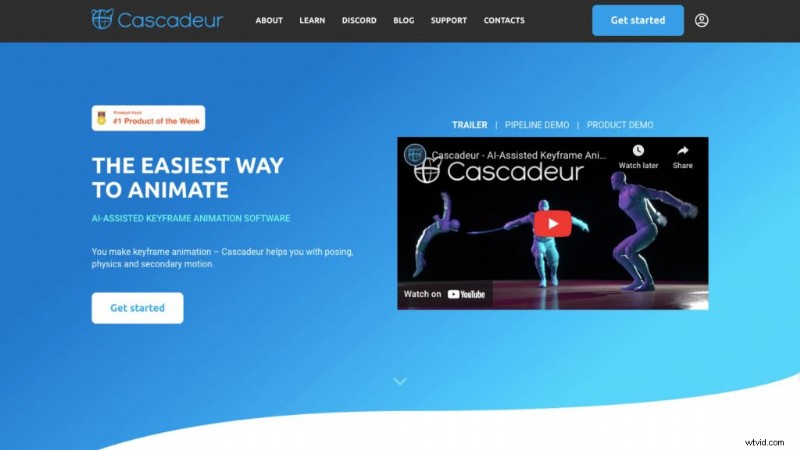
The software provides advanced rigging tools that allow users to create complex rigs for characters quickly and easily. One of the best features of Cascadeur is AutoPhysics, which helps to create natural and realistic motions.
Cascadeur uses AI to fine-tune character’s poses and add secondary motions that mimic real-life movements. The software also provides real-time feedback on animations, making it easy for users to make changes and see instant results.
While the extensive features of Cascadeur might seem overwhelming to beginners at first, it is an excellent tool for learning and improving animation skills.
Pricing:
Cascadeur offers a free plan option, along with its other pricing plans. With the free plan, however, users must give credit for using Cascadeur in any project.
When it comes to pricing plans, Cascadeur offers three options: Pro, Business, and Enterprise. These pricing plans come with additional features.
Pros:
- Free plan available
- Uses AI to create poses
- Uses AutoPhysics to create realistic movements
- Gives Real-time feedback
Cons:
- May take some time for beginners to learn all the features
4. Deepmotion
Deepmotion is an online animation tool that uses AI to turn videos into 3D animations. Its simple interface makes it beginner-friendly.
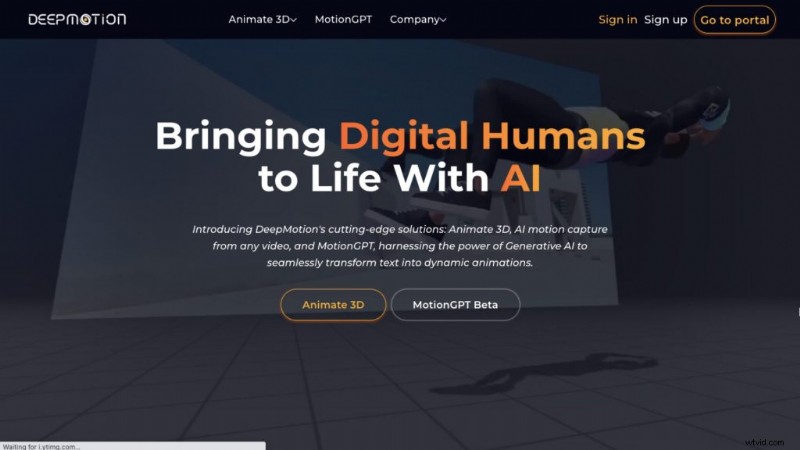
This tool generates animations in real-time. With features like Face and Hand tracking and motion smoothening, it gives creators greater control and flexibility to create 3D animations.
Its AI-powered physics simulations can make realistic movements. It also allows users to adjust the character’s movements and motion curves easily.
While Deepmotion offers these features, it falls behind other animation tools in areas like advanced rigging and advanced keyframing.
Pricing:
Deepmotion has a free plan option with credits that renew every month, but the features are limited in this plan.
Apart from that, Deepmotion has four pricing plans. They are Starter, Innovator, Professional, and Studio. The pricing plans vary in credits and additional features.
Pros:
- Free plan available
- Generates Real-time animations
- Uses AI-powered physics simulations to create realistic movements
Cons:
- Falls behind in features compared to other animation tools
- Limited features in the free plan
5. Runway
Runway is an online platform that can generate and edit animated videos. It has three different methods for generating animations - Gen1, Gen2, and Frame Interpolation.
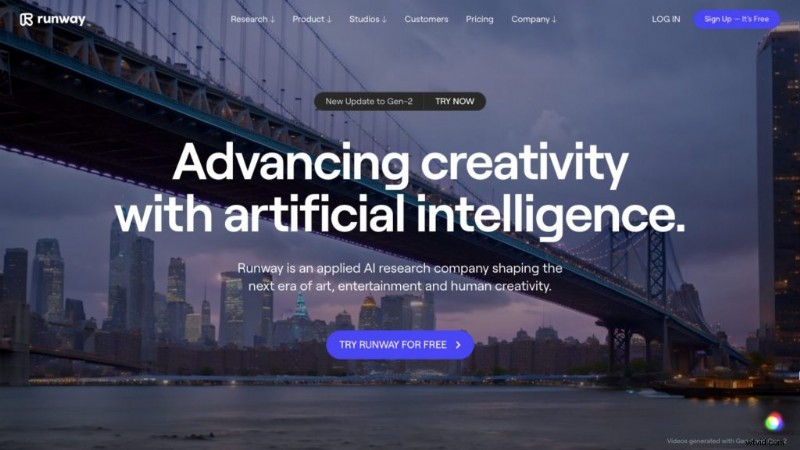
Gen1 creates videos from an existing video, while Gen2 creates videos from prompts. These prompts can be text, image, or text + image description. With more than 20+ presets available, you can choose an animation style of your choice.
Frame Interpolation takes a sequence of images and makes it into an animated video.
Aside from video generation, Runway’s editing tools include Color Grade, Scene Detection, Motion Tracking, and Depth of Field.
One of Runway’s notable editing tools is its Blur Faces tool, which uses AI to detect faces and blur them.
Unlike other AI animation tools, Runway does not offer editing options for each element in the video. It can only edit the video as a whole.
Pricing:
Runway offers a credit-based free plan. However, the credits don’t reset, unlike other tools. So, if you wish to continue using the app, you must switch to a pricing plan.
There are four pricing plans - Standard, Pro, Unlimited, and Enterprise. These plans vary in video quality, assets and other features.
Some of these plans allow users to purchase credits if they run out, which is not the case with the free plan.
Pros:
- Free plan available
- Different methods for creating animation available
- Multiple edit tools available
Cons:
- Offers one-time grant credits
- Editing Individual elements in the video not possible
6. Autodesk Maya
Autodesk Maya is a 3D software that uses AI technology to create 3D modeling, animation, visual effects, and 3D rendering. It is an industry-standard software that produces hyper-realistic effects.
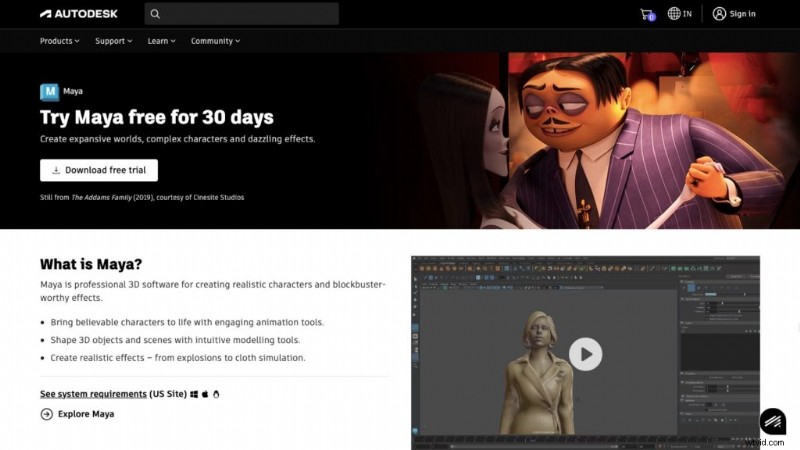
This software provides plenty of video editing tools to create high-quality 3D animations. Its modeling tools make it possible to create and shape objects with a high degree of realism.
With the Bifrost tool, users can create detailed and accurate simulations. However, this platform might be a steep learning curve for beginners.
Pricing:
Autodesk Maya offers a 30-day free trial to test the software. Apart from that, this software provides three different subscription term options.
Pros:
- 30-day Free trial available
- Industry Standard quality
- Plenty of video editing tools available
Cons:
- Steep learning curve for beginners
7. Animated Drawings
Animated Drawings is an online tool that provides a fun way to turn children’s artwork into animation.
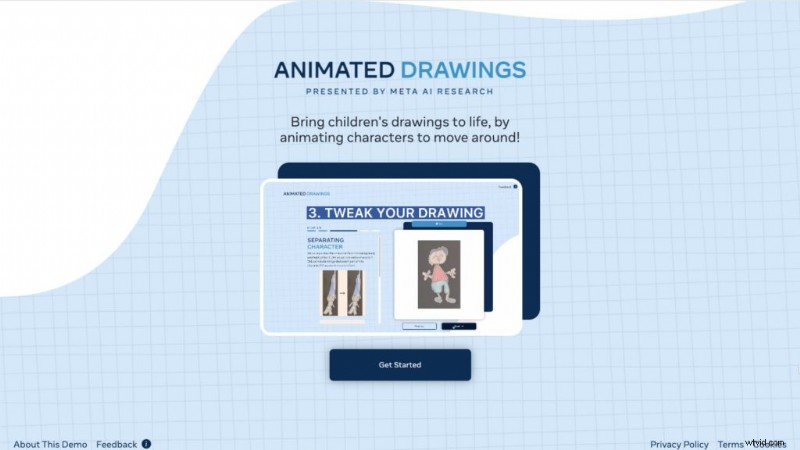
This platform requires users to upload a drawing that meets their conditions for it to be detected by the AI and turned into an animation.
Once the drawing is uploaded, the tool uses AI to separate the characters from the background and detect the joint points of the characters. The users can then choose from a wide variety of animation options available on the platform.
The best part of this AI-powered animation tool is that it can bring your drawings to life in seconds.
Pricing:
Animated Drawings is free to use forever.
Pros:
- Free to use
Cons:
- No editing options
8. Krikey.ai
Krikey.ai is an online platform that allows users to create 3D animations using AI technology. With Krikey.ai, users can easily turn their videos or text into 3D animations.
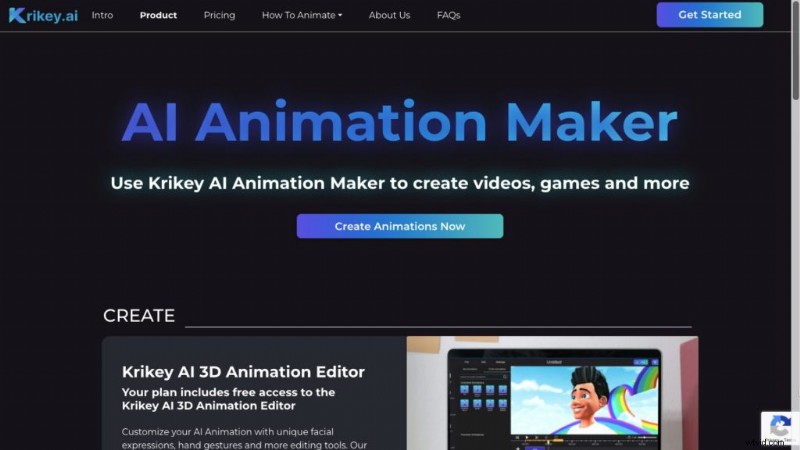
Aside from these two options, the platform also offers users 3D animation editor that provides many options, including hand gestures, camera angles, facial expressions, and animation. Additionally, users can create scripts for the animated characters.
However, sometimes, users may experience lagging issues and longer load times while using the platform.
Pricing:
Krikey.ai offers a free plan for users with one-time grant credits and limited features. Apart from that, Krikey.ai offers two pricing options: AI Assets Standard Plan and AI Assets Pro Plan. These plans vary in additional features and credits.
Pros:
- Free plan available
- Editing options available
Cons:
- Offers one-time grant credits
- Limited options in the free plan
9. NVIDIA Omniverse Machinima
NVIDIA Omniverse Machinima is cutting-edge software that allows users to collaborate in 3D workflows. It provides powerful tools and realistic rendering that enables users to remix, recreate, and redefine animated storytelling.
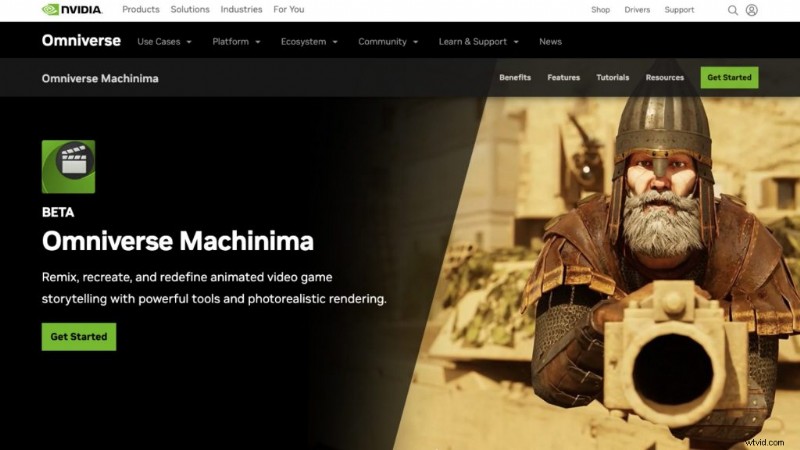
With its AI-enabled tool, Audio2Face, it is now possible to create realistic facial expressions from just an audio source.
Omniverse Machinima also uses Motion Capture technology to create 3D animated characters that mimic human movements.ts powerful simulation tools help create realistic simulations like explosions.
Pricing:
Omniverse offers a free standard version to its users. Additionally, this software offers Enterprise and Cloud pricing options, which require users to discuss pricing with the team.
These two pricing models vary in support and rendering time.
Pros:
- Free version available
- Realistic rendering possible
Cons:
- May take some time for beginners to learn all the features
10. Kaiber
Kaiber is an AI Animation platform that lets you create animated videos. Its simple user interface makes it beginner-friendly.
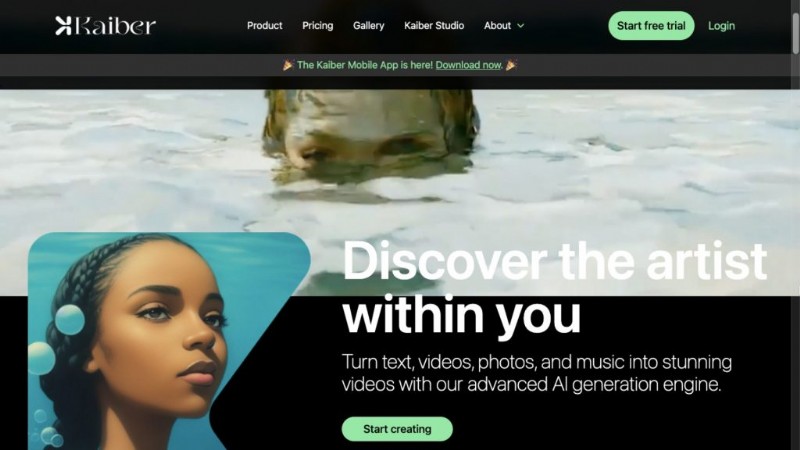
This platform offers two animation methods - Flipbook and Motion.
Flipbook is a frame-by-frame style that creates motion from slight changes, while Motion generates video from user prompts.
Additionally, Kaiber allows users to upload their videos and transform them into entirely new aesthetics.
The platform also features a storyboard tool that allows users to plan their videos step by step, making it easier to organize their stories.
However, the only downside of this platform is that it sometimes takes a longer time to generate videos.
Pricing:
Kaiber offers a 7-day free trial option with credits. Apart from that, Kaiber offers three pricing options: Explorer, Pro, and Artist, with varying credits and video time.
Pros:
- Free trial available
- Multiple features available
- Is beginner friendly
Cons:
- Takes a longer time for video generation
11. Adobe Character Animator
Adobe Character Animator is a software that lets users create animations in real-time using facial recognition technology. The animated characters are programmed to mirror the user’s movements, making it easy to create quick animations.

This software allows you to customize the character’s facial expressions and also add voice-overs and sound effects. It also lets users control the camera for the scene.
Compared to other animation tools, Adobe Character Animator is limited in its capabilities.
Pricing:
Adobe Character Animator software offers a free plan to its users. Apart from that, it offers subscription options as part of the Creative Cloud All apps plan.
The subscription options depend on the user intent and they are: For individuals, students and teachers, teams and businesses, schools and universities.
Pros:
- Free plan available
- Creates quick and easy animations
- Customization options available
Cons:
- Limited features compared to other animation tools
12. Plask Motion
Plask is a browser-based platform that lets users create animations through Motion Capture Technology. Its user-friendly interface makes it suitable for all user levels, even beginners.
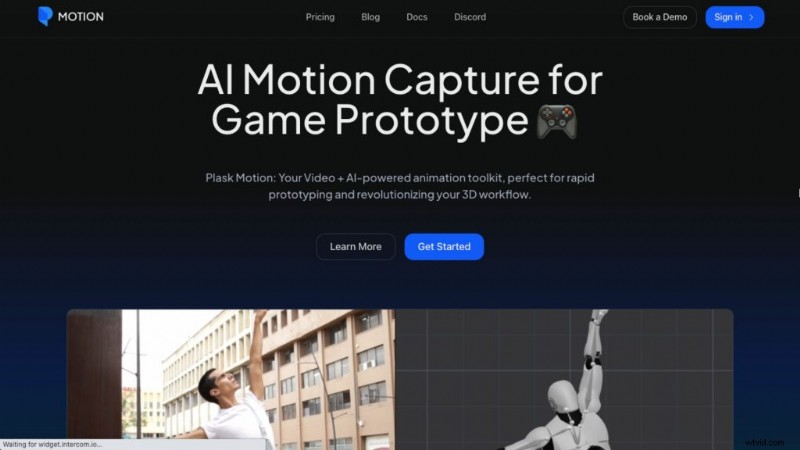
Users can refine the motion data frame by frame, but the video rendering time takes a bit longer.
Although it simplifies the editing process, Plask Motion does not provide editing options like other advanced AI animation tools.
Pricing:
Plask Motion offers three plans, including its free plan. The pricing plans are Pro and Post Process with more features and faster processing.
Pros:
- Free plan available
Cons:
- Limited editing options available
- Takes a longer time to render videos
13. Synfig Studio
Synfig Studio is an open-source software that allows users to create 2D animations without needing frame-by-frame animation. This feature allows users to create high-quality animations quickly.
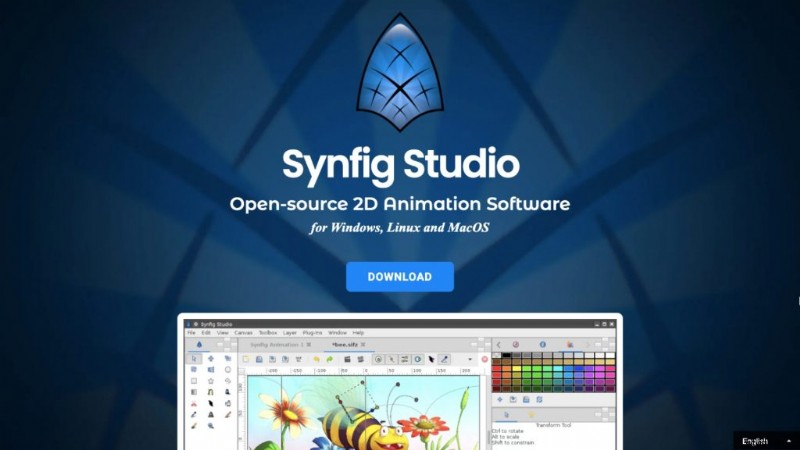
However, the user interface may look complex for beginners.
The software offers various types of layers that allow for creating animations of any complexity.
However, the features are limited, and it might take some time for beginners to understand them.
Pricing:
It is an open-source software and free forever.
Pros:
- Free and open-source software
Cons:
- Limited features available
- Has complex interface
14. Toon Boom
Toon Boom, otherwise called Toon Boom Harmony, is a powerful software that provides users with various toolsets to create stunning 2D animation.
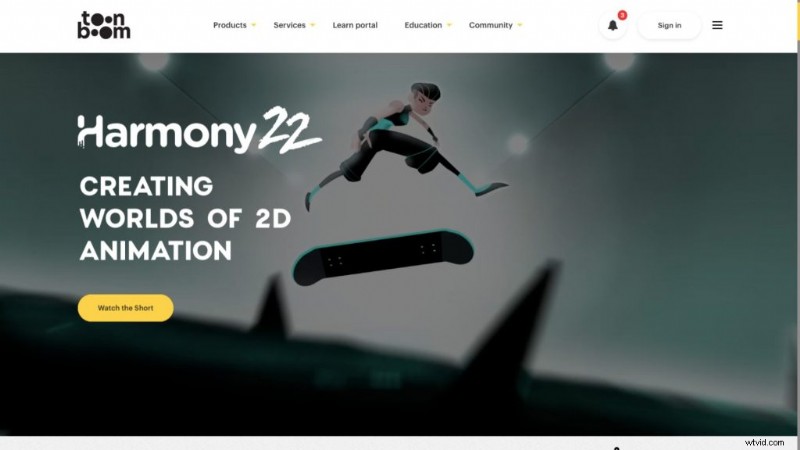
One of its unique features is its ability to offer amazing camera movements, which give a 3D experience to 2D animation.
Additionally, its multiple brush styles allow diverse artistic styles.
Besides 2D animation, Toon Boom’s other products include storyboard and gaming animations.
However, the editing toolset can be complex for beginners, and there is a steep learning curve for them to get familiar with it.
Pricing:
Toonboom offers a 21-day free trial option for users to try out their features. Apart from that, Toon Boom offers three pricing options. They are Essentials, Advanced, and Premium.
These pricing options come with advanced tools and greater camera resolution.
Pros:
- Free trial available
- 3D camera movements available
Cons:
- Steep learning curve for beginners
***
That was the list of the 14 AI Animation tools that are making waves in the animation world.
As AI technology continues to advance, we can expect more developments in the animation industry. So, keep an eye out for the latest AI animation tools.
AI has helped not only in animation but also in video editing overall. Check out this list of 7 great AI video tools that have helped beginners and professionals enhance the visual experience.
While these tools require a certain level of knowledge and skillset, there is an easy way for beginners to make an animated video using AI. Check out this blog to learn how to make animated videos with AI.
Or, if you prefer watching it in a video format, check out this video to learn how.
Yes, that’s right! Head on to Animaker AI and create your own AI-animated videos.

Shreshtra
Shreshtra is a Content Marketer at Animaker, where she’s been helping creators and businesses bring their stories to life with 2D animation for 3+ years.
Since joining, she has contributed through easy-to-follow guides and SEO-driven content, helping Animaker’s community grow organically from 18M to 30M+ users worldwide.
She covers a wide range of topics, including AI-powered voice tools, subtitle generators, and the latest in video creation technology, with the goal of making animation simple, fun, and accessible for everyone.
Shreshtra has also written extensively on how animation can transform L&D and training, highlighting Animaker’s growing impact in the corporate space.
When she’s not busy writing content for Animaker, you’ll often find her lost in a thriller novel or vibing to her favorite K-pop playlists.
She believes that just like a good story or a great song, the right video can connect people across the world.