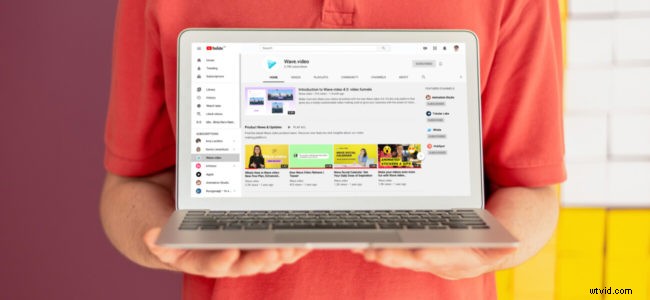
Having a YouTube channel is great: it drives brand visibility and makes your content discoverable through a YouTube search.
But is there any way to make the most of your video content outside of YouTube?
I am a huge advocate of using your own site as a central point of everything you are doing outside of it, including publicizing your video content there. There are many reasons for that, mainly:
- Your website is what you own: you can control your user flows, engage your readers, and even re-target them later. With third-party platforms, you don’t have that ability, especially with YouTube which isn’t made for sending traffic off their platform.
- Your website is where your community resides: you want to give them diverse content and share with them everything you do around the web, including those videos you publish on YouTube.
- Video content also helps to increase the organic visibility of your site, as more and more of Google’s search result pages feature-rich video elements.
Here are a few essential steps to publicizing and marketing your YouTube content on your own site.
1. Create a Landing Page for Each of Your Videos
If you created a video to accompany your current blog post, you have this step already handled. But what if your video is a webinar or a vlog that doesn’t currently have a video landing page on your site?
Then you need to create it! Here’s how:
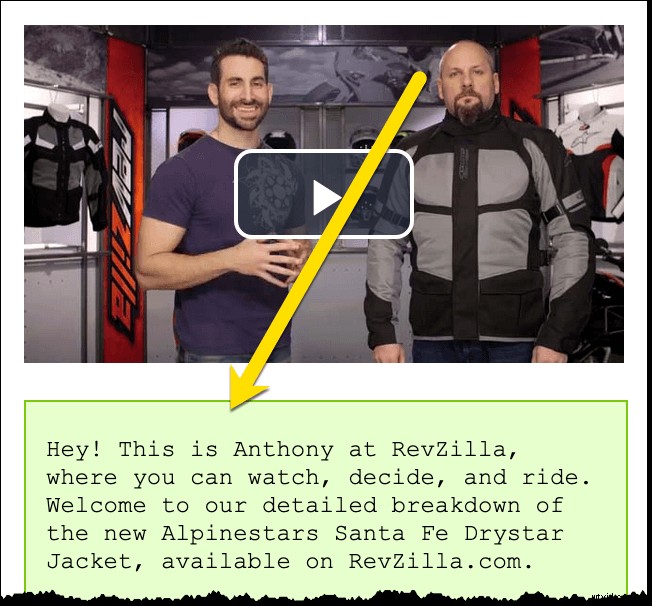
1.1. Create a full transcript or a detailed textual description of your video content
Not only will it make your video much more Google-friendly (as Google still needs textual content to crawl and index any content), providing a full video transcript or a detailed video description will make your video more accessible to those people who have visual disabilities or difficulties.
If your video is an interview or a webinar, this step is easy. You can use services like Speechpad.com to create a transcript if you don’t want to do that on your own.
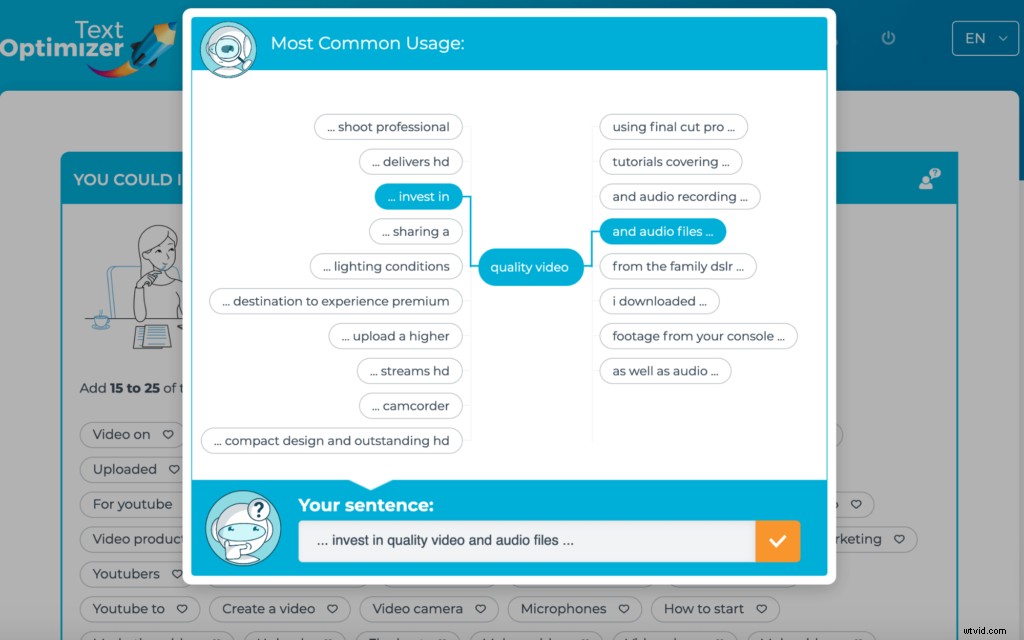
If your video is a vlog, you may struggle with creating an interesting copy which is where you can use Text Optimizer to help you out. The tool will suggest you all kinds of angles and concepts helping you create a well-optimized video description:
1.2. Use Video Schema
Video schema will help Google generate a rich snippet showing the video thumbnail attracting more clicks to your video:
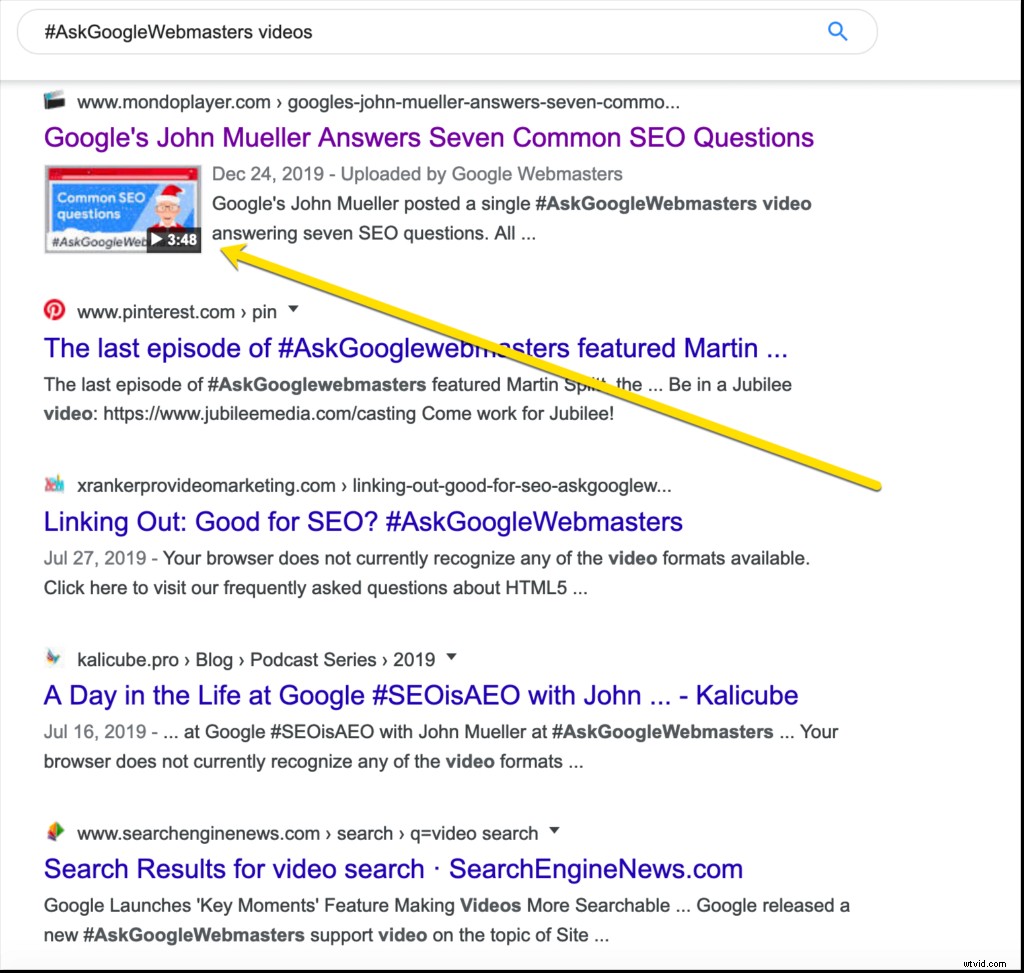
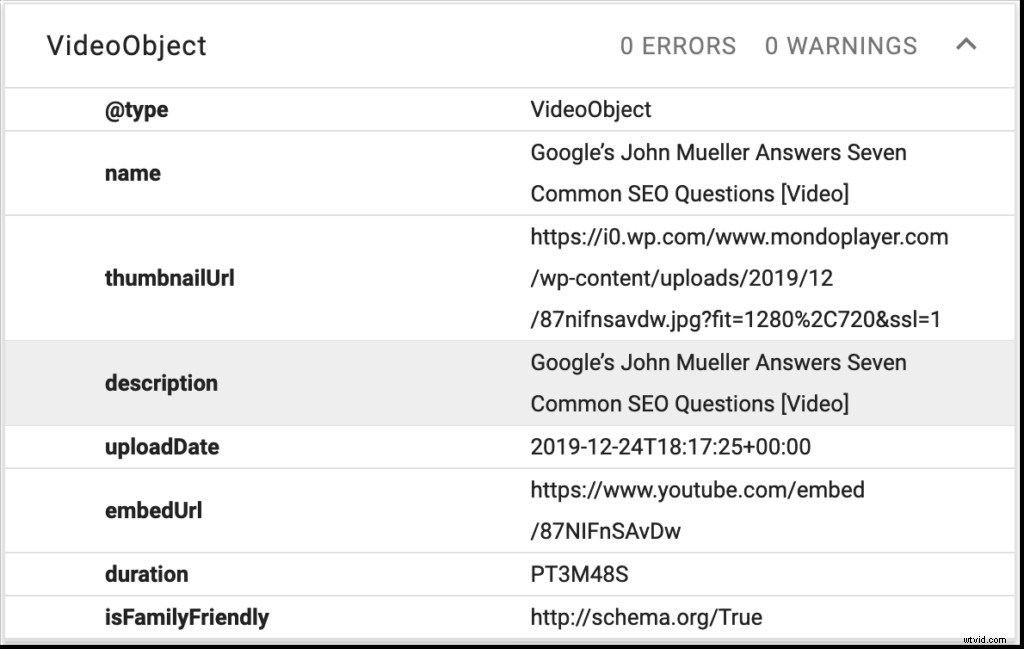
Here’s the code that populates this rich snippet in Google search:
This tool will help you extract video schema from the YouTube schema itself making your life much easier. It will also help you navigate it.
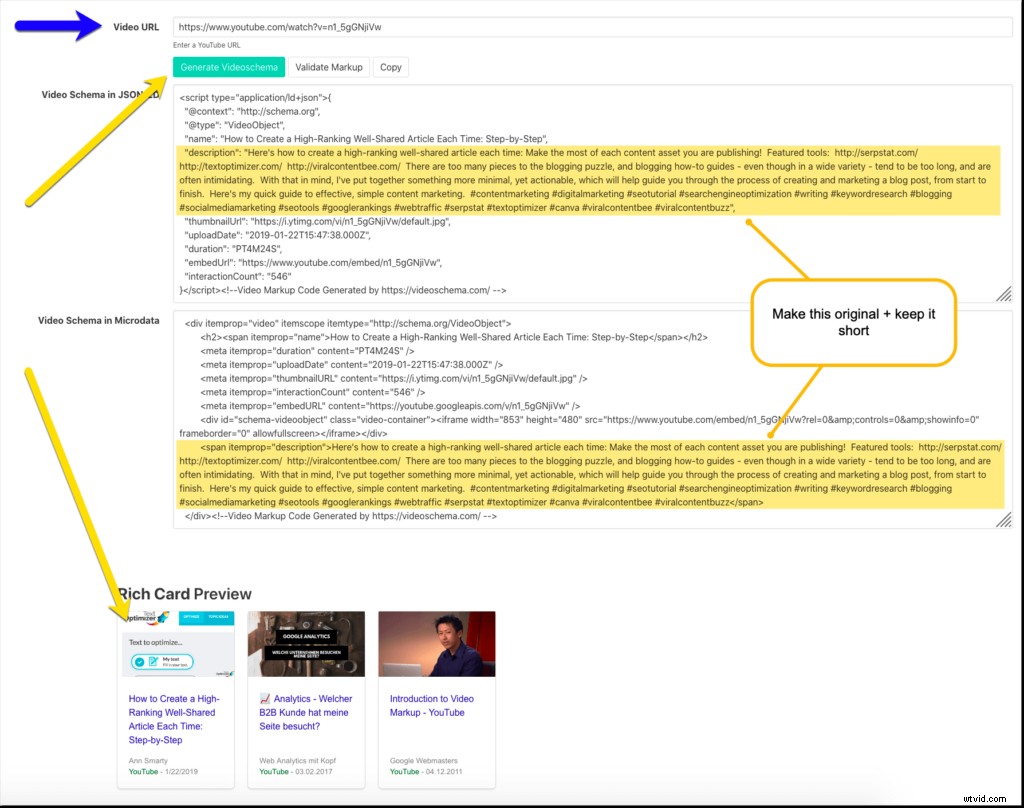
You can grab the code and use it on your page but I would probably tweak the video description to make it original (instead of using one from YouTube).
1.3. Tweak the Embed Code
Finally, when using YouTube’s default code, make sure you disable showing related videos when yours stops playing. Related videos can drive viewers off your site to watch (potentially competing) content:
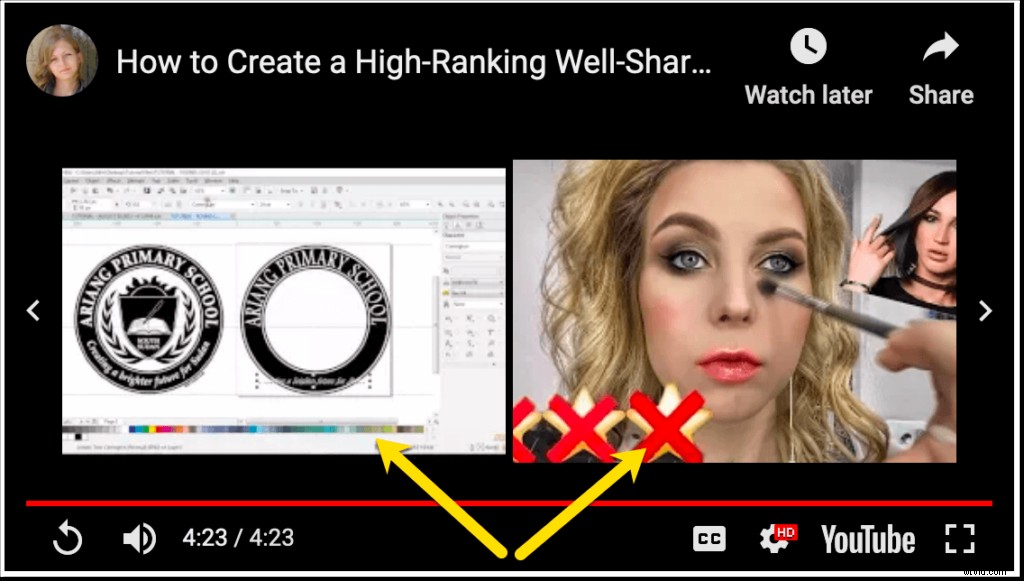
Obviously, we want our users on our own pages to engage with our content instead of being distracted by third-party videos.
This used to be one of the player options you could set. But YouTube took that ability away:
There’s still a quick workaround to this limitation. You can tweak the player’s code itself by adding ?rel=0 at the end of the video URL:

This won’t hide related videos but it will ensure those videos are being suggested from your own channel, versus someone else’s videos:
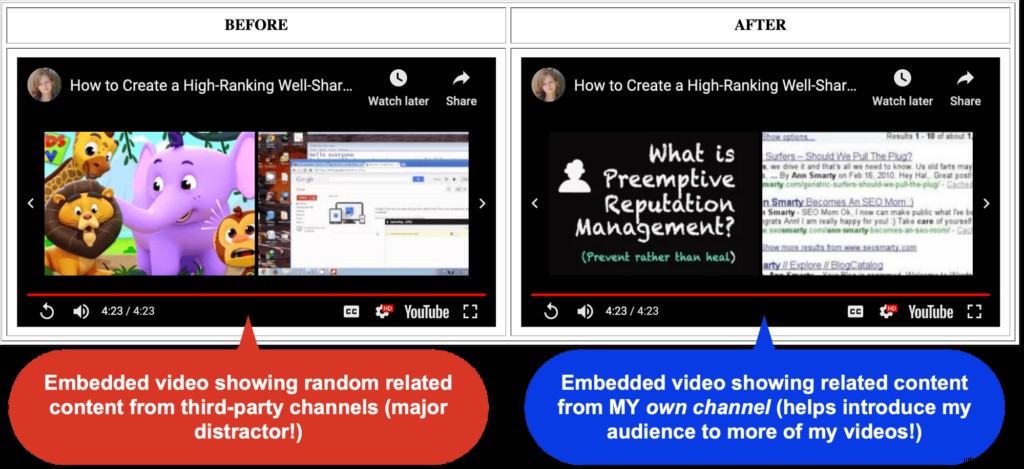
So whenever you embed your video to your own site, don’t forget to add this detail inside the code immediately after your video URL (no space is needed).
2. Promote Your Page Instead of Your YouTube Page
Now that you have a landing page on your own site with your video on it, consider investing time, money, and effort into promoting it, instead of pushing your YouTube page.
I have a few convincing reasons behind it:
- If you share YouTube’s direct video link, it will auto-play any time anyone clicks it. This will add noise to your YouTube video stats, as YouTube is known to favor “deep views” (i.e. people watching more than the beginning of the video), so those unintended auto-plays may actually send negative signals to YouTube.
- If you ever want to update your video, you’ll have to upload it to a new URL making all your past links and shares outdated. If you focus on promoting your own page, you will be able to update the embed code without changing the URL you are using.
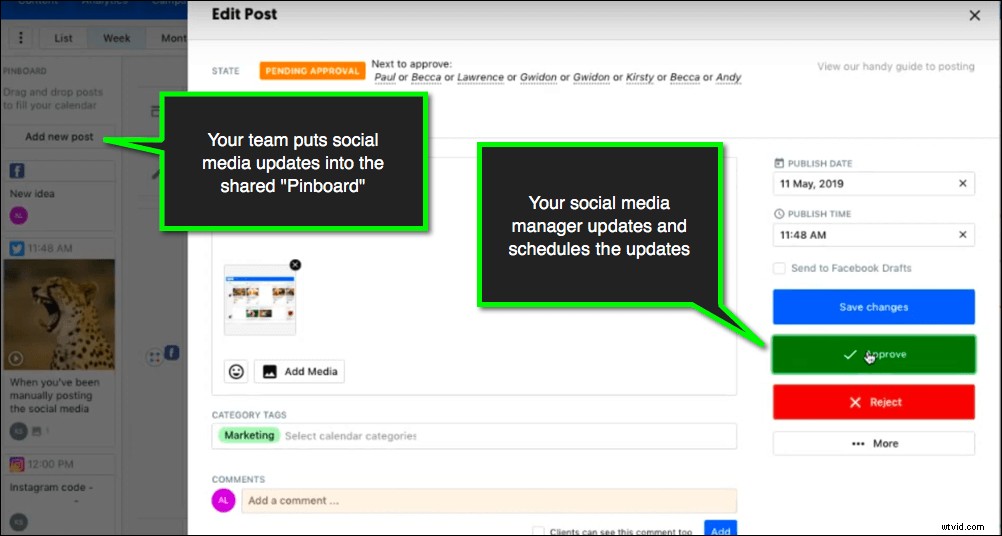
ContentCal is the perfect platform for marketing your own page across multiple channels, with one click of a mouse. It also keeps your whole team together allowing them to broadcast updated content throughout your brand-owned channels:
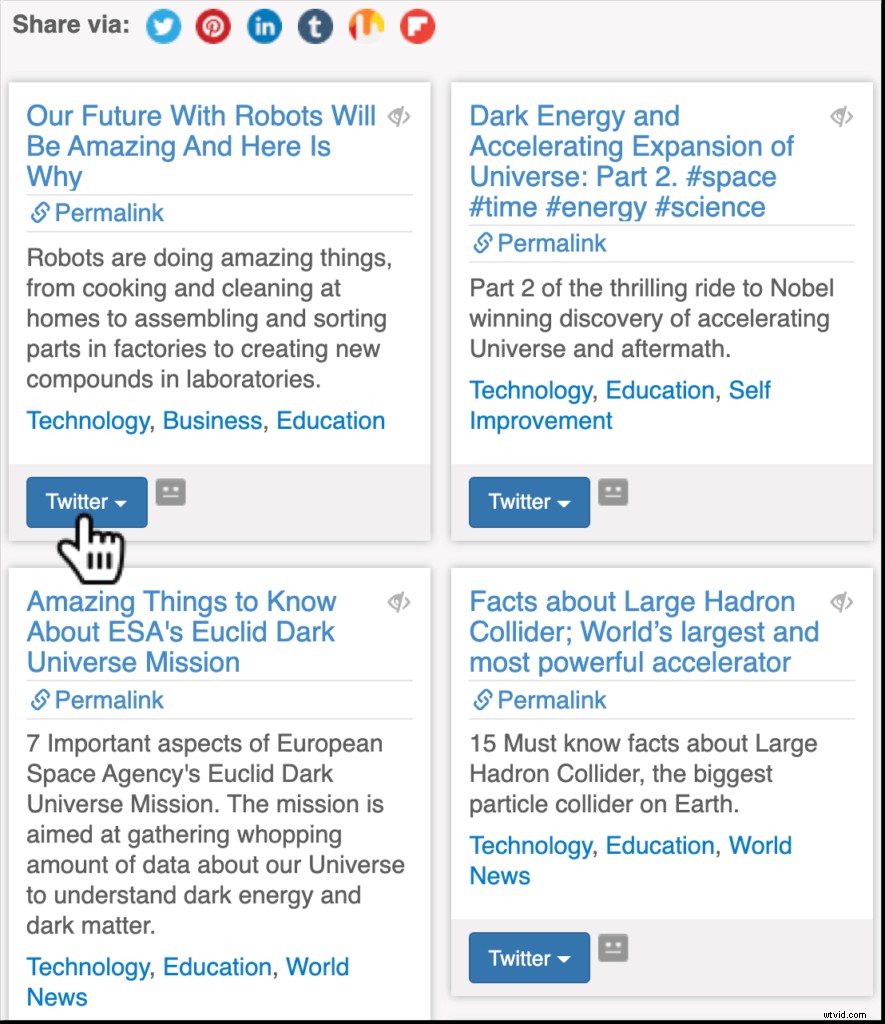
It is also a good idea to promote your URL using Viral Content Bee which brings your content in front of eager social media influencers who are looking for high-quality relevant content to publish on their social media channels:
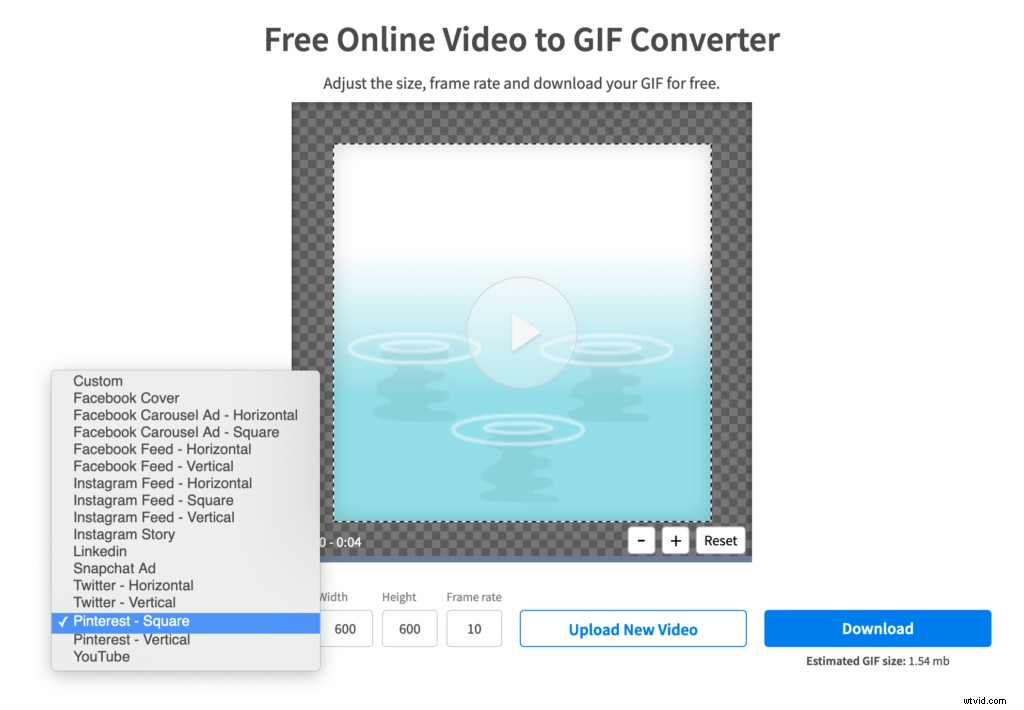
Using content re-packaging tactics, you can also turn your video into various content formats to diversify your social media channels while promoting one and the same asset. For example, this free tool allows you to turn any video into a GIF:
3. Engage Your On-Site Video Viewers More
The beauty of using your own website for marketing your video content is that you can keep your video viewers engaged with your own site. For example, you can use Alter to prompt them to keep browsing the site and follow your conversion channel:
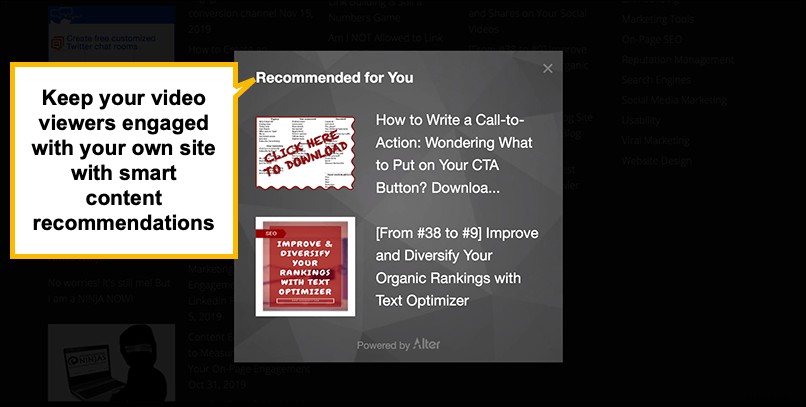
Alter uses Artificial Intelligence to create content recommendations and exit-intent popups to engage your video viewers with your site.
You can set up custom conversion paths based on the video content that every on-site video is engaged with. Finteza allows you to set conversion goals based on performed events and also utilize those events to create on-site advertising campaigns.
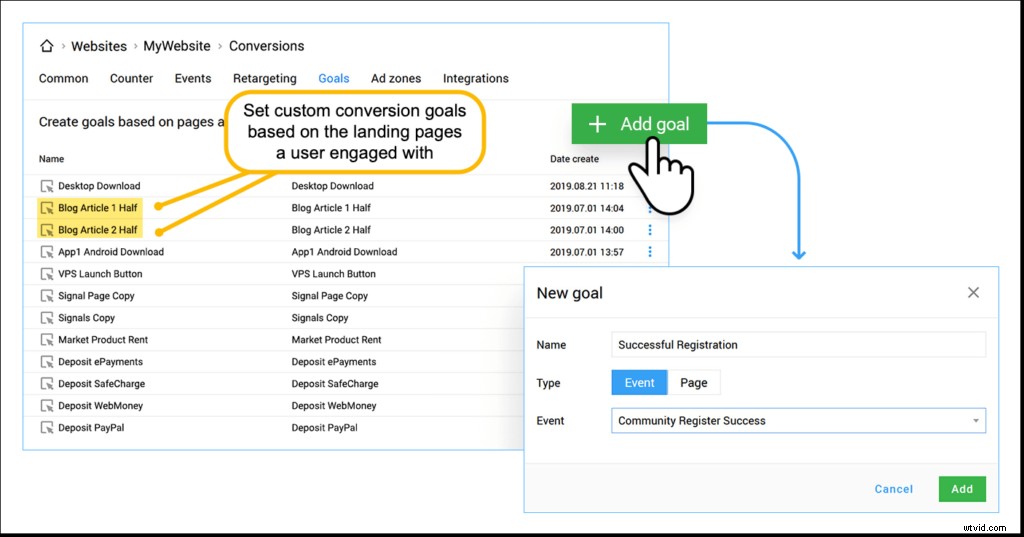
If you focus on marketing your own page (versus a YouTube video page), you get more control over engagement and conversion tactics.
Conclusion
Maintaining an active YouTube channel is almost always a good idea, in just about any niche. But don’t just stop there. Don’t forget the fundamentals: You need your site to be the center of your video marketing. For even more control, you may go with self-hosted video content.
Then you can branch out.
Apart from using your own site (and your existing community), utilize all kinds of video promotion channels to make the most of your video content creation efforts.
Other ideas include investing into TikTok ads, using IGTV and Story Ads, utilizing Facebook Advertising platform, promoting your video on Twitter, etc. The more you do, the more diverse results you’ll see and the more types of audiences you’ll be able to engage. Good luck!