
Accelerate your workflow and elevate your content with an automatic video editor. These tools combine AI‑powered automation with intuitive interfaces, allowing creators of all levels to produce polished videos in a fraction of the time.
What Is an Automatic Video Editor?
An automatic video editor streamlines the editing process by automating core tasks—such as trimming, transitions, audio clean‑up, and captioning—using AI algorithms. A single click can replace dozens of manual steps, freeing you to focus on storytelling and creative direction.
Why Choose an Automatic Video Editor?
Automated editing cuts production time, reduces human error, and ensures consistency across projects. It also adapts your footage to platform‑specific requirements (aspect ratios, duration limits, captions), making it ideal for social‑media‑centric workflows.
- Speed & Efficiency: Produce videos faster and allocate more time to ideation.
- Consistent Quality: AI applies best‑practice edits automatically, yielding professional results every time.
- Beginner‑Friendly: No prior editing experience needed; start creating immediately.
- Cost‑Effective: Many solutions offer free tiers or affordable plans compared to traditional software.
Top 10 Automatic Video Editors
Below are our curated picks, each with distinct strengths. Choose based on your workflow, platform, and budget.
1. Riverside
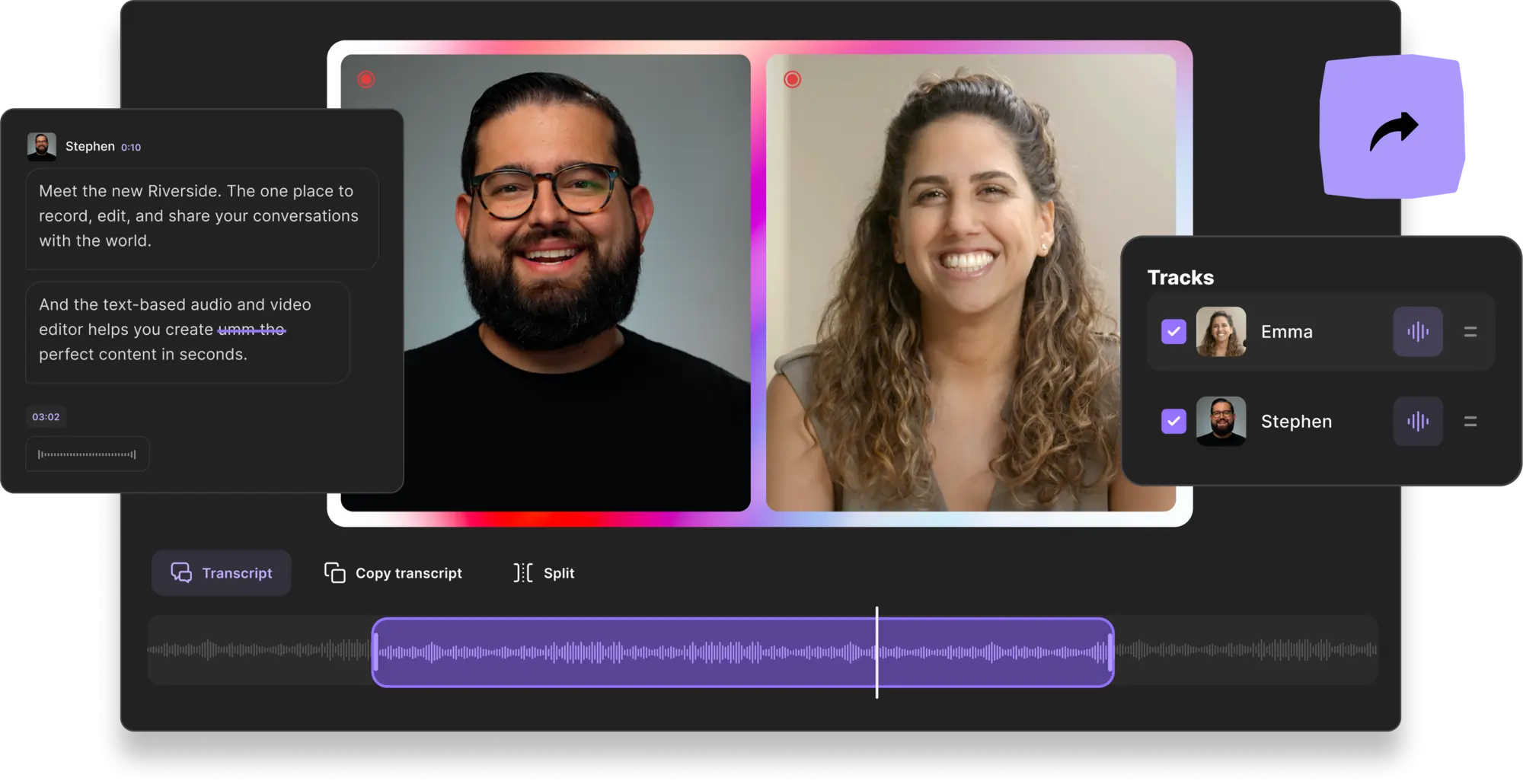
Price: Free to $24/month
Riverside’s AI editor excels in live‑stream capture and post‑production. Text‑based editing lets you remove or rearrange clips simply by editing the transcript. The Magic Clips feature auto‑generates short segments from long recordings, perfect for reels or teasers.
- Live‑stream and studio‑quality recording
- Text‑based editing for instant changes
- Automated audio cleanup and noise reduction
- High‑resolution export (up to 4K)
- Custom branding with backgrounds and logos
Pros: Seamless integration of recording and editing; preserves original quality.
Cons: Desktop‑only editor; best for Riverside‑recorded projects.
Ideal For: Serious creators seeking an all‑in‑one recording and editing platform.
2. Movavi
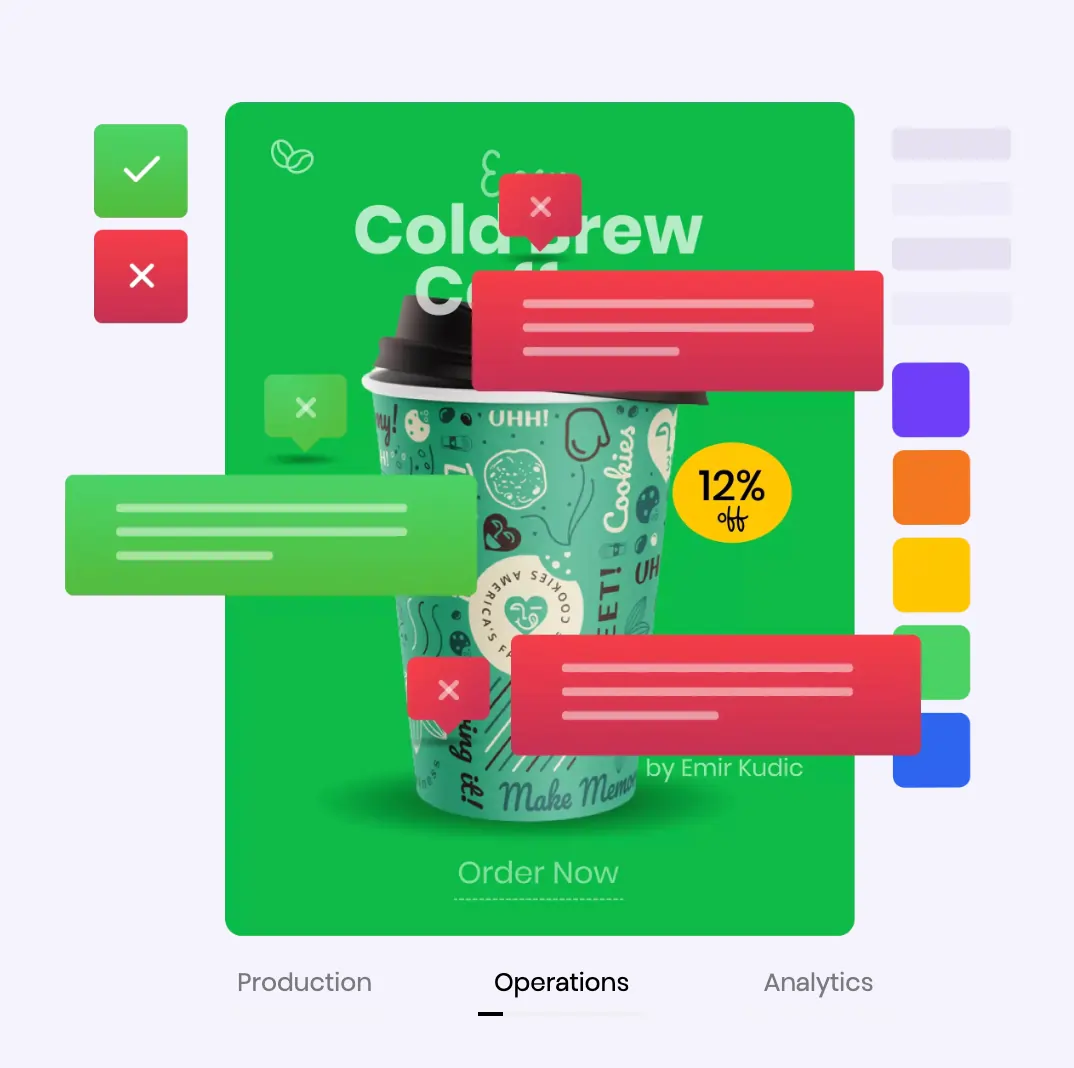
Price: Free to $59.95
Movavi delivers quick, beginner‑friendly edits with AI‑powered transitions, music, and animation presets. One‑click editing tools allow novices to produce polished videos without steep learning curves.
- Automatic transitions and background music selection
- AI‑driven one‑click editing
- Intuitive interface
Pros: Fast, efficient, and easy to use.
Cons: Free version limited; may feel basic for advanced users.
Ideal For: Beginners looking for an extensive suite of auto‑features.
3. GoPro Quik
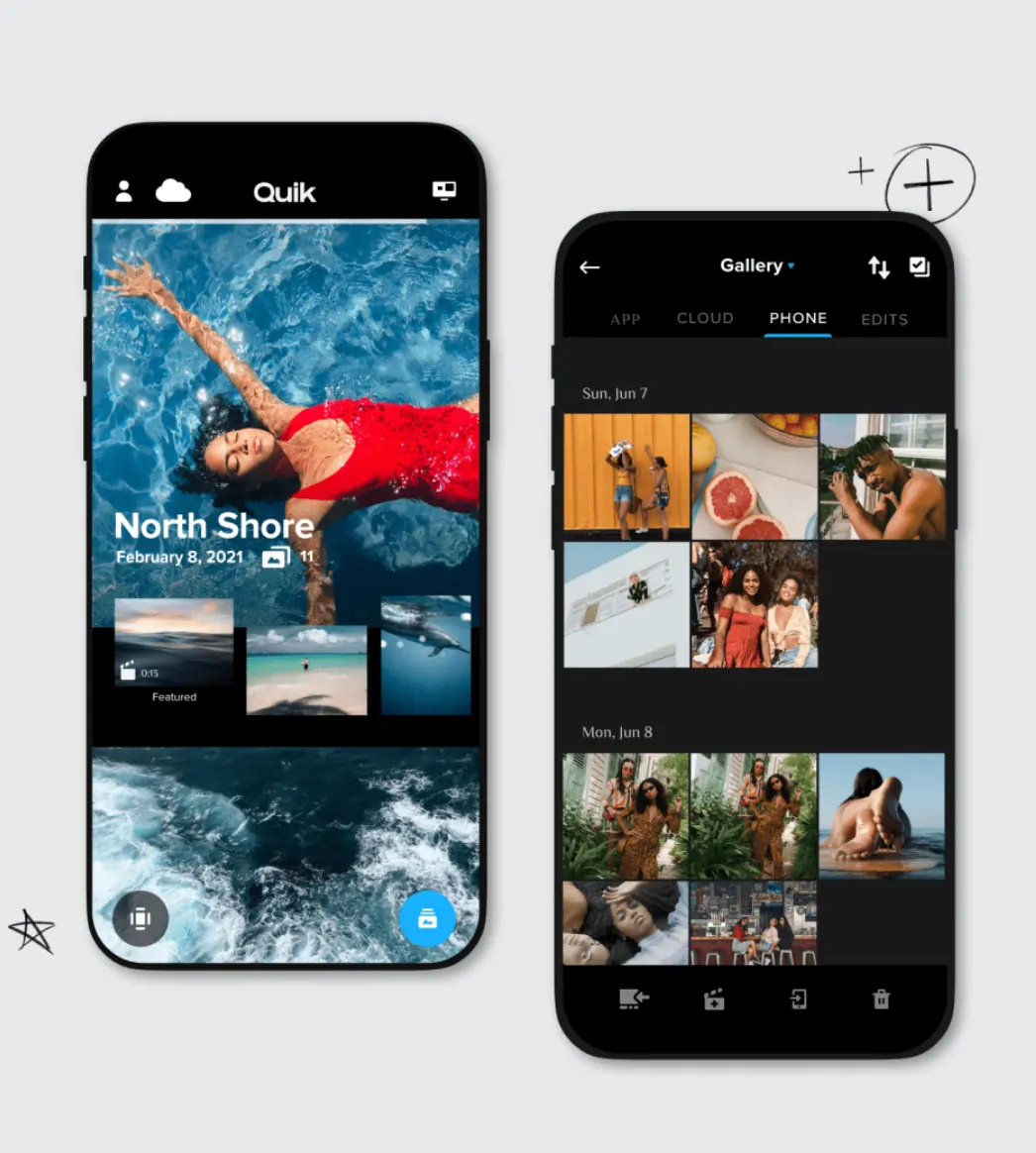
Price: Free to $9.99/year
Designed for mobile, GoPro Quik auto‑applies transitions, themes, and music. It’s perfect for quick edits on the go, with optional manual controls for fine‑tuning.
- Automatic transitions and themes
- Auto‑sync footage with music
- Mobile‑friendly interface
Pros: Cinematic results on a phone; auto‑uploading.
Cons: Feature set limited in free plan; no desktop version.
Ideal For: Mobile creators needing simple, high‑quality edits.
4. Vimeo Create
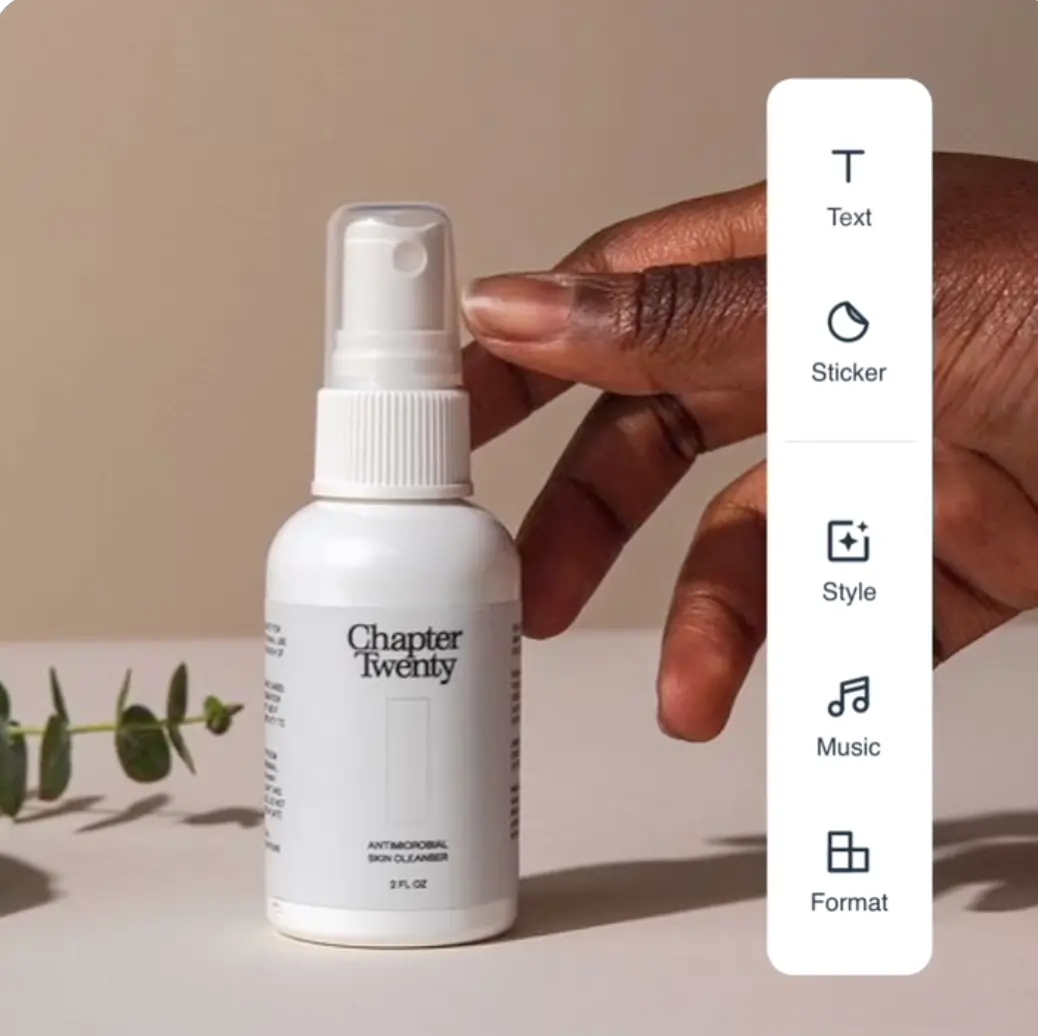
Price: $15–$79/month
Vimeo Create combines a library of 2,000+ templates with AI‑guided editing. Users can switch between automated and manual modes, making it flexible for both novices and pros.
- High‑quality auto‑and‑manual tools
- Massive template library
- Share, embed, or download options
Pros: User‑friendly automation; great for structured workflows.
Cons: Requires a paid plan for full features.
Ideal For: Creators ready to invest in templated, professional videos.
5. Rocketium
Price: $49–$399/month
Rocketium is a business‑centric platform that transforms articles into video, offers brand‑ready templates, and supports multi‑language output. Its AI engine ensures consistency across campaigns.
- 200+ templates & themes
- Article‑to‑video conversion
- Branding & translation tools
Pros: Intuitive controls; strong branding options.
Cons: Higher price point; learning curve for beginners.
Ideal For: Marketing teams seeking automated, branded video production.
6. Kapwing

Price: Free to $16/month
Kapwing blends AI editing with text‑based controls, allowing you to cut, trim, and enhance videos quickly. Its GPT‑4 text‑to‑video feature turns scripts into footage, a powerful tool for content marketers.
- Text‑based editing for precision
- Silence and noise removal with one click
- AI text‑to‑video generation
Pros: Create from text; strong automation.
Cons: Advanced features behind a paid wall.
Ideal For: Creators wanting to build videos from scratch via AI.
7. POND5
Price: Starting at $25/month
POND5 offers an integrated marketplace of stock media and AI‑powered editing. Its library of thousands of clips and templates simplifies post‑production, while auto‑effects keep projects polished.
- Extensive stock library
- Auto‑transition & effect templates
- Easy branding controls
Pros: User‑friendly; excellent integrations.
Cons: Limited automation; subscription required.
Ideal For: Creators who need robust stock resources and simple automation.
8. Filmora

Price: $49.99/year or $225.99 one‑time
Filmora delivers AI tools like auto‑transcription, noise removal, and auto‑reframe for social media formats. Its interface balances automation with manual control, making it suitable for hobbyists and semi‑professionals.
- 300+ video filters
- Auto‑frame for multiple platforms
- Intuitive interface
Pros: Streamlined editing with high control.
Cons: Requires subscription for full feature set; manual selection still needed.
Ideal For: Creators committed to investing in quality editing software.
9. Magisto
Price: Free to $19.99/year
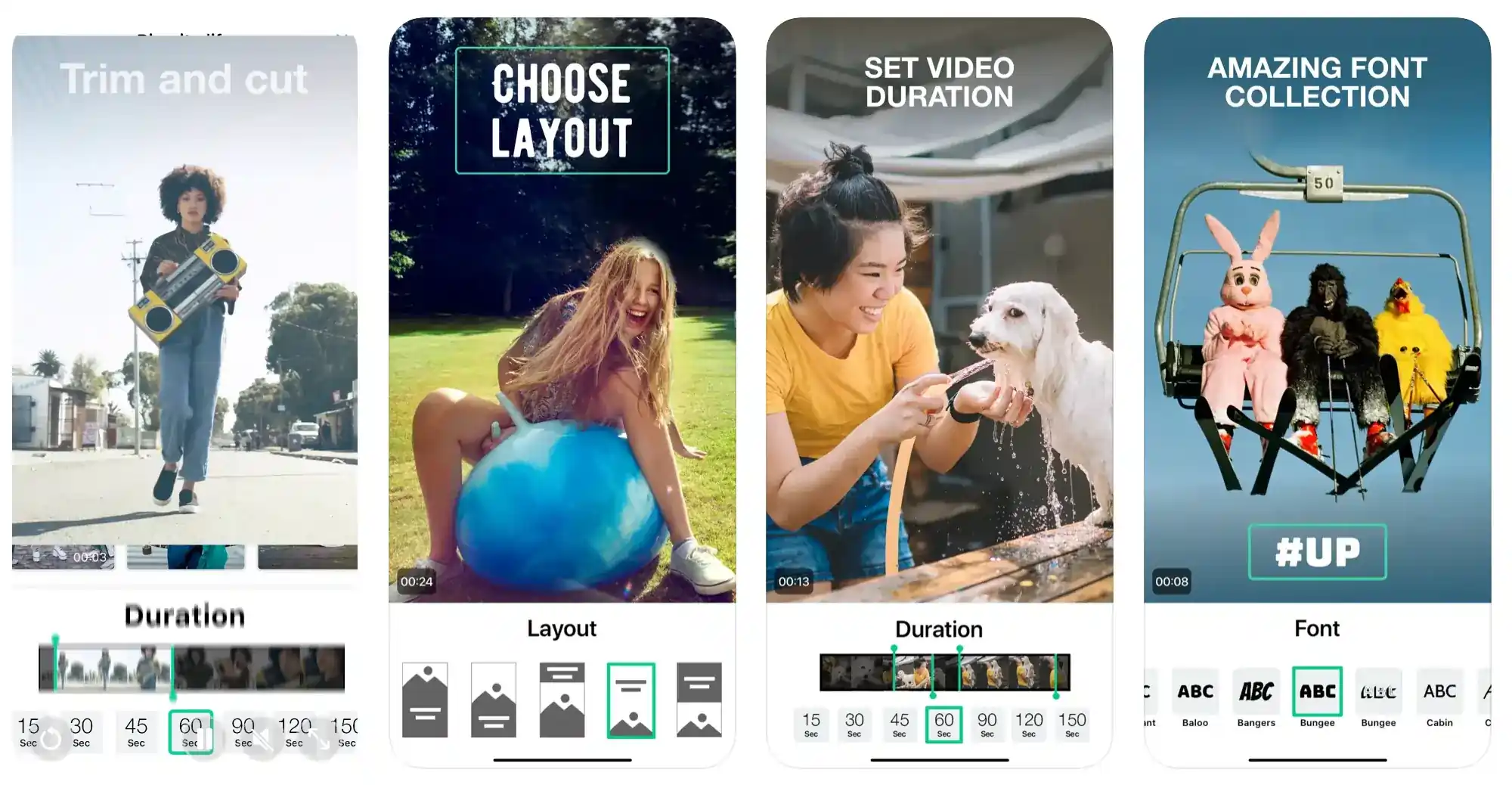
Magisto’s mobile app excels at turning photos and clips into polished videos. AI‑driven themes, transitions, and effects ensure professional results even for users with minimal editing experience.
- AI media editing & design
- Automated music & graphics
- Preset themes & transitions
Pros: Beginner‑friendly; turns raw media into quality video.
Cons: Limited creative control for complex projects; subscription needed for full tools.
Ideal For: Learning creators seeking a guided mobile video maker.
10. Coolcut
Price: Free
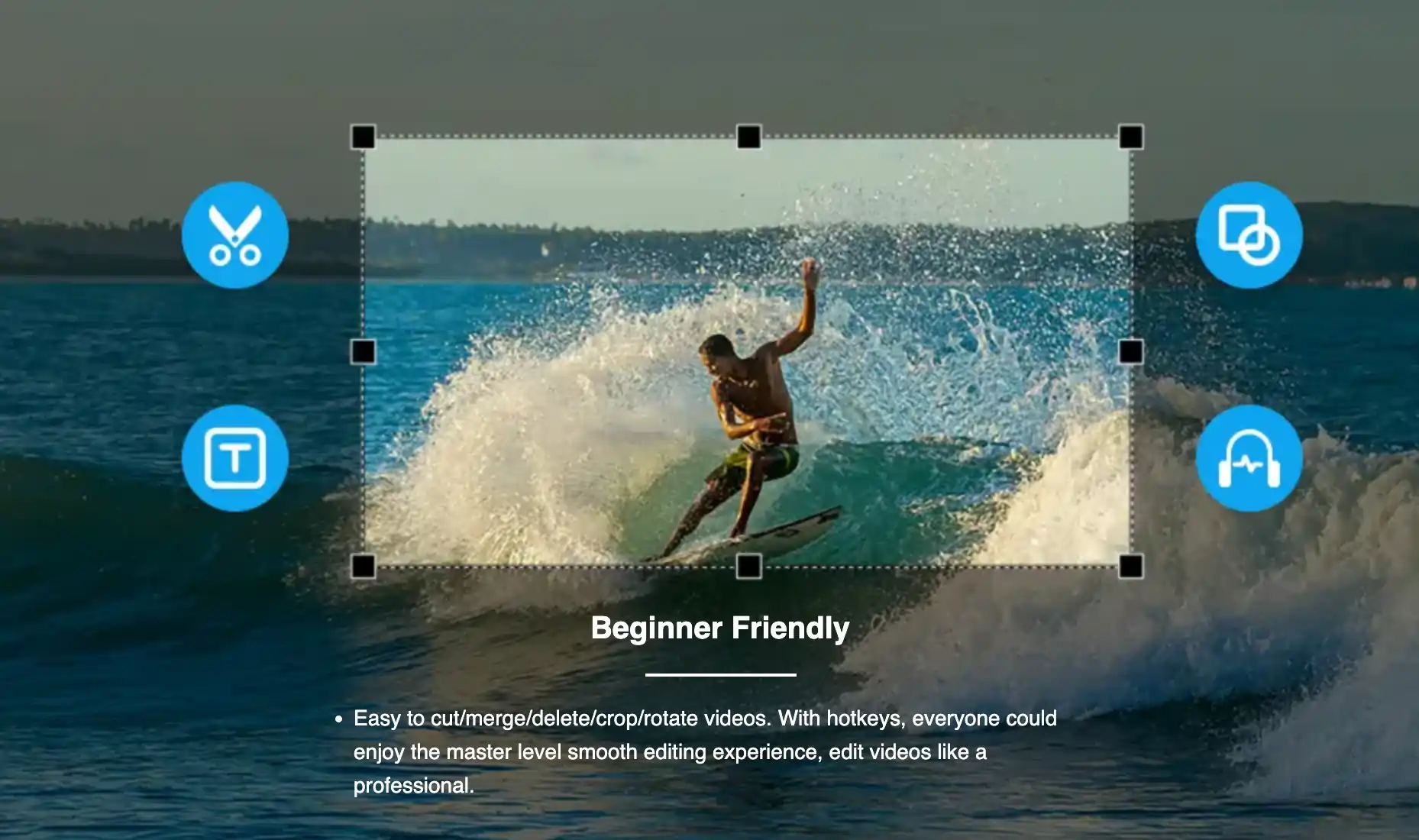
Coolcut offers a keyboard‑driven editing workflow with over 60 filters and 200 transitions. While primarily manual, its intuitive interface and hot‑key shortcuts accelerate the editing process.
- Hot‑key editing for speed
- Extensive filter & transition library
- Supports 4K export
Pros: All‑in‑one tools for various projects; high‑quality export.
Cons: Limited automation; may not suit advanced editing needs.
Ideal For: Beginners looking to streamline basic video editing.
Choosing the Right Automatic Video Editor
When evaluating options, focus on:
- Output Quality: Look for editors that maintain or enhance resolution and audio fidelity.
- Feature Set: Ensure the tool offers the automation you need (transcription, noise removal, auto‑reframe, etc.).
- Cost vs. Value: Balance price with the features and support you require; mid‑tier plans often deliver the best ROI.
Pro Tips for Maximizing Automation
- Match the software to your content strategy—select tools that align with your platform and audience.
- Invest time in learning the software’s full capabilities; automation is only as good as the parameters you set.
- Experiment with diverse projects to uncover hidden features and workflows.
- Leverage tutorials, webinars, and community forums to refine your technique.
- Apply automation for repetitive tasks—trim, color‑grade, and captioning—to save hours.
- Continuously iterate on your process and seek peer feedback to improve efficiency.
For a deeper dive, see our Video Editing Tutorial for Beginners: 101 Video Editor Guide.
FAQs
What is the best auto video editor?
The “best” depends on your workflow. For an all‑in‑one recording and editing experience, Riverside delivers 4K resolution, text‑based editing, and instant clip generation.
Which app automatically creates Instagram Reels?
Riverside’s Magic Clips feature automatically extracts key moments from long recordings, producing ready‑to‑share reels.
Which automatic video editor works best on Mac?
Both Riverside (web‑based) and Filmora (desktop) offer robust Mac support.
How does automatic video editing work?
AI algorithms analyze footage, apply presets, and adjust parameters—such as lighting, audio balance, and pacing—to produce polished videos without manual intervention.
Ready to elevate your video production? Try Riverside Clips today!