
Mastering GIF to SVG Conversion: A Comprehensive, User‑Friendly Guide
Our guide walks you through straightforward, yet robust tools that simplify the conversion process. Explore a variety of effects to enhance your images and follow official tutorials that walk you through each step.
If you’re looking to transform GIF files into scalable vector graphics (SVG), you’re in the right place. SVGs scale cleanly without distortion, but playing animated SVGs can be problematic on some devices. Not all websites fully support SVG, so if you need a more universally compatible format, consider converting back to GIF.
Numerous tools can convert SVG to GIF, but not all are user‑friendly or free. Below, we highlight the best options for both GIF‑to‑SVG and SVG‑to‑GIF conversions, with clear instructions and real‑world examples.
In this article
Part 1: Best Easy GIF to SVG Converters
01. INetTools.net
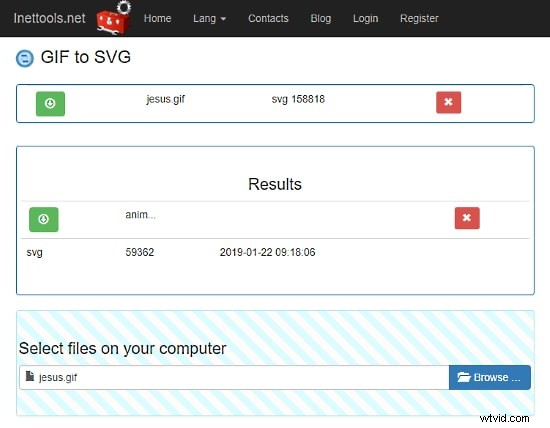
INetTools.net offers a quick, online animated GIF to SVG converter. Simply upload your GIF, and the tool immediately starts the conversion, displaying the result once finished. The resulting SVG preserves the original colors. Multiple files can be uploaded simultaneously, and there’s no stated maximum file size limit.
02. Aconvert.com
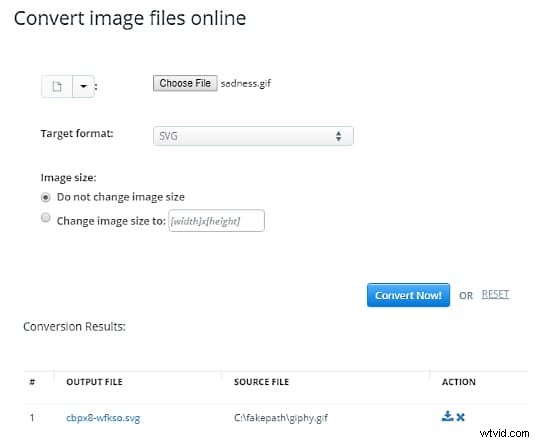
Aconvert.com supports a variety of input methods: local files, Google Drive, Dropbox, or a direct URL. You can also set the desired scale for the SVG during conversion, effectively resizing and converting in one step. Download the finished SVG directly.
03. PicSVG.com
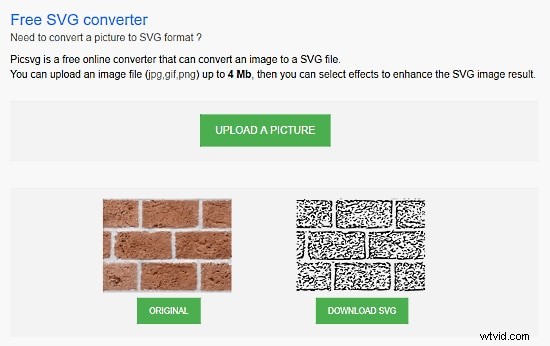
PicSVG.com is a free web service that converts JPG, PNG, and GIF files to SVG. It imposes a 4 MB size limit on GIF uploads, which covers most typical GIFs that average around 1 MB.
04. Online-Convert.com
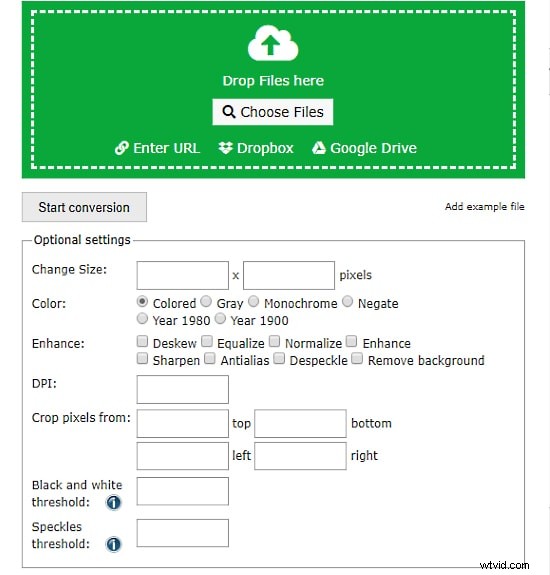
Online‑Convert.com is a versatile cloud converter supporting dozens of file types, including GIF to SVG. It allows batch conversions and accepts files from local storage, Dropbox, Google Drive, or URLs. The maximum file size is 100 MB. Custom settings—such as black‑and‑white and speckles thresholds—enable fine‑tuned output.
05. Inkscape
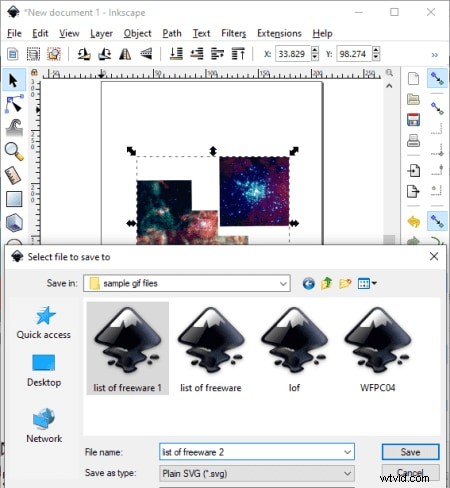
Inkscape is a cross‑platform vector graphics editor (Windows, macOS, Linux) that offers a robust “Save as” feature to convert GIFs into SVG. Users can choose among Plain SVG, Optimized SVG, and Compressed SVG formats. Prior to conversion, Inkscape provides a suite of filters—bevel, blur, color adjustments, distortion, pixel tools—to refine the image.
06. RealWorld Paint
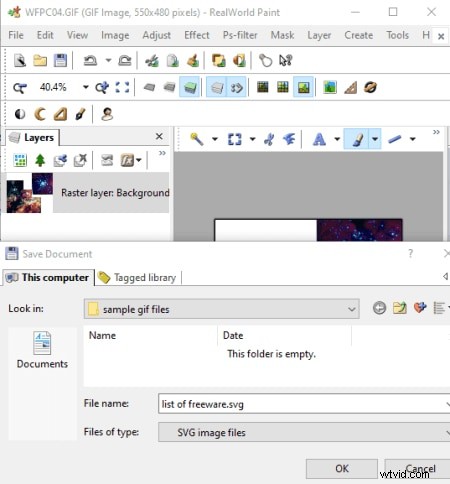
RealWorld Paint is a free desktop converter that supports GIF, SVG, WEBP, PNG, JPG, and more. Its “Save as” function enables conversion between formats. The program also offers resize, crop, rotate, watermarking, and filters, along with drawing tools for added customization.
07. ImBatch
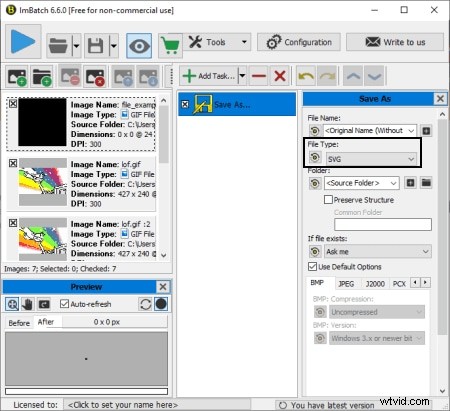
ImBatch is a batch image processor capable of converting between SVG and GIF. Add multiple GIFs, edit them if needed, and convert them all at once. It supports a wide array of formats—including camera raw (DNG, CR2, SR2, NEF, ARW, ORF) and common image types.
08. LibreOffice Draw
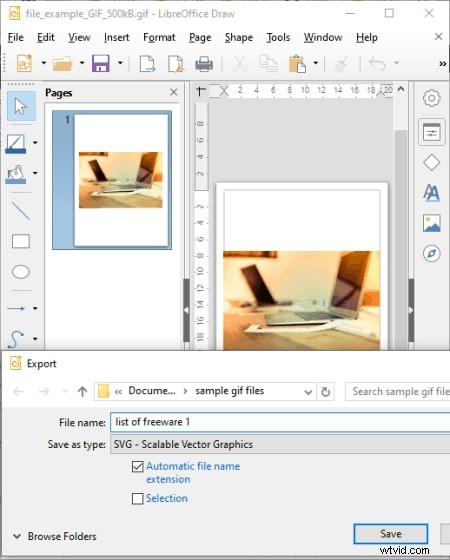
LibreOffice Draw, part of the free LibreOffice suite, functions as a GIF to SVG converter. Open a GIF, edit it using drawing, transformation, or text tools, and then export to SVG. The open‑source nature of LibreOffice makes it a reliable choice for many users.
Part 2: Best SVG to GIF Converters
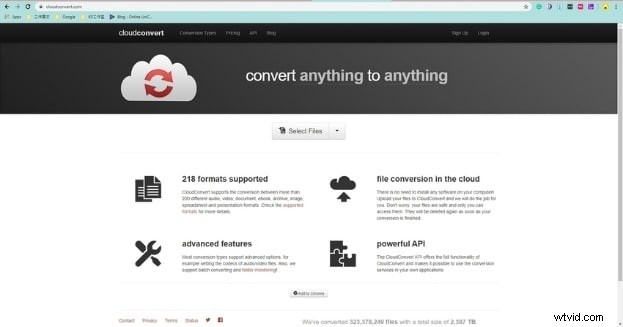
01. CloudConvert
CloudConvert offers a cloud‑based conversion platform supporting over 200 formats, including SVG to GIF. Use the browser interface to convert files, then save to Google Drive, Dropbox, or your device. The paid plan starts at $8, while a free trial provides quick conversions for small projects.
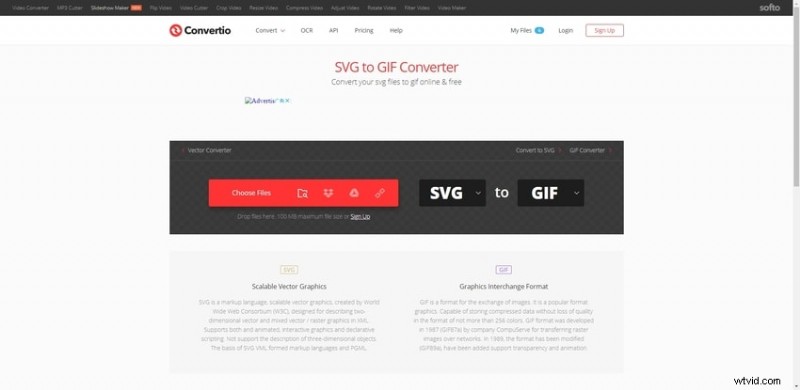
02. Convertio
Convertio provides both free and paid options for converting SVG to GIF. It supports more than 300 formats and allows uploads up to 100 MB. Files can be transferred to cloud services such as Dropbox or Google Drive after conversion.
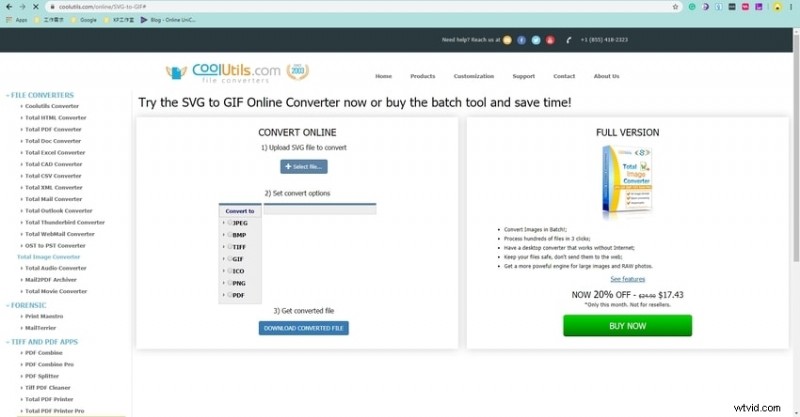
03. CoolUtils
CoolUtils is a desktop application that converts SVG to GIF and many other formats. Its user‑friendly interface and powerful processing engine make batch conversions straightforward.
04. Wondershare Filmora
Filmora is an intuitive video editor that also handles GIFs. After converting SVG to GIF, you can add text, subtitles, and effects, then export without a watermark. The platform is free to download, with optional upgrades for advanced features.
Wondershare Filmora – Best Video Editor for Mac/Windows
Over 5 million users have downloaded Filmora. It lets you build custom animations effortlessly, focus on storytelling, and simplify advanced features for faster production.
05. GIMP
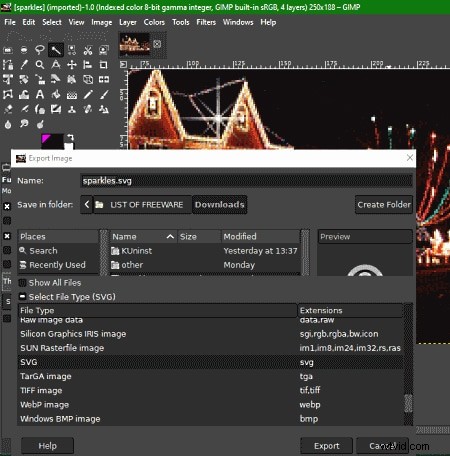
GIMP is a well‑known, free image editor that can export images to various formats. While GIMP doesn’t support SVG export natively, installing an additional plugin allows SVG output, enabling SVG to GIF conversion.
Part 2 Ending Thoughts
We hope this guide has equipped you with the knowledge and tools to convert between GIF and SVG seamlessly. Whether you’re working on web graphics, animations, or design projects, the solutions listed above cover a range of needs—from quick online conversions to powerful desktop editors. Explore the options that best fit your workflow and start transforming your images today.