
Top 10 Free GIF Background Removal Tools for PC and Online
Removing the background from GIFs has never been easier. Whether you prefer a browser‑based editor or a powerful desktop application, this guide highlights the best free options, complete with pros, cons, and key features.
In this article
• Part 1: 5 Online GIF background removers • Part 2: 5 Desktop GIF tools • Part 3: Detailed comparison table • Conclusion: How to choose the right tool for your workflow
Part 1 – Online GIF Background Removal Tools
Online editors are ideal for quick edits, instant previews, and no installation hassle. Below are five of the most reliable web‑based tools.
1. EZGIF
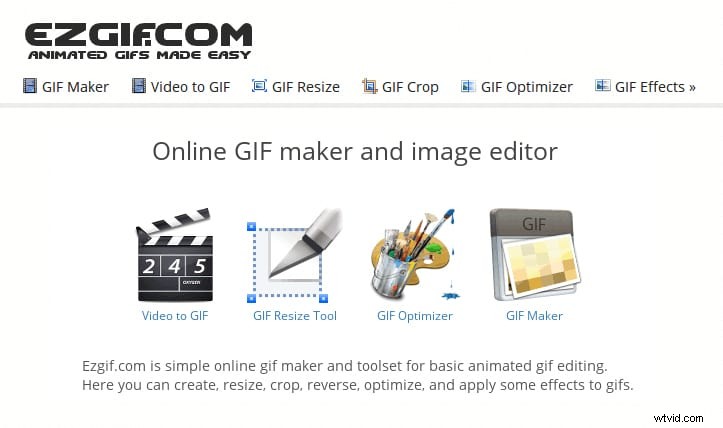
EZGIF is a comprehensive online GIF workshop. It supports uploading images, videos, and GIFs (up to 6 MB per file), and offers a full suite of editing features: crop, resize, optimize, reverse, rotate, speed adjust, split, and text overlay.
Pros:
- High‑quality output
- Batch uploads
- No watermark
- Built‑in optimization
Cons:
- Separate pages for each function
- Interface feels a bit dated
- No cloud‑save option
2. OnlineGifTools
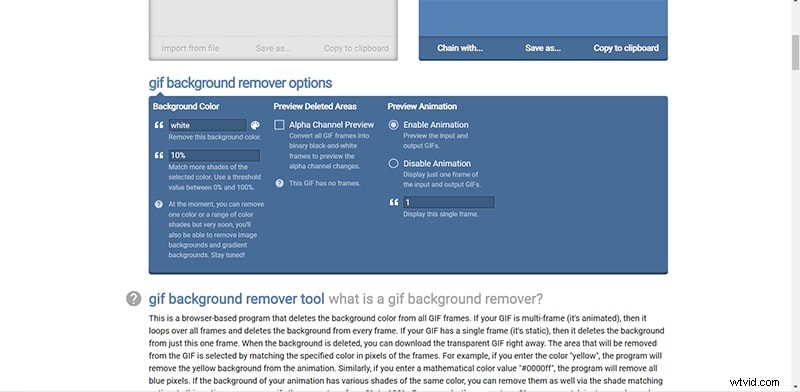
Claimed to be the world’s best GIF maker, this free, browser‑based program creates transparent background GIFs with a single click. Simply enter the hex color code or choose a shade to remove that portion from any GIF.
Pros:
- Fully free and web‑only
- Customizable transparency for any region
Cons:
- Steep learning curve for advanced features
3. LunaPic
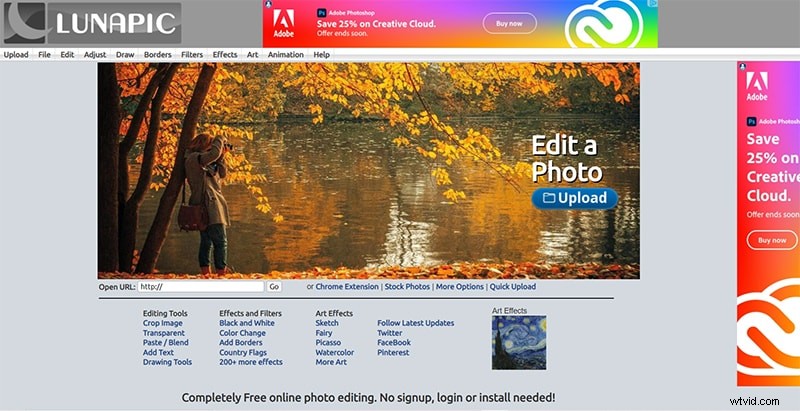
LunaPic offers a robust toolbox of editing tools, effects, and animations—all without requiring any plugins. It handles most image formats and supports batch editing, though the interface can feel cluttered.
Pros:
- Free, no download needed
- Wide range of animations & effects
- Easy to use for beginners
Cons:
- Ads displayed
- File‑size limits for large photos
- Interface not as polished as competitors
4. GIFMagic
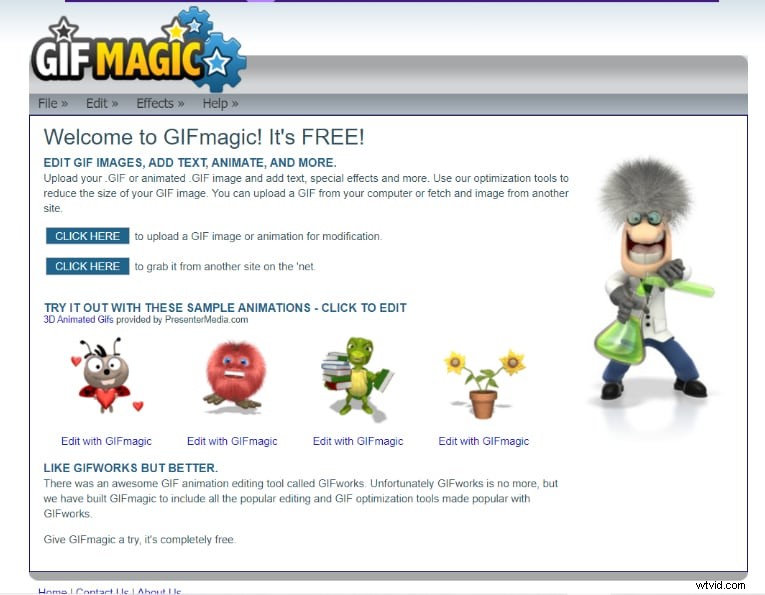
Dedicated to GIF creation, GIFMagic lets you crop, resize, and apply effects. It also supports adding background music or custom audio tracks for a more personalized result.
Pros:
- Free and straightforward UI
- Supports all video formats for GIF creation
Cons:
- Cannot upload multiple files simultaneously
- Only GIFs can be edited—no video input
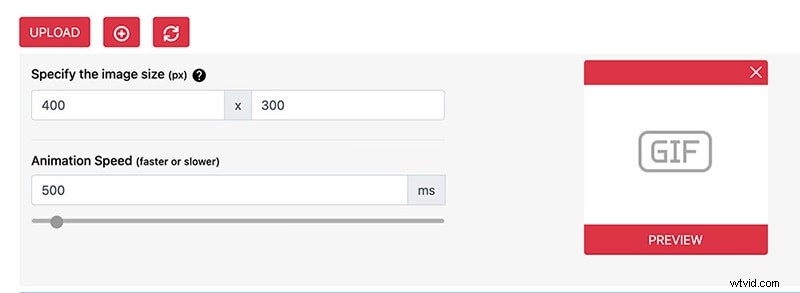
5. GIFMake
GIFMake offers a clean drag‑and‑drop interface for editing GIFs up to 7 MB. You can edit individual frames, insert text, and apply filters, though processing time can be longer on larger files.
Pros:
- Fast and intuitive
- Free to use
- Rich customization options
Cons:
- File‑size limit of 7 MB
- Processing can be slow for complex edits
Part 2 – Desktop GIF Background Removal Tools
For users who need more control or offline editing, the following desktop applications are highly recommended.
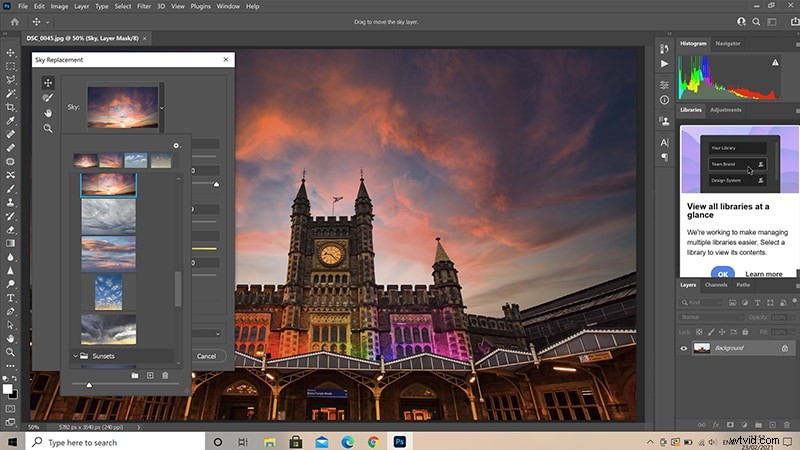
1. Adobe Photoshop
Photoshop remains the industry standard for image editing. With its frame‑by‑frame editing, smart filters, and advanced selection tools, it’s perfect for removing GIF backgrounds—though it requires a subscription.
Pros:
- Extensive design toolkit
- Integrated stock library
- Easy cropping & resizing
Cons:
- High cost
- Steep learning curve
- Large installation footprint
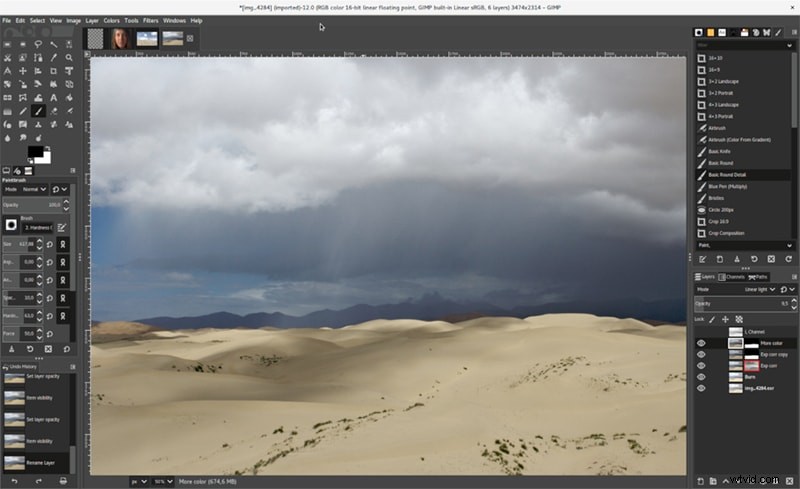
2. GIMP
GIMP is a free, open‑source raster editor available for Windows, macOS, and Linux. It supports plug‑ins and scripting, making it versatile for GIF editing—though it isn’t specialized for animation.
Pros:
- Zero cost
- Powerful editing capabilities
- Pre‑editing in the image editor before GIF creation
Cons:
- Less intuitive for beginners
- Not focused on GIF workflow
3. Filmora
Filmora is a user‑friendly video editor that supports up to 100 media layers, transitions, motion elements, filters, green‑screen, and background editing—ideal for GIF creation. It offers a free trial and a reasonably priced subscription.
Pros:
- Excellent value for money
- Intuitive drag‑and‑drop workflow
- Advanced features available without steep learning
- Lightweight on system resources
Cons:
- Subscription cost can add up
Filmora – Best Video Editor for Mac & Windows
With over 5,481,435 downloads, Filmora lets creators build custom animations effortlessly, focus on storytelling, and accelerate the creative process with auto‑features and drag‑and‑drop effects.
4. Paint.NET
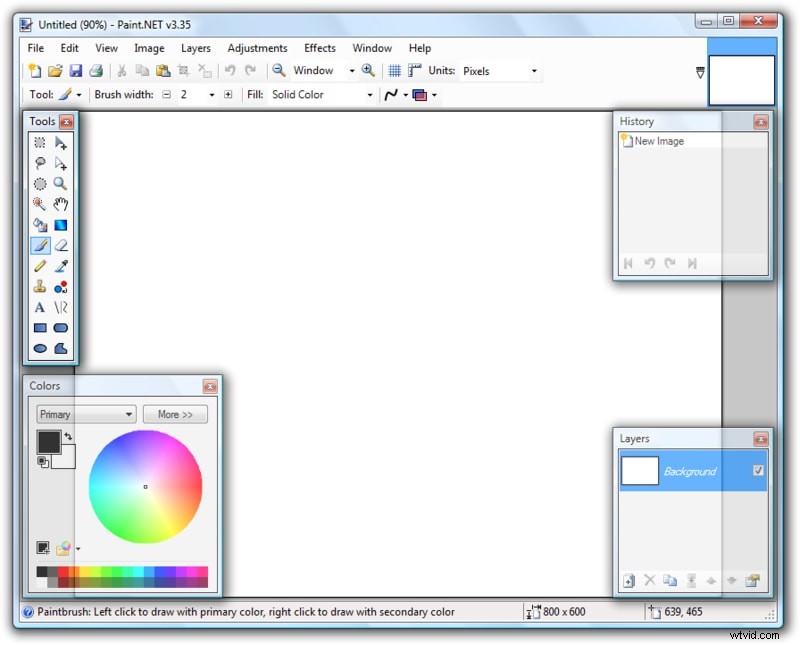
Paint.NET is a free alternative to Photoshop that emphasizes simplicity. It offers layers, plug‑ins, and a clean UI, enabling efficient GIF editing without the complexity of more advanced programs.
Pros:
- User‑friendly interface
- Extensive effects library
- Support for plug‑ins
Cons:
- Limited brush tools
- No dodge/burn options
5. PhotoScape
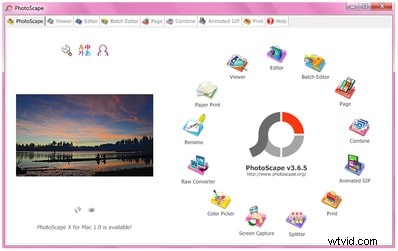
PhotoScape offers a broad range of photo and GIF editing tools—including batch processing, color correction, and screen capture—at no cost. While it may lag with large files, it’s a solid choice for quick edits.
Pros:
- Free and feature‑rich
- Supports multiple file formats
- Batch editing capability
Cons:
- Performance lags on large projects
- Some export options are limited
Part 3 – Detailed Comparison of Online Tools
GIF Tool |
Upload Source |
Supported Image Formats |
Can Create GIFs From |
Upload Type |
| EZGIF | Computer | All major formats | Images & Videos | Single, Bulk |
| OnlineGifTools | Computer | GIF | GIF | Single |
| LunaPic | Computer, URL, Social Media | All major formats | Images | Single, Bulk |
| GIFMake | Computer | All major formats | Images | Single, Bulk |
| GIFmagic | Computer, URL | GIF | GIF | Single |
Conclusion – Choosing the Right Tool
- Use online tools for quick, lightweight edits without installing software.
- Opt for desktop applications when you need advanced control, batch processing, or offline work.
- Consider your budget—free tools are powerful, but premium options like Photoshop and Filmora offer advanced features.
- All listed tools support transparent backgrounds, essential for clean GIF compositions.