
Have you ever noticed the large interactive weather map behind the reporter in a weather forecast? This is one of the most common, and realistic green screen video ideas in recent times. Usually, the reporter points to various positions of the map while giving details of the forecast. But in reality, they're simply pointing to a green screen.
A literal green screen is draped behind the weather presenter to which they point to while forecasting, as if they can see a map. The TV/news station then applies a chroma key filter to replace the green background with an image—in this case, the weather map.
This effect is not only exclusive to TV stations and weather forecasting, and it is prevalently used in the film, gaming, and sports industries. It has also become widely used in content creation and product photography for business’ product pages.
Traditional Backgrounds Vs Green Screen
For decades, videographers, photographers, filmmakers and news reporters relied on physical sets and real-life locations to tell a story. While this added authenticity and realism to the captured moments, it came with the hassle of transporting an entire crew across various locations, increasing the cost of production. Travels, acquiring necessary permits, unpredictable weather conditions, the struggle to adapt, and unplanned encounters made this venture unnecessarily expensive.
In recent times, green screen technology has replaced traditional settings, giving videographers and photographers complete control over background setups. Photographers can now replicate any setting at minimal cost, without the need to travel or change locations.
Green Screen technology allows you take visual creativity to the next level.
- It allows you to superimpose any background of your choice, saving the cost of content production and eliminating setup expenses.
- Content creators can get as creative as their minds allow, indulging their audience with engaging content using green screen technology.
- Business owners and entrepreneurs can leverage green screen technology to create marketing and promotional materials.
- Product-based businesses can leverage green screen technology to create industry-standard product photos that make their business stand out.
This article is aimed at helping business owners, photographers, content creators with creative and fun green screen background ideas for product photography. But first, let’s understand how green screen works.
In this article
- How Green Screen Ideas Work with Green Screen Technology
- Best Green Screen Ideas for Product Photography
- Tools for Green Screen Editing
Part 1: How Green Screen Ideas Work with Green Screen Technology
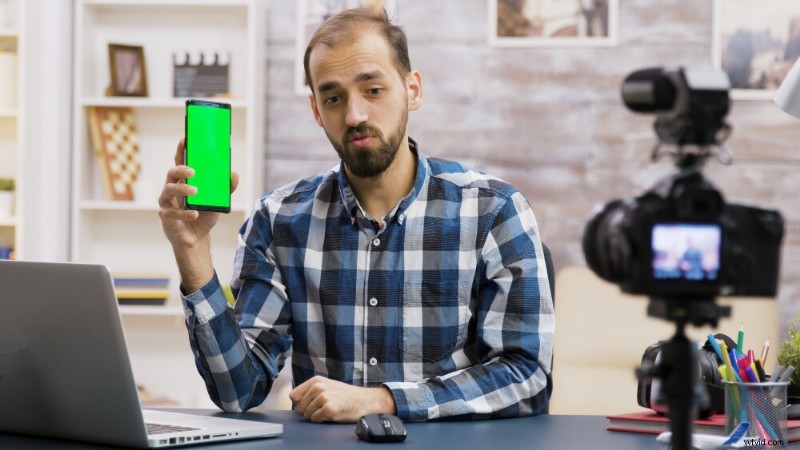
Green screen technology works by isolating a specific color range—in this case, green, or sometimes, blue—and replacing it with a different color, background or image by chroma keying.
- The person or item is photographed against an evenly lit green background. Green is most preferred as it is less likely to be found in human skin tones or hair.
- During post-production or editing, a chroma key software identifies the green pixels and turns them transparent, making it possible to layer the image on another background.
- A different background is inserted and necessary adjustments are made to give the final photo or video a seamless finish.
This technology has been super efficient and time-effective. However, with the advent of artificial intelligence (AI), the process is more streamlined, requires less professional expertise, and is even more efficient. Chroma key software can now work with complex edges like hair, moving people or semi-transparent objects. AI tools can adjust image or video lighting to match the new background, and even get rid of unwanted green spills on the subject.
To achieve a green screen,
- You need a smooth green fabric, backdrop or collapsible wall; ensure there are no wrinkles or shadows in the green background as it could pose a challenge during chroma keying.
- Prioritize a good camera with high resolution.
- Also, use 2–3 extra light sources in addition to natural light—these light sources could come in the form of soft boxes, ring lights or LED lights.
Good photography improves the quality of the media as it captures finer details and produces clearer pixels, making the chroma keying process easier and more accurate. Even and sufficient lighting is important as it eliminates shadows or highlights, and minimizes spill.
Part 2: Best Green Screen Ideas for Product Photography
Cool Green Screen Ideas for Product Photography
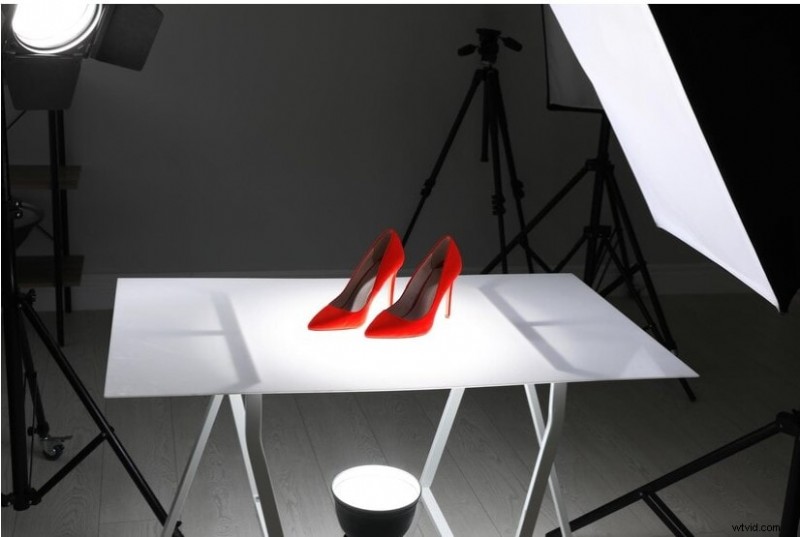
- Studio shots:These kind of product photos are clear with a plain background and lighting setup from different angles. It can be used for all sorts of products ranging from fashion accessories to gadgets.
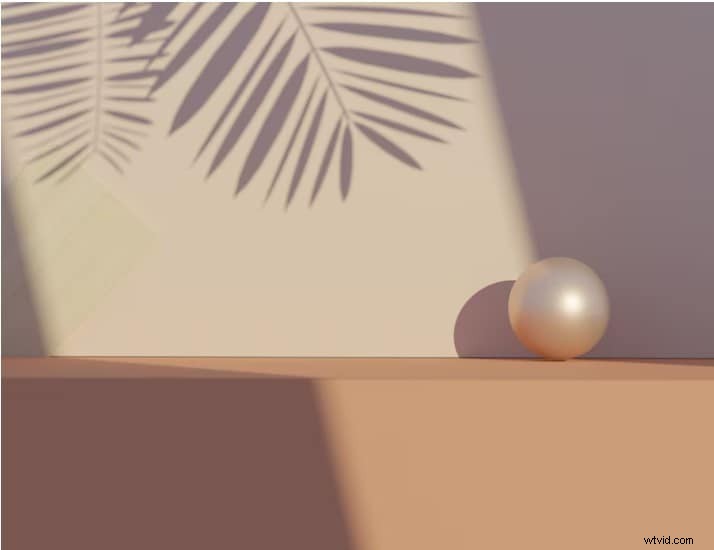
- Minimalist backgrounds: Minimalist backgrounds are ideal for delicate jewelry, skincare products, and home décor items. They are commonly used as they give a clean and luxurious feel, without taking the attention off the product.
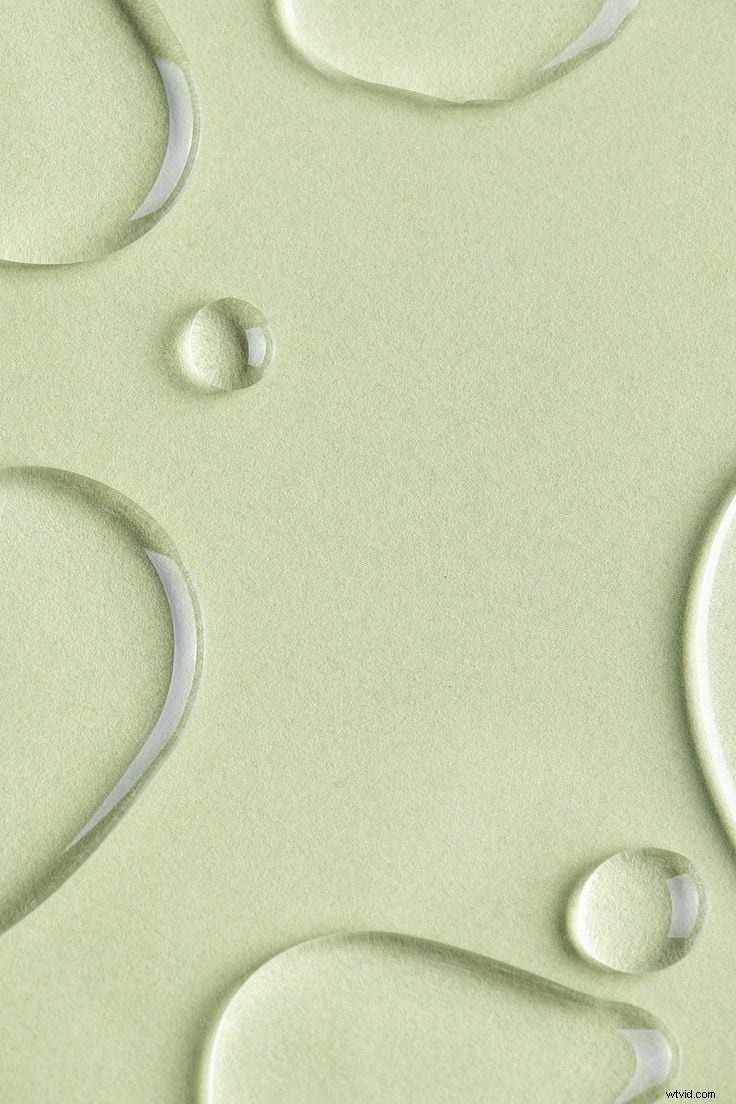
- Waterdrops: This background is suitable for skincare products connected with hydration, such as, moisturizers, serums, and so on.
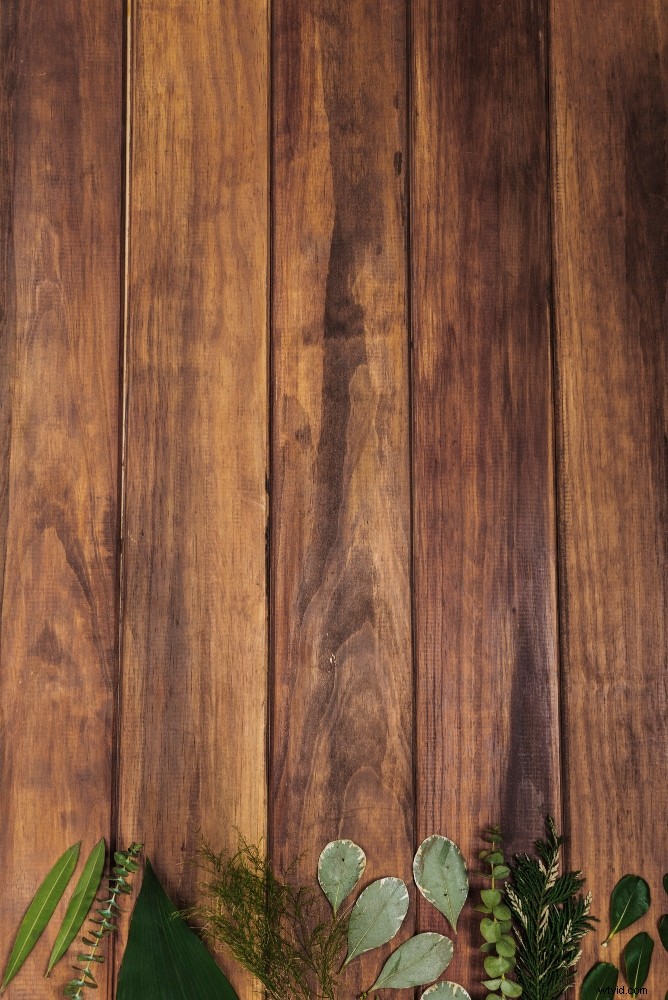
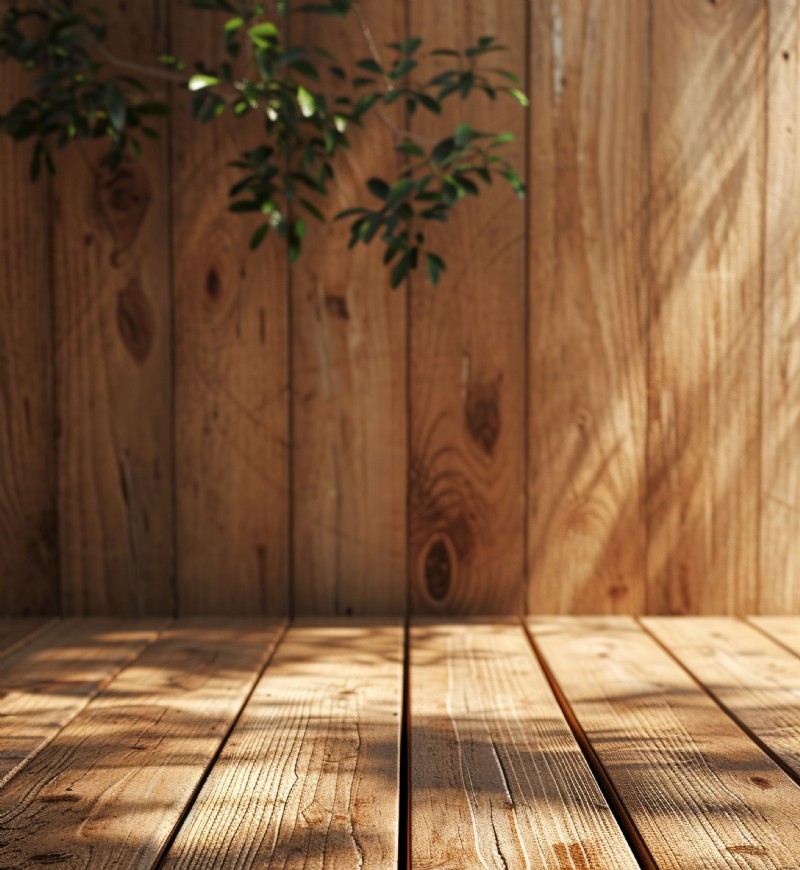
- Rustic wood:This cool green screen ideais suitable for food photography, beauty products and themed fashion pieces. This background gives a natural, yet rustic aesthetic.
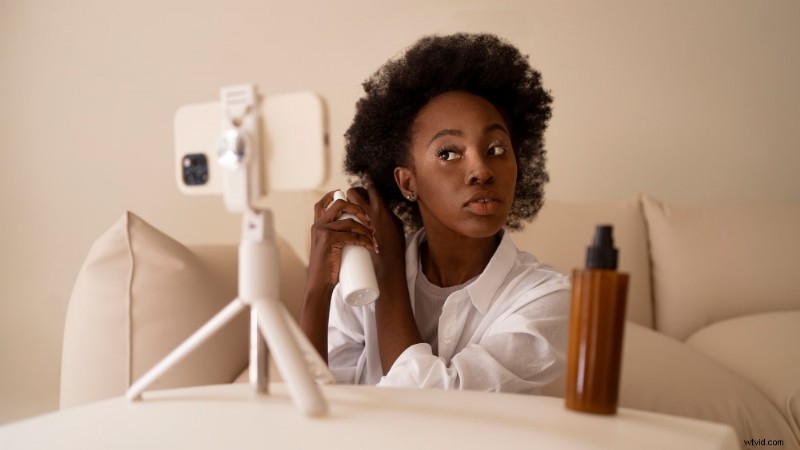
- Lifestyle shots: These are usually shots that depict daily use of the product.Hence, it can be as versatile as possible—from skincare products to electrical appliances, to kitchenware, the list is endless.
- Geometric 3D podiums: These kinds of backgrounds can be used for fashion accessories like footwear, bags, and eye wear. Select one that best suits your object size and theme.
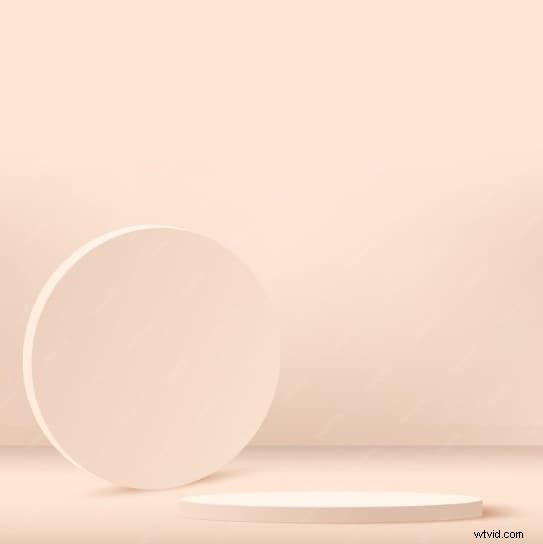
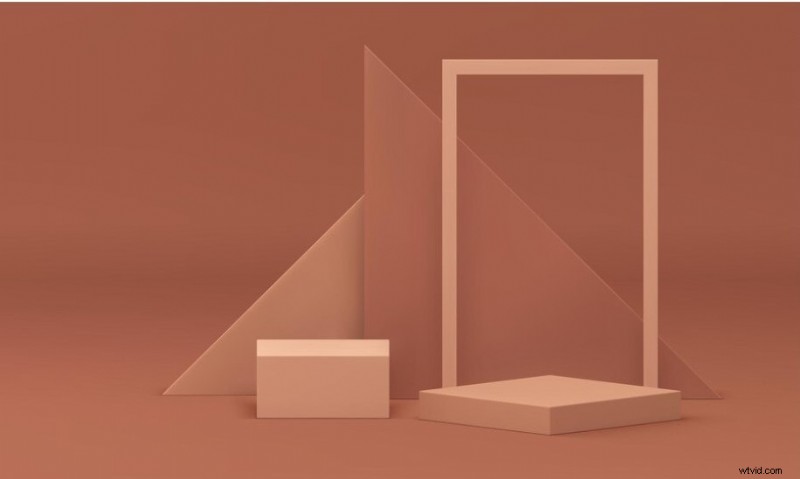
- Platform setting: Suitable for any products that come in bottles or tubes. This primarily includes beauty products and food condiments.
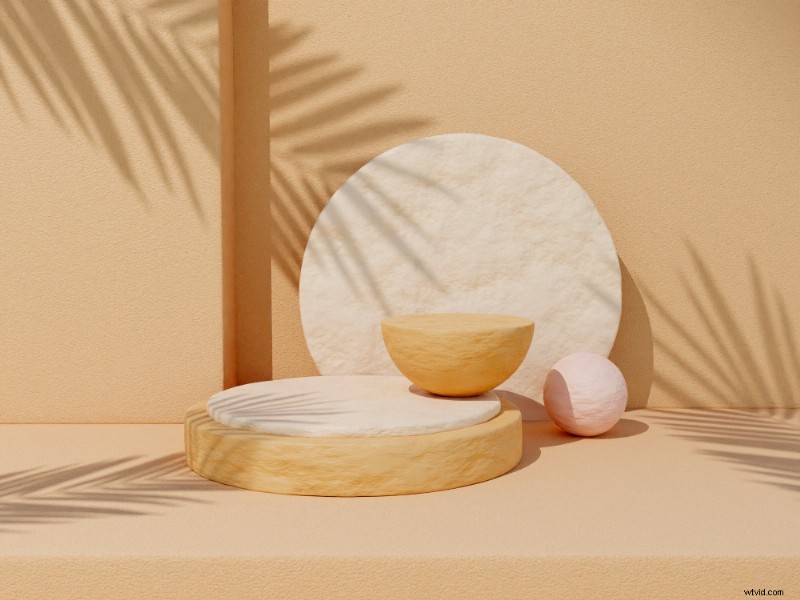
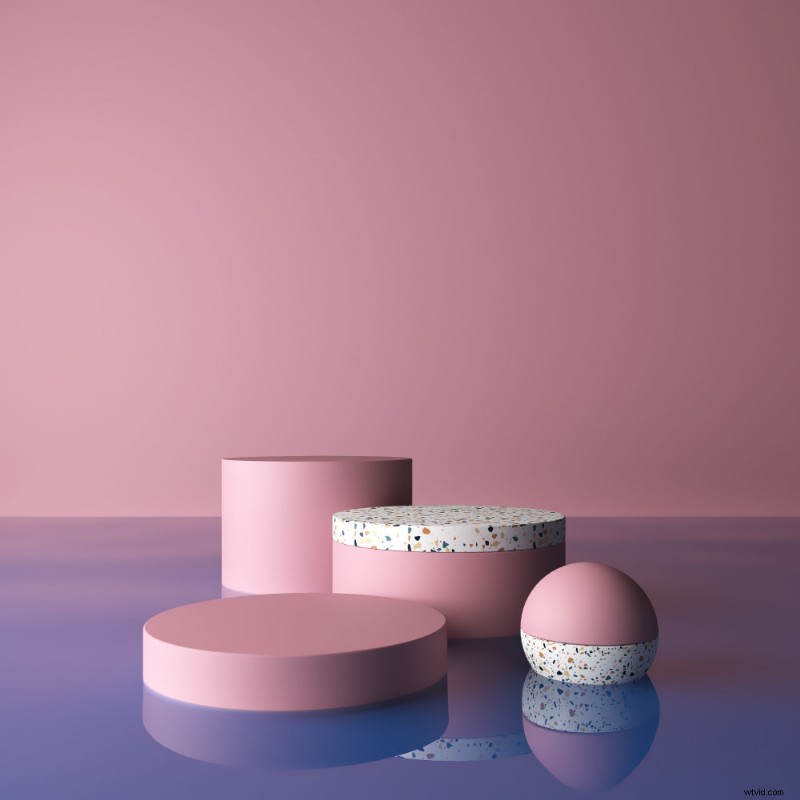
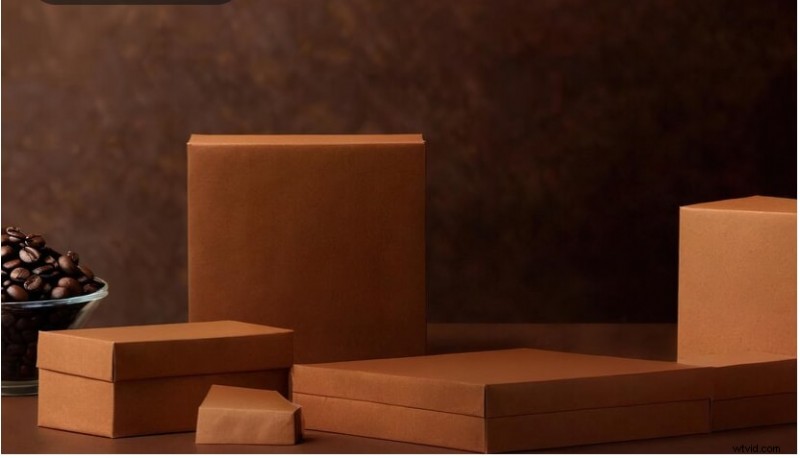
- Packaging Shots:Backgrounds with product packaging showing product boxes or packaging bags may be suitable for green screen editing of footwear, or beauty and cosmetic products.
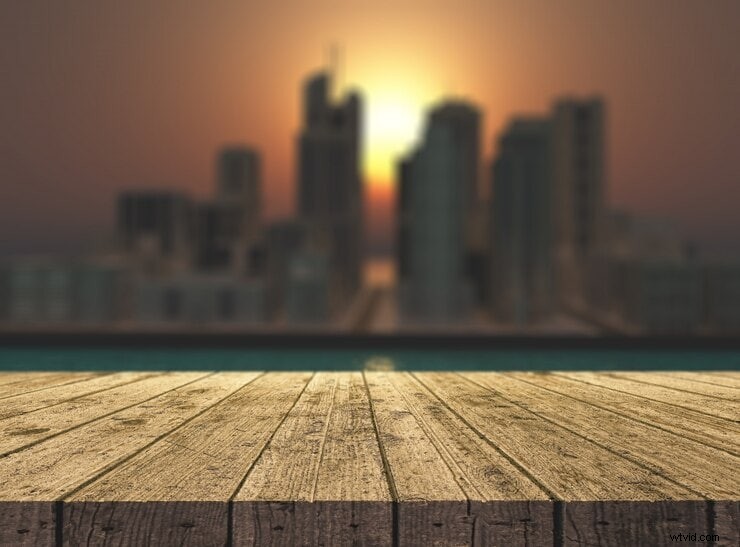
- Urban skyline:This is ideal for fashion, beauty products, and tech gadgets. It entails a clear view of the product, and a blurred view of the twinkling city lights overhead.
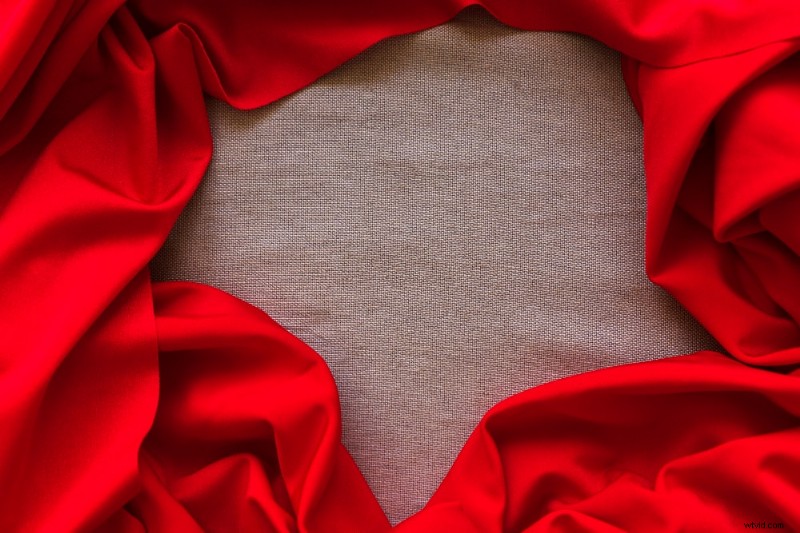
- Fabric/textile background:This background is tricky because of the fabric’s lack of smoothness and uniformity. You have to be careful to overlay your product photos properly to have it a natural finish. This background is commonly used for beauty products and perfumes.
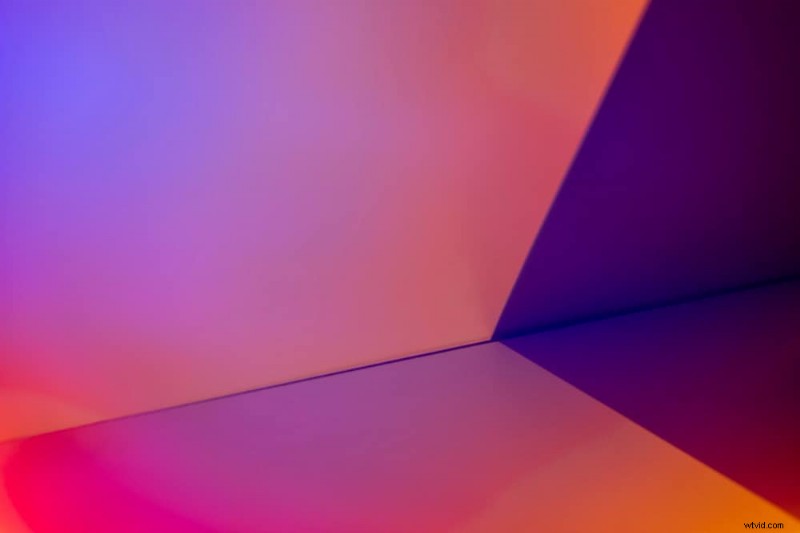
- Simple color gradient: A simple background aesthetic that can be used for a wide range of products.
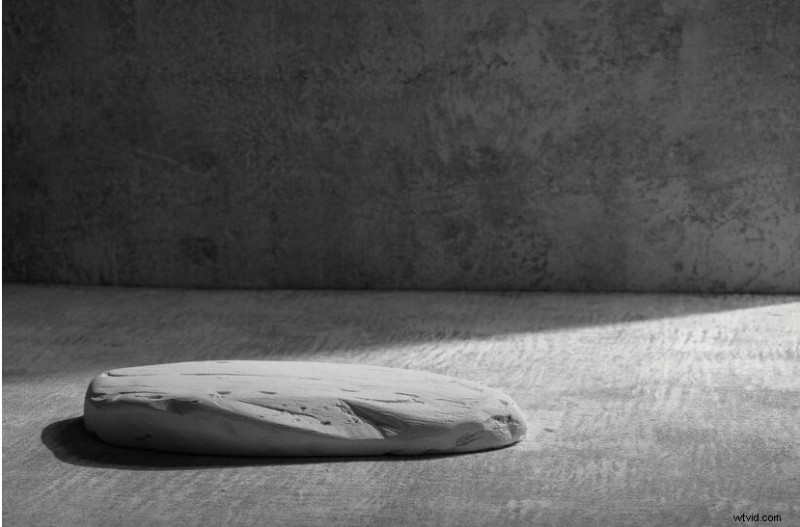
- Concrete stone background: This background can be used for vases, sculptures, artwork, bowls, candles, and other decorative materials.
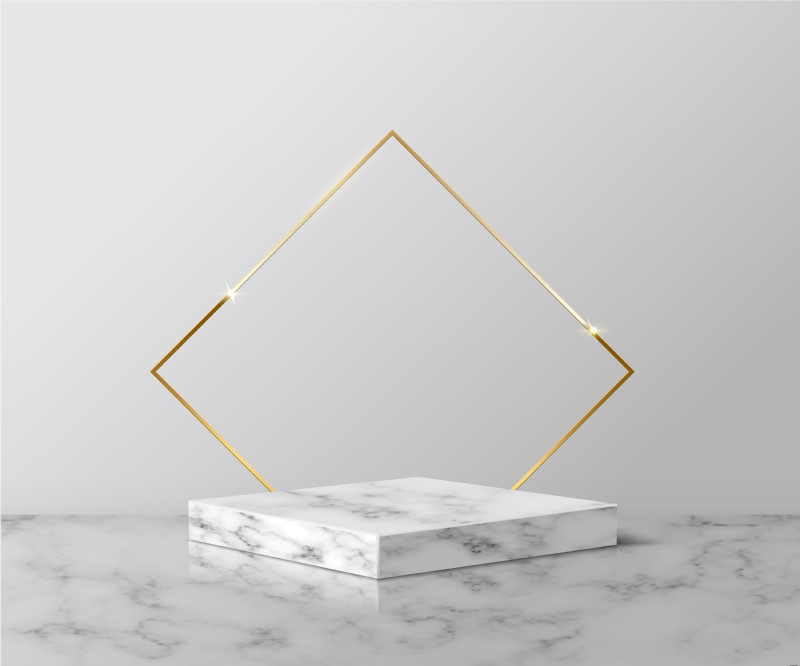
- Marble platforms: This is ideal for high-end and luxury products ranging from skincare to jewelry and accessories.
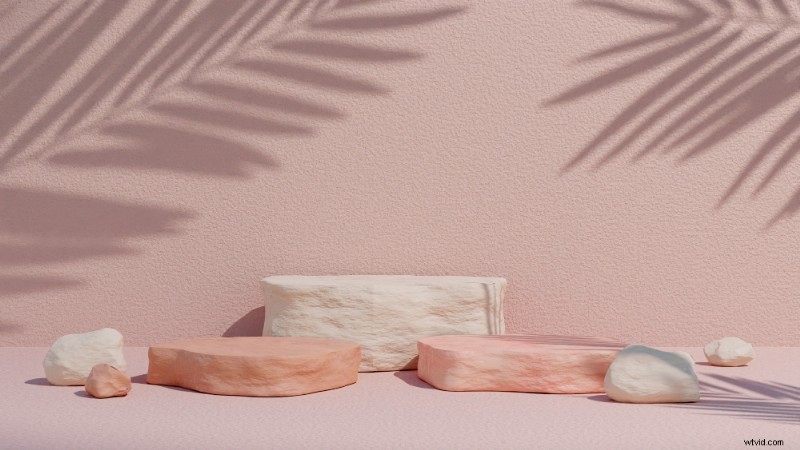
- Pastel stone background: This is similar to the minimalist background but more rough on the edges.
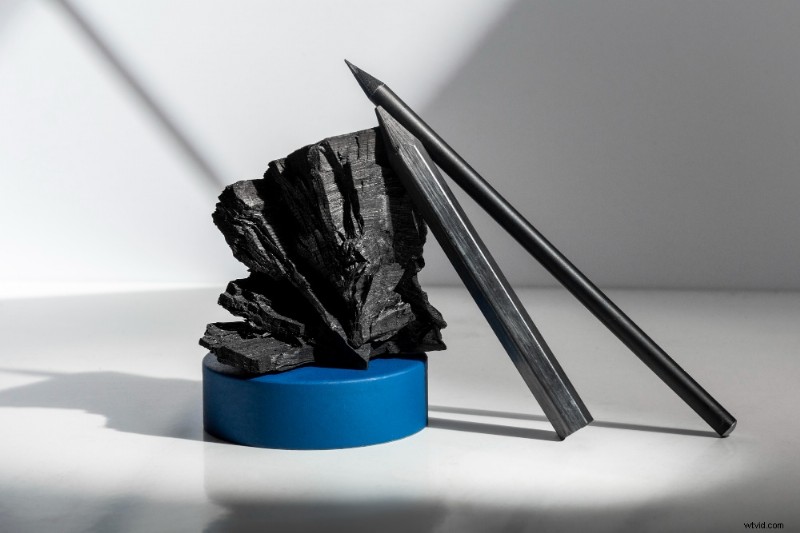
- Coal/Charcoal background: This green screen background idea is ideal for stationery like pencils and writing pads.
- Wrapped in a box: Suitable for jewelries or any small-sized items that can be given as gifts.
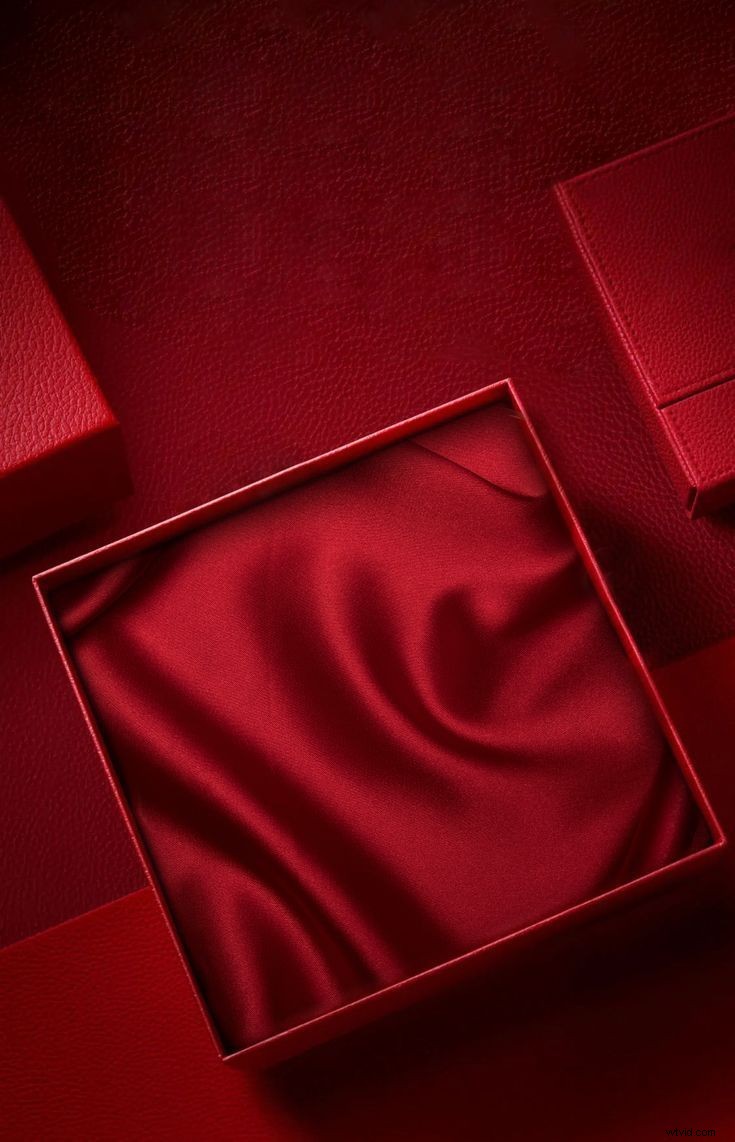
Fun Green Screen Ideas for Product Photography
- Kitchen counter: ideal forkitchenware, appliances, cookbooks, and even food photography.
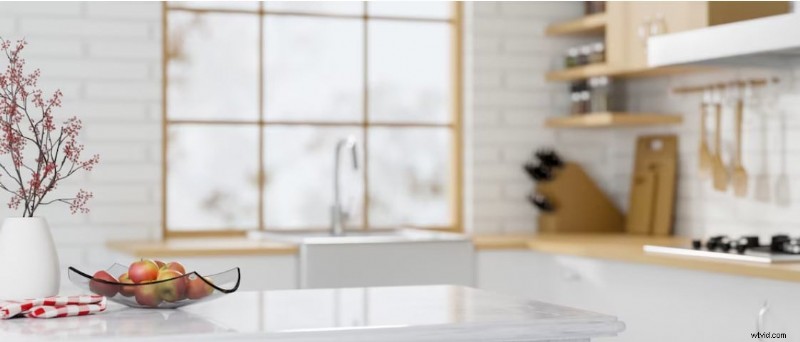

- Home office workspace: Suitable for book product photography, journals, stationeries, gadget stores, computer and even ring light photography.
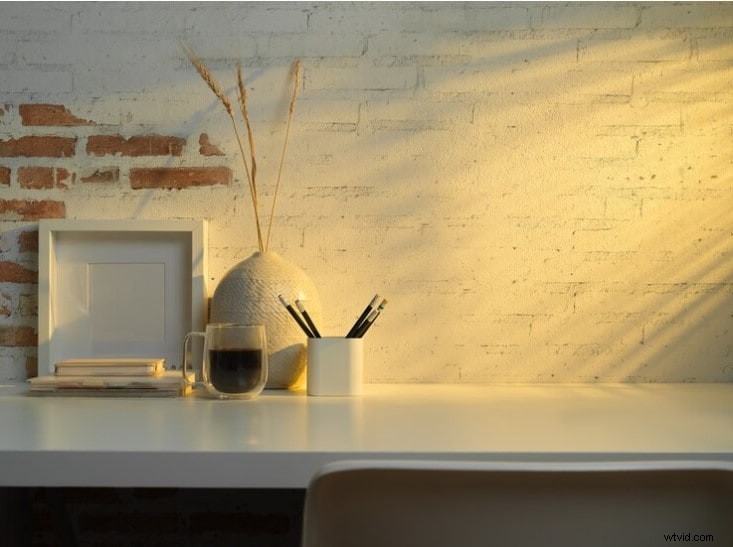
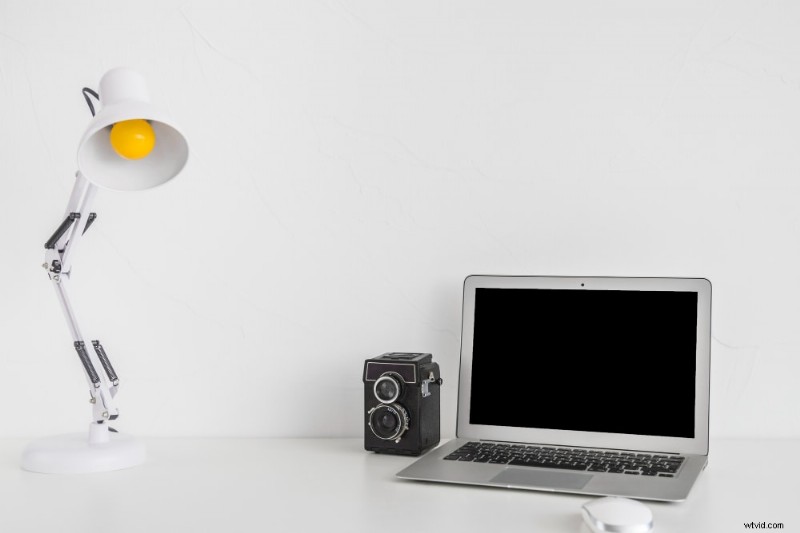
- Arial view of office table: Suitable for phone and computer accessories, journals, and stationeries.
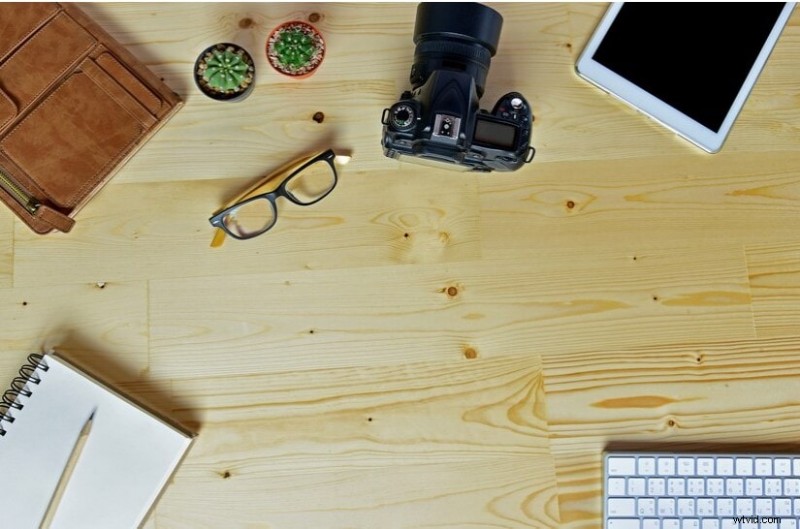
- Coffee table

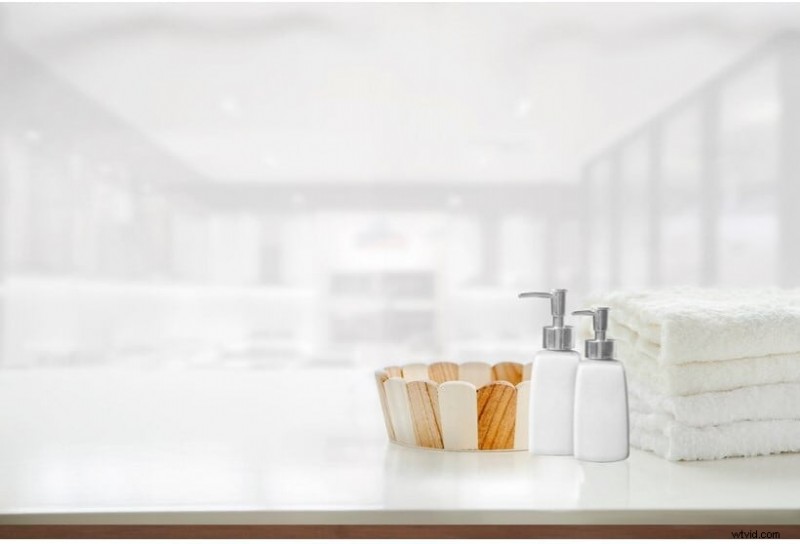
- Bathroom counter: Ideal for skincare products and bathroom essentials.
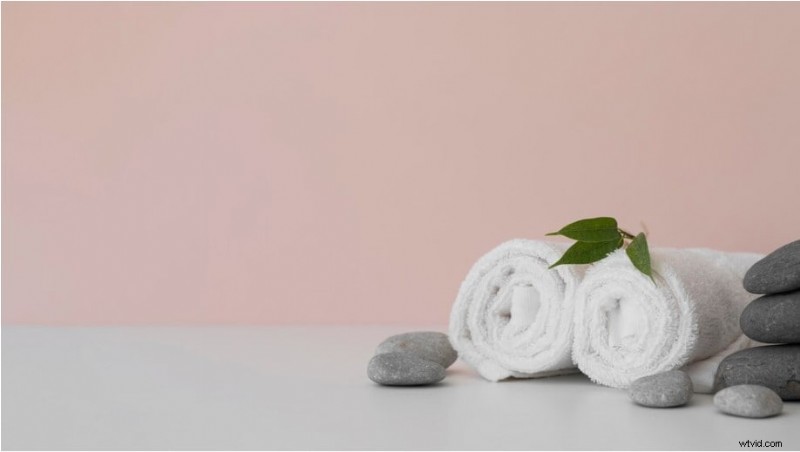
- Spa setting: Suitable for aromatherapy products, massage oils and equipment.
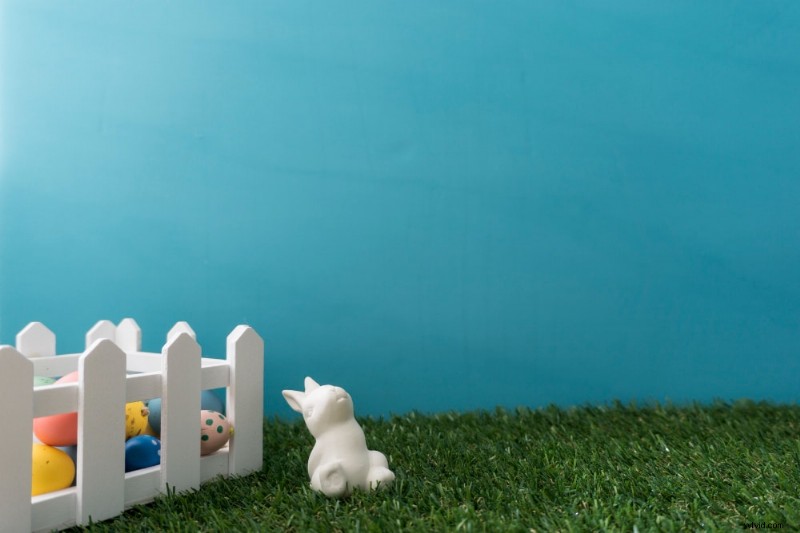
- Background play area:Suitable for children’s toys, clothing items, games and mini-sports equipment.
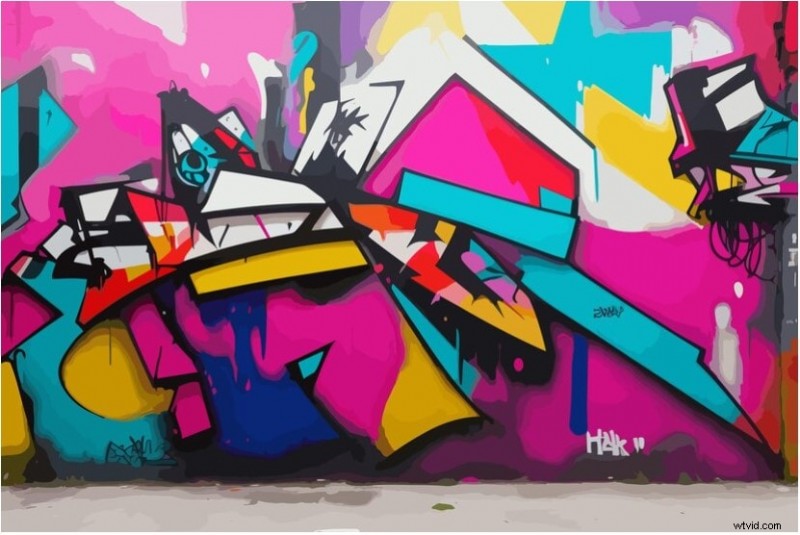
- Graffiti wall: ideal for streetwear and fashion products.
Image Title: green-screen-ideas-31.jpg
Alt Text: graffiti wall
Part 3: Tools for Green Screen Editing
Several software applications can be used for green screen editing. While some are simple and easy-to-use, others are advanced and may require a curtain degree of proficiency to operate. The latter category of tools offers more precision during chroma keying and more control over the final result.
Common green screen editors you can use include Adobe After effects, DaVinci Resolve, Acid Media Composer and Final Cut Pro. Advanced tools like Adobe Premiere Pro and Aftereffects offer professional results with a smooth finish, although they require a certain level of expertise to use the tool efficiently and get the desired results.
However, other tools like Wondershare Filmora strike a balance—simple enough for beginners to use, and professional enough for expert editors.
Using Filmora for Green Screen Background Editing
Filmora is a video, audio, and image manipulation tool with chroma key features. This green screen editor is smooth and seamless with adjustable feathering features that blend your edges to suit you, your subject and the inserted background, to give your video a natural finish.
Follow these steps to edit a green screen footage on Filmora software.
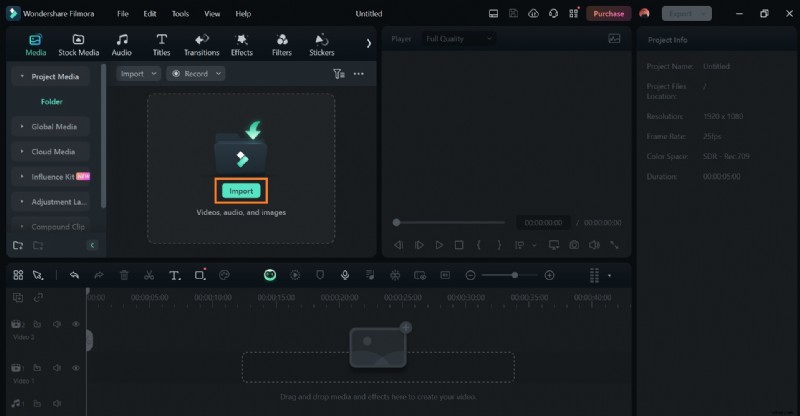
Step 1: Download and install Filmora if you don’t have it on your computer. Step 2: On the Filmora dashboard, click on Import to upload your product photos and background you want to edit.
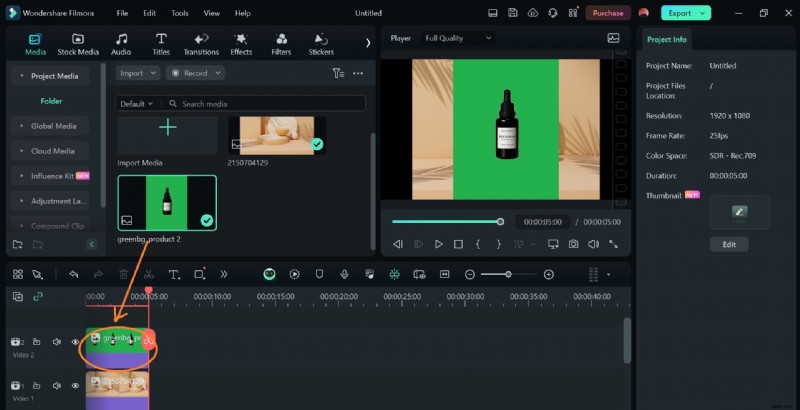
 Step 3: Drag the new background you want to insert into your image to the timeline first. This will make it easy to replace the old background once Filmora removes the green screen in your product photo.
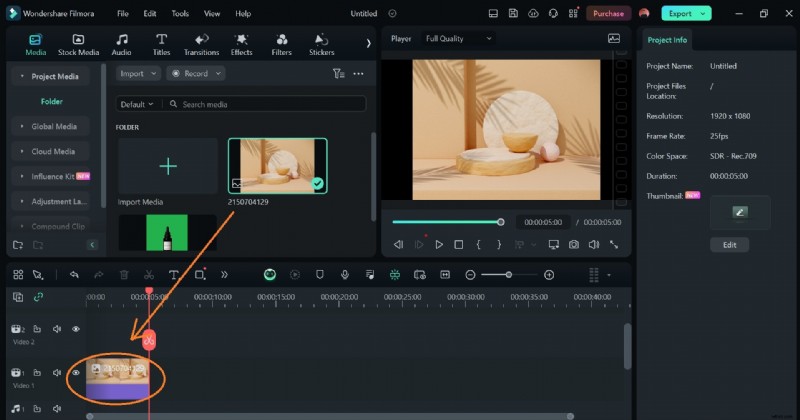
Next, drag your green screen product photo and place it above your background on the timeline.
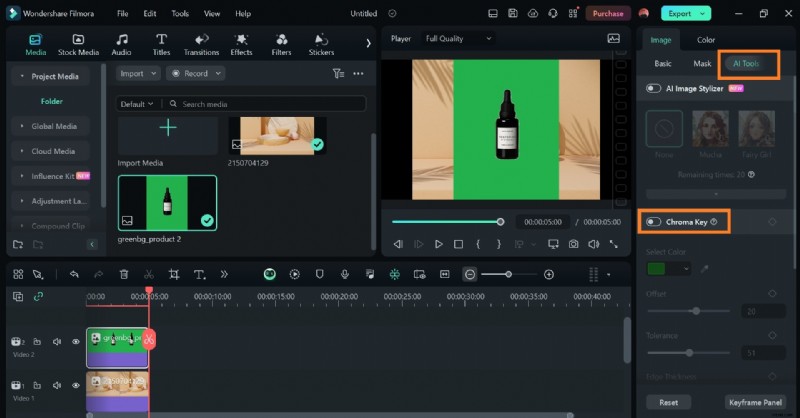
 Step 4: Select the product image on the timeline, then click on AI Tools. You’ll see a list of Filmora’s AI-powered features. From the list, toggle the Chrome key bar.
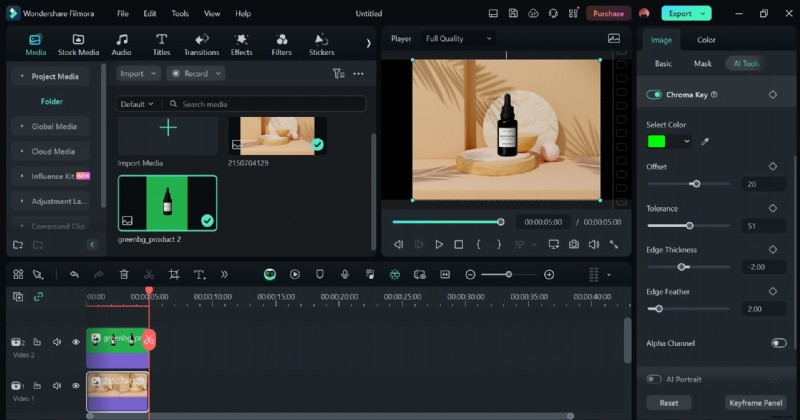
Filmora will automatically remove the green screen background from the product image. Resize and adjust the resulting image to fit the new background.
Conclusion
Since you have learned so many cool green screen ideas, you must can’t wait to put it into practice. What do you think about exploring Filmora’s chroma key magic first-hand? Pick any cool green screen background ideas from the curated list for your next product photography session and achieve a seamless green screen editing with Filmora. This tool gives you the desired results in minutes.