
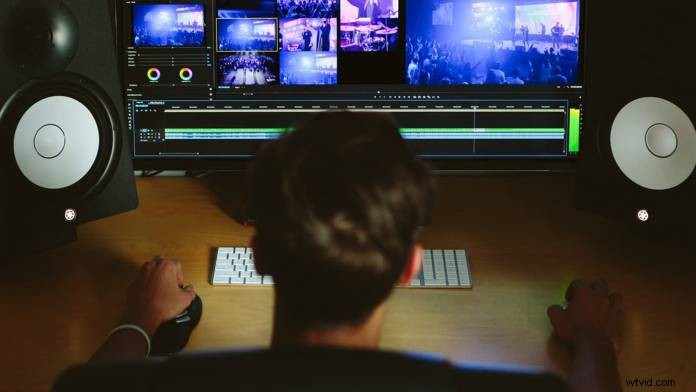
Motion graphics are used to communicate concepts in the world of video editing. Almost all video editing programs now offer a wide array of tools to generate and animate stylized clips of video with titles. To be able to utilize these tools, you have to have an understanding of motion graphics. Here is what you need to know:
You need to know the definition of motion graphics
Motion graphics aren’t that hard to define. They’re simply animated graphic design elements. There is a difference between graphic designers, animated graphics designers and video editors. However, there’s a lot of similarities and the lines between them are often blurred.
Know motion graphics are defined by motion
Motion graphics are created through the intentional movement of visual elements on the screen. Animated movement is the key concept here. A still graphic isn’t a motion graphic. It is an image. With motion, video editors can advance their story through the use of animation.
Motion graphics can save an edit
As many professional editors know, animated graphics are a great way to create footage to deliver a concrete definition or explain abstract concepts in a video. You can save so much time by not having to record footage to explain the concepts.
Timing is always important
Creating precisely timed movement in a motion graphics works on the same principles of timing that a video editor uses in cutting clips together. Timing is used to create a visual rhythm and attract your audience’s attention. Motion graphic design and video editing share the subtle art of timing.
Simple is usually better
Sometimes, it’s better to keep it simple. After Effects can have a lot to learn for a beginner. It might be good to start out simple and to learn animated graphics and work your way up to something like After Effects. More advanced motion design techniques take a lot of time to learn and master. You shouldn’t just jump into the most advanced program — work up to it.
Say it with words
The most common use for moving graphics is to generate type. All of the rules of typography apply to the words on the screen just as much as they apply to the written word. Also, make sure you check what you write out. Read the text out loud as it plays back to make sure it makes sense and the timing is appropriate.
Motion graphics really is its own art form. However, that doesn’t mean a video editor can’t use it. Editors should be using animated graphics to help them improve their videos. To learn more about this topic, check out “What Every Video Editor Should Know About Motion Graphics.”
Image courtesy Unsplash