
The method of importing has been updated and is much easier to do now. You don’t need to create a project followed by the import of media once the app has launched. It all basically starts with the importing of media now, and the option to create a sequence with the media you’ve selected. This eliminates several steps we've just grown accustomed to. Years of muscle memory regarding the way we edit will need recalibration, but if you take a step back, importing media is supposed to be the first step, and if you can create a sequence with the same command, you save more time and can get started with the fun stuff like actually editing your video.
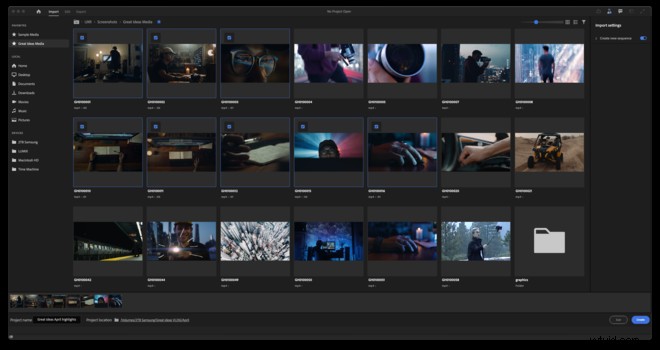
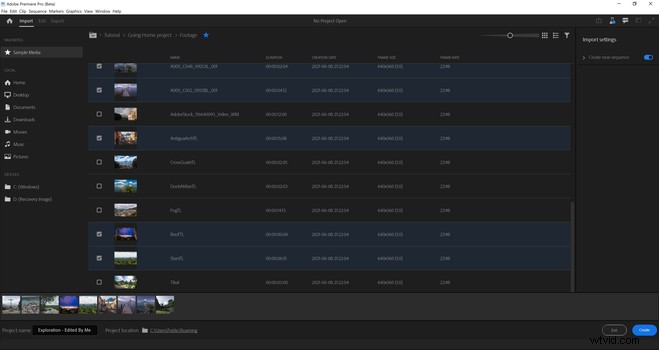
They’ve also copied a little mechanism found in Final Cut, which is the option to favorite clips you like. These favorites will then be listed and easily found to drag into your sequence.
The UI
The toolbar at the top has also been redesigned, and you have the various workplaces in a drop-down menu rather than the current tabs which we used to see at the top. I use the tabs, but it's not something I need to see all of the time. I like the more minimal approach and the interface looks cleaner and more intuitive.
It’s also now much easier to view with full-screen playback by just clicking a button. In the past, we had to use Control+Tilde to do this, but they've simplified it, and it's easy to show your work to clients or the team you're working with.
Exporting
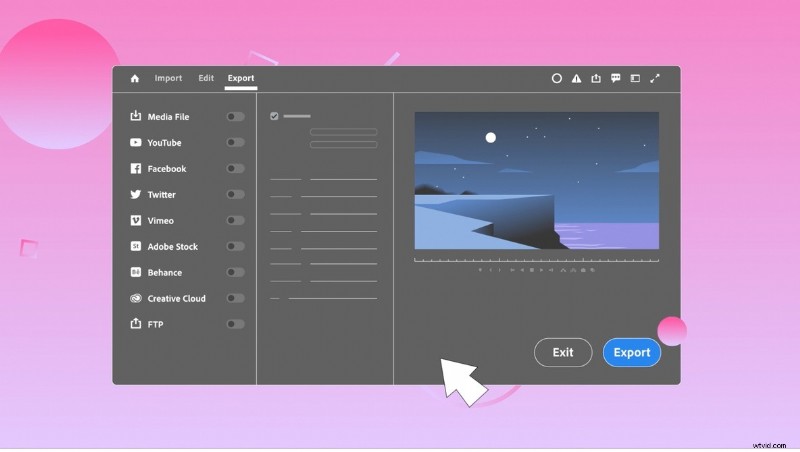
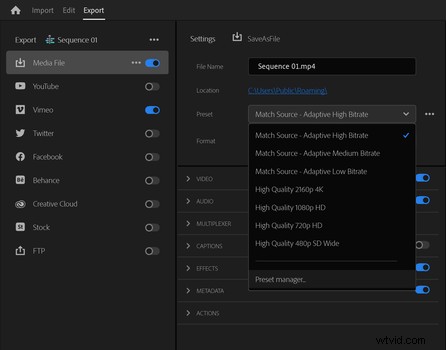
Just like importing, exporting is also much simpler. You can log in to multiple YouTube channels too, and select your target channel to upload to. You can set up all your settings with regard to publishing, instead of having to go to and through YouTube, and the same goes for the other social networks.
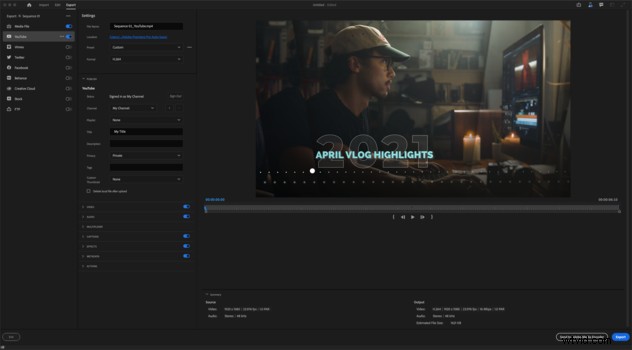 If you'd like to create export presets you can, and it'll be saved to the new Preset Manager.
More Great Changes
You can also now export your sequence in multiple formats at the same time, which means we don’t have to go through Media Encoder to do this. It runs on M1 Macs natively, so it’s up to date with what the video producers and editors require. It will run natively on M1 Macs.
Conclusion
I like the update, and the fact that Adobe is focussing on a few small things, but doing it well. I do however think there could be some resistance to these changes, but, if you want, you can keep your old workflow with regards to importing media from the start.
What I think the Premiere Pro development team does well is not only update the software to suit the new M1 CPUs, but they also analyze and think about what they can do to make the creative processes easier and essentially more fun to do.
Do you think they’re doing well with regards to creating the optimum video NLE, and if not, what changes would you like to see? Please share these in the comments below.