
In this tutorial, we will take a look at GoPro’s free virtual reality effects for Adobe Premiere Pro. Including free 360° footage!
GoPro recently released their new 360° camera called Fusion, which can film 5.2K resolution 360° videos. Coinciding with the Fusion camera release, GoPro has also released some free VR/360° plugins for Adobe Premiere Pro and Adobe After Effects. The best part is that you can use these plugins with any 360° footage, so they are not limited to footage from the Fusion 360° camera. (Here are quick links to directly download the GoPro VR plugins for Windows and for Mac.)
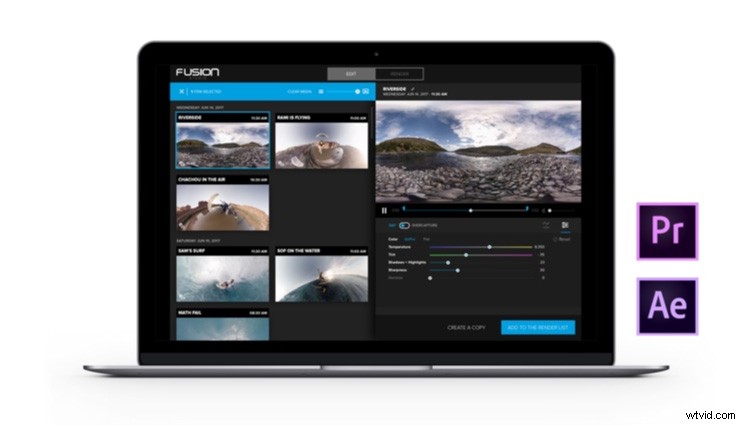
Image from GoPro.
You can use the GoPro VR plugins for basic 360° effects, as well as creating “Overcapture”-styled videos. You’ve likely seen Overcapture in the marketing videos for the GoPro Fusion camera. What Overcapture essentially means is that you can reframe a traditional shot from your existing 360 footage. This creates a lot of versatility because you can control the field of view, direction, etc. — all in post. You can also create abstract looks like the “Tiny Planet” effect.
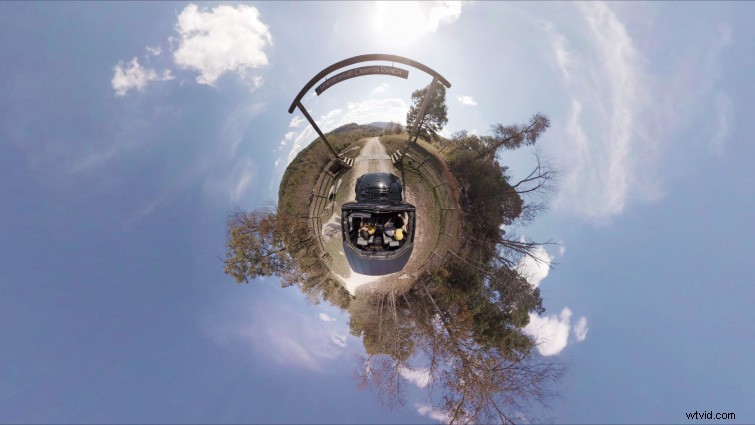
The GoPro VR plugins consist of three effects: Horizon, Layers, and Reframe. Two of these effects, Horizon and Layers, are both quite similar to two Immersive Video effects recently implemented into Adobe CC 2018.
The GoPro VR Horizon effect allows users to reorient their 360° equirectangular footage, which works the same as the Immersive Video VR Rotate Sphere effect. The GoPro VR Layers effect allows users to project layers such as text or logos correctly onto 360° footage. This works in the same manner as the Immersive Video Plane to Sphere effect. However, the GoPro VR Reframe effect is all-new to Premiere Pro. It allows users to “reframe” their 360° footage in a lot of cool ways. It works great for creating quick Point of View (POV) shots or abstract looks all inside of Premiere Pro.
Ready? Let’s dive into the tutorial. (Make sure you download the free GoPro Plugins and free 360° footage clips to follow along!)