
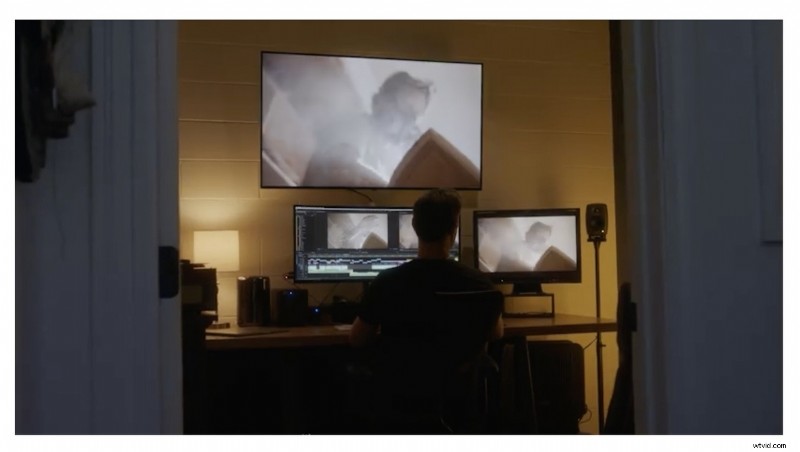
Adobe create software most creatives use, and with this information they are taking a leadership role in helping guide their users on how to work better remotely when operating in a team.
Live Streams
Adobe Evangelist Jason Levine and Karl Soule will be hosting two live streams this week to focus on remote workflows to try showcase tips during this uncertain time:
Remote Video Workflows with Team Projects
Date: Thursday, March 19th at 12:00pm-1:00pm PT
Presenter: Jason Levine, Principal Creative Cloud Evangelist
Facebook.com/premierepro
Remote Video Workflows and Collaboration in the Enterprise
Date: Friday, March 20th at 11:00am-12:30pm PT (30min Q&A)
Presenter: Karl Soule, Senior Technical Business Development Manager / Adobe Evangelist
On24
Premiere Pro for Team Projects
If you’re managing a team and subscribe to the Creative Cloud Enterprise platform, you have access to the collaboration tool called Team Projects. This makes it possible for colleagues to collaborate real time by syncing the project’s development to the cloud. To use it, you need to be an Enterprise subscriber, and connect to the Team Projects service in Premiere Pro, After Effects, or Prelude.
There are many other ways to collaborate with the Creative Cloud. For instance, if you have the editor editing, sharing the file on the cloud so the color specialists could take it from there is all possible.
Conclusion
One of the main aspects of working together and face to face is that you have the ability to learn, ask questions, and collaborate on a social level. It’s a way for creative thoughts to be bounced around by the people having the discussion. You can also consult with the Adobe Help Centre to learn the best way forward.
You can read the latest Adobe blog post here to find out more about how to work well remotely.