
Once you've captured your green screen footage, you'll need to remove the green backgrounds of your video and replace it with your own background. It means that you select a color and remove every instance of that color in the video. Then the parts that placed "behind" the image become visible. This is the process to apply a green screen effect. If you have no idea how it works, check out the video tutorial below to get an instant overview of the process first:
You may also like: How to make a green screen >>
Resources for green screen effects
Part 1: Video editing software for green screen effect
There are many different products available to make green screen effect. However, most of them (like Sony Vegas or Adobe Premiere) require a long learning carve and are associated with a high price tag. So here Wondershare Filmora is highly recommended. With it, you can easily import screen captures and other media to your project and make green screen effect process in just a few clicks. Besides, you can find more specially designed video effects like block buster, Scifi effects, fashion and food effects at Filmora effects store Filmstock.
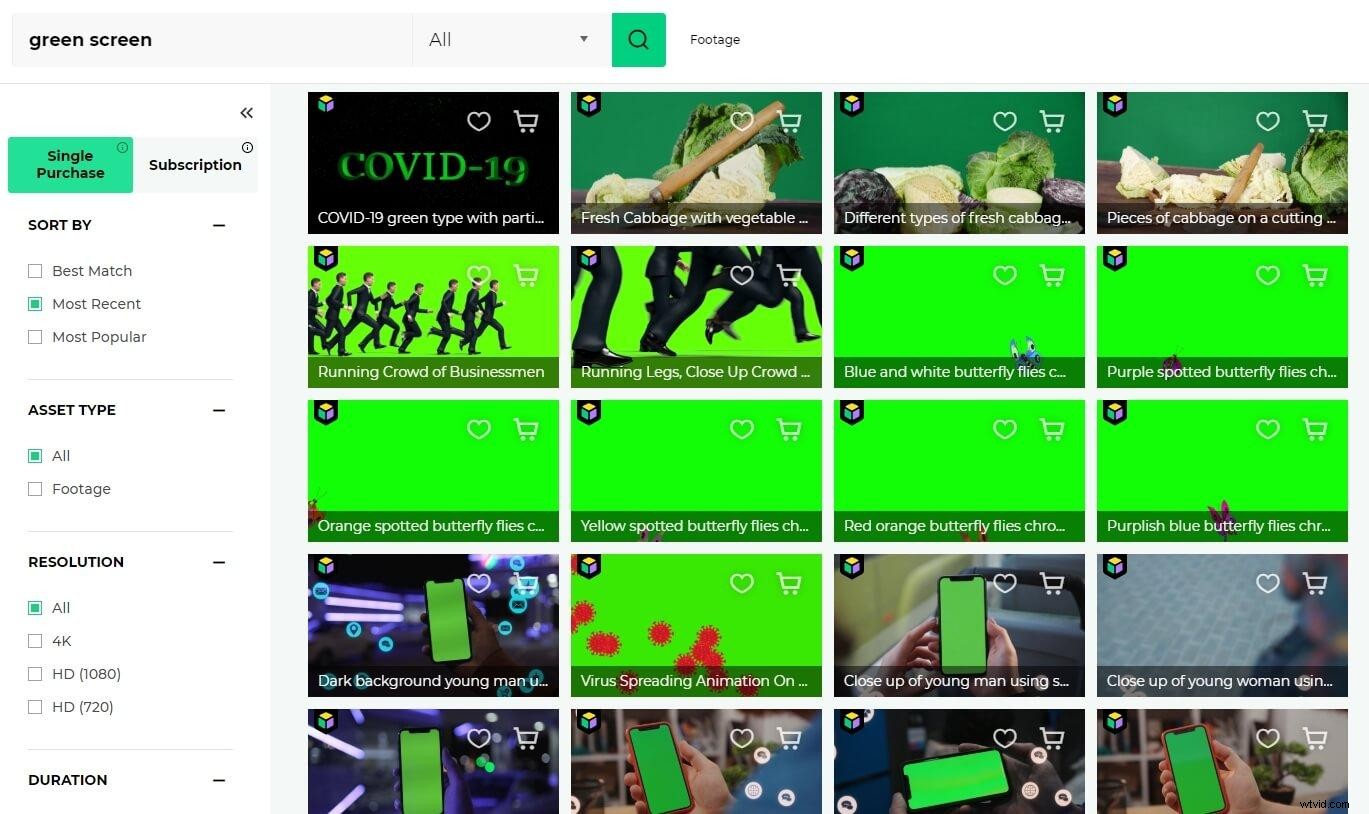
Wondershare Filmora, the easy-to-use home video editing software which enables you easily apply green screen effect:
- Supports virtually any video formats you shoot.
- Easily chroma key the background of your video.
- Seamlessly blend your video with new backgrounds.
- Different methods to share your video with the world.
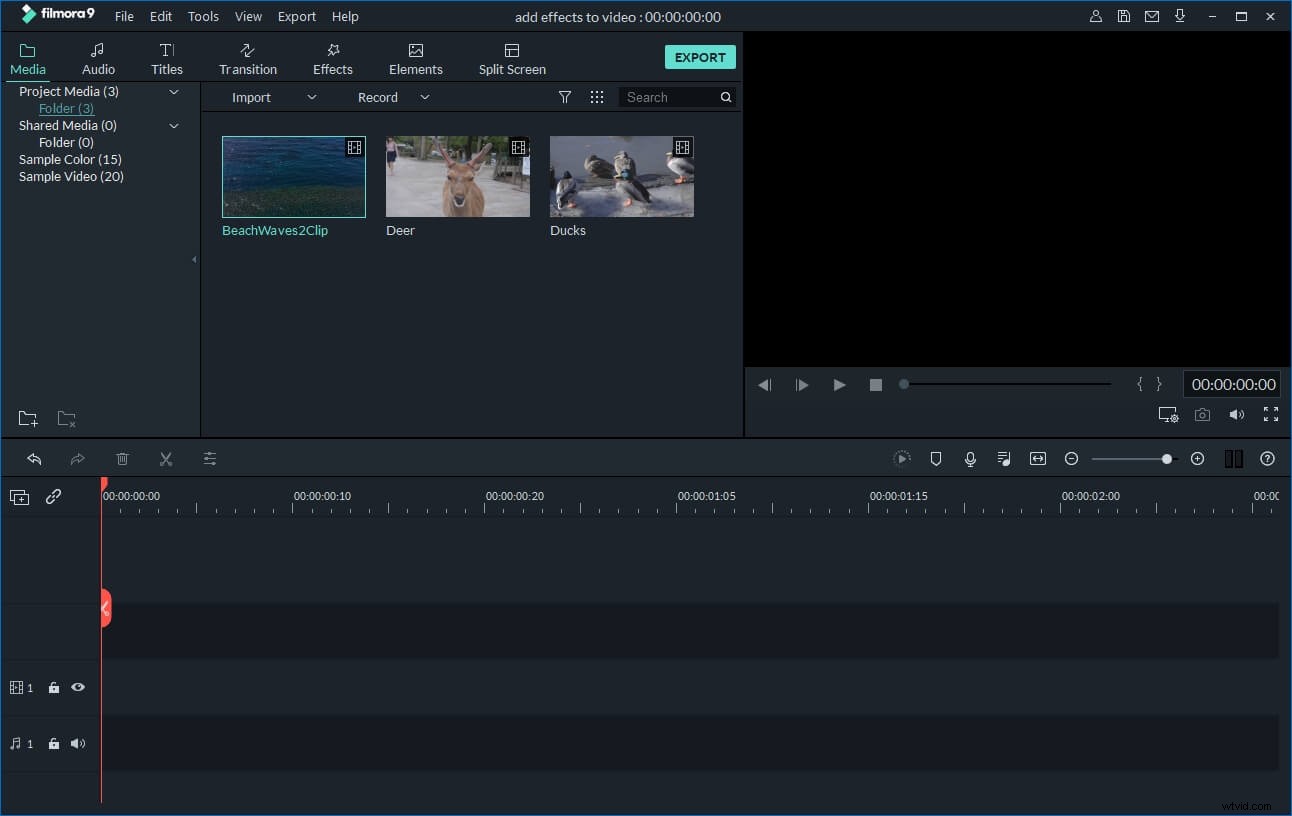
1. Import media files to the program
Launch Wondershare Filmora and import your media files to the program. Then drag and drop the desired background picture or video to the video track of the timeline and then place the green screen video above.
2. Add green screen effect to your video
On the timeline panel, double-click the green screen video. In the pop up window, go to Chroma Key option under Video tab to access the green screen tool. This tool makes the solid background of your file transparent.
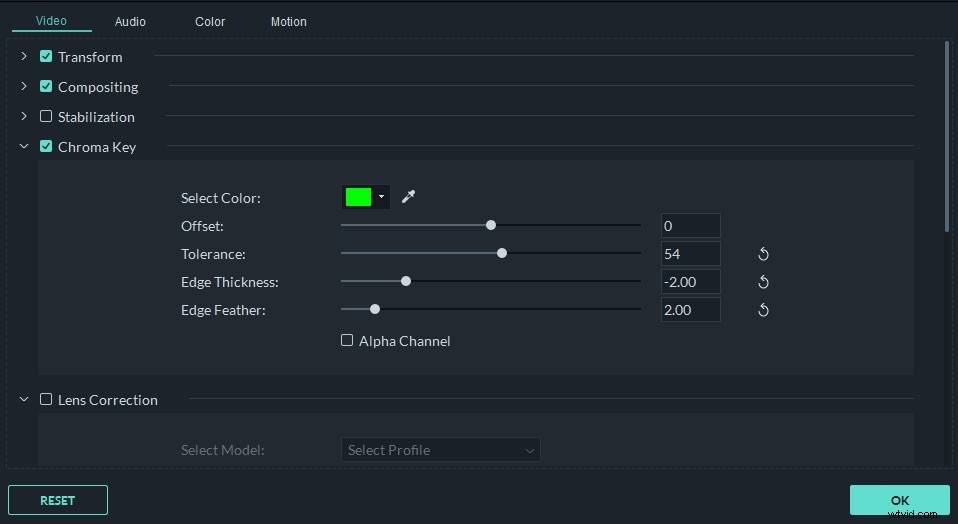
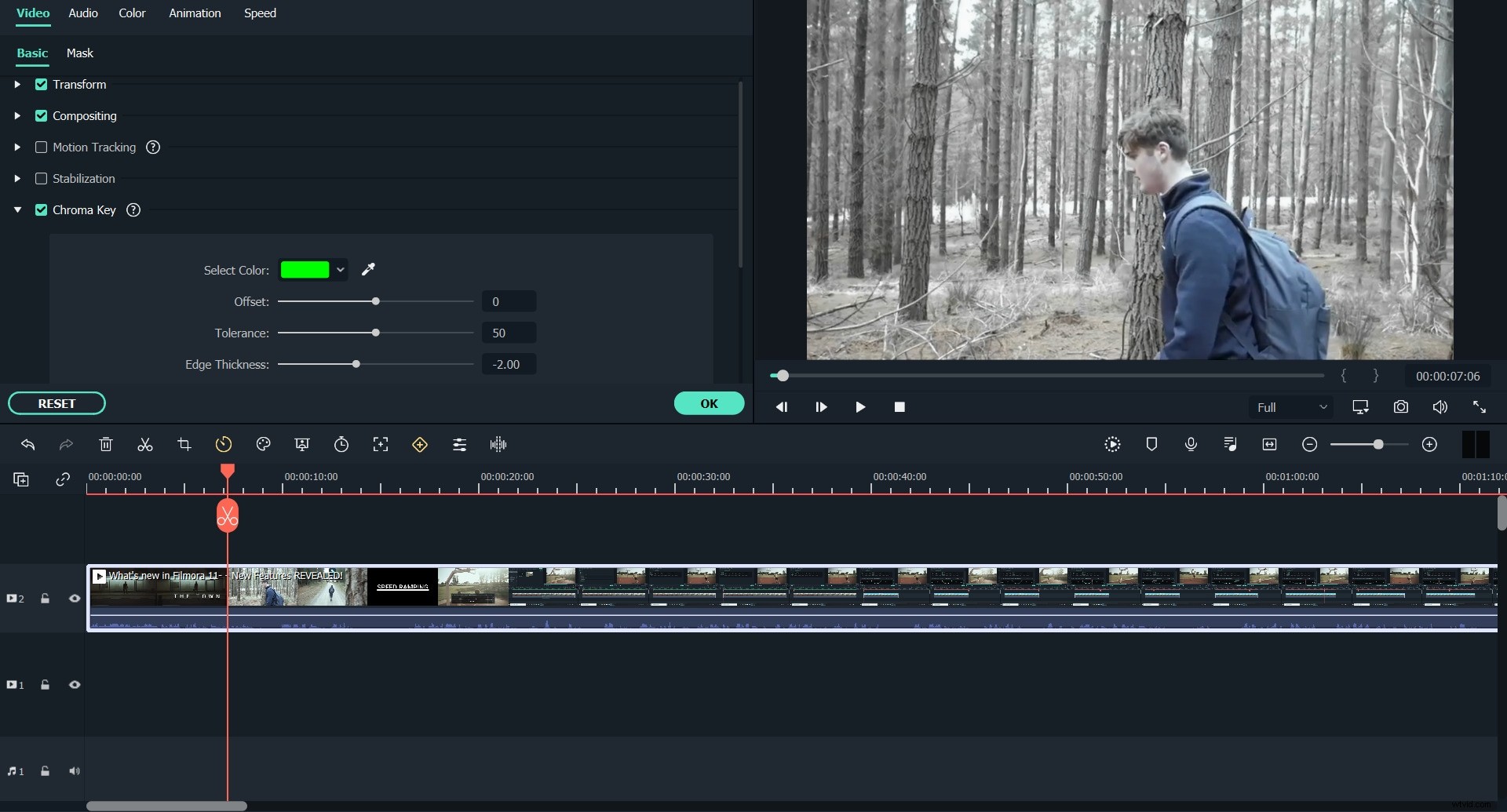
Then use the picker tool to get closer to the color you need. After that, drag the slider to adjust the Intensity Level. As you drag, the background of your video file becomes transparent and automatically be merged into the new background video or image you've placed on the timeline. You can preview the result in the preview window and do some settings if necessary.
3. Save or share your video
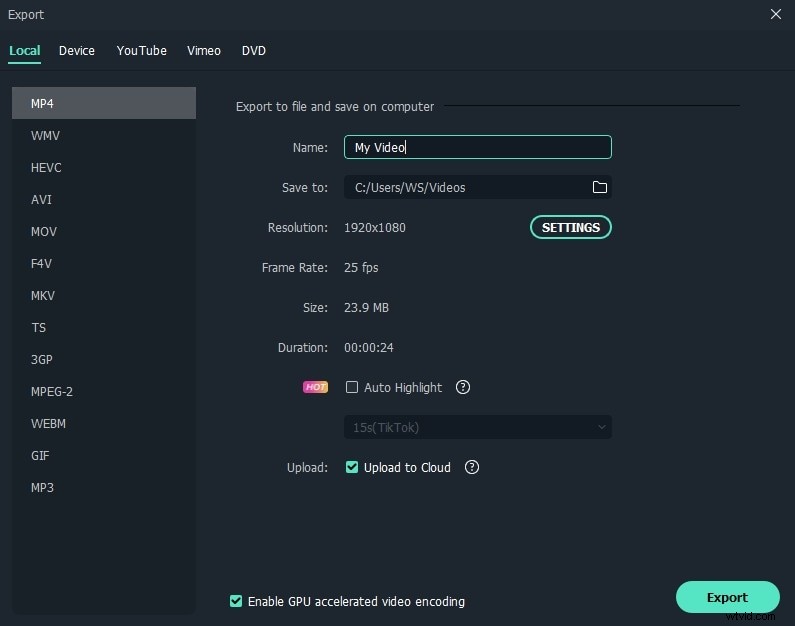
Click the "Export" button and choose the output method that most suits your needs: saving as a video, converting for your mobile device, uploading to YouTube or Facebook or burning to DVD.
Part 2: 40+ essential green screen effects
However sometimes you've got such amazing ideas for your movie, which could not come true by your own shooting. Don't worry, you can find so many green screen effects online, and then apply them to your movie within several clicks in Wondershare Filmora video editor.
Let's check the 40+ essential green screen effects in the following video:
For more resources, check the Ressources for green screen footage and green screen backgrounds.