
How to add subtitles to Dailymotion videos
Here’s the steps:
Step 1: First of all, users need to move to the video page on their software and then hit the pencil icon in order to access the settings page and video information.
Step 2: Now use the subtitles button that is available above preview player.
Step 3: Users can add subtitles directly by simply hitting “Upload a Subtitle file” option from toolset or for manual editing they need to choose the “Add new subtitle” option.
- Upload Subtitle File: Here you need to select your language for subtitles and then browse subtitle’s file form folder inside Computer. When found then simply hit the upload button.
- Add new subtitles: Go to subtitles editor window and select timestamps where you wish to edit your subtitles. Now drag items and edit the lengths of subtitles.
Watch this video on how to add subtitles to Dailymotion videos:
Top 5 Sites to Download Subtitles
1.Mobvesubtitles.org

It assists users to find subtitles of all popular TV shows as well as movies. All these subtitles files can be accessed in multiple languages and they are often packed inside a WinZip format.
2.Subscene

This platform is widely used by professionals as it contains wide range of language specific subtitle formats. Folders are easier to download with smaller file size.
3.SubtitlesHR

Simply register and then login to subtitlesHR; soon you will be able to find unlimited collection of subtitles over Subtitles HR. load any of these as per your need.
4.DivXSubtitles

Use search option available on this platform and it will soon lead you to best collections of uploads related to your specifications. Choose right file with proper file size and language.
5.OpenSubtitles
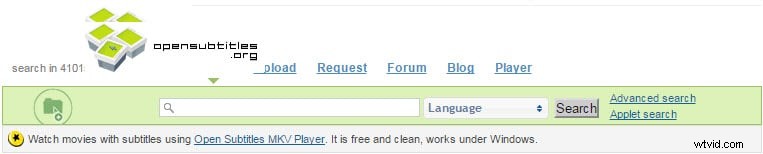
It maintains a big library of subtitles that is fully overloaded. You can move to any suitable section and pick your desired subtitle file.