
To cut footage on set, you’ll need some specific gear and video accessories. Check out our recommendations.
I was thrilled to see the response to the article on Baby Driver‘s editor Paul Machliss, ACE editing on location. It started conversations in many editing and filmmaking groups about editing on set.
Here’s one of my favorite posts, including a great hashtag:
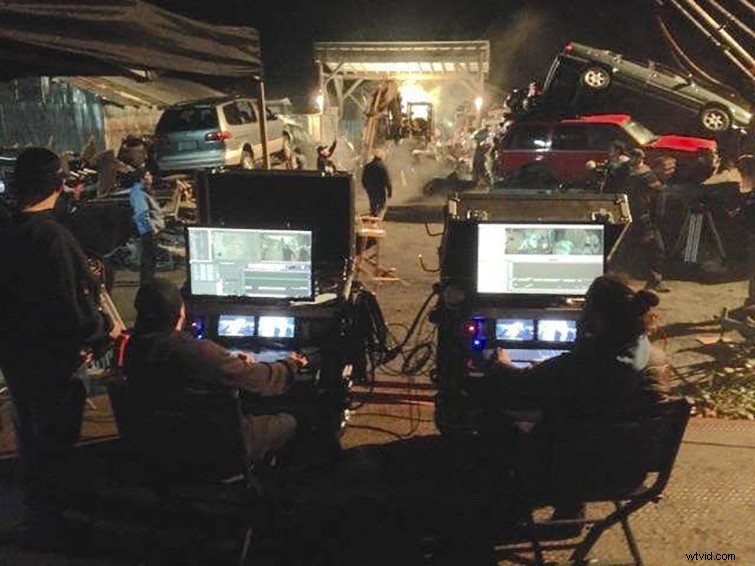
Editors Andrew Gust and Nik Svab on set of Pupstar, courtesy Andrew Gust.
Cutting on location is certainly nothing new, but it rarely goes to the extremes Paul Machliss had to endure for the meticulous timing and cues in Baby Driver. It’s most common on commercial sets, where productions have quick turnarounds and must be absolutely sure that they get the shot. Not only does the shot need to be precise, the product featured in the commercial must also look perfect.
The following on-set editing station suggestions are for a generalist editor or aspiring DIT who may not have a budget big enough to own or rent all of the gear of their dreams.
Mobile Editing Cart (Table)
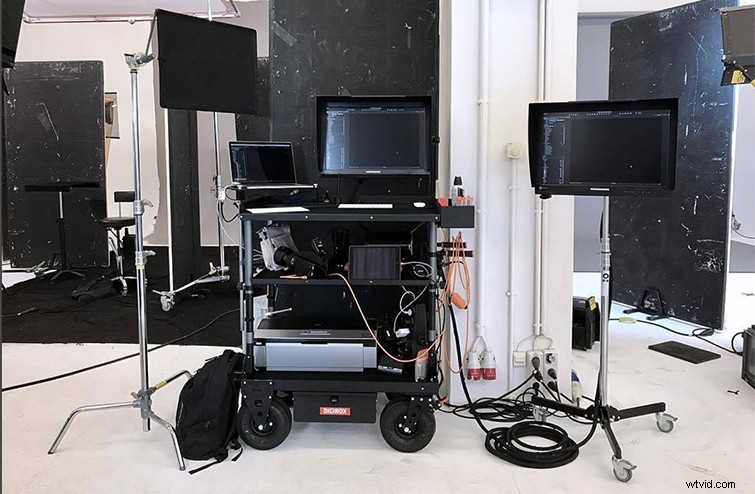
One thing you need in a portable workspace is an actual workspace. If you want a heavy duty cart, consider investing in something like a camera or DIT cart. If your budget won’t allow it, however, there are a variety of options. You can spend anywhere from $150 to $2,000 on a cart.
For a very low-budget production, you may want to get something like the popular Rubbermaid Commercial Utility Carts you often see used for everything from janitorial services to in-office mail delivery. These carts are certainly one of the cheaper options, but if your location doesn’t have paved walkways, this cart is a real pain.
Take your location into consideration. With a cheaper cart, consider investing in some heavy duty wheels that you can attach. Rubbermaid does make a specific Camera Cart with 8″ tires, but expect to spend around $750 for it.
For professional carts, there are specialty carts for sound departments, DITs, and camera assistants. Most of these specialty carts will certainly work as a mobile station, but look to spend upwards of $900. For example, an Inovativ cart will set you back about $3,000.
If you plan on working on this cart for extended amounts of time, consider a flattop or raised stand for you laptop or keyboard. With a cart’s raised edge, you’ll find that your wrist will start to hurt if you don’t prop your computer up flush with the cart.
For a low-budget solution, consider something like a folding card table, which you can find online starting around $30. Just make sure it’s sturdy enough to hold the gear you put on top of the table, and make sure it’s secured so it doesn’t blow away in a strong wind.
Mobile Video Editing Computer (Laptop or Desktop)
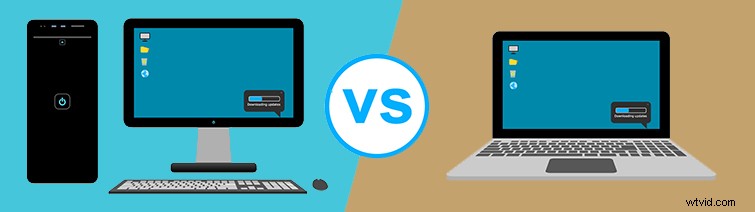
Laptops are great for portability, and they can easily handle proxy workflows. A desktop may be necessary, however, depending on the type of footage you are working with, as some formats are more labor intensive for your machine.
I’m not really going to dive into this, as every editor could start a war about their preferred setup. Just use what’s best for you, and remember you’ll need to power everything on location.
Professional Calibrated Monitor
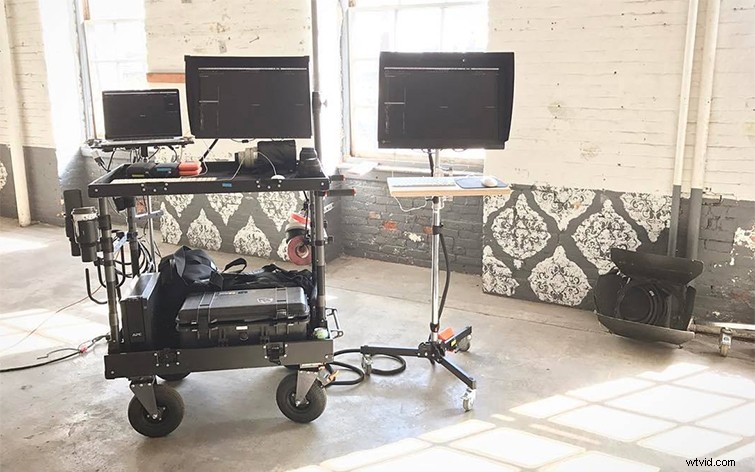
Whether you’re cutting a serious project or a low-budget short film, invest in a professional monitor. You will want a display that can be properly calibrated to review footage. A proper monitor will give you the most accurate look.
Card Reader + Cables

If you don’t have a DIT or person on set ingesting footage, you’ll want to invest in a solid card reader or HUB. Consider a high-speed media reader than can take multiple types of cards. If you frequently work with SD and CF cards, you can get something like a Kingston USB 3.0 Media Reader for about $20. If you’re working with proprietary cards from manufacturers like Sony or RED, you’ll need to make sure you can take other types of cards, like XQD.
As always, consider proper ingesting techniques — don’t just drag and drop footage. Here’s a piece we did on properly ingesting footage using the free tools in DaVinci Resolve.
While on the topic of ingesting, be sure you have all the proper cables you need as well. It’s best to have a variety of cables like lightning, various USB (Micro USB, Mini USB, USB Type C, etc), Firewire, and other common cables on set.
Hard Drives
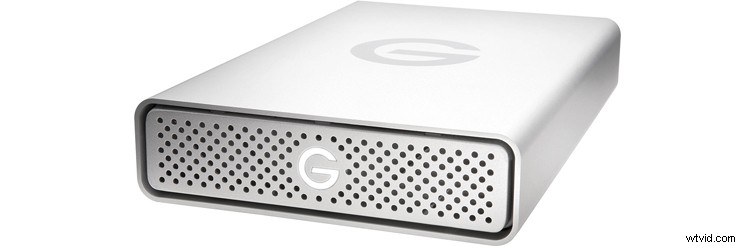
As with any project you edit in an editing bay, be prepared to store as much footage as possible. Bring an array of external hard drives for remote locations, but if you have power to your cart, you may want to set up a RAID tower.
Power
With all this gear, you will also need to power each device. Aside from computer power cables and monitor power, you may also need extra plugs on your cart. Consider a power supply with backup battery — or at least a surge protector. Also be sure to bring extension cords — that way you bring the nearest power source to your cart.
Bonus Personal Items
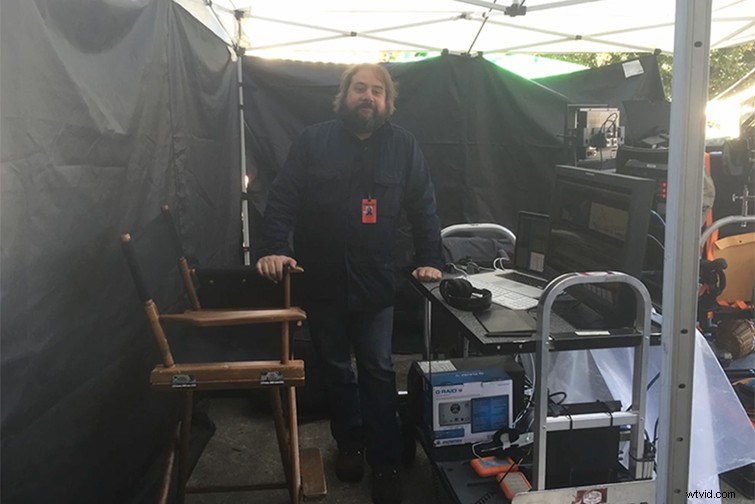
The following suggestions are all extra things you may need, and some of these are just luxuries. If you are working with sound, don’t forget speakers or headphones. While you edit, be sure to bring your favorite devices as well — keyboard, mouse, Wacom tablet, color grading surface, Palette Gear, etc.
Be sure to also bring something to sit on, whether it’s a folding chair or an apple box. If you are working outdoors, consider investing in a small tent or a large umbrella to protect you and your gear from the sun. For the heat, you may even want to bring a small fan. Another great thing to always have with you is a small desk light or flashlight.