
If you have just launched a product, promoting it is crucial. Therefore, creating a promo video is the best way to introduce your product to your customers. You can upload it online or play it at an event dedicated to its launch. To help you understand how to make a promo video that stands out, this article discusses everything in detail.
In this article
-
- Product Demos
- Brand Story Videos
- Testimonial Videos
- Event Promo Videos
- Teaser Videos
- Limited Time Offer Videos
-
- Define Your Goal
- Understand Your Audience
- Create a Clear Script or Outline
- Pick the Right Format
- Plan a Visual Style
- Choose the Right Platform
-
- Detailed Guide For Making a Promo Video With Filmora Desktop
Part 1. What are the Prominent Types of Promo Videos?
The following are the prominent types of promo videos that you can make for launching your product:
1. Product Demos
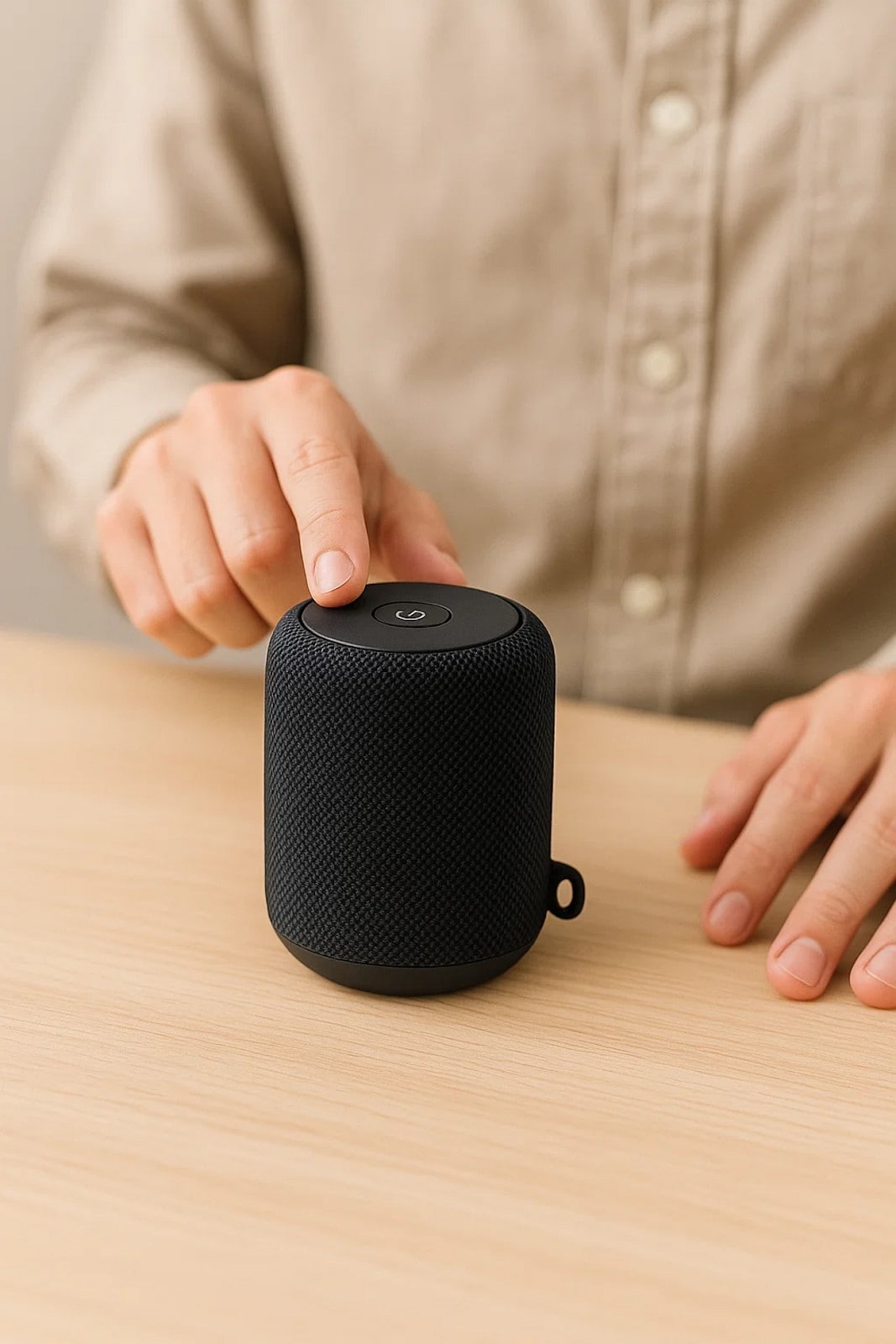
These types of demo videos demonstrate how your product works and solves a problem. It makes it easier for your potential audience to understand the product's practical use. For example, a smartwatch brand can show how their product is a perfect fit for answering calls.
2. Brand Story Videos
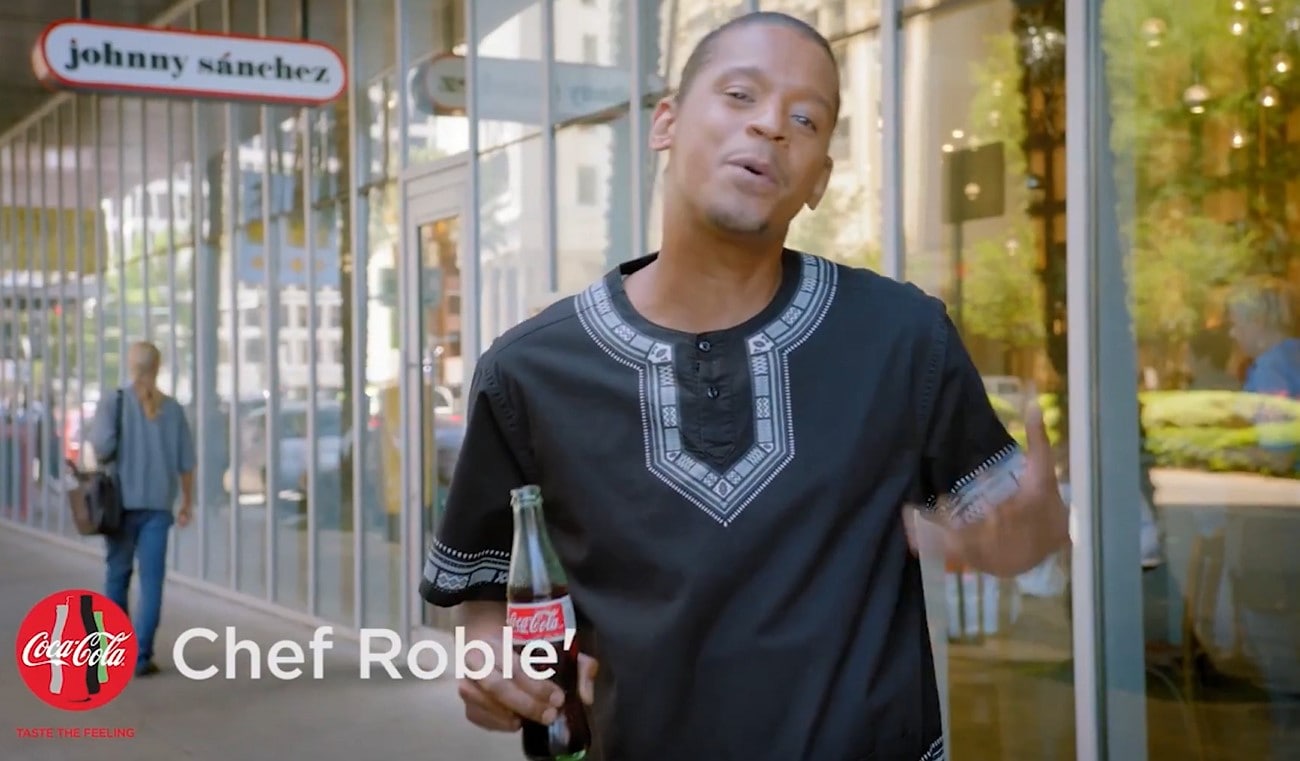
A brand story video is ideal for introducing your brand and sharing with people how you got started and what you stand for. They enable your customers to connect with your mission. For example, a handmade jewelry brand learns how to make a good promo video, which can show how they started their business.
3. Testimonial Videos
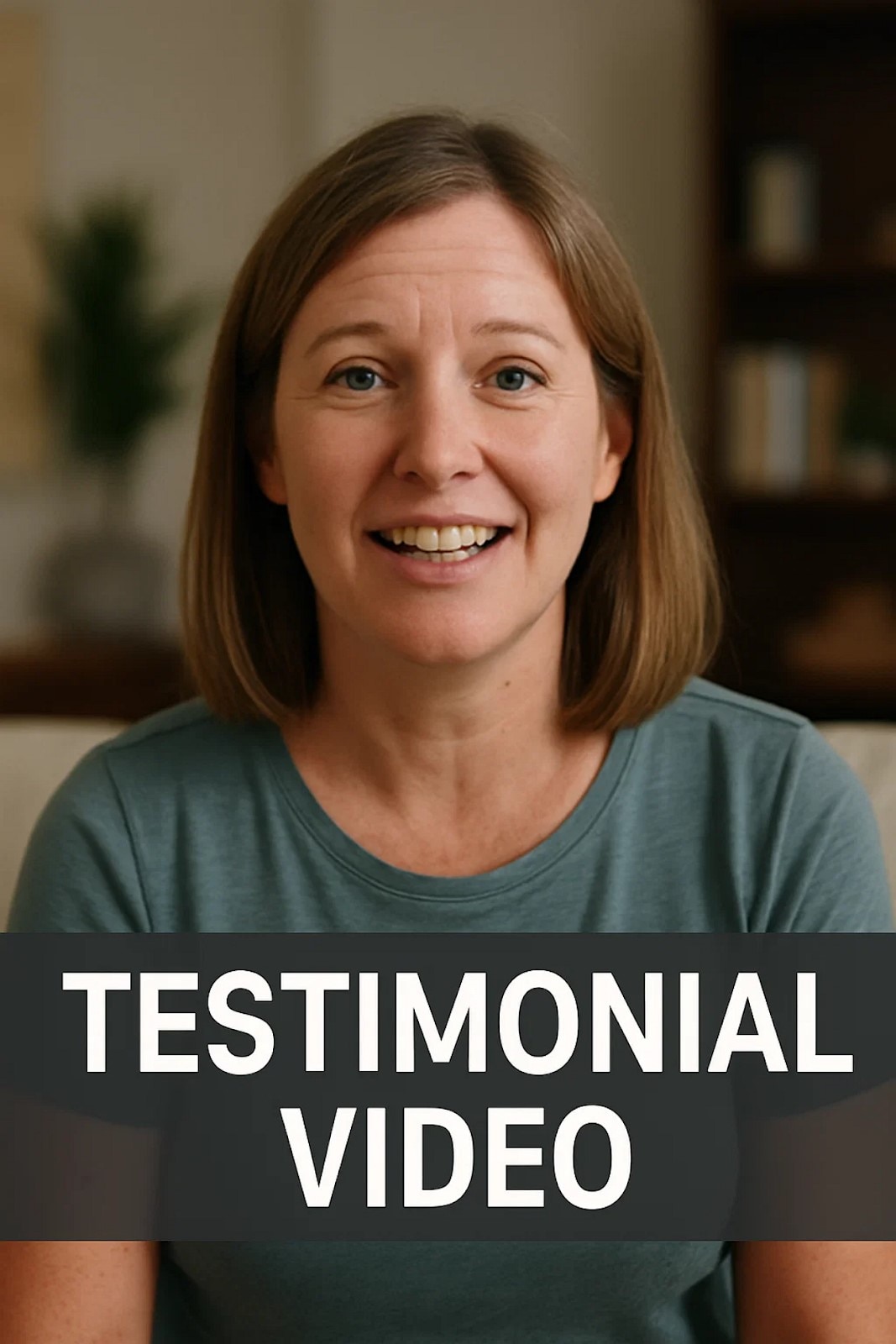
These features show happy customers sharing how your product solved their primary problem. Testimonial videos help build trust by showcasing experiences. For example, a language app can present its users with explanations of how they became fluent in a foreign language.
4. Event Promo Videos
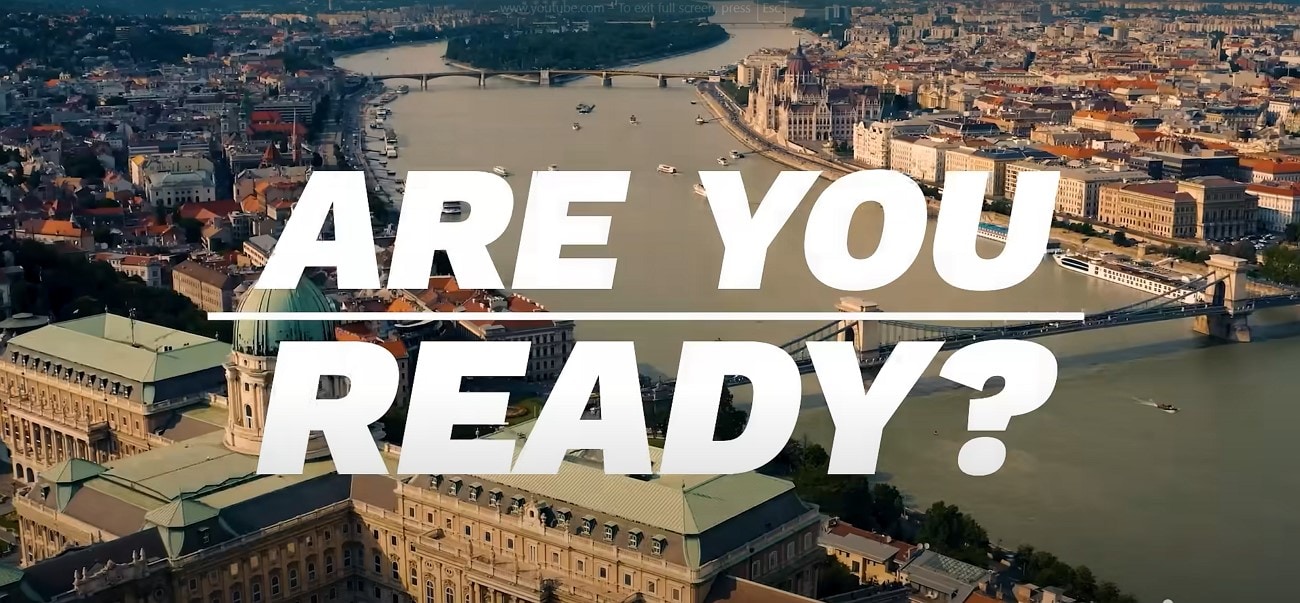
It is a type of promotional video that is ideal for showcasing an upcoming product launch or event. They give all the details, such as timing and benefits, to create hype before the big day. For instance, a mobile company like Apple promotes its new phone launch event with the iPhone's initial look.
5. Teaser Videos
Teaser videos give enough detail to spark interest but hold some for the full reveal. They're perfect for pre-launch campaigns that aim to effectively build curiosity and excitement. For example, a fashion brand can work on how to make a short promo video of their new collection by revealing the color palettes.
6. Limited Time Offer Videos
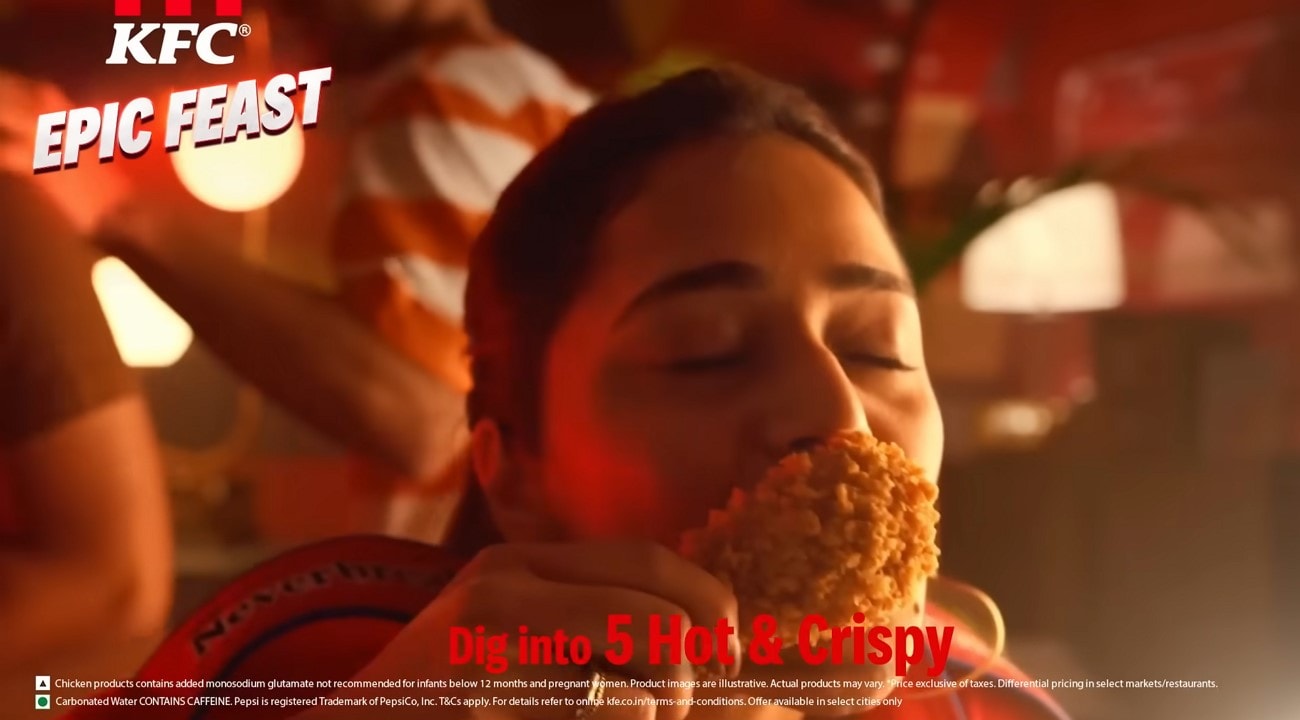
Businesses often make videos when they have a sale for a short time. These videos urge people to buy before the deal ends. For example, a clothing store might say that everything is on sale till midnight or a restaurant might release a special limited offer to fill out their customer's cravings.
Part 2. Preparations You Need to Do for a Scroll-Stopping Promo Video
Here are some preparations that you need to do to work on how to create a promo video that grabs attention:
1. Define Your Goal
You must decide what you want your prospects to do after watching your video. It may be to maximize your brand's visibility and get more sales. Well-defined goals simplify crafting a persuasive message for your marketing video.

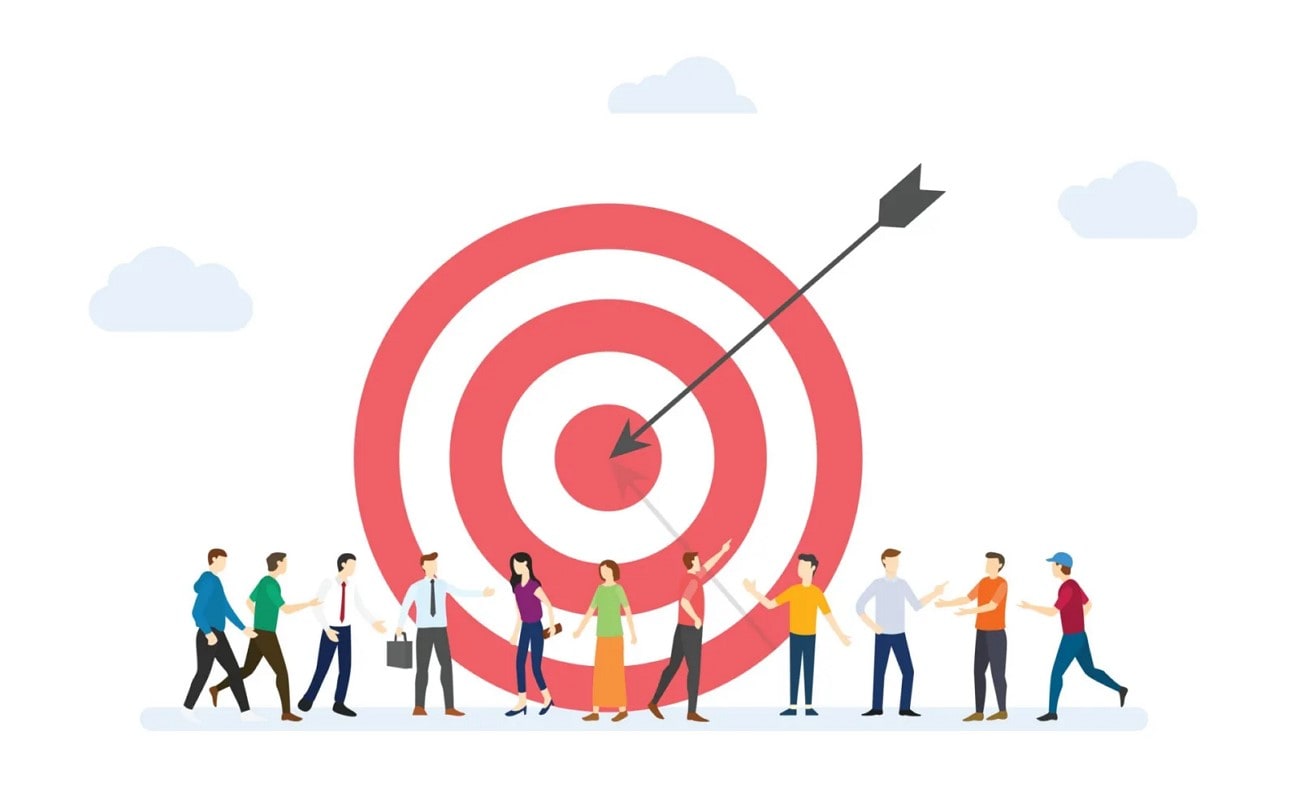
2. Understand Your Audience
The basic thing you need to make promotional video is to know who it is for. As soon as you know them, you will be able to select an appropriate tone and platform for maximum impact.
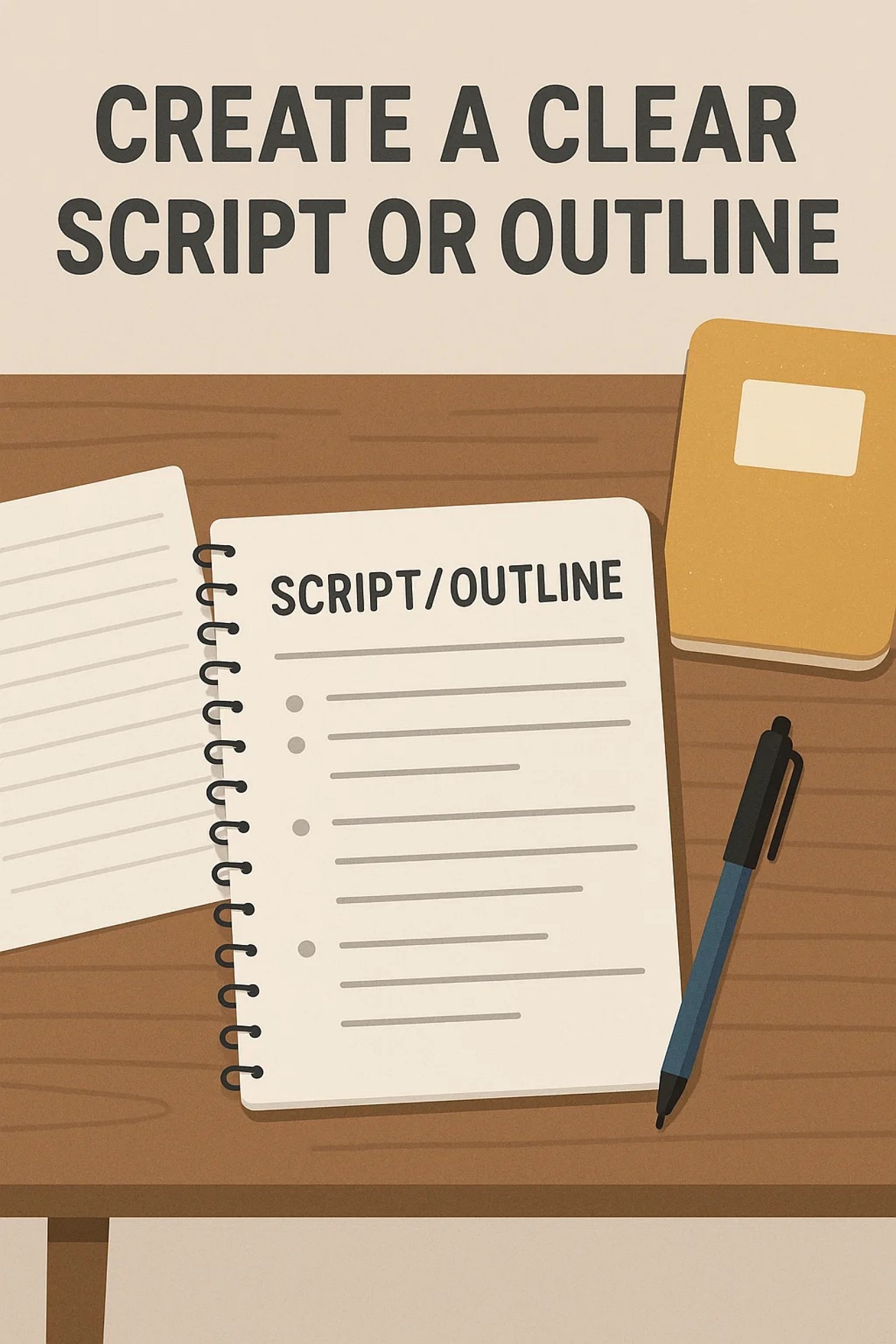
3. Create a Clear Script or Outline
A well-planned script helps you stay on track and deliver a b and clear message. You can make a list of the points and then decide how to keep each part. This will make your video flow smoothly and engage your audience.
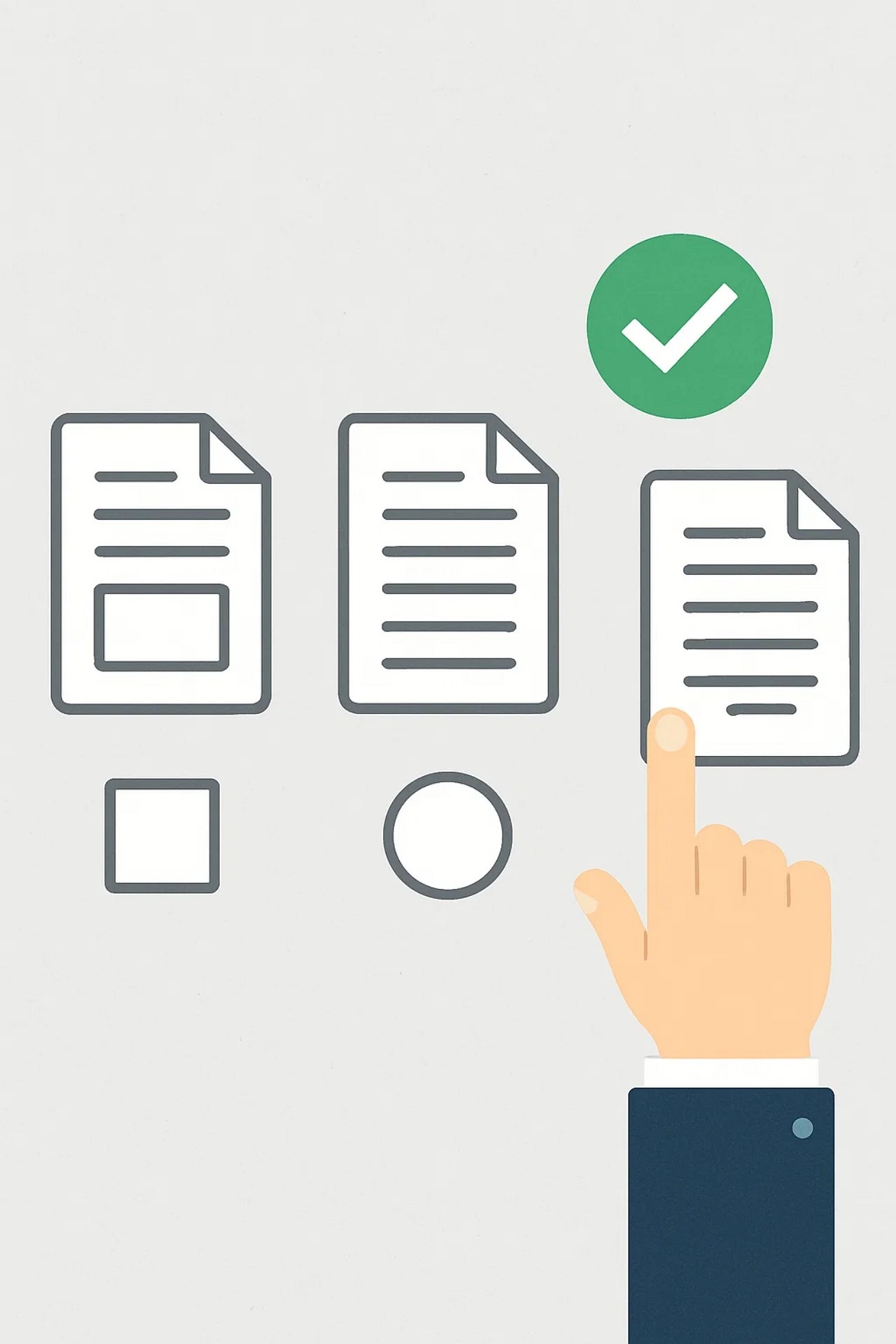
4. Pick the Right Format
You must choose the best format, such as a teaser or a testimonial, while learning how to edit a promo video. The correct format supports your message and makes your video more relatable and compelling. For example, testimonials help to build trust right after the product launch.
5. Plan a Visual Style
Your visuals should match your brand's tone and the emotion you want to convey. The best way is to decide the overall mood before you start to shooting. A b visual style helps to grab attention, and it is also easy for people to remember your brand afterward.

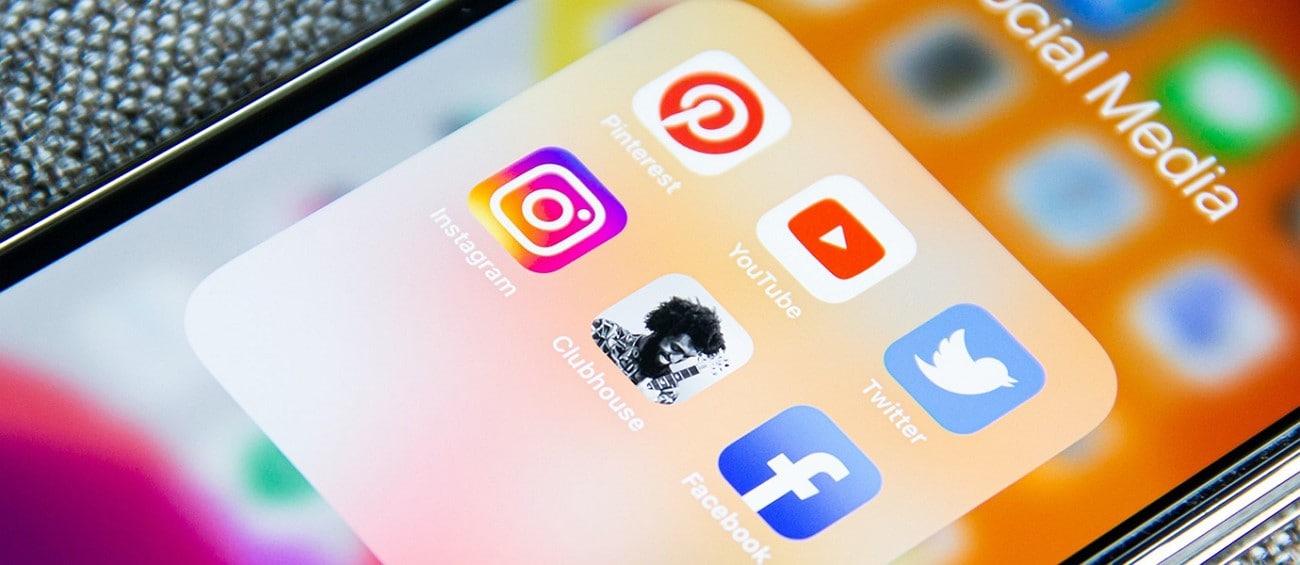
6. Choose the Right Platform
Each platform demands a different video length and format to perform well. For example, Instagram prefers short reels, and YouTube prefers detailed videos. Therefore, choosing the platform ensures your content reaches the right people.
Part 3. Make Your Promo Video Engaging With Wondershare Filmora
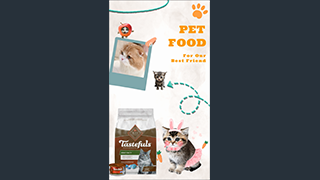
If you have no experience regarding how to edit a promotional video and want to create one that stands out, then you need the latest tools. Nowadays, there are many available options that offer advanced features, but most of them demand learning editing skills. This is not a possibility for startups and small businesses, so they use offline tools like Wondershare Filmora for editing promo videos.
The tool offers several AI features, such as generating accurate captions in more than one language. Moreover, you can generate music according to the emotion you want to convey through your video. The tool also enables you to make the volume low during the dialogues by turning the toggle on for audio ducking.
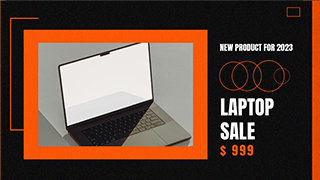
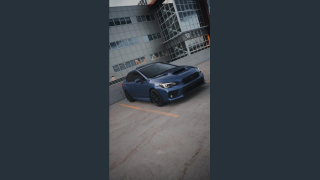
Electronic Product Promo 02
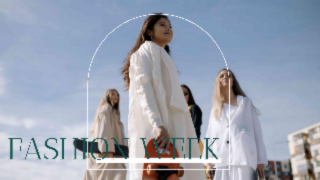
Simple Vogue Fashion Show 03

Detailed Guide For Making a Promo Video With Filmora Desktop
Having discussed the requirements on how to make promo video for YouTube, here is a detailed guide to create one with the Filmora desktop:
Part 4. Steps to Make a Promo Video With the Filmora App
Filmora App [Android/iOS] enables you to create an effective promo video by providing ready-made templates that you can customize. Moreover, you can remove the background and add an engaging one from the effects. If you want to know how to edit promotional videos using your mobile phone, then here are the steps to do it through the Filmora App.
Conclusion
To summarize, this article discussed how to make a promo video in detail and its major types. It also mentioned a tool, Wondershare Filmora, that contains promo video templates that you can customize according to your requirements. The tool turns out to be an ideal video editor for influencing basic and advanced edits in your promo video, in no time.