
TL;DR: Creators are moving away from CapCut due to increasing privacy concerns and the need for more robust, desktop-grade reliability. The Camtasia Suite (including Camtasia Online, Editor, and Audiate) stands as the top alternative, offering mobile-like speed with professional security and AI-powered text-based editing.
Upgrade from CapCut to a video powerhouse
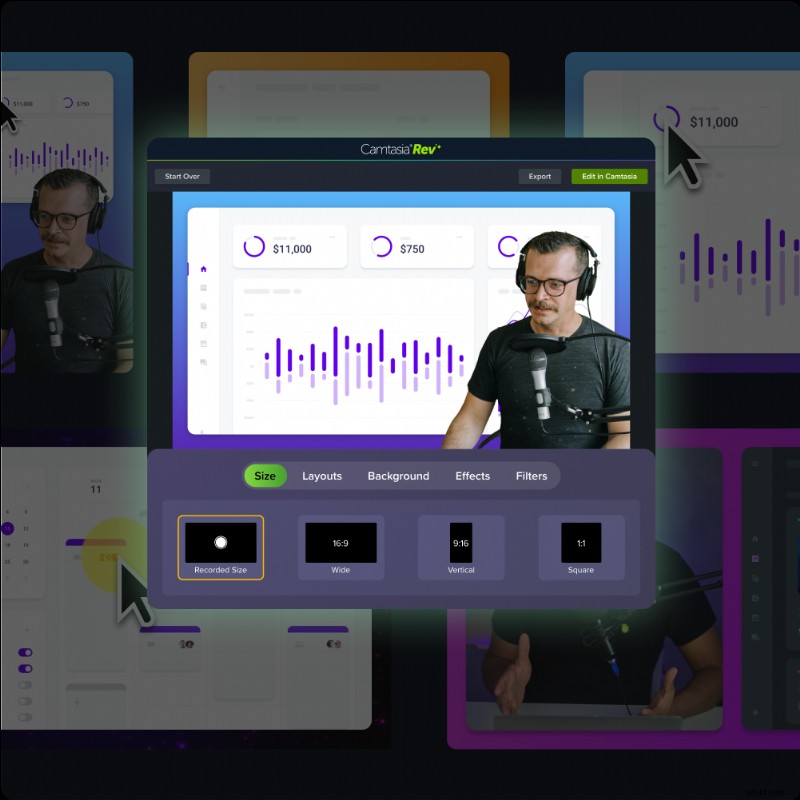
Camtasia is the all-in-one desktop editor you need. Record your screen and camera on separate tracks for complete control.
Free Download
The 7 best CapCut alternatives
- Camtasia: Your new to-go video editor
- DaVinci Resolve: Best for advanced video editing
- iMovie: Best free editor for Apple users
- InShot: Best mobile-first alternative
- VEED.IO: Best for browser-based editing
- Clipchamp: Best for beginners
- Descript: Best AI-powered alternative
Why creators are searching for a CapCut alternative in 2026
The shift isn’t just about finding new filters. For many, it has become a matter of professional survival and data security. If you’re questioning your workflow, you’re likely running into one of these four issues.
1. The ownership crisis
In mid 2025, CapCut updated its Terms of Service with language that sent shockwaves through the creator community. The terms essentially grant its parent company ByteDance a perpetual, irrecovable, and royalty-free license to use any content you upload for its own commercial purposes. That includes your voice and likeness.
2. The U.S. ban and update limbo
While service was partially restored in early 2026, the long-term status of CapCut in US app stores remains unstable. Then the app is caught in legal battles, security patches and new features stop. Not to mention, if a permanent ban happens, creators risk losing access to years of work overnight.
3. Paywall fatigue
CapCut’s transition from a free utility to a subscription model accelerated in 2026. Many of the AI features that made the app famous, like auto captions and background removal, are now locked behind a paid subscription.
4. Professional precision vs mobile ease
CapCut’s desktop version still feels like a mobile app stretched across a large monitor. It lacks the granular control to grow with creators.
What to look for in a Capcut alternative
Choosing a new video editing tool can feel overwhelming, but focusing on your needs makes the process easier. Here are some factors to consider when picking an alternative:
1. Ease of use
Look for tools with intuitive interfaces and helpful resources, like tutorials or templates. When transitioning from CapCut, you’ll want software that doesn’t require a steep learning curve.
2. Features that match your goals
Think about the type of content you create. Do you need screen recordings? Advanced animations? Reliable templates? Focus on tools that align with your specific editing needs.
3. Security and reliability
Choose software from companies with a solid track record. A U.S.-based, employee-owned company like TechSmith ensures your data is secure, and the tool will be around for the long haul.
4. Cross-platform compatibility
If you work on multiple devices, make sure your new tool supports both Mac and Windows or offers cloud access for seamless transitions.
Now that we’ve outlined what to look for, here are the top video editors to try.
1. Camtasia: Your new go-to video editor
Camtasia has evolved into a full suite that mirrors the “everything, everywhere” approach of CapCut but with professional-grade depth. Think drag-and-drop editing, screen recording, transitions, callouts, and more. Camtasia also comes with various customizable templates & animations to help you create polished content without spending hours on manual edits.
Camtasia makes it ridiculously easy to look like a pro, whether you’re creating tutorials, marketing videos, or YouTube masterpieces. Bonus: It works on Windows and Mac, and there’s a free version (with a watermark.)
And did we mention it’s made by a team in Michigan who are passionate about helping creators succeed?
Camtasia is the best long-term investment if you want full creative control over your video content without worrying about potential bans or data risks. Try it yourself and see why so many creators rave about Camtasia on G2.
Optimized for desktop, built for professional editing
Unlike CapCut, which focuses on mobile-first video editing, Camtasia is built as a powerful desktop-based video editing app, offering creators more precision, control, and professional-quality results. Mobile editing apps are great for quick cuts and fast content creation, but starting on a desktop with Camtasia unlocks advanced features, deeper customization, and a smoother workflow for producing polished, professional-grade videos.
For creators looking to improve their process with Camtasia:
- Record on mobile, refine on desktop: Capture footage on your phone, then elevate it with Camtasia’s advanced editing tools for a truly polished finish.
- Seamless cloud transfers: Effortlessly move clips from your phone to Camtasia via Google Drive, Dropbox, or AirDrop for a streamlined workflow.
- Faster, high-quality editing: Use customizable templates, animations, and precision tools to create polished videos more efficiently than mobile apps allow.
- Professional results, no shortcuts: Camtasia offers multi-track editing, screen recording, and high-resolution exports with no compression or watermarks—giving you complete creative control.
By incorporating a professional desktop editor like Camtasia into your process, you can combine the convenience of mobile capture with the advanced features needed for high-quality, standout content.
2. DaVinci Resolve: Best for advanced video editing
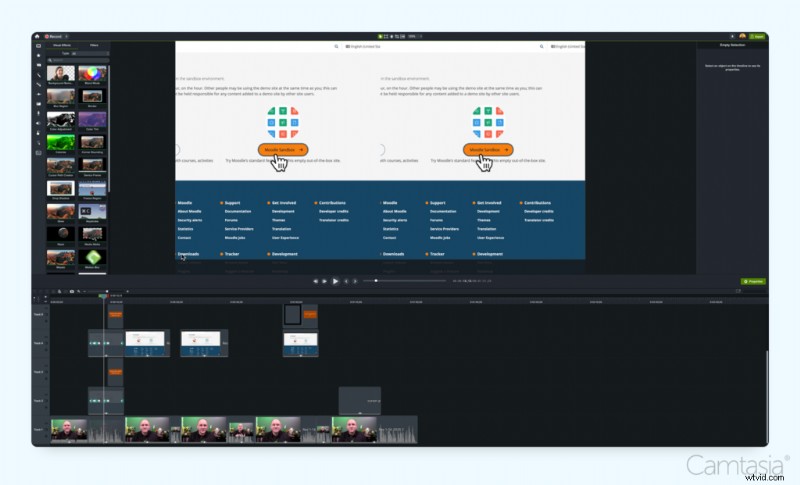
Feeling fancy? DaVinci Resolve is best for creators who need high-end color grading and Hollywood-level visual effects. It is powerful but has a steeper learning curve than CapCutThere’s a free version (yay!), but it does have a learning curve. If you’re willing to spend a little time mastering it, the results are “chef’s kiss”.
Key features:
- Advanced color correction and visual effects
- Multi-track editing
- Great for cinematic, high-quality projects
Available on: Windows, macOS, Linux
3. iMovie: Best free editor for Apple users
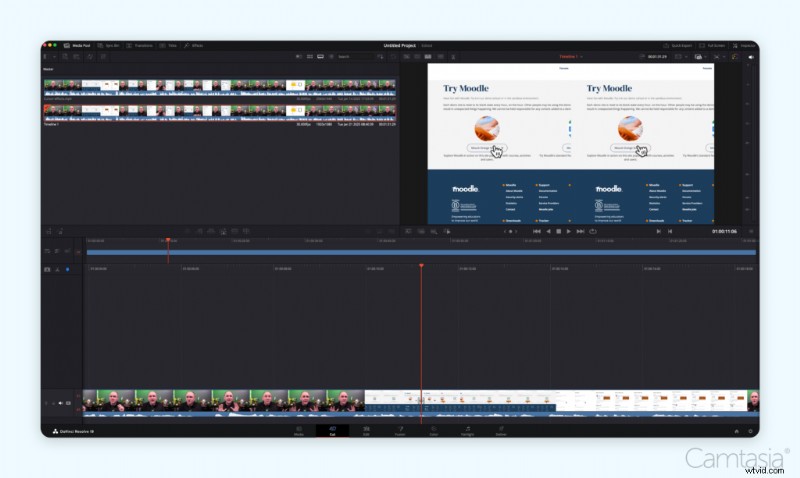
For our Apple-loving friends, iMovie is a solid choice. It’s free, intuitive, and gets the job done with clean, simple editing tools. Plus, it syncs with all your Apple devices, so you can edit on the go. It’s like the warm, reliable hug of video editors.
Key features:
- Seamless integration across Apple devices
- Simple drag-and-drop editing
- Free to use, with essential editing tools
Available on: macOS, iOS
4. InShot: Best mobile-first alternative
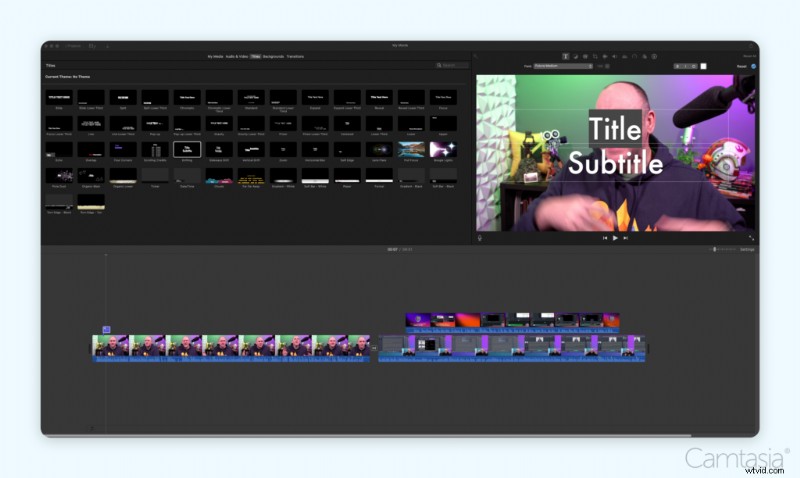
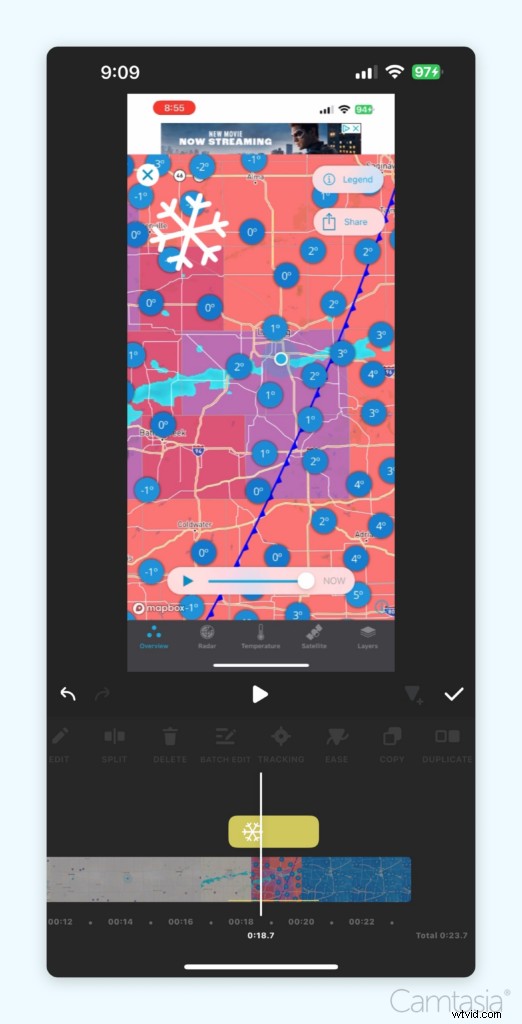
InShot is a mobile-first editing app perfect for a lightweight, easy-to-use alternative for social media content. It’s user-friendly, with features like trimming, text overlays, and filters. While great for simple edits, it lacks the advanced functionality and high-resolution exports of desktop-based tools like Camtasia.
Key features:
- Trim, merge, and adjust clips on the go
- AI-powered auto-captions
- Free version available (with watermark)
Available on: iOS, Android
5. VEED.IO: Best for browser-based editing
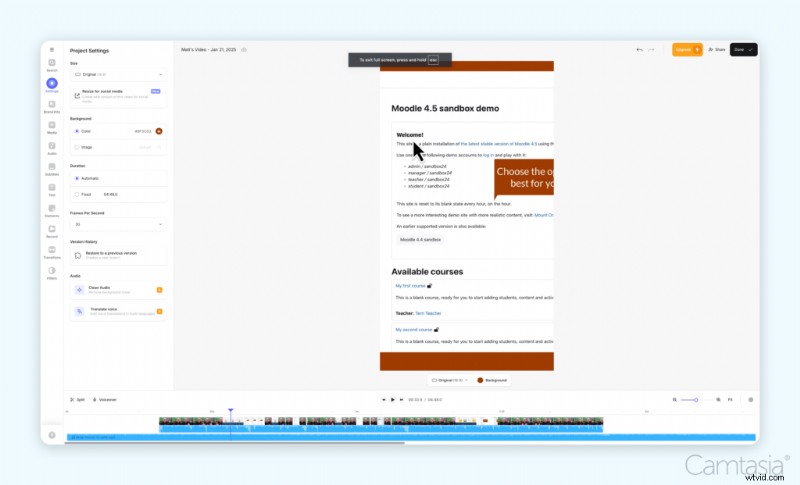
Love editing in your browser? VEED.IO is a cloud-based editor that’s all about simplicity. You can add subtitles, and effects and even collaborate with your team—all without downloading anything.
Key features:
- Online collaboration tools for teams
- Automatic subtitles and translations
- Quick and simple editing interface
Available on: Any device with a browser
6. Clipchamp: Best for beginners
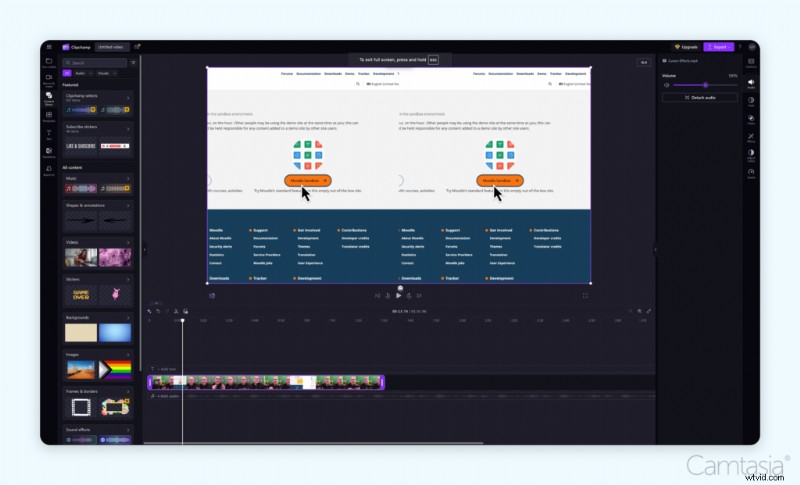
If you’re looking for an entry-level editor with a simple interface, Clipchamp (now owned by Microsoft) is a great choice.
Key features:
- Drag-and-drop editing
- AI-powered auto-captioning
- Integrated with Microsoft 365 tools
Available on: Windows, Chromebook, Web
7. Descript: Best AI-powered alternative
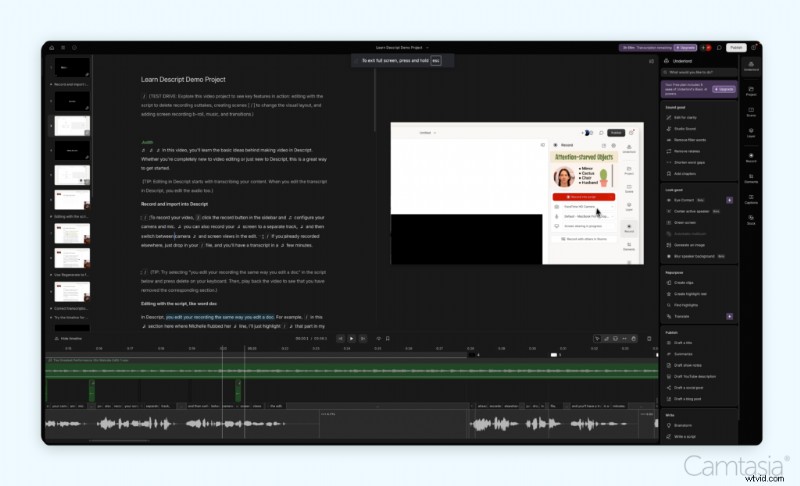
Descript is another solid option, particularly for creators who focus on repurposing content for multiple platforms.
Key features:
- AI-powered video and audio editing
- Text-based video editing (edit by modifying the transcript)
- AI-generated social media clips
- Automated filler word removal (e.g., “um,” “uh”)
- Built-in stock media library
Available on: Windows, Mac, and Web
Making the switch to a new video editor
Switching to a new video editor might seem daunting, but it can be a smooth transition with the right approach. Here are some tips to help:
1. Start with tutorials and guides
Many tools, like Camtasia, offer extensive tutorials and resources to get you up to speed quickly. Use these to familiarize yourself with the interface and features.
2. Use pre-built templates
Templates can save you time and reduce the learning curve. Start with pre-designed options to create polished videos without starting from scratch.
3. Experiment with small projects
Before diving into a big project, try creating short, simple videos. This will help you build confidence and learn the tool’s capabilities at your own pace.
4. Choose an editor with essential features
When selecting a CapCut alternative, prioritize tools with these must-have features:
- Automatic captions – Save time and boost engagement.
- Stock media libraries – Add professional-quality assets to your content.
- Background removal – Essential for green screen effects.
- Aspect ratio switching – Optimize videos for different platforms.
- AI-powered audio enhancement – Clean up background noise effortlessly.
5. Leverage customer support
Look for software that offers reliable customer support, whether through chat, email, or a help center. Having a support team on hand can make a huge difference.
6. Take advantage of free trials
Many video editing tools, including Camtasia, offer free trials. Use this time to explore features and ensure the tool is a good fit for your needs.
Conclusion
Losing CapCut might feel like a setback, but it’s also a chance to upgrade to something better. Tools like Camtasia offer a reliable, secure, and user-friendly solution that can help you take your video creation to the next level. With its intuitive features, stellar G2 ranking, and trusted reputation as a U.S.-based, employee-owned company, Camtasia stands out as the best choice for creators.
Ready to make the switch? Download Camtasia today and see how simple, secure, and powerful video editing can be!
Go from screen recording to polished video
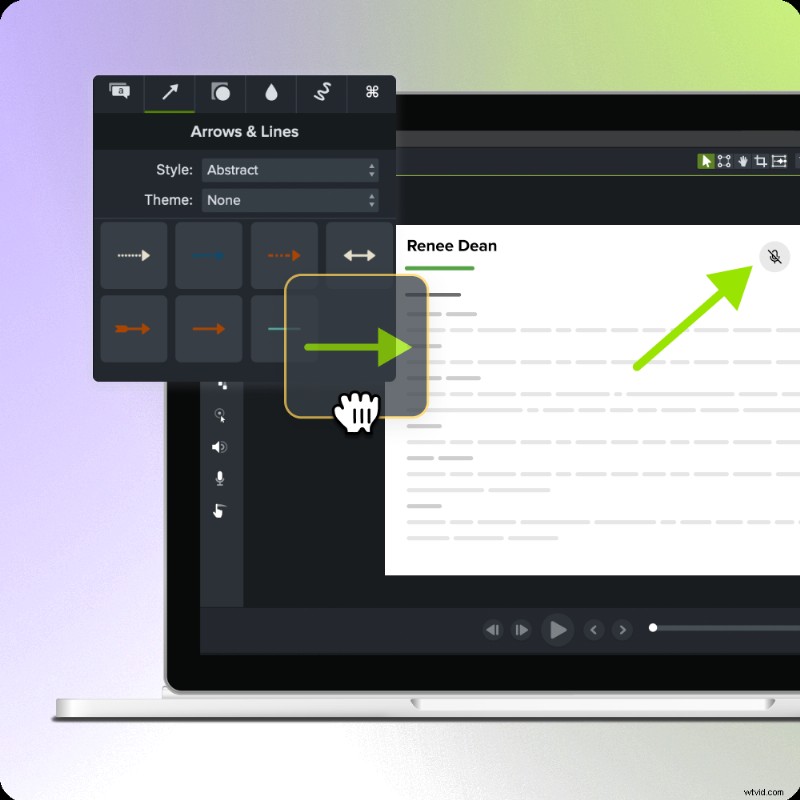
A screen recording is just the start. Camtasia’s editor helps you add the callouts, animations, and edits you need to create a truly professional video.
Free Download
Frequently asked questions
What happened to CapCut?
The ban on CapCut stems from the U.S. government’s concerns over data security and privacy related to ByteDance-owned applications. The Protecting Americans from Foreign Adversary Controlled Applications Act required ByteDance to divest its U.S. assets by January 19, 2025. Failure to comply resulted in removing apps like CapCut from the Apple App Store and Google Play Store in the U.S.
Is CapCut getting banned?
Yes, as of January 21, 2025, CapCut is still banned in the United States. However, an Executive Order was signed to delay the ban. As of the writing, Capcut could be downloaded from their website, but TikTok is not available in the Google or Apple stores. This means that while existing users may continue to use the app, they will not receive updates, and new users cannot download it. Over time, the lack of updates may affect the app’s functionality and security, and its future in the United States is still uncertain.