
It’s happened to all of us. You see something on your computer screen that you want to share with a coworker. Perhaps you copy the URL and paste it into an email.
Then, you type out some text like, “check out the article found at this link. Scroll about three-quarters of the way down the page…” If screen capture were a person, this is when she (or he) would say, “Put me in, Coach!”
Screen capture is useful when you need to show others something that you see on your computer monitor. Sometimes a still-image screen capture, known as a screenshot, is perfect. If your screen capture requires a lot of explanation though, a screencast might be an even better option.
Unlike traditional pictures or videos recorded with a camera, a screen capture program is necessary to grab an image or recording of on-screen activity.
With a screen capture tool like Snagit, you are able to communicate more clearly than with text alone by using the screen capture and screen recording functionality. You can show someone exactly what you want them to know, rather than relying solely on words. You can even take your screen capture a step further and incorporate a human element with webcam capture, which can be helpful when you are using screencasting to build and strengthen relationships.
When would you use screen capture?
Perhaps you’re wondering when screen capture could come in handy? The possibilities are endless! Any situation where you need to convey a complex idea and want to prevent confusion is a potential opportunity, but not the only circumstance when it would make sense to use an image or video captured from your screen.
Here are 9 ways screen capture can make your life easier.
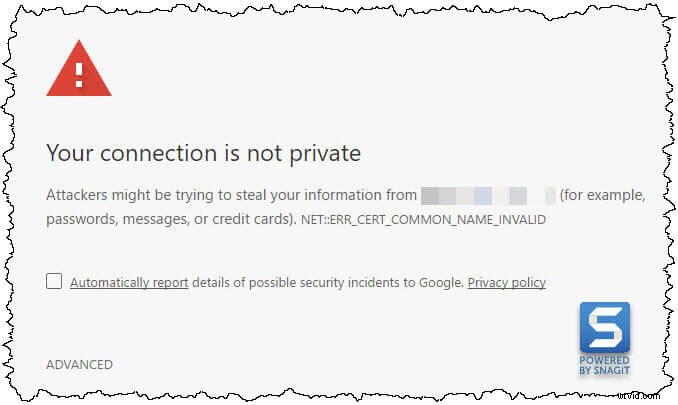
1. Report an error message to IT and show them exactly what type of problem you’re having.
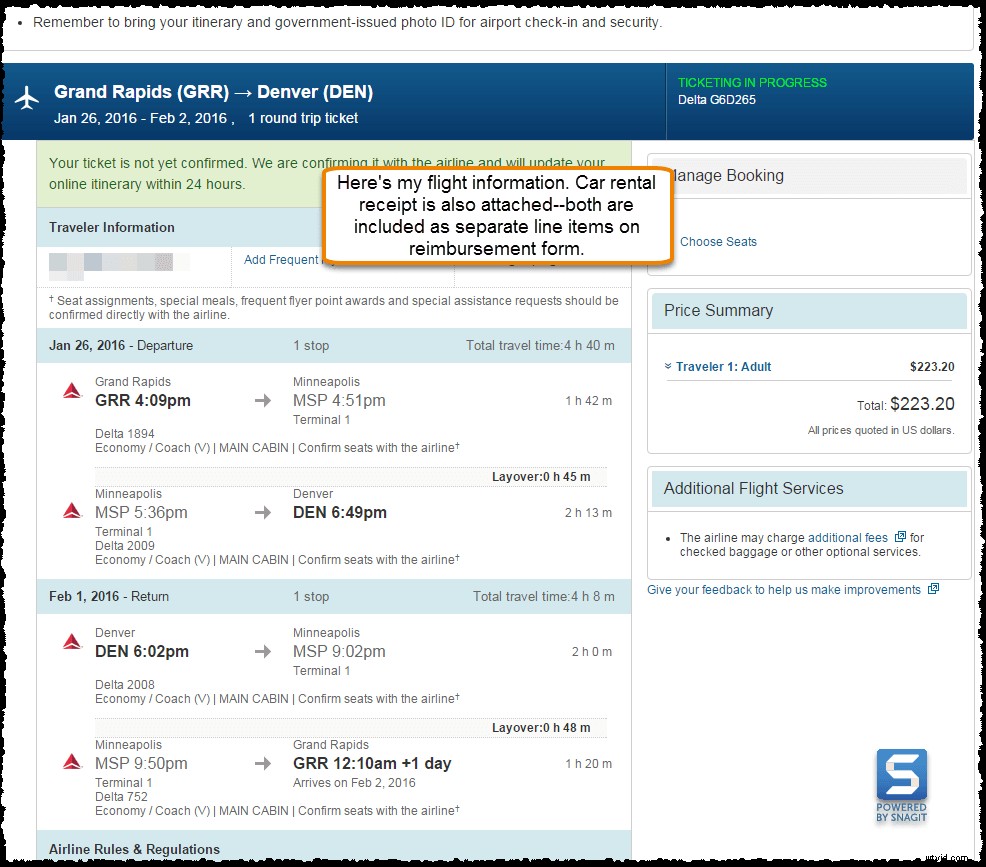
2. Save important things you might like to refer back to later.
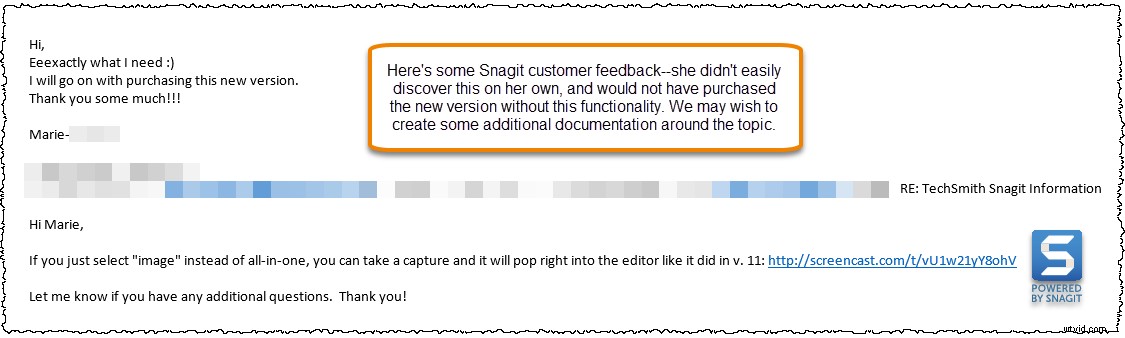
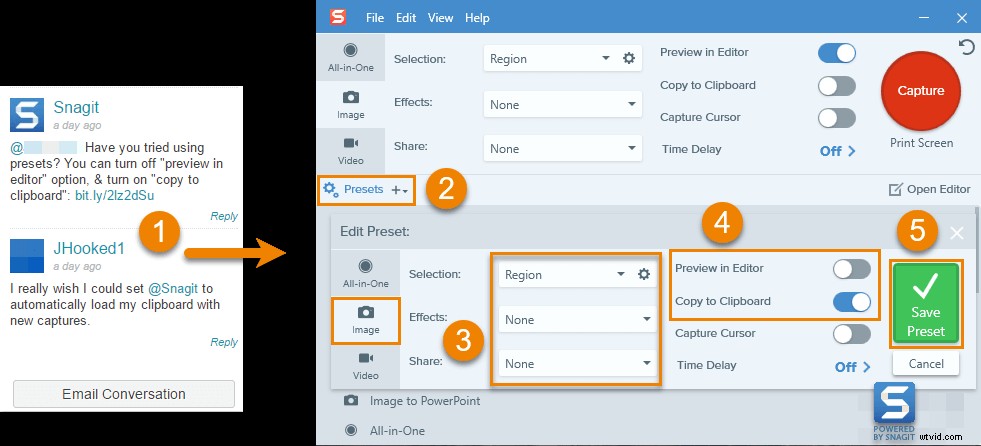
3. Provide feedback to a colleague.
4. Send a personalized video to a customer to touch base about an existing account.
5. Support your customers with clear instructions that explain how to complete a task.
6. Share a brief portion of a video.
You can view full video, My Favorite Outlook Calendar Tips and Tricks, on YouTube.
7. Make a meme for use in an email, or for your company’s social media channels.

8. Explain a document to a client.
9. Create an on-demand presentation by recording PowerPoint slides.
That’s my list of most common ways screen capture makes my life easier.
Have another use case for screen capture? We’d love to hear about it! Send us a message, tweet, or comment on Twitter or Facebook