
Here are seven professional tips to keep in mind when filming a shoot using a teleprompter.
In the professional video industry, opinions on teleprompters tend to vary. For some video production professionals, they are essential. For others, they can be a nightmare. If you’ve decided that a teleprompter is the best way to go, here are seven important tips to make sure your shoot goes off without a hitch.
1. Set Your Spot
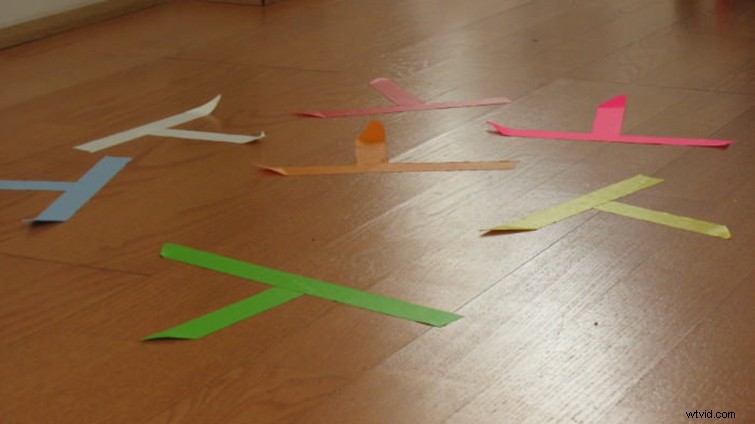
Ideally, you’ll be setting up your teleprompter shot well before your subject is ready to go. Use a light stand (or better yet, a similar sized stand-in) to help you set everything up. If you carefully mark your spot, you can set everything from focus to lighting to audio.
2. Sturdy Tripod and Set-up
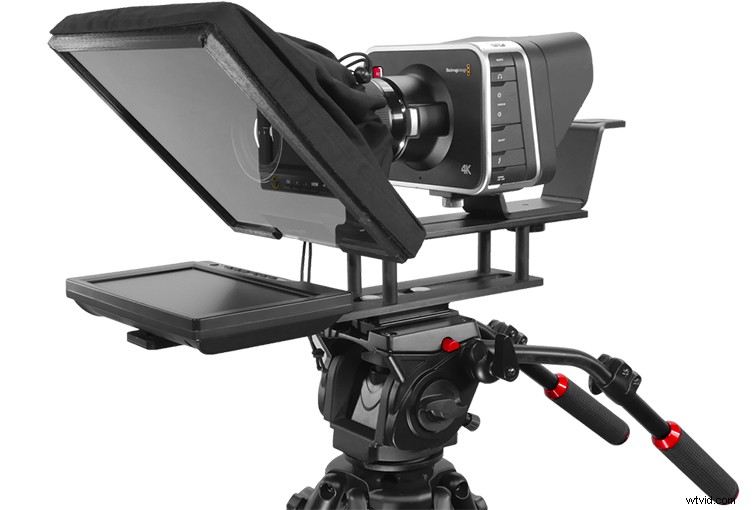
Image of the UltraLight iPad 10″ via Prompter People.
Depending on your teleprompter and camera choices, you very well may need separate tripods for each — or a very sturdy one for both. Teleprompters can range from lightweight iPad holders to heavy-duty contraptions, so be sure to make sure your tripod is well within its weight threshold.
3. Give Good Sightline
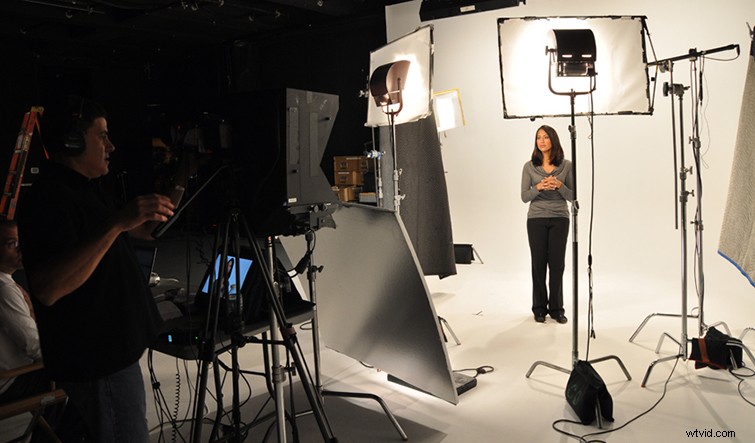
When you have your real subject in his or her spot and your camera set up, you may need to adjust the height of your teleprompter to give your subject a good sightline. Ideally you’d like it perfectly parallel with your subject’s eyes so that they are looking directly into the camera. (However, if you’re looking for a more abstract effect, feel free to adjust accordingly.)
4. Record and Monitor Audio
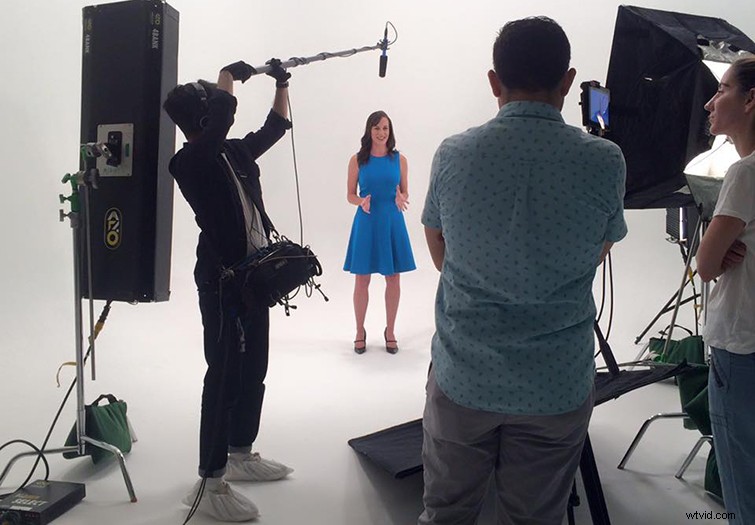
When shooting a set teleprompter shot, you will have the luxury of maximizing your audio recording capabilities without tricky movements. If you’re using say, a boom mic, you can set it overhead (either with a person or a light stand) to be as physically as close to the subject as your shot will allow you. As you film, you can monitor audio either in-camera or through your external device.
5. Establish Pace
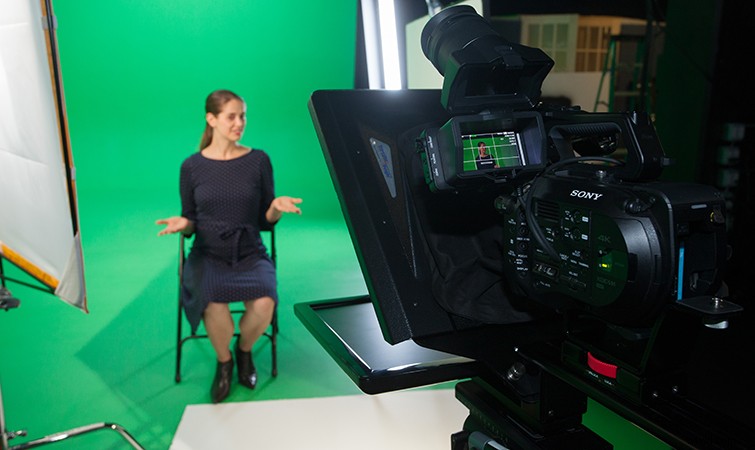
From the beginning, you’d like to get your subject comfortable with the teleprompter and how it scrolls. However, it’s also up to you to establish a pace for your subject to follow. Whether they naturally talk quickly or slowly, you have the power to scroll to match their comfort level — as well as the ability to kick it up or slow it down as you’d like.
Pro Tip: if your video allows, you can still break up your teleprompter script into smaller chunks rather than running all the way through. Encourage your subject to take breaks between paragraphs or lines to catch their breath and collect their thoughts.
6. Minimize Eye Movement
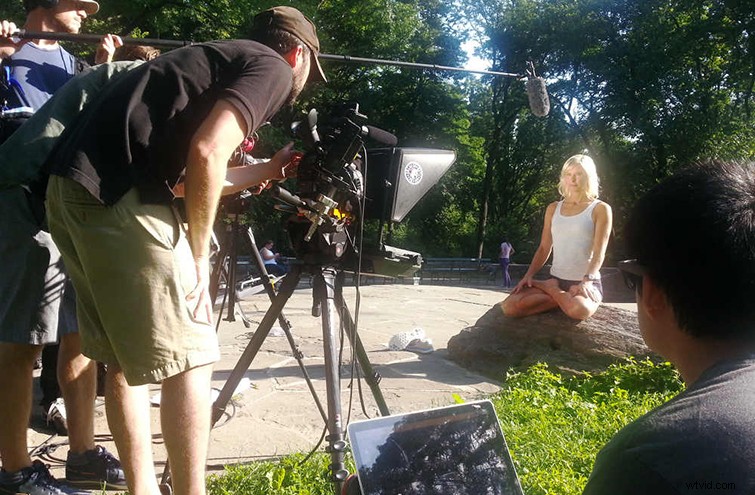
One problem many experience when working with teleprompters is a tendency to get “shifty-eyed” when they read the words across the screen. One simple way to combat this is to encourage your subject to read and take in full lines at a time, rather than reading each word as it appears. Give them a chance to read the whole paragraph, understand the message, and use the teleprompter more as a safety net.
7. Stay Cool (Keep Wipes Ready)
Let’s face it, for some people, speaking on camera is a nerve-racking experience that will always make them uncomfortable. A teleprompter can be a good way to put a subject at ease because they don’t have to worry about forgetting lines — although they can still get nervous. If they do, try to keep them calm, give them positive reinforcement, and keep a package of sweat wipes handy.