
Defining image resolution
Simply put, resolution measures how many pixels an image contains. Pixels are itty-bitty squares that make up a digital image. Each square (pixel) is a piece of a puzzle, and when combined with all its other squares, becomes resolution. In other words: An image is the sum of its pixel parts. Resolution is defined as the area of an image’s pixels. So, image resolution = pixel length x pixel height = resolution.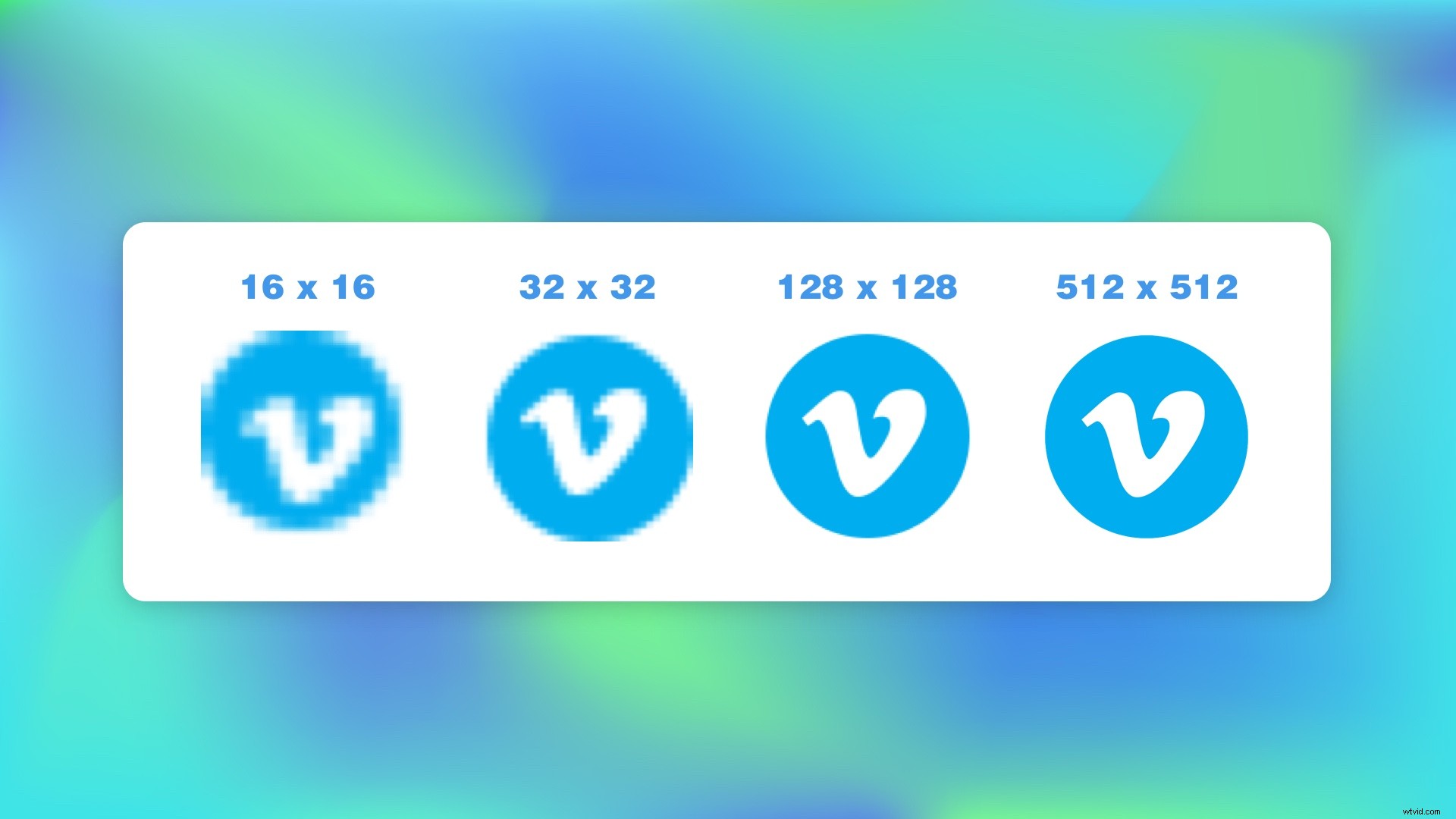 Take the Vimeo logo. As we add more pixels to the icon (increasing its resolution), the image gets sharper and more detailed.
Common resolution specs
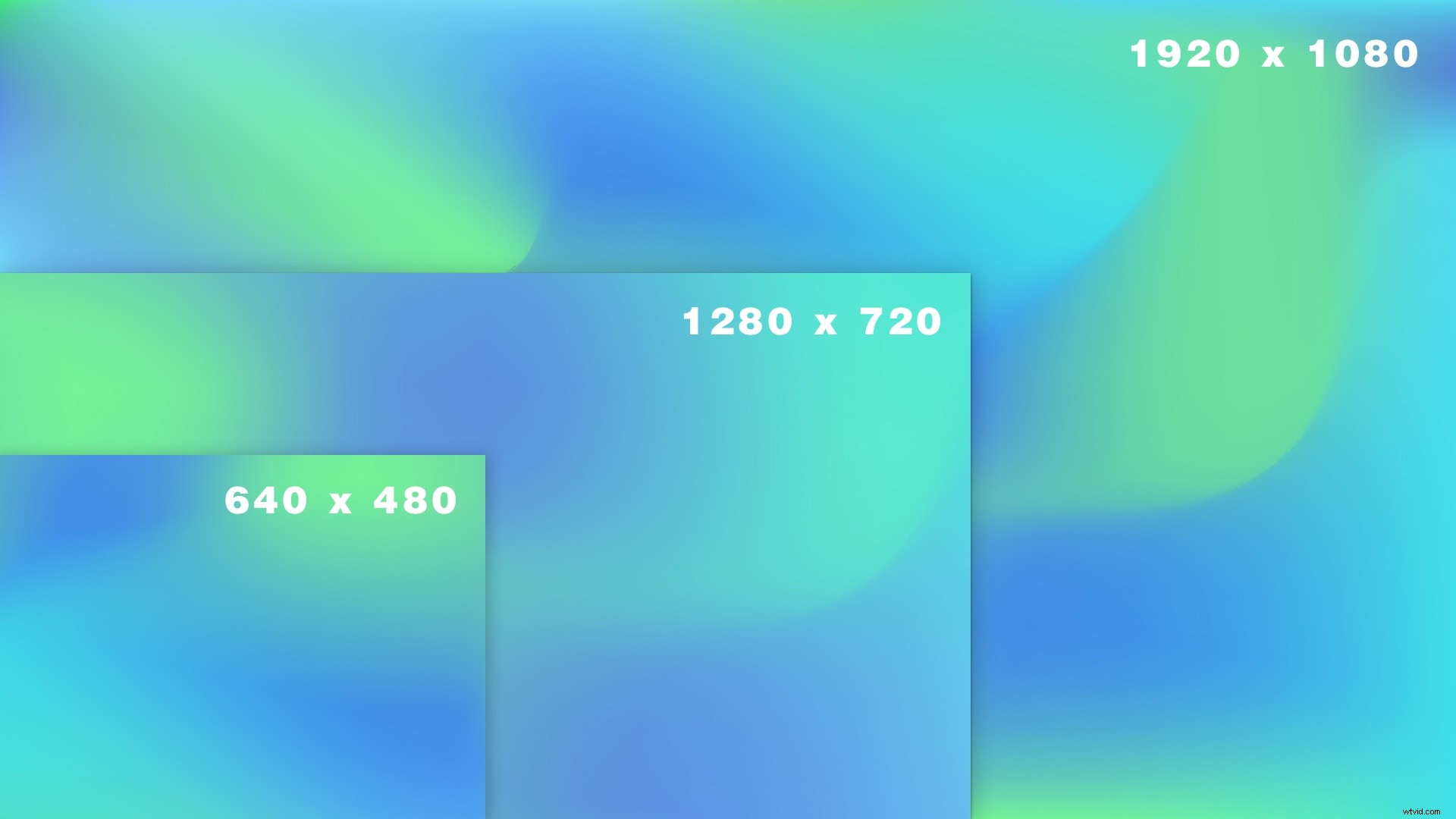 The chart above outlines the most common resolutions that you’ll choose from when downloading images — or sharing videos on social media. The most common and recognizable is 4K resolution — known on the market as ultra high-definition (UHD). More on that later. Before that, there’s 640×480, commonly referred to as standard definition (SD). Then there’s 1280×720, which is the high-def or hi-res minimum (HD). And finally, there’s 1920×1080. Often these resolutions are referred to by their image height. For example, you may be given the option of a 1080p download, which is just shorthand for 1920 x 1080 pixel resolution.