
Remote post-production is fast becoming a viable (and sometimes preferable) workflow for many teams these days. With the prevalence of high-speed internet and an abundance of robust software tools, it’s now easier than ever to work with your teams from almost anywhere.
Today we’re exploring how to set up an efficient remote proxy workflow with Adobe Premiere Pro and Frame.io.
Of course, the first thing you need to do when working with a remote editor is to actually get all the footage to them. Using the Frame.io Premiere Pro panel, you have the ability to upload any file from your system or external/networked storage, and even entire bins right from inside Premiere Pro.
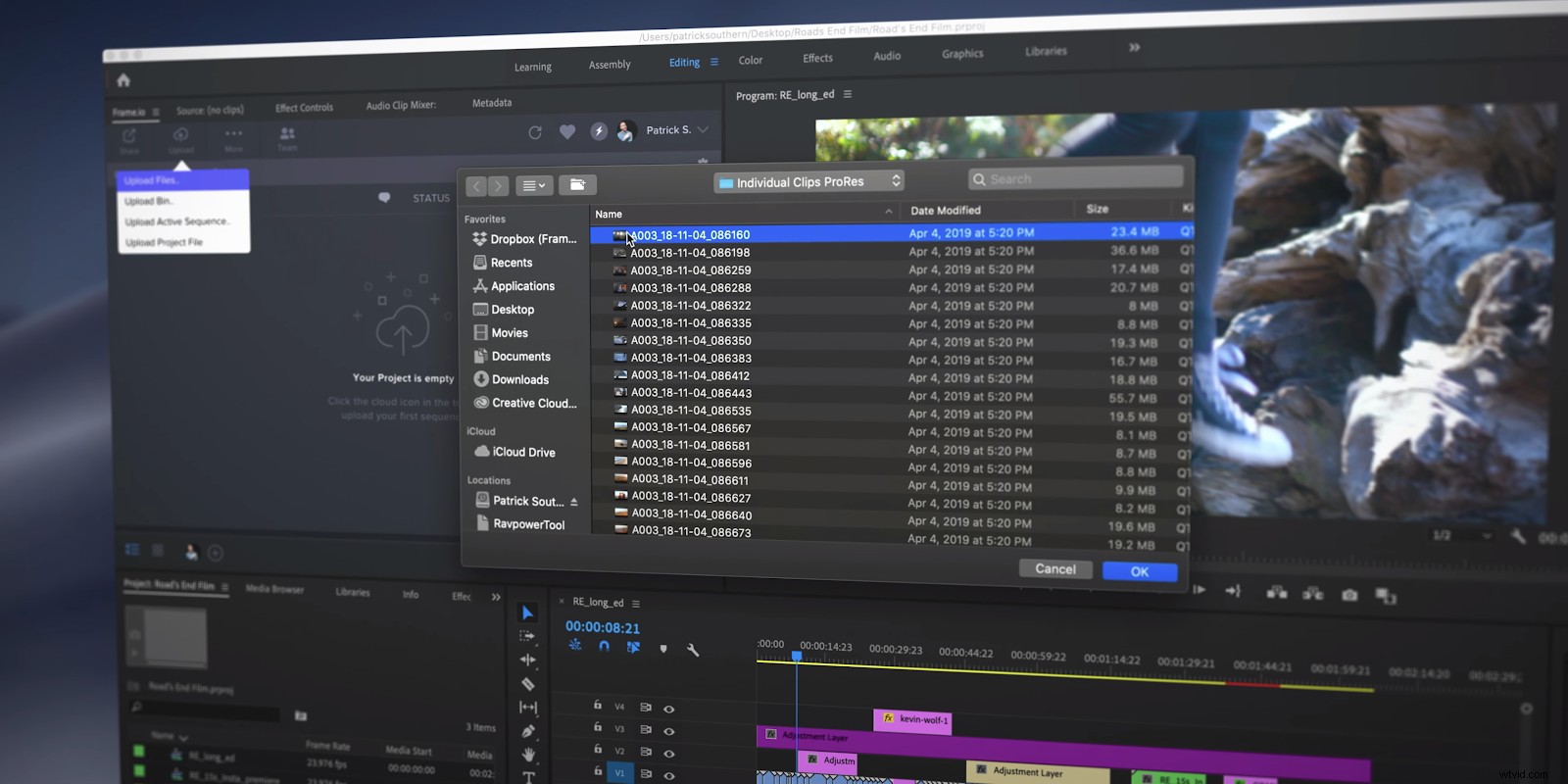
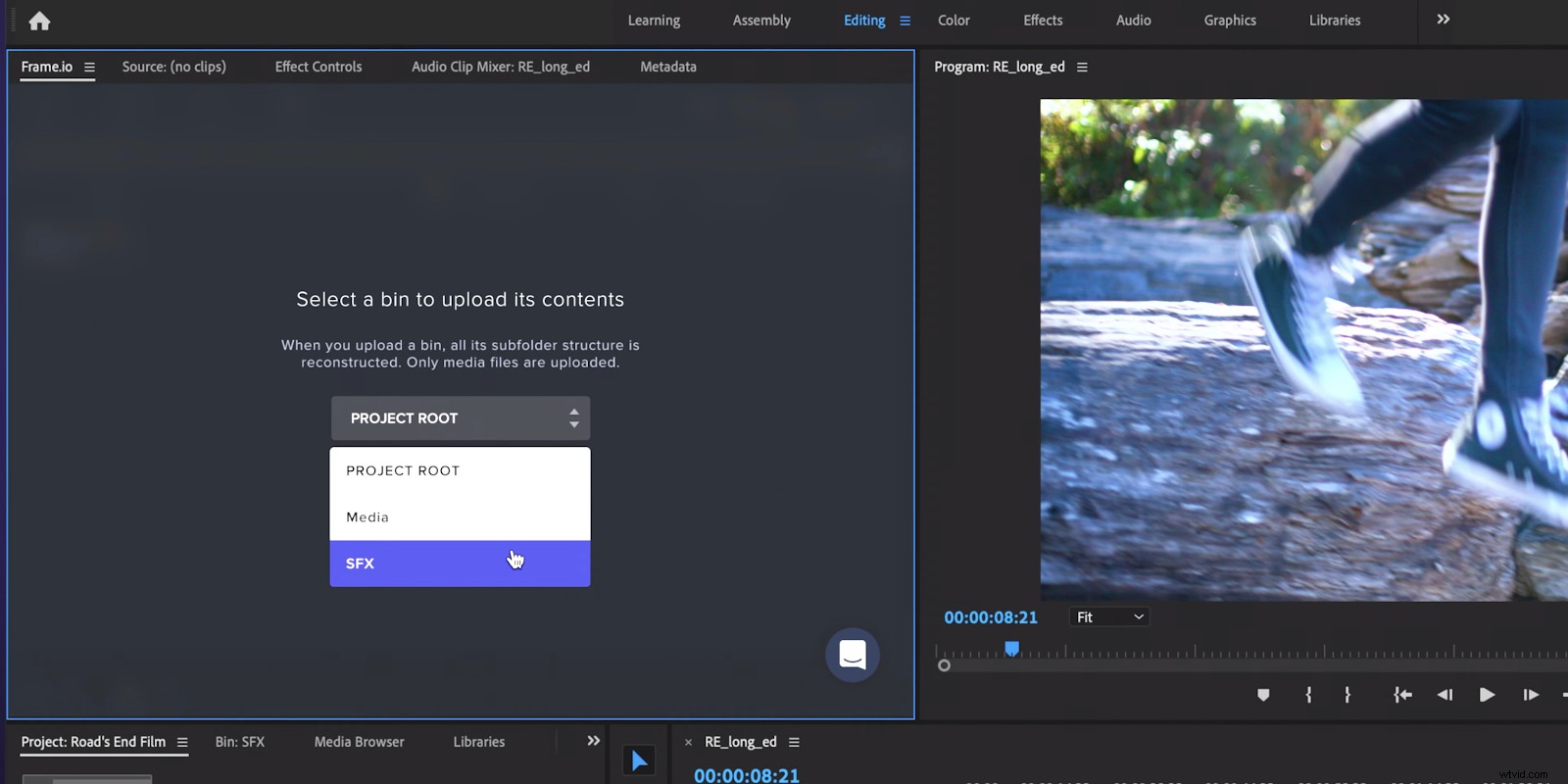
This is really handy if you’ve already sorted your footage into bins, so that your team can keep all the B-Roll, sound effects, stock footage, and all other assets organized.
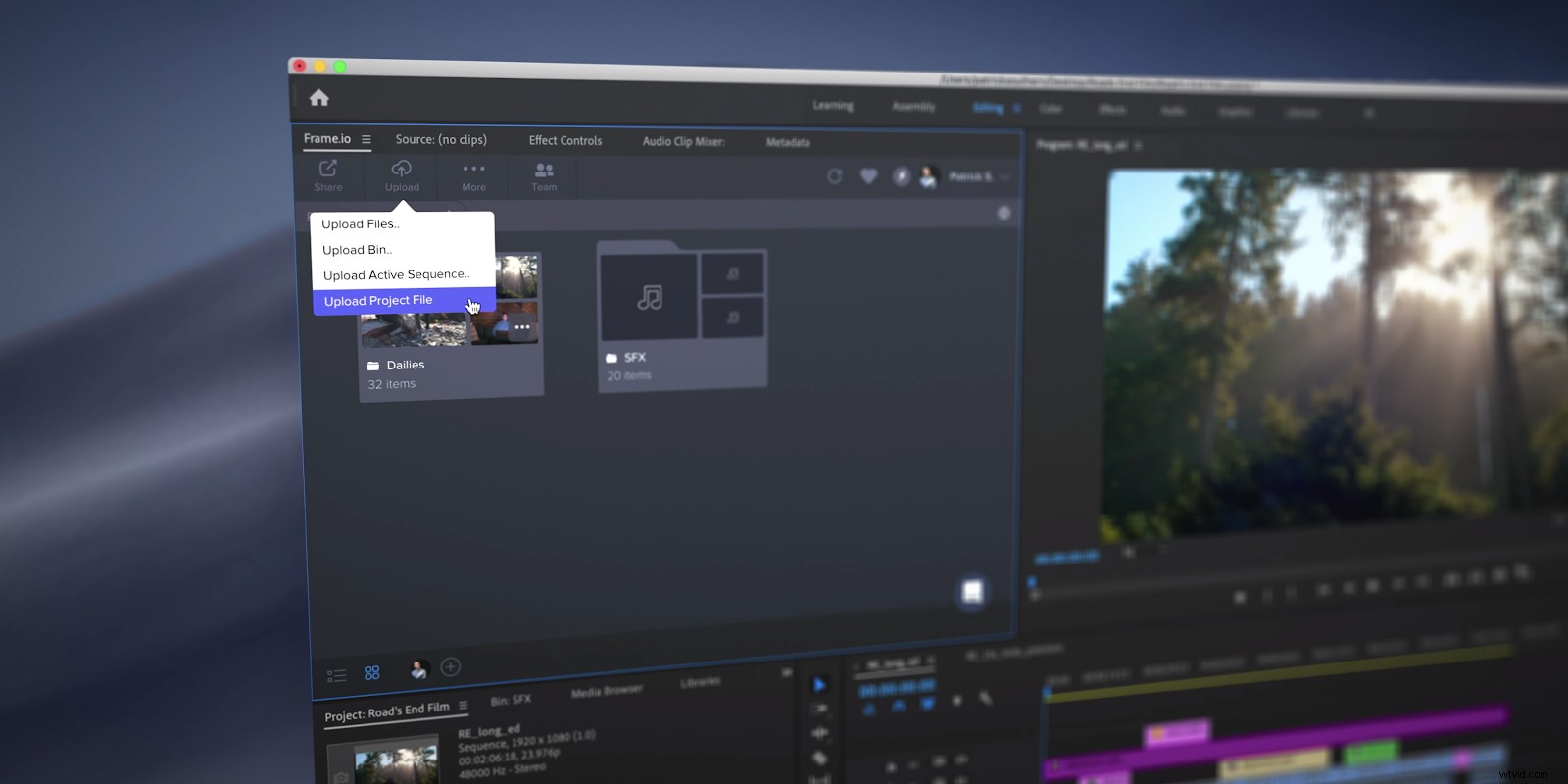
Additionally, if there is a particular organization scheme you want your editor to have access to, you can upload your entire Premiere Pro project through the Premiere panel.
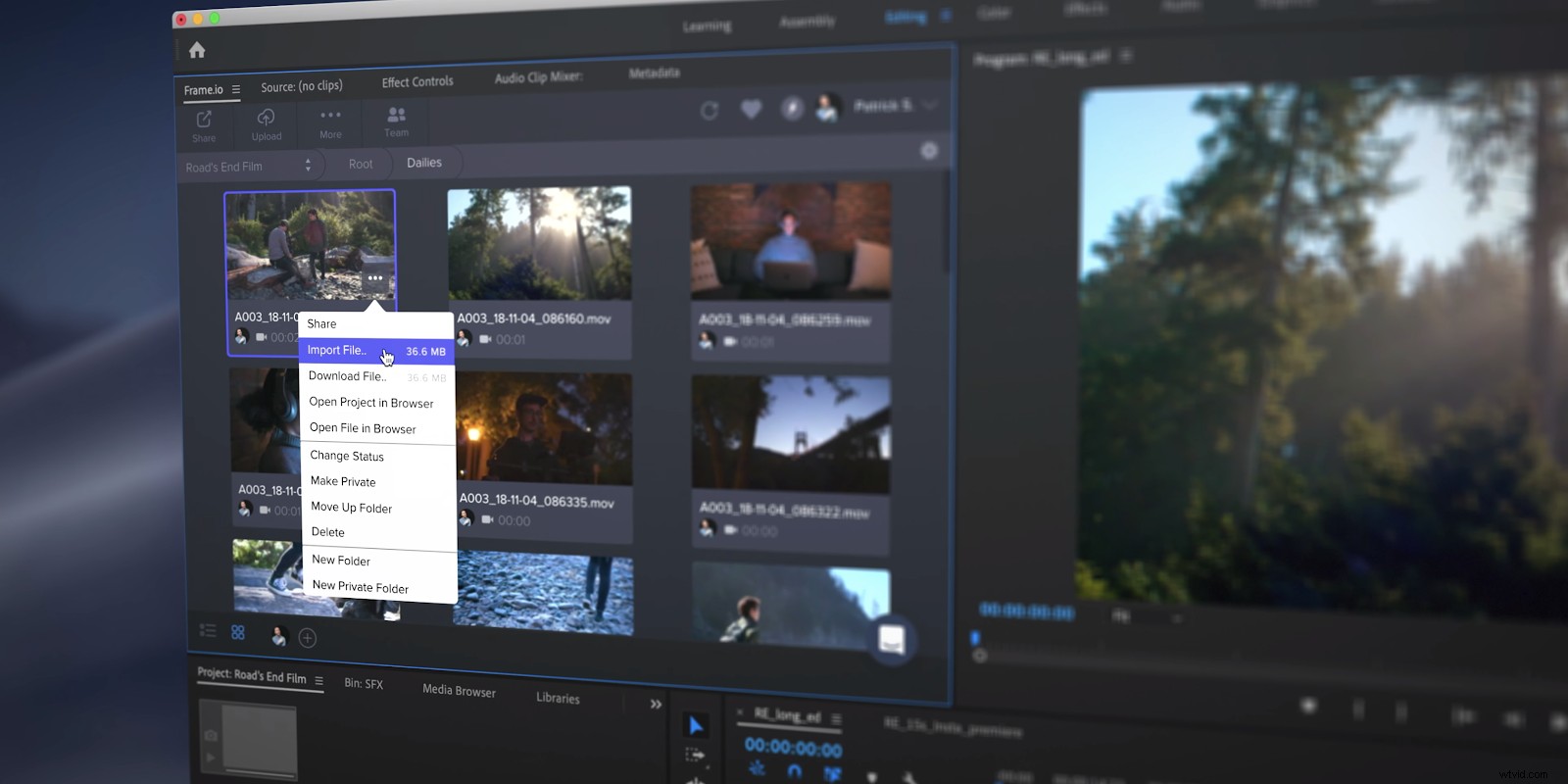
Once they have it on the other side, your editor can download all the footage and project files in the Panel. Of course, the editor has the option of downloading either the camera originals or any number of different types of proxies.
If they’re downloading in a batch, they only have the ability to download the highest-resolution proxies or the lowest-resolution proxies. Highest resolution files are great, as long as you’re on a pretty decent Internet connection, but if you’re on hotel wifi downloading all these files can feel burdensome.
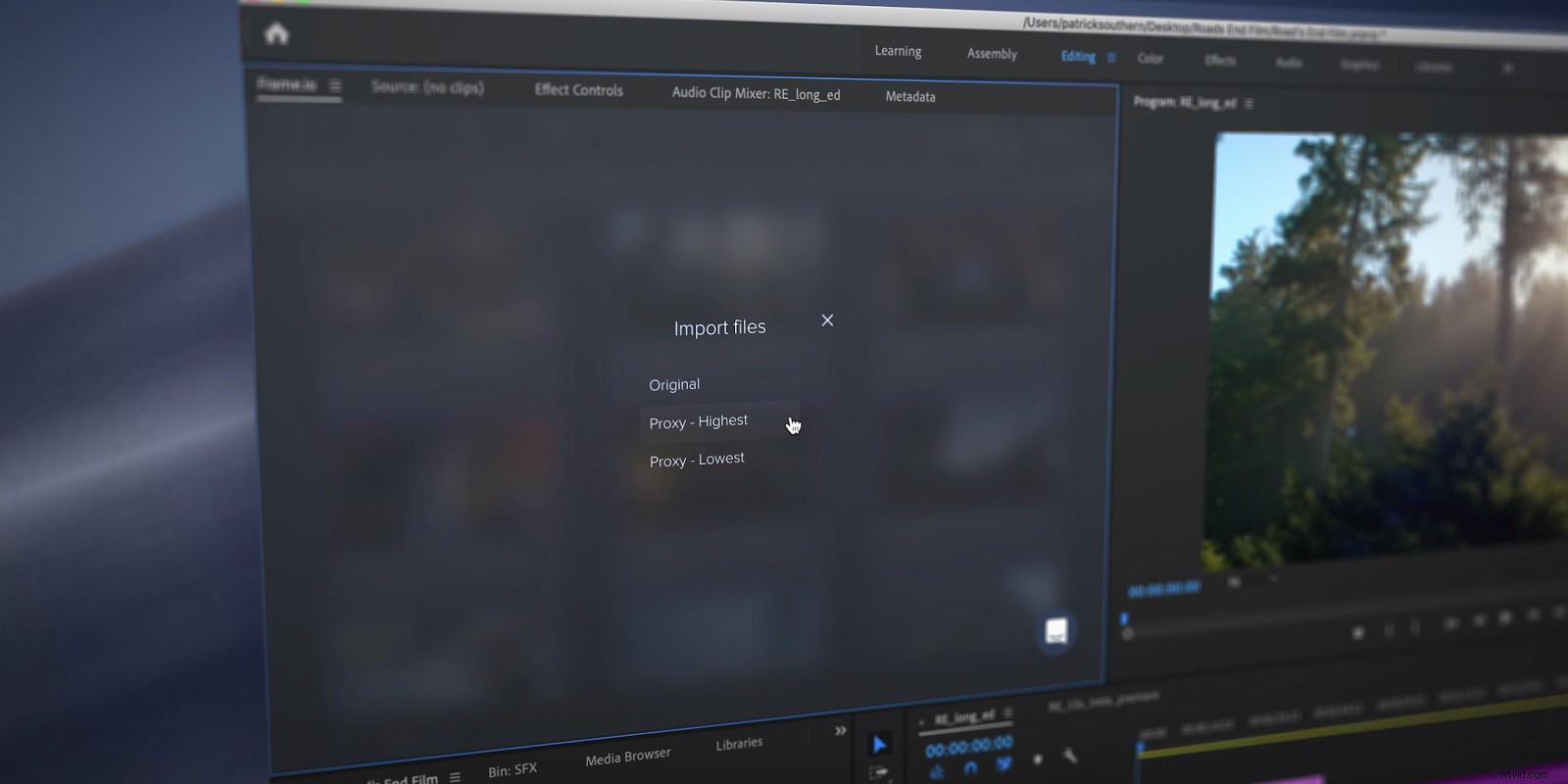
So what are you gonna do?
Well you’re gonna download at the lowest resolution possible. But don’t worry, it’s not forever.
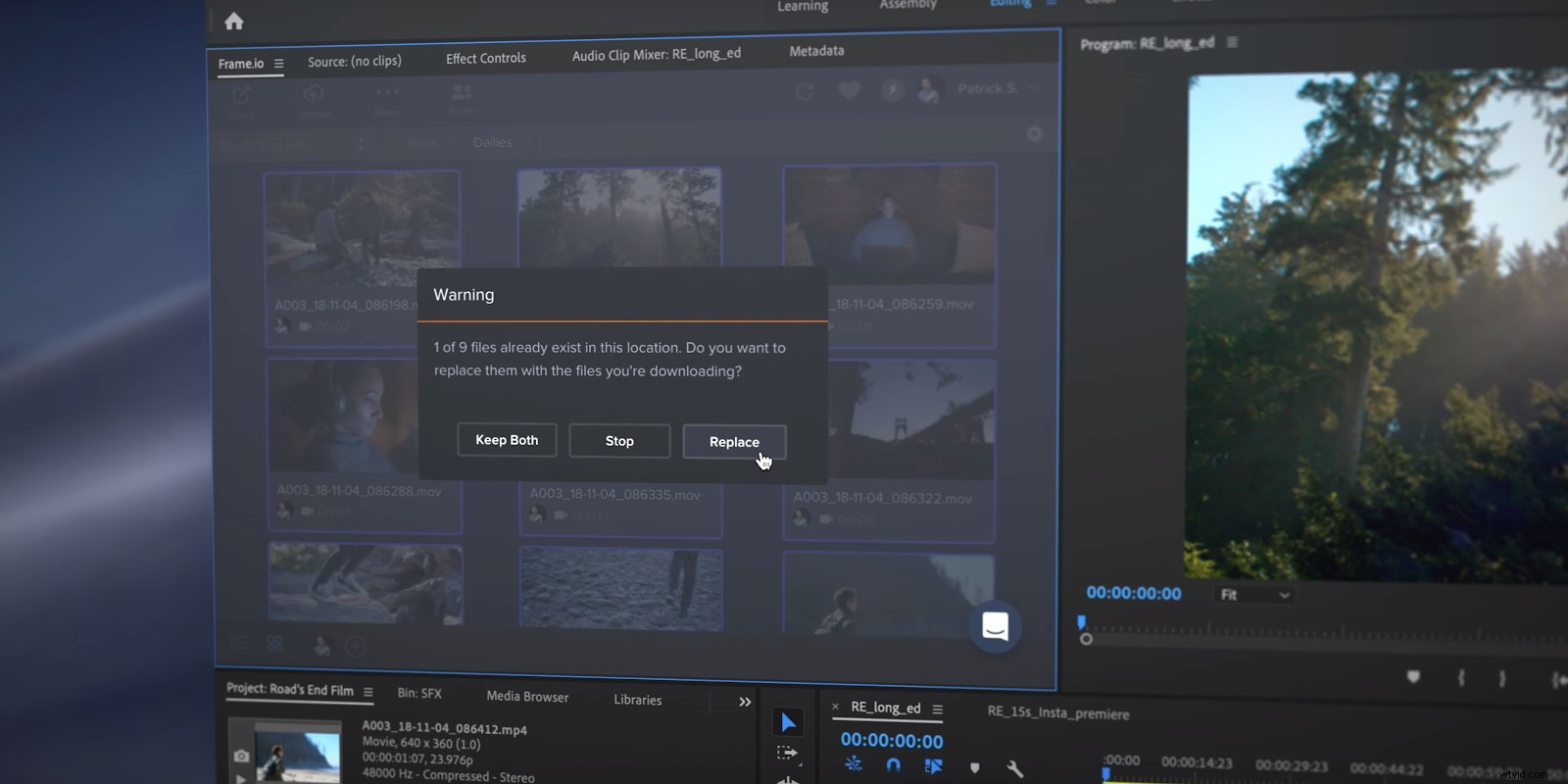
As soon as you find a better Internet connection, you can upgrade your proxy files from the lowest resolution to the highest resolution with just a click. The Frame.io Premiere panel will automatically replace those files, without any manual re-linking on your end.
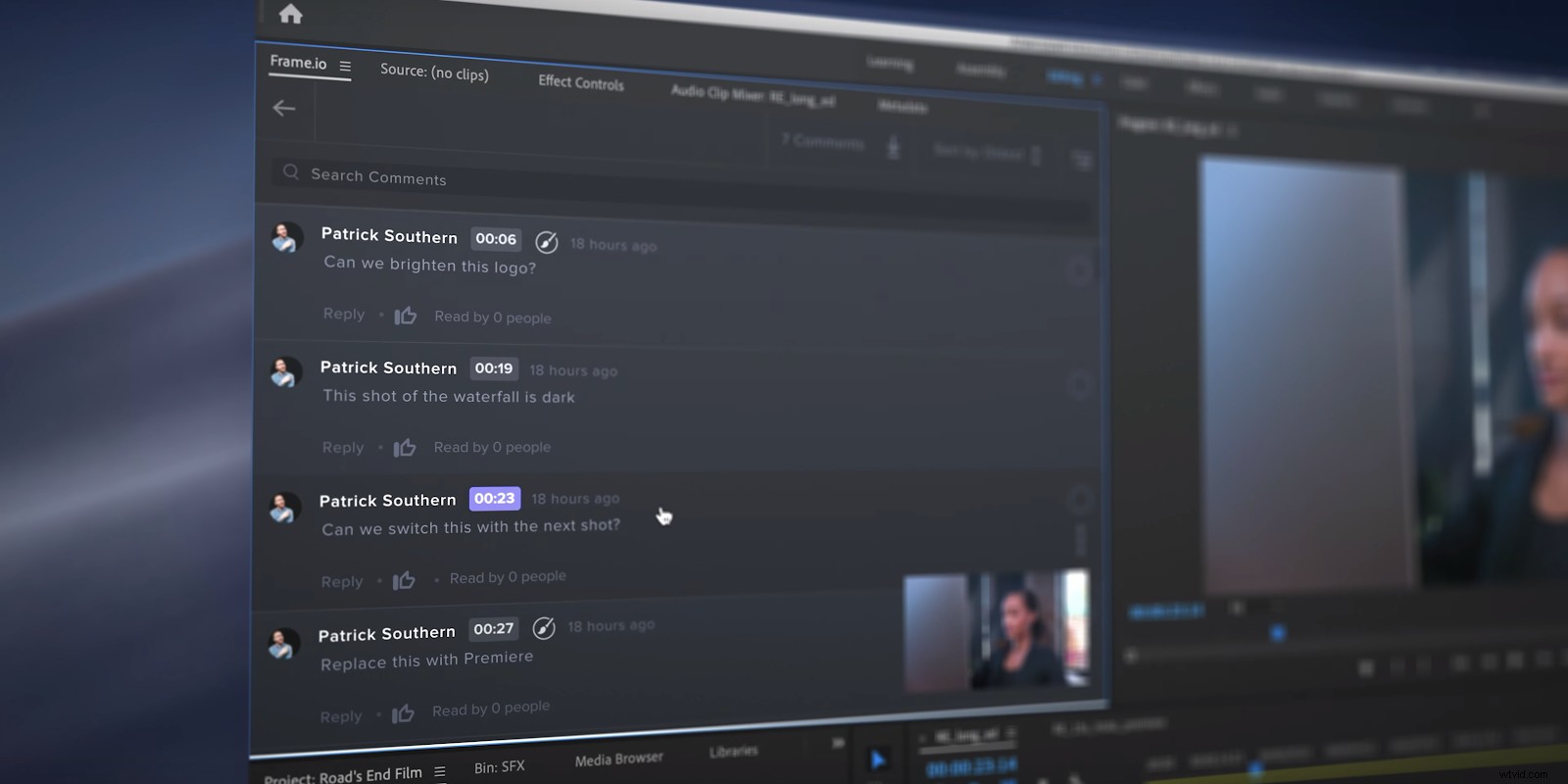
And then once the editor has finished editing your sequence, it’s easy to upload the active sequence to Frame.io for review. Every note and annotation that is made on the review page in the Frame.io web app will also appear in the Frame.io Premiere Panel, so changes can be made without new downloads or imports.
You can also download each and every one of the comments into your timeline as a marker inside of Premiere Pro.
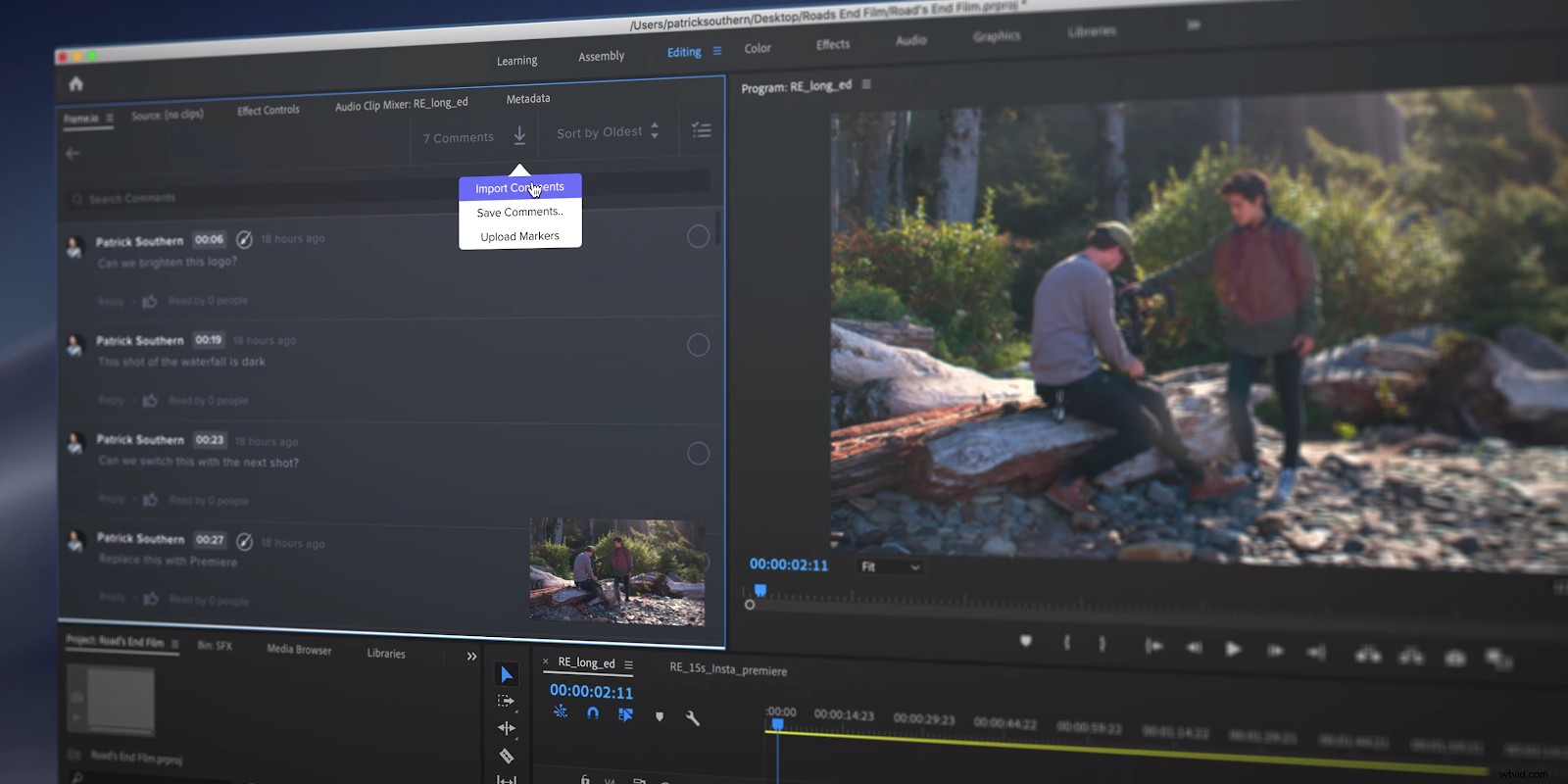
Reviewing timecoded notes right in the timeline, and making changes without guesswork, is a huge timesaver. And then of course once the editor has finished that round of notes, the process can be easily repeated all the way through the fine cut.
This proxy workflow inside the Frame.io Premiere Pro Panel makes uploads, downloads, sorting, conforming, collaboration, and review easier super easy and efficient. And every bit of time and energy you save here lets you focus on the creative side of your project even more.
Are you using remote proxy workflows? Let us know in the comments section below. If you’re not, go ahead and try, and tell us about it. We love to hear about what you’re creating.