
Managing a growing photo library efficiently is essential for both hobbyists and professionals. With 2026’s evolving technology, choosing the right software can streamline your workflow, preserve image quality, and unlock creative possibilities. Below is a comprehensive, expert‑verified roundup of the best photo management tools available today.
Our Top 3 Choices for the Best Photo Management Software

What Is the Best Photo Management Software?
We’ve compiled a definitive list of the best photo management software available in 2026, covering dedicated cataloging solutions, hybrid editors, and AI‑powered assistants. Each recommendation is based on real-world testing, user feedback, and expert reviews.
1. Adobe Lightroom – The All‑In‑One Powerhouse
| Brand | Adobe |
| Operating System | macOS & Windows |
| Payment Type | Subscription (Monthly or Annual) |
| Free Trial | 7 days |
| Key Features | Presets, star ratings, facial recognition, HDR merging, panorama stitching, non‑destructive editing, cloud sync, advanced masking tools (Select Subject/Sky) |
| Best For | Photographers of all levels seeking a unified editing and organization workflow |
Lightroom remains the industry standard for photo management. Its seamless sync across devices, powerful tagging, and robust editing suite make it ideal for professionals and serious enthusiasts alike. The subscription model, however, may not suit users preferring a one‑time purchase.
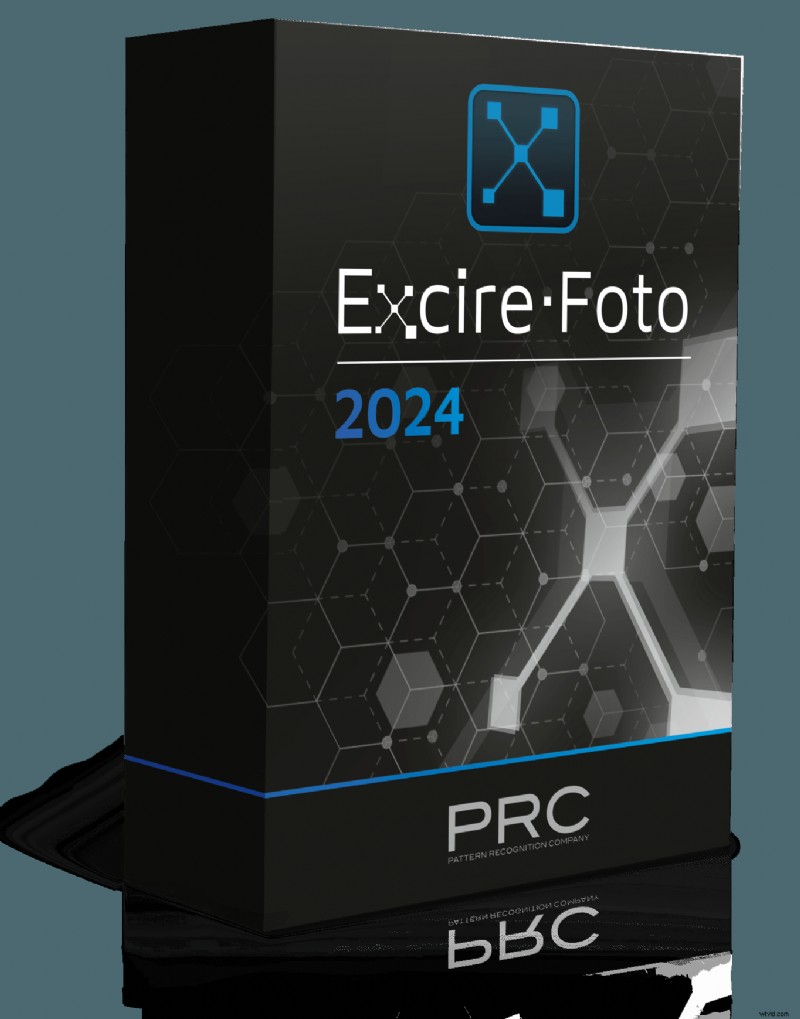
2. Excire Foto – Dedicated Cataloging Excellence
| Brand | Excire |
| Operating System | macOS & Windows |
| Payment Type | One‑time purchase |
| Free Trial | 30 days |
| Key Features | AI auto‑keywording, face recognition, Smart Albums, star ratings, cloud storage, batch keyword hierarchy, integration with Dropbox & Google Drive |
| Best For | Large libraries, professionals seeking deep cataloging without built‑in editing |
Excire Foto shines when organizing massive collections. Its AI‑driven keyword engine and smart search capabilities dramatically reduce manual tagging time, making it a favorite among studio photographers and archivists.
3. ACDSee Photo Studio Ultimate – All‑In‑One for Enthusiasts
| Brand | ACDSee |
| Operating System | Windows |
| Payment Type | One‑time purchase |
| Free Trial | 30 days |
| Key Features | RAW editing, AI tools, GPS mapping, keywording, facial recognition, duplicate finder, layer‑based editing, Photoshop plugin support |
| Best For | Windows users, enthusiasts and pros seeking an integrated editor |
ACDSee balances powerful editing with an intuitive cataloging interface. Its layer support and Photoshop plugin compatibility make it a compelling alternative to Lightroom for Windows‑centric workflows.
Additional Standout Software
Below are other notable options, each excelling in a specific niche or feature set.
4. Capture One – The Tethered Shooting Champion

| Brand | Capture One |
| Operating System | macOS & Windows |
| Payment Type | Subscription |
| Free Trial | 30 days |
| Key Features | Styles & presets, smart adjustments, enhanced importer, keyword libraries, comprehensive color control, support for 500+ cameras |
| Best For | Pro photographers using tethered capture and high‑resolution workflows |
Capture One’s robust tethering and color management capabilities make it the preferred choice for studio professionals and medium‑format users.
5. ON1 Photo RAW – AI‑Assisted Organization
| Brand | ON1 |
| Operating System | macOS & Windows |
| Payment Type | Subscription |
| Free Trial | 14 days |
| Key Features | Smart Albums, cloud sync, map view, AI search & organize, intuitive UI |
| Best For | Photographers of all skill levels seeking AI‑driven organization |
ON1 combines a user‑friendly interface with AI tools that automate tagging and duplicate removal, making library maintenance a breeze.
6. Corel AfterShot Pro 3 – Speedy Post‑Processing

| Brand | Corel |
| Operating System | macOS, Windows & Linux |
| Payment Type | One‑time purchase |
| Free Trial | 30 days |
| Key Features | Preset library, watermarking, modular camera profiles, highlight recovery, batch editing |
| Best For | Photographers needing rapid, high‑volume processing |
AfterShot Pro offers a lightweight, high‑speed workflow that excels in bulk editing and quick batch processing, ideal for event photographers.
7. CyberLink PhotoDirector – Creative AI Enhancements
| Brand | CyberLink |
| Operating System | macOS & Windows |
| Payment Type | One‑time purchase |
| Free Trial | 30 days |
| Key Features | AI photo management, HDR, multi‑exposure, lens correction, stickers, overlays, face tagging, Smart Collections |
| Best For | Beginners & enthusiasts seeking creative experimentation |
PhotoDirector’s AI tools streamline tagging and collection creation, while its rich creative suite supports rapid prototyping of artistic edits.
8. DxO PhotoLab – Precision Editing & Metadata Insight
| Brand | DxO |
| Operating System | macOS & Windows |
| Payment Type | Subscription |
| Free Trial | 30 days |
| Key Features | Project groups, text search, advanced color correction, print proof, metadata display |
| Best For | Beginners & hobbyists needing a clear, metadata‑rich workflow |
DxO’s Project system and detailed metadata view aid precise image selection and editing, making it a solid choice for meticulous photographers.
9. Skylum Luminar Neo – AI‑Driven Editing and Management
| Brand | Luminar |
| Operating System | macOS & Windows |
| Payment Type | 12‑month subscription or one‑time purchase |
| Free Trial | 30‑day money‑back guarantee |
| Key Features | AI enhancement, sky replacement, powerline removal, background removal, layers, extensive filters |
| Best For | Photographers & social media creators seeking fast, AI‑powered edits |
Luminar Neo’s AI workflow automatically tags and recommends presets, while its powerful editing toolkit enables quick, professional‑looking results.
10. Movavi Photo Editor – Quick Library Organization

| Brand | Movavi |
| Operating System | macOS & Windows |
| Payment Type | One‑time purchase |
| Free Trial | 30 days |
| Key Features | Keyword tagging, cataloging, AI auto‑enhance, retouching tools, background removal, duplicate detection |
| Best For | Photographers of all levels seeking a lightweight, automated organizer |
Movavi excels at automatic sorting by date and GPS, with built‑in duplicate removal and basic editing tools that streamline everyday workflow.
11. Corel PaintShop Pro – Creative Design & Management

| Brand | Corel |
| Operating System | macOS & Windows |
| Payment Type | One‑time purchase |
| Free Trial | 30 days |
| Key Features | RAW & HDR support, 360° camera editing, digital drawing tools, automated scripts, extensive creative assets |
| Best For | Photographers and graphic designers needing integrated design workflows |
PaintShop Pro merges photo management with robust design tools, making it ideal for creative professionals who also require organized image libraries.
Conclusion: Choosing the Right Software for Your Needs
Adobe Lightroom remains the benchmark for comprehensive editing and organization, especially for those who value a seamless cloud‑based workflow. Excire Foto offers unmatched cataloging precision for large libraries, while ACDSee Photo Studio Ultimate delivers a balanced all‑in‑one solution for Windows users.
Ultimately, the best software depends on your specific priorities—whether you need powerful AI tagging, robust tethering, or creative editing tools. Test the free trials of the top contenders to determine which platform best aligns with your workflow.