
Do you enjoy portrait photography? Are you a Lightroom user? You’re going to love what we’ve just released today!
It’s our all new Adobe Lightroom® presets bundle: 101 Lightroom Portrait Presets.
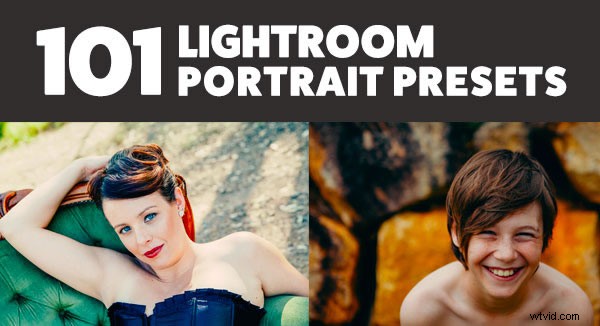
With our new presets pack, transforming your portrait shots is a breeze.
And for a limited time, the pack can be yours for the special introductory price of just USD $20 (that’s 60% off).
Check it out here.
Here are just a few examples:
-
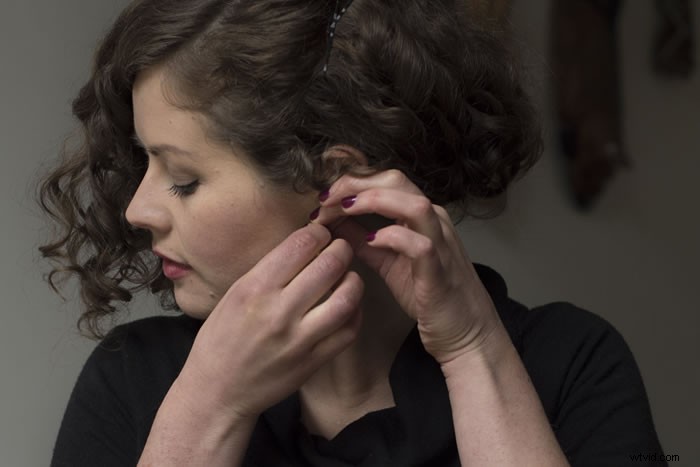
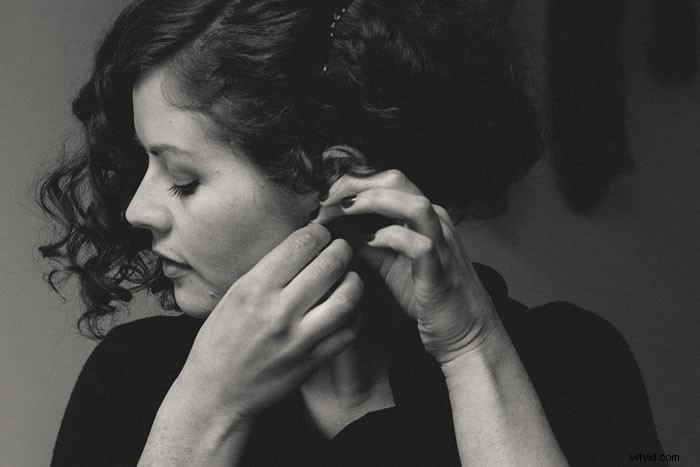
BeforeBlack & White PresetsAfter
-

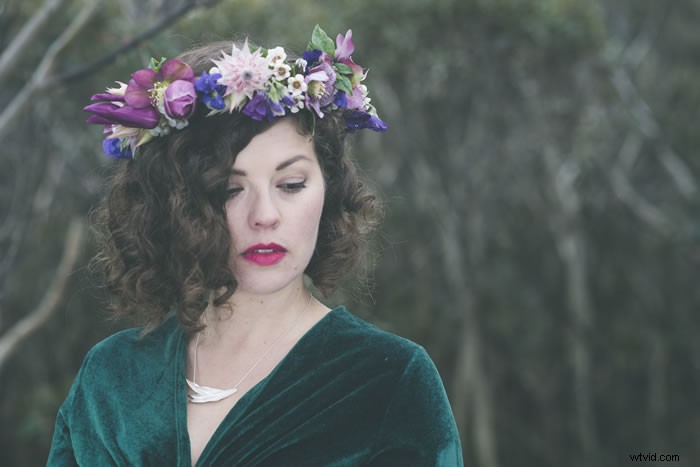
BeforeTone PresetsAfter
Images by Alina Golovachenko
In this comprehensive Portrait Presets pack you’ll get the following collections:
- Art Series (7 presets): Get the look from the early 1900’s through to the 90’s.
- Black and White (10 presets): A variety of black and white presets to give you that b&w portrait look.
- Film Series (8 presets): Nothing beats the authenticity of film. These presets will re-create that professional film feeling.
- Fix (20 presets): Fix a range of of issues including contrast, grain, highlights and sharpness.
- Tone (14 presets): Change an array of tonal qualities.
- Traditional Series (8 presets): Tweaks to give your portraits that classic look. Including Beach,
- Outdoors, and Worn, amongst others.
- Touch Up Kit: 37 brushes to help you touch up eyes, hair, lips and skin.
Created by professional photographer and author Rachel Devine, she’s done all the hard work for you so you can get the perfect edit for every portrait, without the fuss.
Here’s a short video of Rachel showing how easy it is to use these presets:
Simply apply the effect and adjust as desired… it’s fast and easy!
You’ll save a whole heap of processing time, while giving your portraits an instant “pop”. See Rachel demonstrate in the video on our product page.
Transform your photos in just one click. Pick up our 101 Lightroom Portrait Presets today – while we’re still offering it at the introductory price.
Please note: a copy of Adobe Lightroom is required to use these presets.
Also: Haven’t used presets before? No worries. Full instructions are included in the pack.
Lastly: like all our products this one has a 60 day satisfaction guarantee. If you buy it and find for whatever reason that it doesn’t suit your needs simply contact our support team and we’ll arrange a refund – no questions asked.