
Are you looking for a way to keep your photography workflow going without your computer? Fortunately, there are some free online photo editing tools that can help you out. Here are a few of my favorites and why.
Maybe you’re traveling light or your computer doesn’t have enough capacity? Perhaps it just crashed and you sent it to get fixed? Whatever the reason, sometimes you just can’t work with downloadable programs.
But there are no more excuses because here are some great browser tools to solve your needs regardless of your level of expertise.
Google Photos
With Google Photos, you can have unlimited storage in their Cloud, but your photos and videos are limited to 16 MP in their file size. If you store files that are bigger than that, it eats into your Google Drive quota. Still, you can back up or share your images from anywhere you have Internet access.
If you want to learn more about protecting your work, check the article Are Your Photo Backups Rock Solid?
Archiving
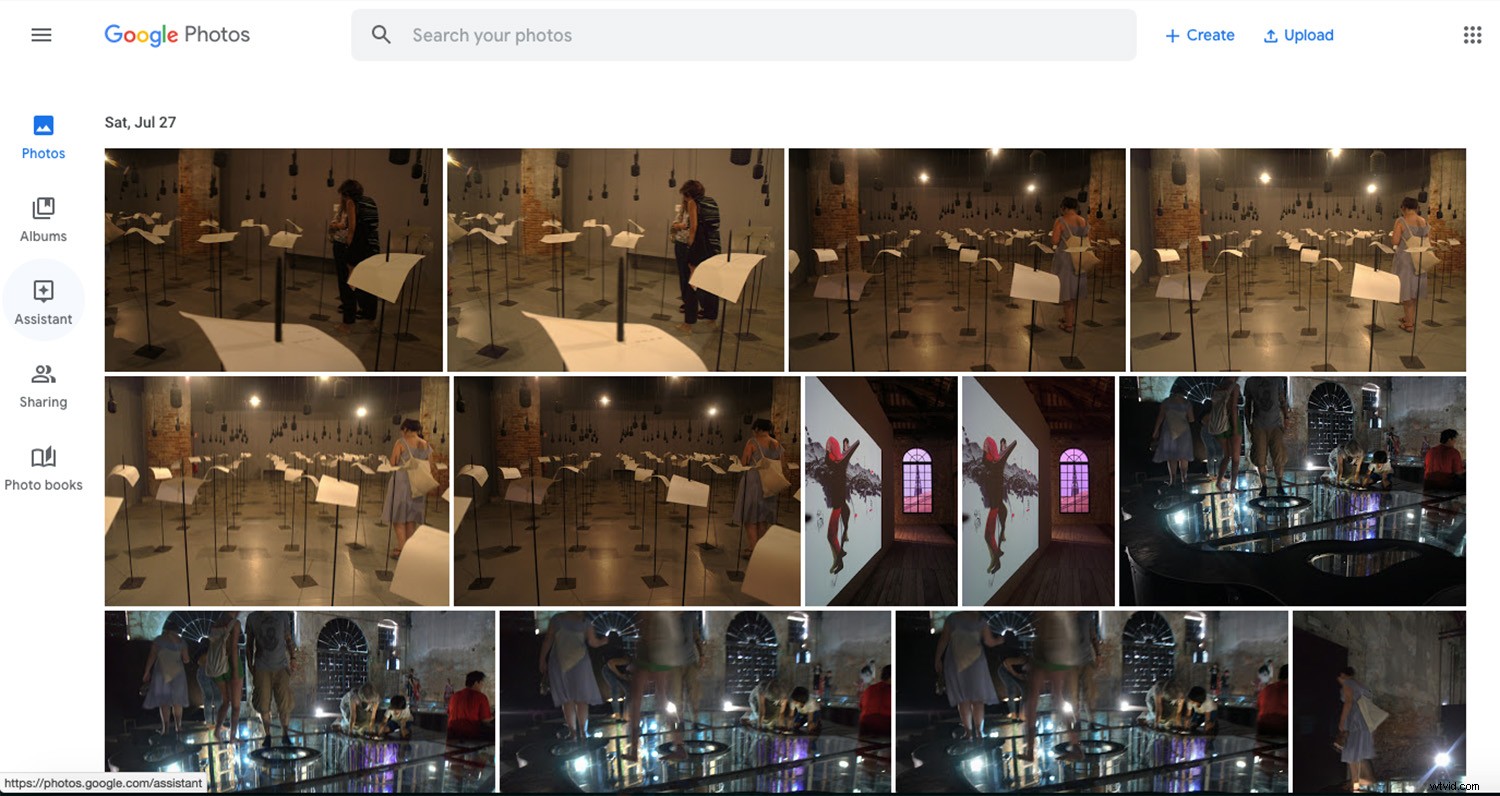
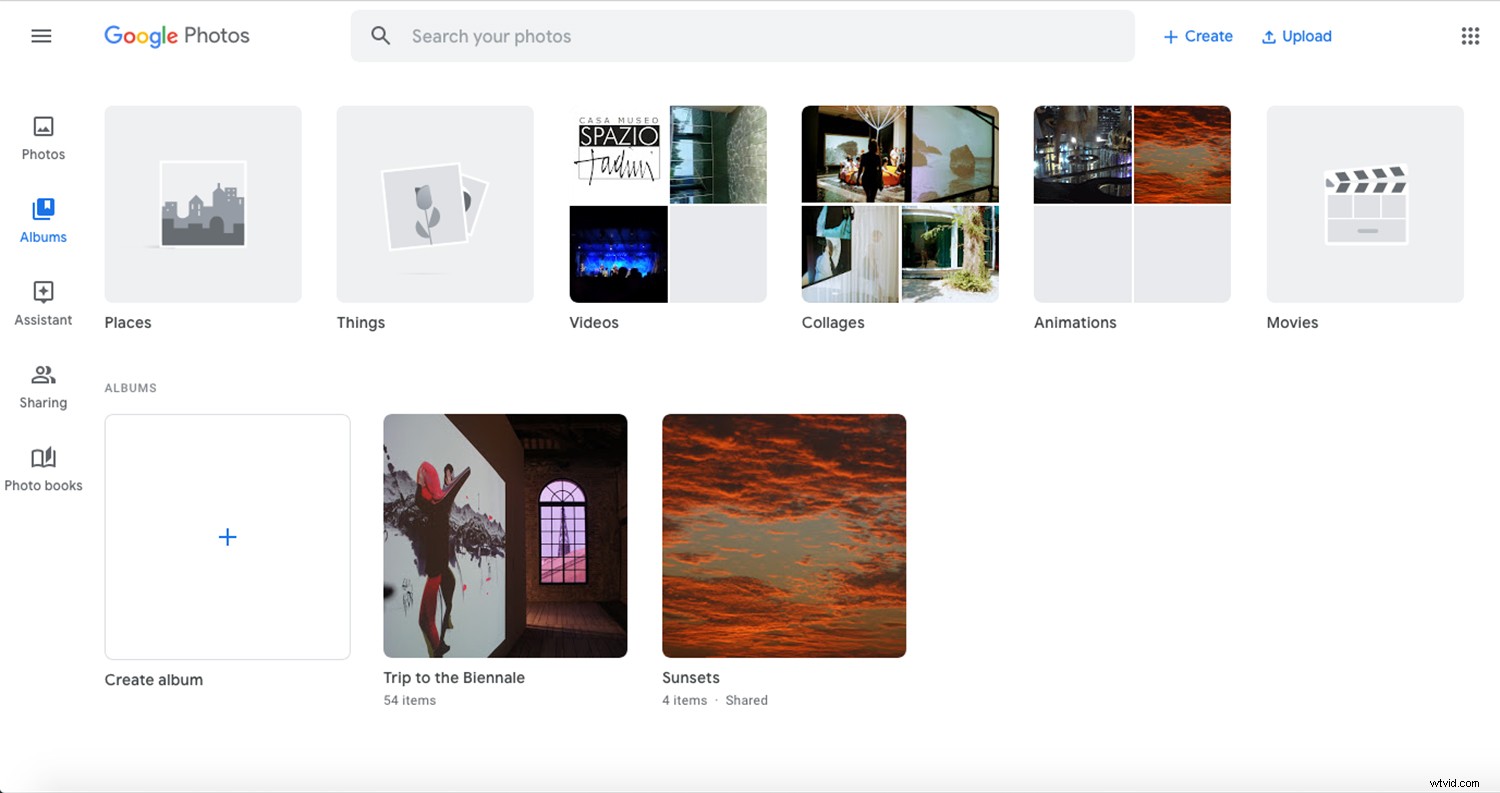
In order to keep track of all these images, you can organize them by album. But in case you haven’t gotten around to doing it, you can find them by type: video, movie, animations, collages or photos. Furthermore, you can search for them by the things or places featured in them, even if you didn’t tag them.
You can use Google Photos for free; all you need is to have a Google account. In this day and age, most of us already have one anyway.
Features
You can also create photo books to print directly from Google Photos. Other features include movies, collages, and animations.
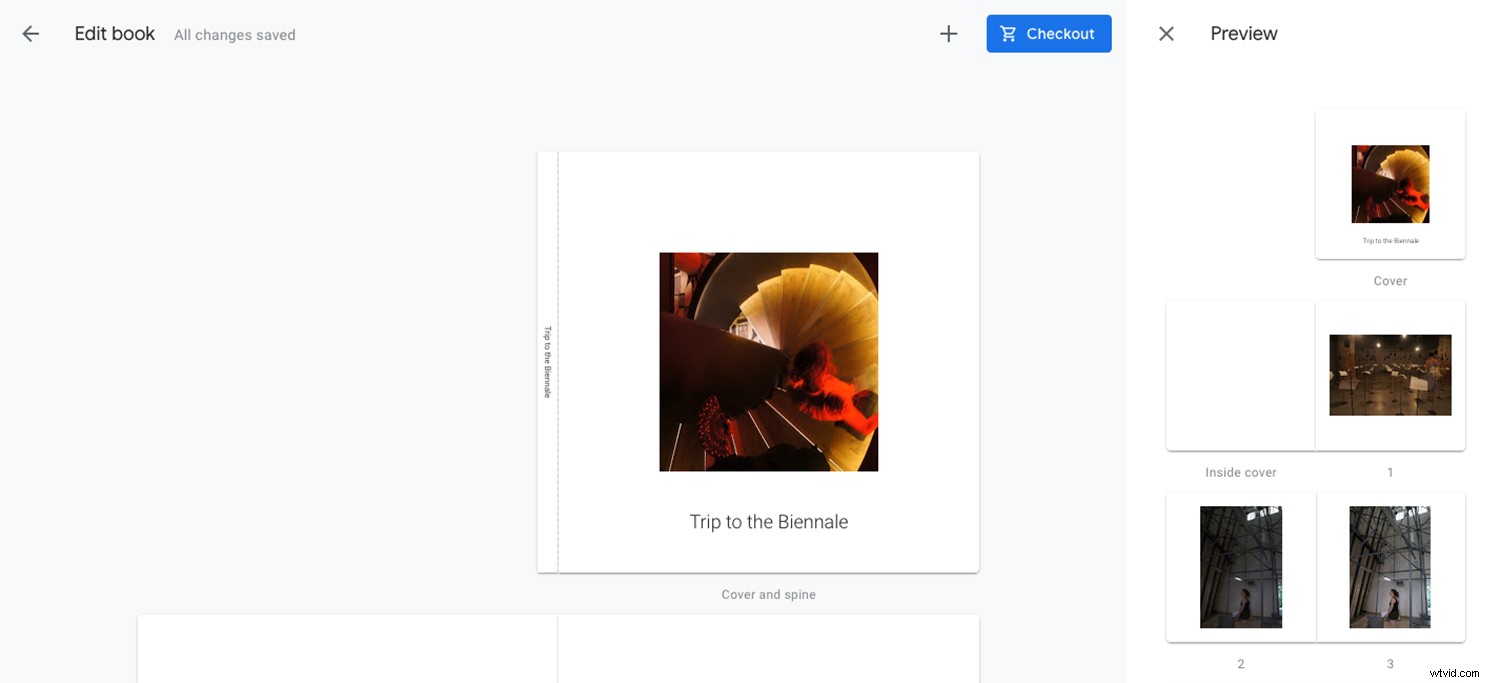
It includes some photo editing tools, but it’s mostly filters and very basic adjustments. If you need to do further edits, I suggest to move on to my next favorite on the list.
Fotor
Fotor is a photo editing and graphic design platform that you can use online or download it to your desktop. There is a free version or a paid pro version. The tools available depend on which of these combinations you’re using. Here, I’ll talk, as the title says, of the free online one.
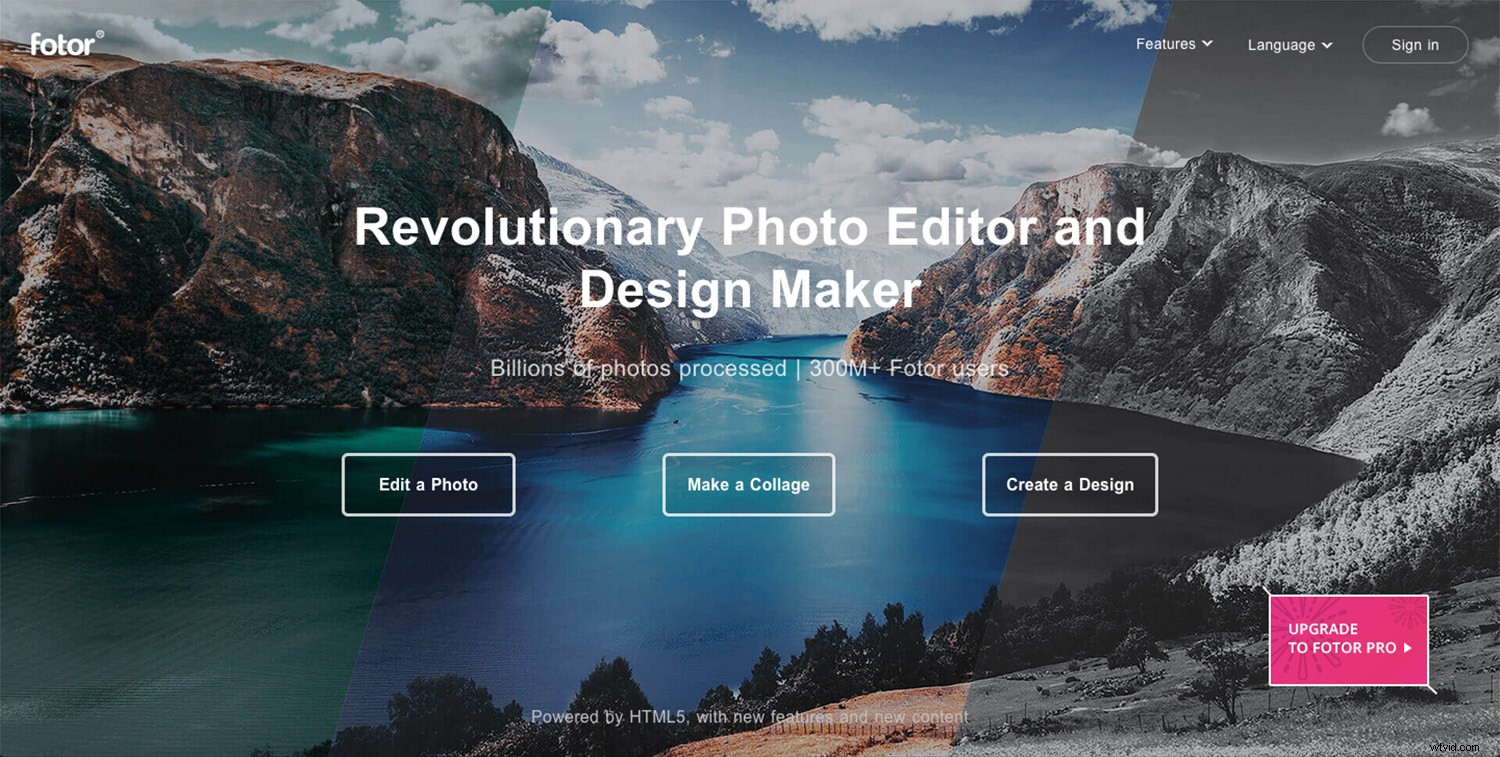
Photo editing
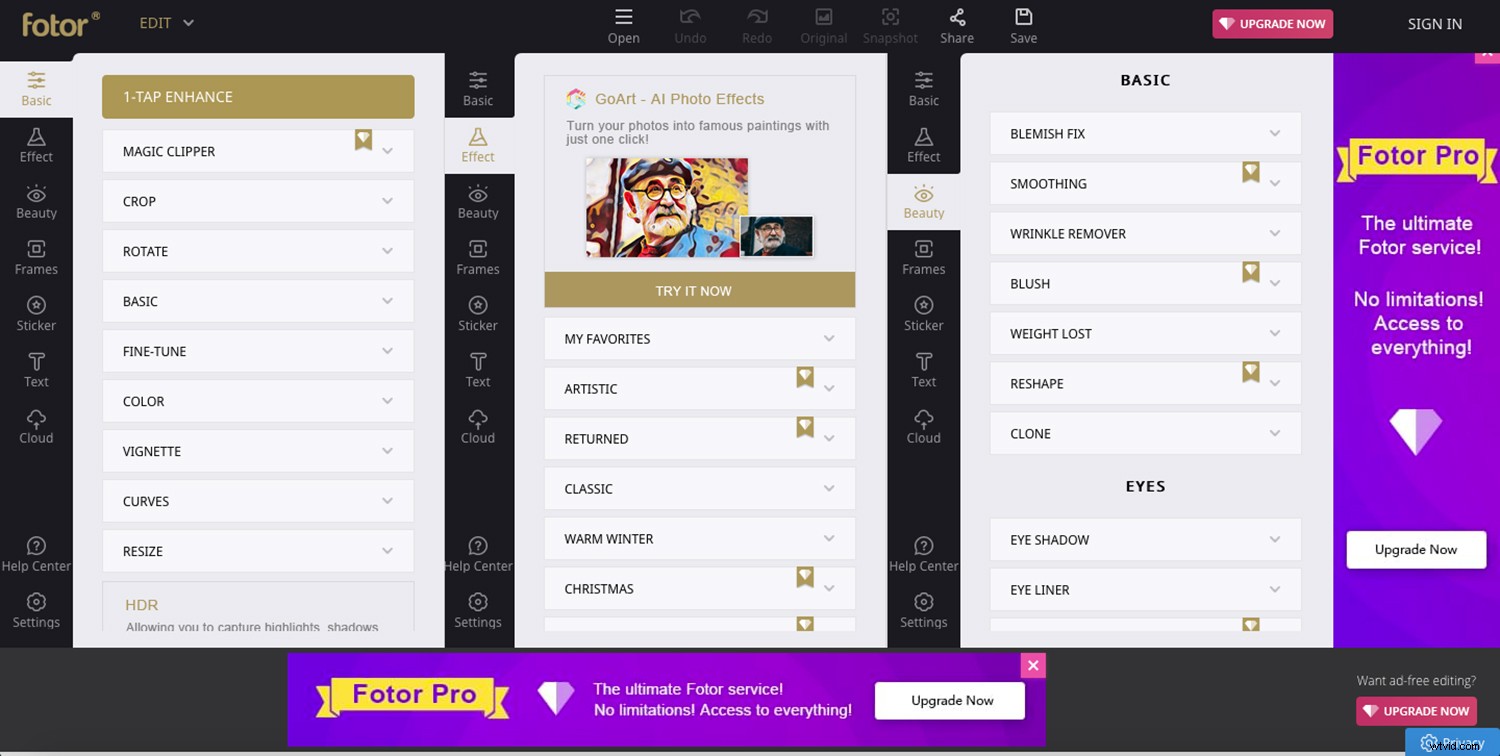
I like the Fotor editor because it offers a good balance between customizable adjustments and one-click effects. If you want to do some controlled editing, just go to the Basic tab. If you prefer presets, go to Effects and Beauty. In these last ones, you’ll find some free choices and some premium ones.
Collage
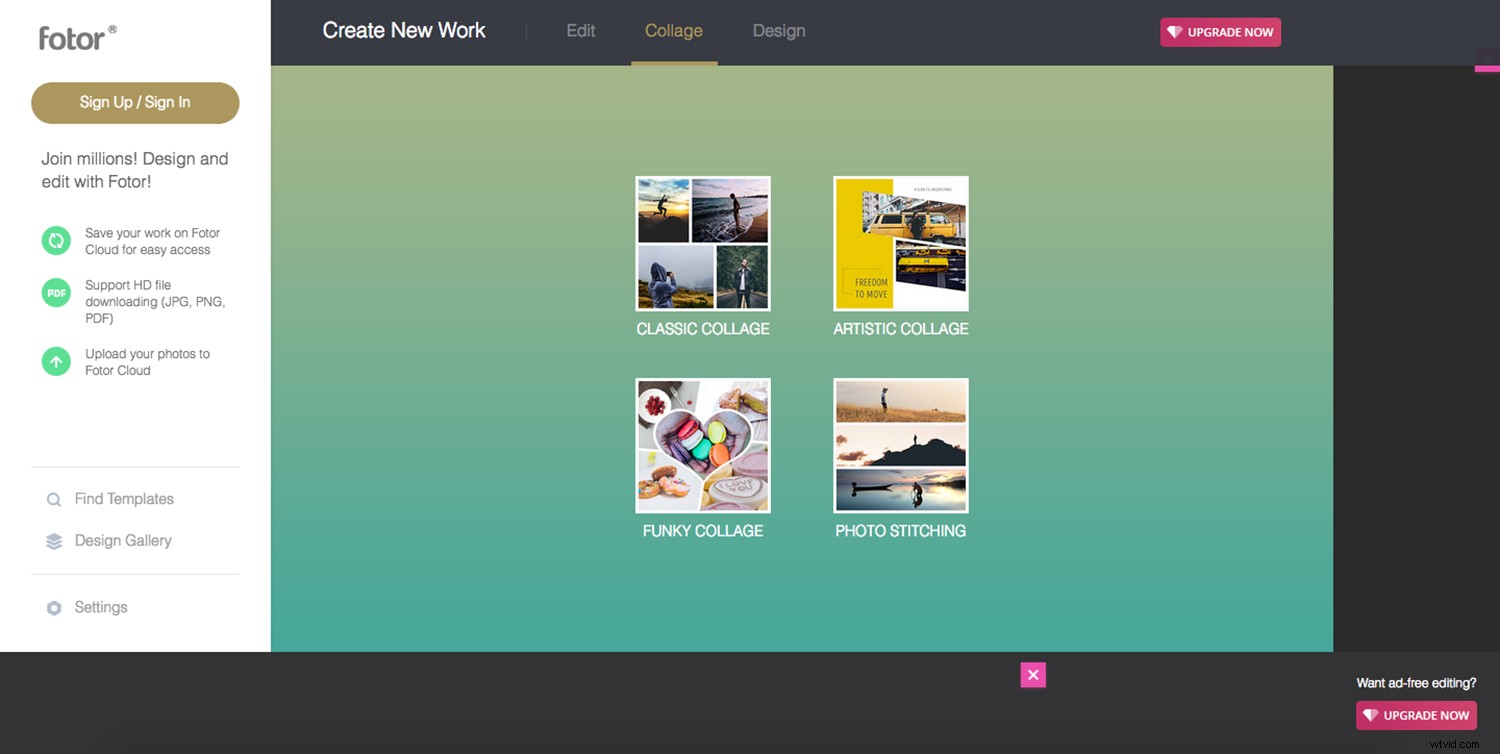
For the collage feature, it offers many more designs than Google Photos. There are four main categories, and each one has a series of templates. What I find particularly useful is Photo Stitching. With this, you can create a panorama by ‘stitching’ many images into one.
Graphic Design
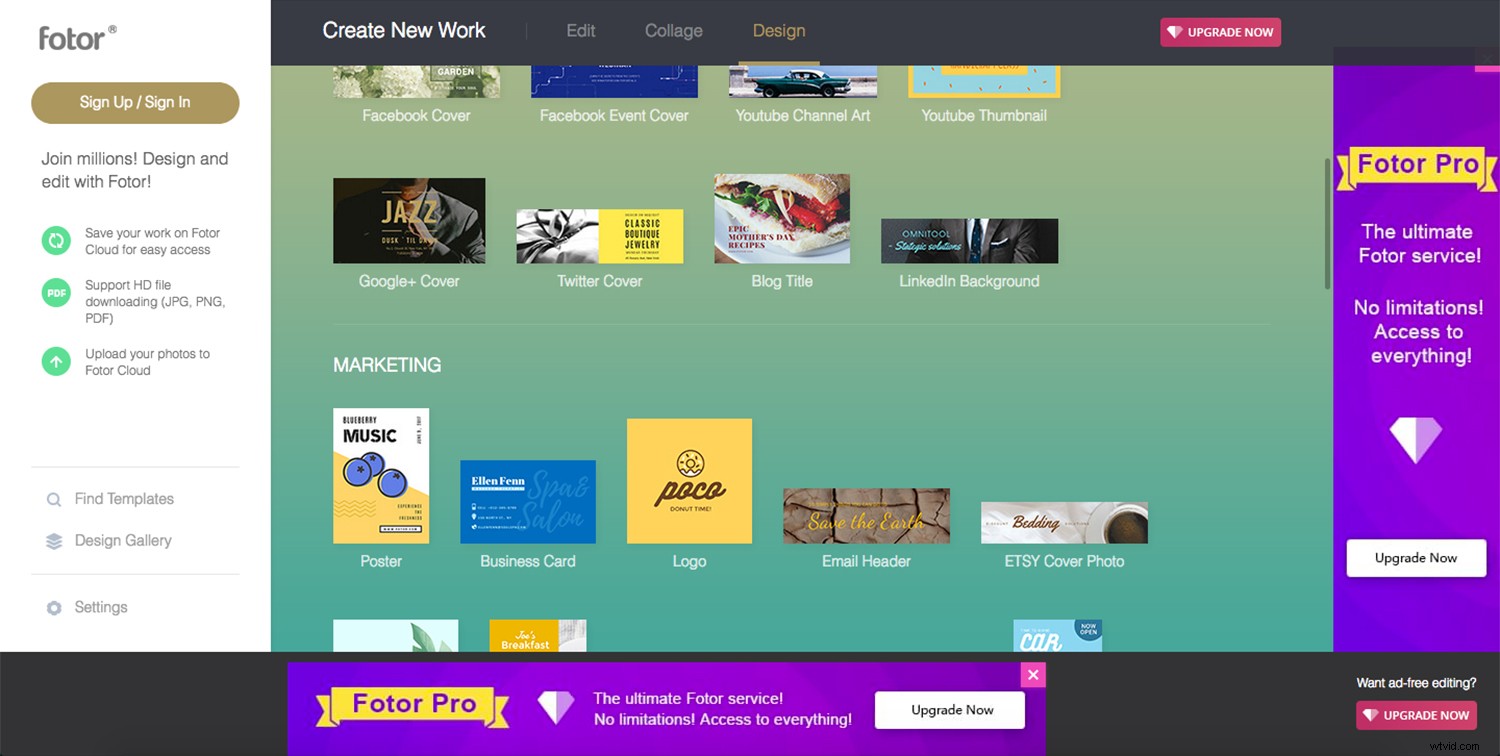
However, my favorite part is the ability to do graphic design. From a thank you card to a brochure, you can easily customize the templates with your photos. You can then adjust colors, fonts, and stickers to your liking.
The templates also cover any social media needs as well as the more traditional formats. Some are free and some you have to get the paid subscription.
Storage
If you decide to create an account, you also have free storage in the cloud for your photos and any work you make in Fotor. And, of course, if you go for the paid version, the storage space increases.
Pixlr
Pixlr is a browser photo editor that offers different versions to fit your needs. Again, there are different versions available that offer certain levels of functionality and effects.
The free Pixlr Express is very basic – not much more than any other editor.
Still free, the Pixlr Editor allows you to do more controlled and personalized edits and is the one I prefer to use.
Pixlr X, which is a blend of the first two, is the paid version, and it comes with more professional features.
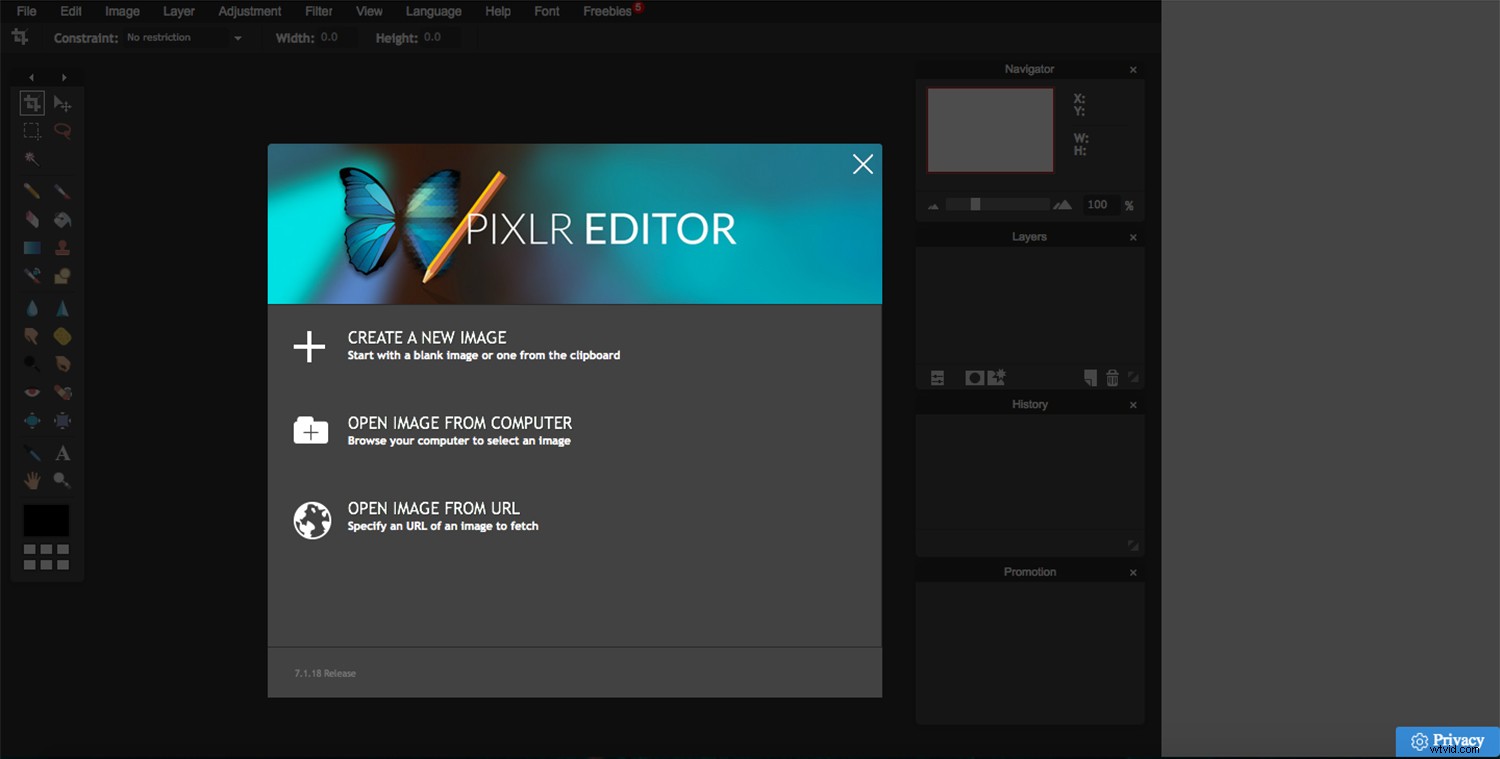
Pixlr Editor
The interface is similar to Photoshop or GIMP, to explore these more in-depth, you can check my previous articles: A Brief Introduction to GIMP and How to Set Up the Photoshop Interface.
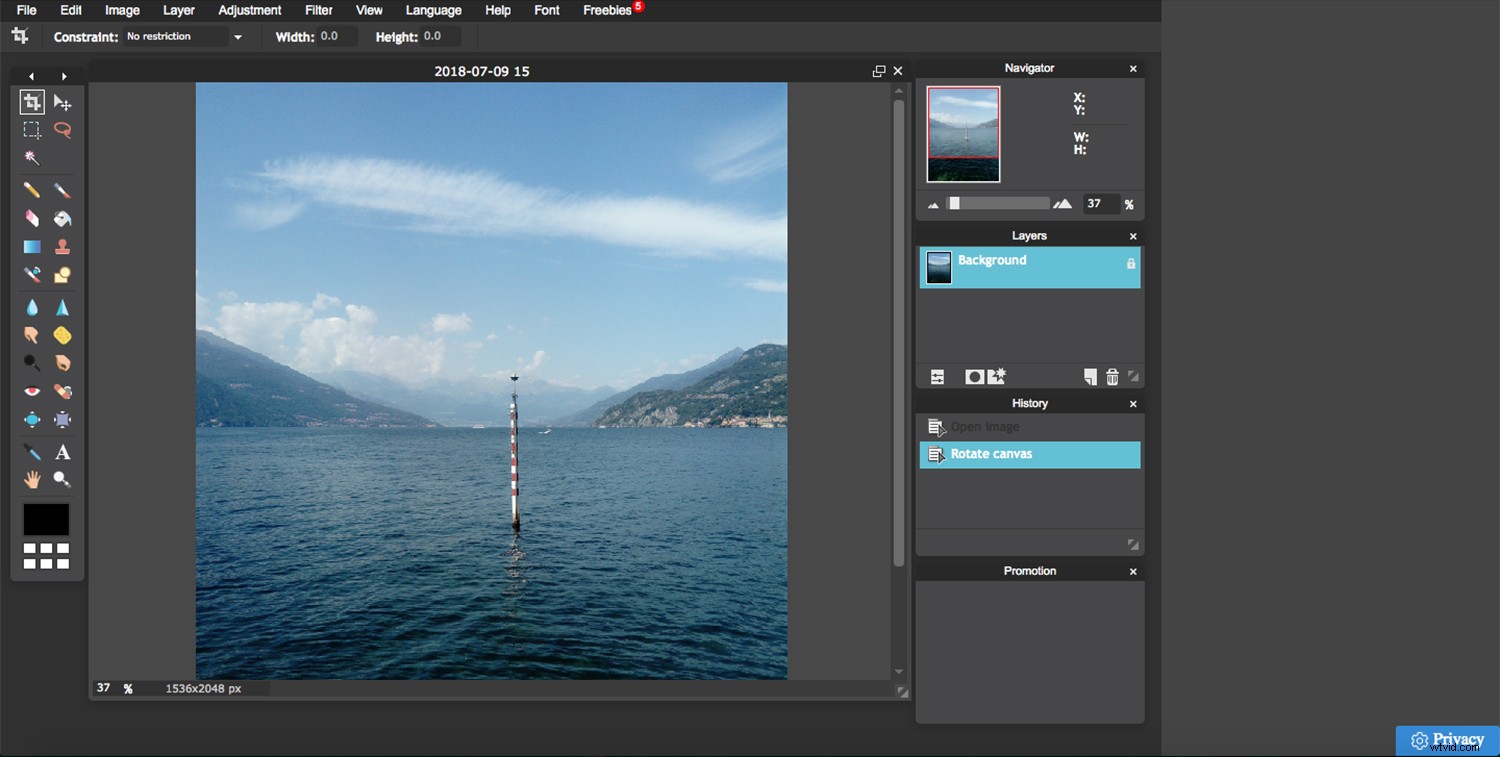
You’ll find a tool panel on the left side, the canvas for your image in the middle, and the panels for history, layers and other options on the right.
Tools
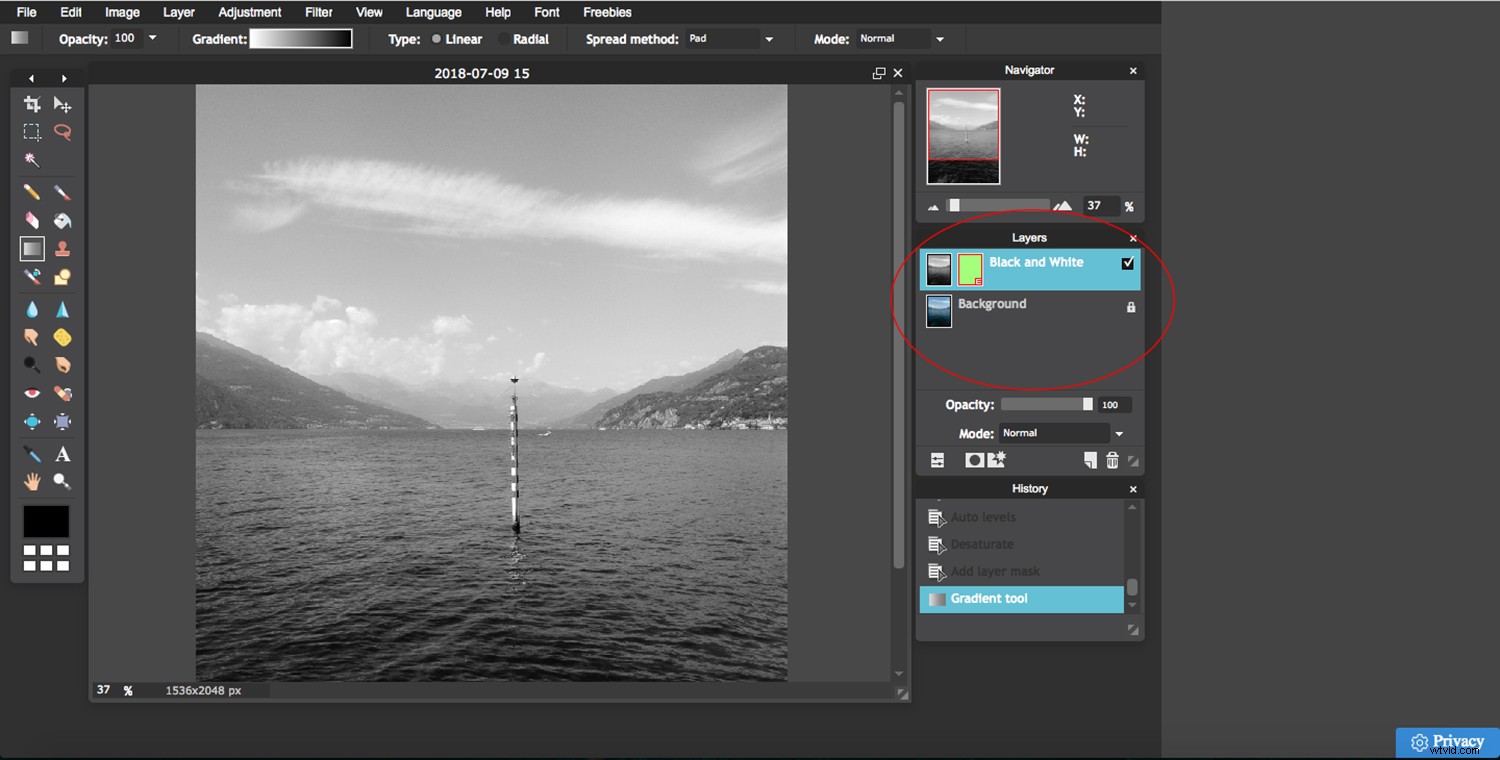
You have all the adjustments you need to correct and fine-tune your image and filters and effects for you to choose from. It also includes two of my most important tools when doing photo retouching – layers and masks.
Conclusion
I hope you liked my list of favorite free online photo editing tools. Remember, there are many solutions out there that are free. I’ll leave you some related articles in case you want to explore some more tools and software.
Please, also share your favorite free online photo editing tools with us in the comments section.
Related Topics:
Your Comprehensive Guide to Photography Post-Processing Software
3 Alternative Post-Processing Applications that Challenge the Adobe Throne
Tips on Choosing a Free Photo Editor for Post-Processing
Free Versus Paid Photography Portfolio Websites – Which is Best for you?
36 of the Best Online Tools to Boost Your Photography Business