
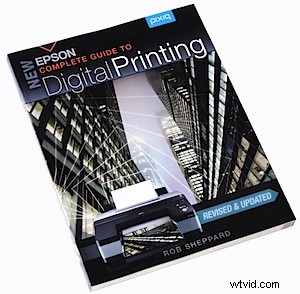
 Visit any of the retailers who offer user-operated printing of digital images and you’ll think that everyone does it that way. Nup!
Despite the radically cheaper print cost at these sites (10c and lower!) there’s plenty of digital photographers out there who prefer to do it at home on their own printer. The benefit is the extra control of the output and, to be realistic, the home printing cost is far less once you reach an output size of A4 and larger.
Author Rob Shephard has now revised this book five times and the new edition is very welcome, containing ‘almost all new material.’
What has happened in the interval is the arrival of high end DSLRs, able to capture image quality in excess of the previous ultimate standard — medium format film cameras.
Another factor is the introduction of refined and enhanced printers, now capable of deep and rich black output as well as the use of sophisticated and enhanced multiple colour ink cartridges that provide subtle shading that will reproduce even the trickiest images.

The question, Shephard poses, is ‘What is a good print …? One answer is a good print is one that matches the monitor display. His response to this is to point out that ‘a print is physically a very different thing than the image on the monitor.’ For one thing they each are very different display technologies.
Additionally, the original capture is only the beginning of an image. For many, this is the starting off point and the rendering of the final print the end of the journey. The book suggests you make an initial ‘work print’ and use this to determine what is the final ‘look’ you seek. Does it need warming up or cooling down? More contrast?
Brighter? Diffusion? Lower colour saturation?
An early chapter discusses the choice of a printer: whether you need a dye or pigmented ink printer; if you’re ambitious you may need a six or eight colour printer; fast or slow printer; a need to print with thicker papers using a printer with a straight-through paper path; larger output, up to 43x56cm.
The point is made that most times a good print begins with the taking of the picture. Such matters as image sharpness, depth of field, precise exposure and correct white balance must be attended to so that you have a ‘full image’ to work with. Don’t snap the shutter with the thought that if anything is wrong ‘Photoshop will fix it!’
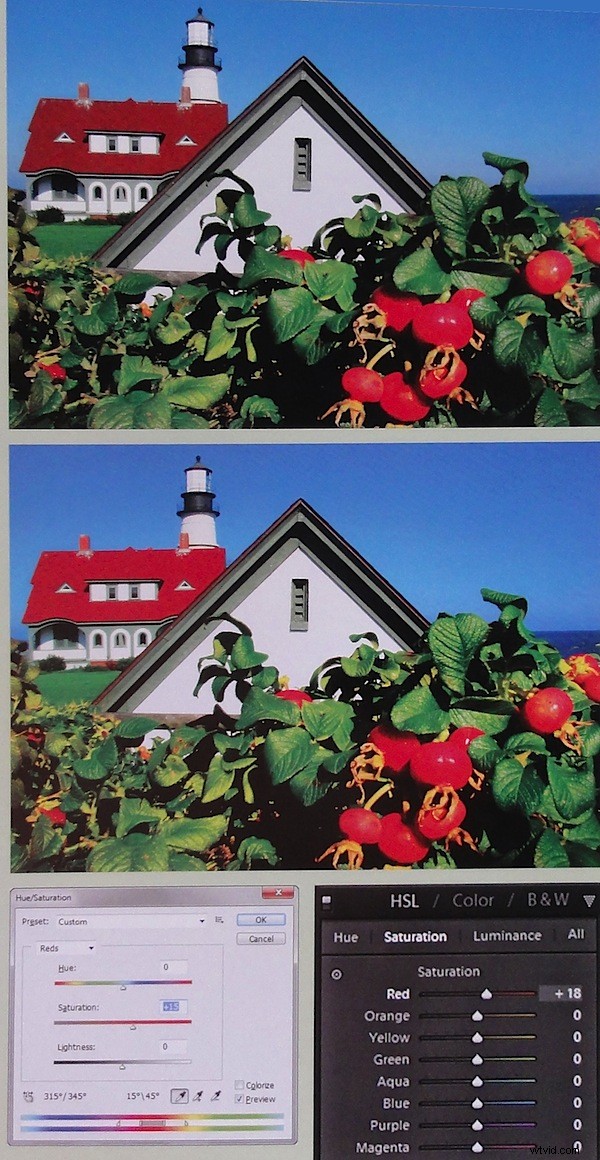
Other topics covered: printing workflow; image software; resizing and sharpening; choice of appropriate media; print permanence; B&W and panorama output; printer maintenance.
There are gallery pages showing the work of a number of master photographers; their work and the other images gain from the large size of the book: 22x28cm.
The book is heavily Epson-specific, especially when it comes down to the listing of the various output media but the overall messages apply to all makes of printer.
Highly useful!
Author: R Sheppard
Publisher: Pixiq
Distributor: Capricorn Link
Length: 182 pages
ISBN: 10 987654 321
Price: get a price on New Epson Complete Guide to Digital Printing at Amazon (currently 38% off)