
I’ve owned an Epson 1290 A3 printer for some years now and have loved it like a brother!
The 1290 weighs 8.4 kgs with overall dimensions of 609x414x766mm (WHD). Colour: basic beige.
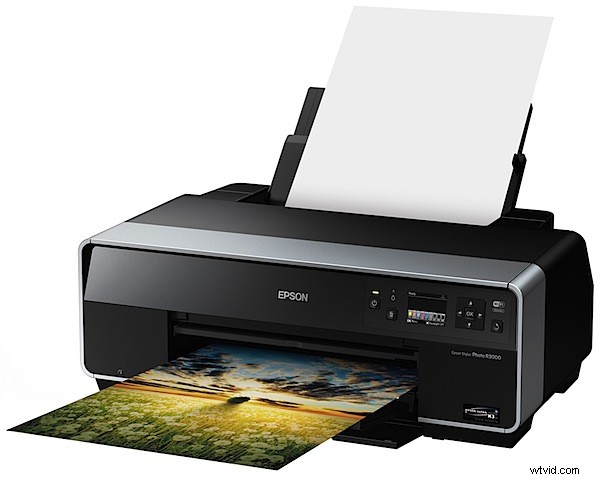
The R3000 is quite a different beast: heavy as lead at 15kg and measuring 616x228x369mm, it’s styled in black. Not my favourite colour for office gear … the onboard controls are frequently hard to read.
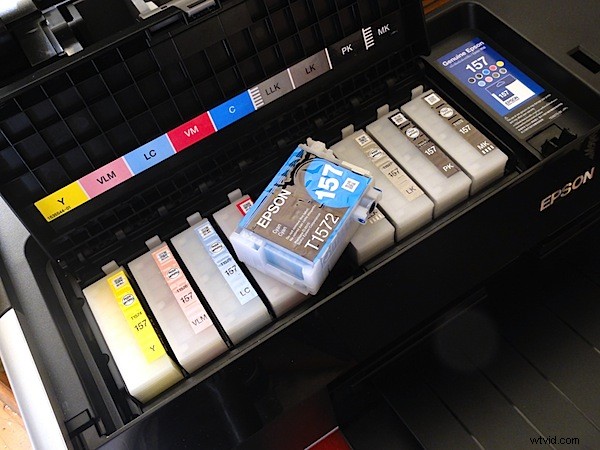
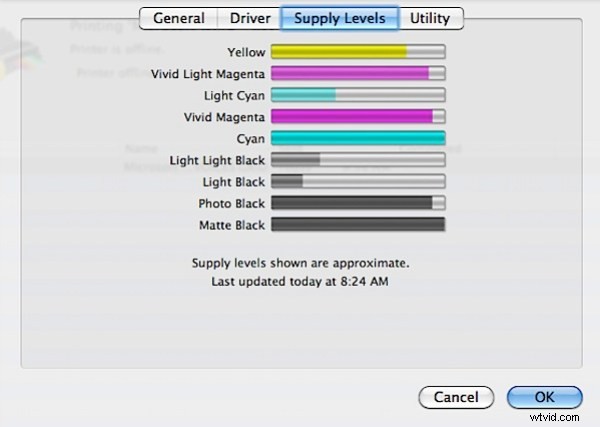
Ink technology has come a long way: the R3000 is a nine ink cartridge printer; three inks are monochrome. Each cartridge has 25.9 ml loaded.
This review is a user report, not an exhaustive tear-down.
Under Way
I had a sticky start: having unpacked the printer, loaded inks, slipped some test sheets of paper ink into the tray, I looked in the box for a manual. None!
Then the drivers to link my Mac and the Epson? None!
Ten minutes later, after a hunt on the Web I got going. And I have to say, with barely a glance at the PDF instructions I was printing test sheets in seconds. It was that easy!
Epson describes the R3000 as a ‘creative printer’. With this label I have no argument, as it seems to be suited not only to advanced amateur use, but also semi-professional and pro photographers.
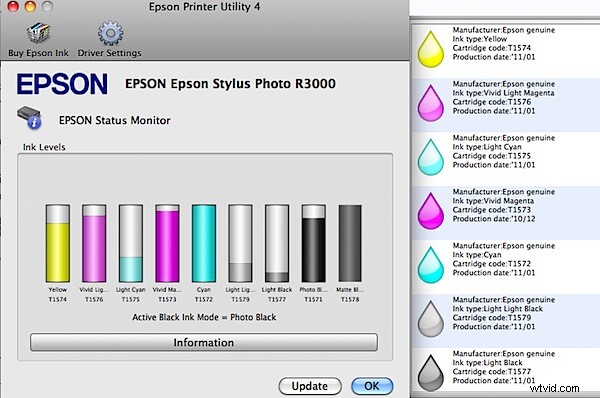
The nine high capacity cartridges of Epson UltraChrome K3 include Vivid Magenta pigment ink, networking and wireless connectivity and advanced front-in front-out, fine art media handling. The printer is claimed to produce “gallery-quality black-and-white prints, plus vivid colour prints with breathtaking blues and violets.” We’ll see.
The ink droplet size is a tiny 2 picolitres. The control panel is relatively simple: on/off button, four way rocker and central OK button plus another. The LCD screen measures 6.4cm and confirms the status of various sections with an especially useful ink cartridge indicator.
The printer has built-in 100 Mbit Ethernet for wired networking, or you can take advantage of the latest 802.11n Wi-Fi technology for wireless connectivity. The R3000 also includes Hi-Speed USB 2.0 and PictBridge for direct printing from cameras and viewers for added flexibility.
It can output prints from 4×6 inch (10x15cm) to A3+ (32.9×48.3cm). Art boards up to 1.3mm thick can be loaded (from the front), as can ink jet printable CDs and DVDs.
The built-in roll paper path allows printing panoramas up to 44 inches (111.8cm) long on matte, satin, glossy, canvas and photographic papers.
Epson Stylus Photo R3000 Verdict
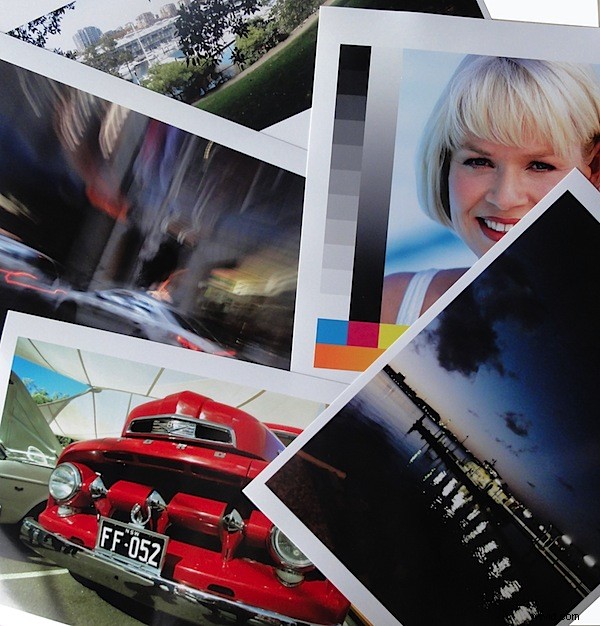
Printing my standard tests chart I was not only surprised but delighted that the output on Epson Premium Glossy photo paper matched the screen display to within about 90 per cent fidelity.
Another test image, a wonderfully rich colour image of a Ford pickup, came to within 80 per cent of the display, even showing a slight overall yellow cast from a warm sun. Great results!
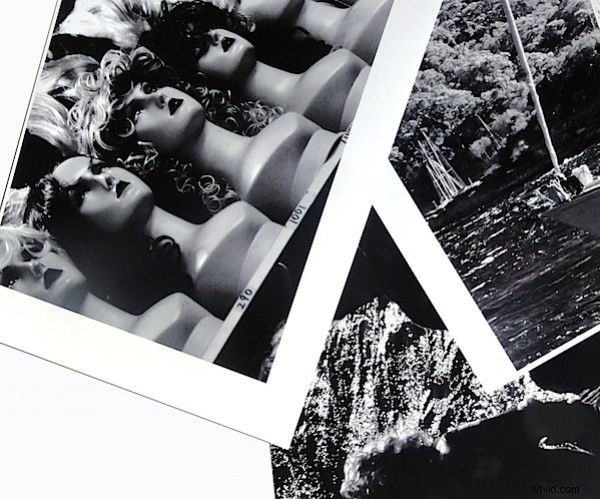
Black and white prints were absolutely superb, aided and abetted by Photoshop’s impressive conversion of mono images. If you were deeply into B&W printing I figure you could justify the cost of the R3000 for this task alone. It’s that good!
Timing the output of an A3 print, it took exactly three minutes.
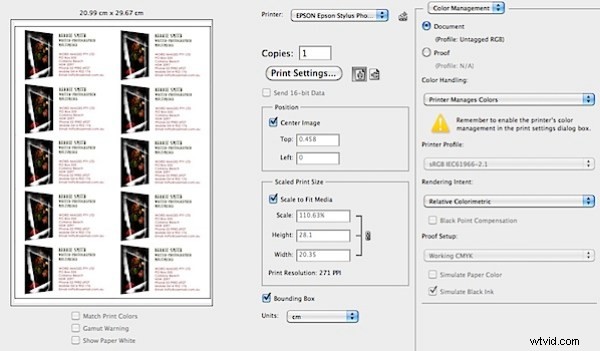
Some printer! Ideal for not only high quality photographic printing but also the usual office jobs … business cards, labels, correspondence, etc.
You can download the PDF printer brochure at: www.epson.com.au/products/brochures/R3000_brochure_single_pg_web2.pdf
Epson Stylus Photo R3000 Specifications
- Print Head: Advanced Micro Piezo AMC print head with ink-repelling coating technology.
- Printing Technology: On-demand inkjet with Variable-sized Droplet Technology. 180 nozzles for each ink colour. Minimum droplet size: 2 picolitres.
- Resolution: Max. 5760×1440 dpi.
- Paper Sizes: Cut Sheet: 89 to 329mm (3.5 to 13 inches)
- Max. Paper Weight/Thickness: 1.3 mm.
- Ink Cartridges: Pigment-based Epson UltraChrome K3 with Vivid Magenta inks (Cyan, Vivid Magenta, Yellow, Light Cyan, Vivid Light Magenta, Light Black, Light Light Black; auto switching between Photo and Matte Black)
- Cartridge Ink Capacity: 25.9 ml each colour x 9 colours total
- Interfaces: Hi-Speed USB 2.0 (1 port), 100Base-T Ethernet (1 port), Wi-Fi Certified (802.11n only)
- System: Windows 7/Vista/XP/XP Pro; Mac OS X 10.5-10.6.
- Power Consumption: Printing: approx. 21 W. Sleep mode: approx. 3.7 W. Power off: approx. 0.4W
- Acoustic Noise: Approx. 38 dB according to ISO 7779.
- Dimensions (WHDmm): Closed: 616x228x369 mm. Open: 616x424x814
- Weight: Approx. 15kg (without ink cartridges).
- Compare Price: Get a price on the Epson Stylus Photo R3000 at Amazon OR get a price on the Epson Stylus Photo R3000 Inkjet Printer at B&H Photo.
