
There are many options out there when it comes to photo editing apps and software. From the simple one-click filter apps for smartphones to the elaborate software programs like Photoshop and Lightroom.
Technology is making it easier to do photo editing quicker and expertly without learning the complete nuts and bolts of complex and expensive software. Depending on your particular needs, some software on the market today can do a very professional job in a few easy clicks.
Let’s take a look at one of these programs that have emerged on the market that boasts advanced technology using algorithms and artificial intelligence to enhance photos automatically and effortlessly.
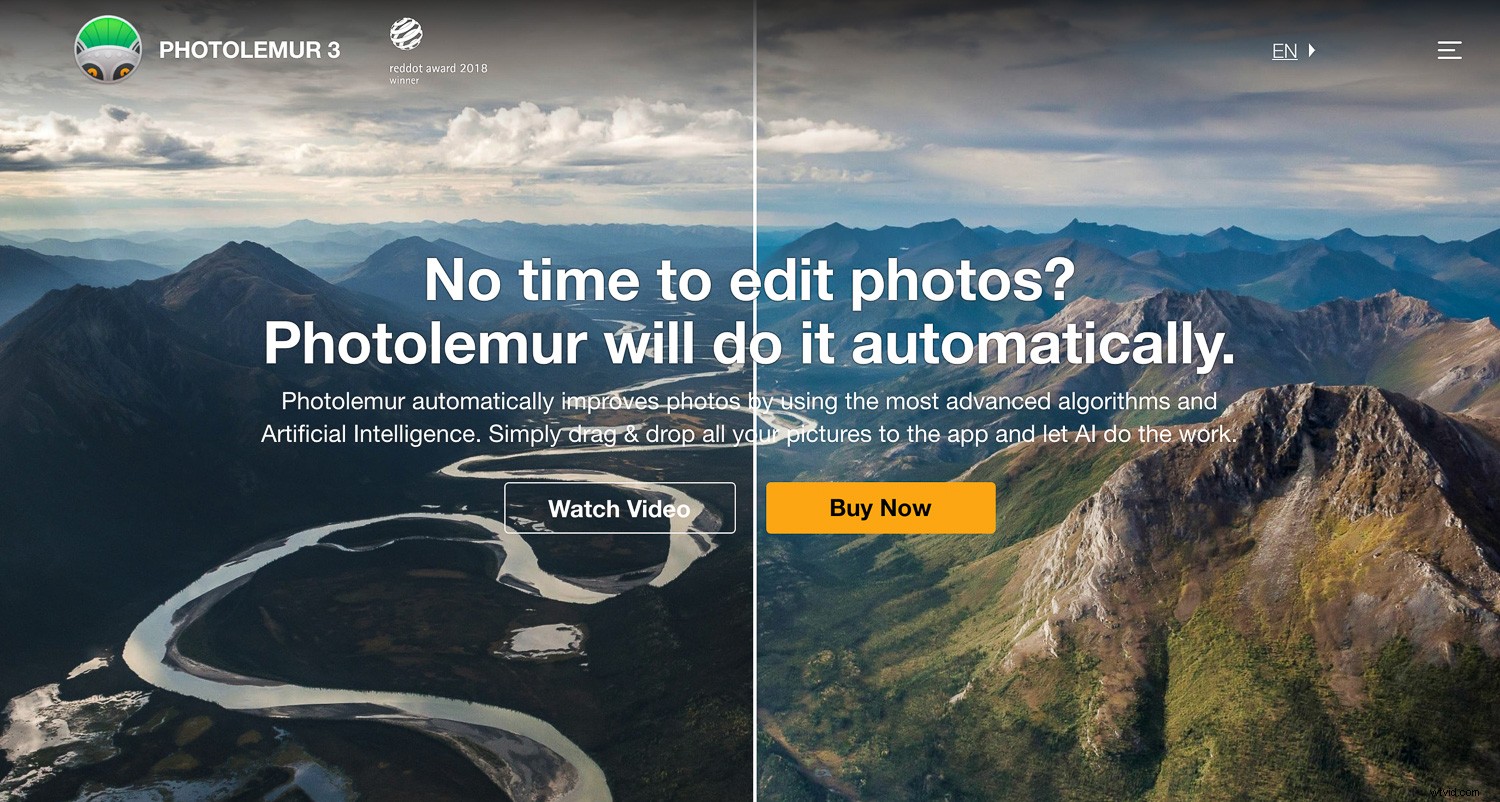
Photolemur 3 Photo Enhancer
Photolemur is relatively new on the market and prides itself on being a completely automatic photo enhancer. It uses algorithms and artificial intelligence to analyze photos and applies corrections and enhancements as necessary. The software is only available for computer use at the moment and is Mac and PC compatible. You can purchase a single license for US$35.00 or a family licenses of up to five users for US$55.00.
How it works – instant and quick results
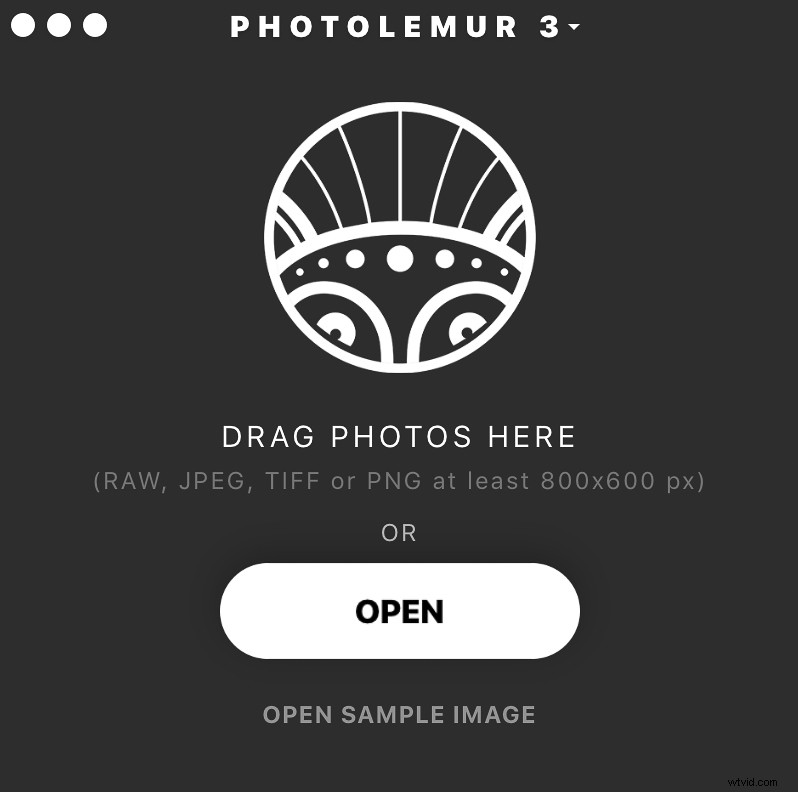
It really is as easy as they say! You drop your photos or import them into the app, and the software gets to work immediately. It analyzes skies, colors, exposure, and faces to enhance your images and fix any problems it encounters.
You can batch import and apply the editing to all your photos at once, or edit them one by one. The software supports a variety of file formats – even RAW files.
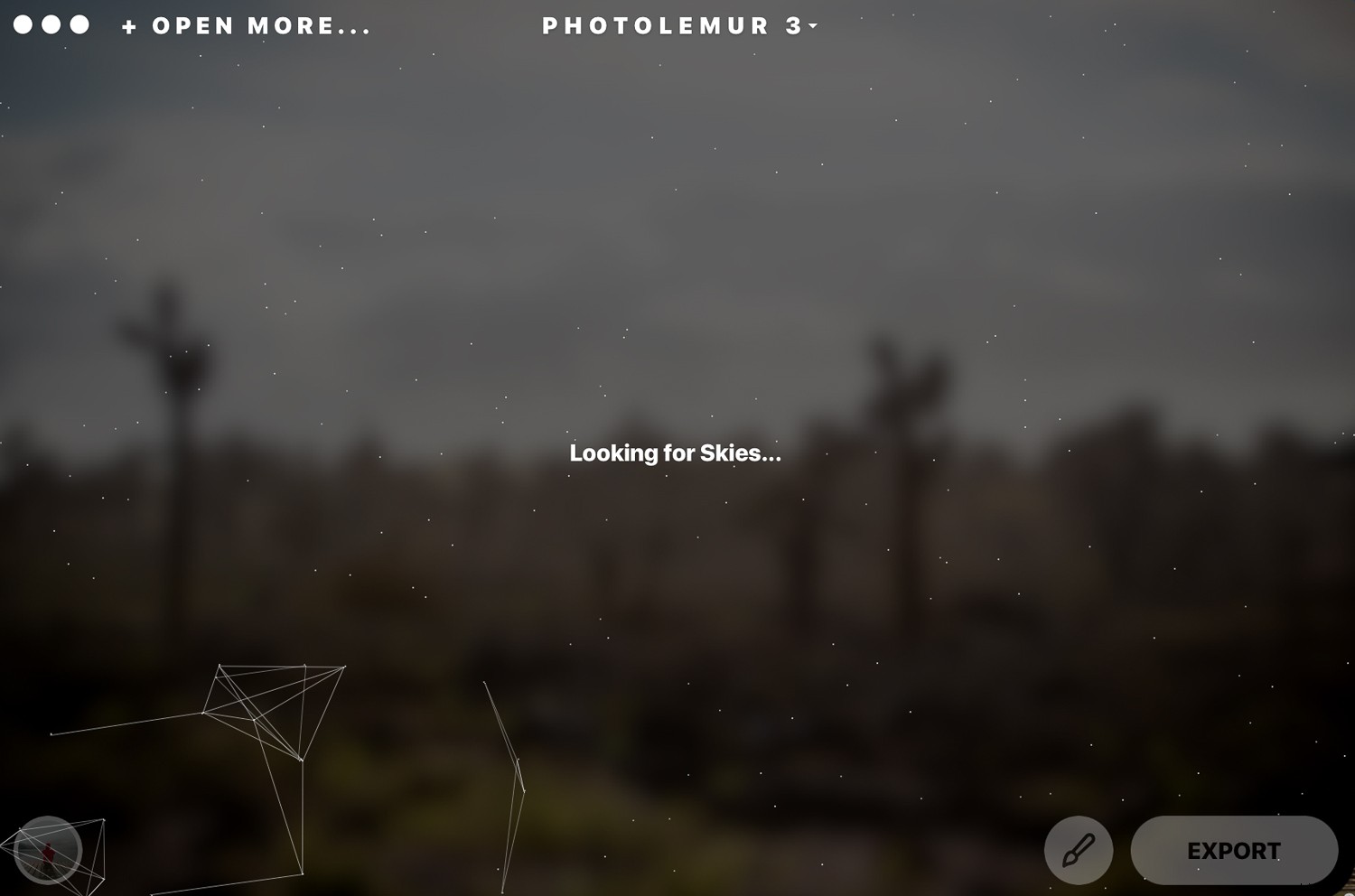
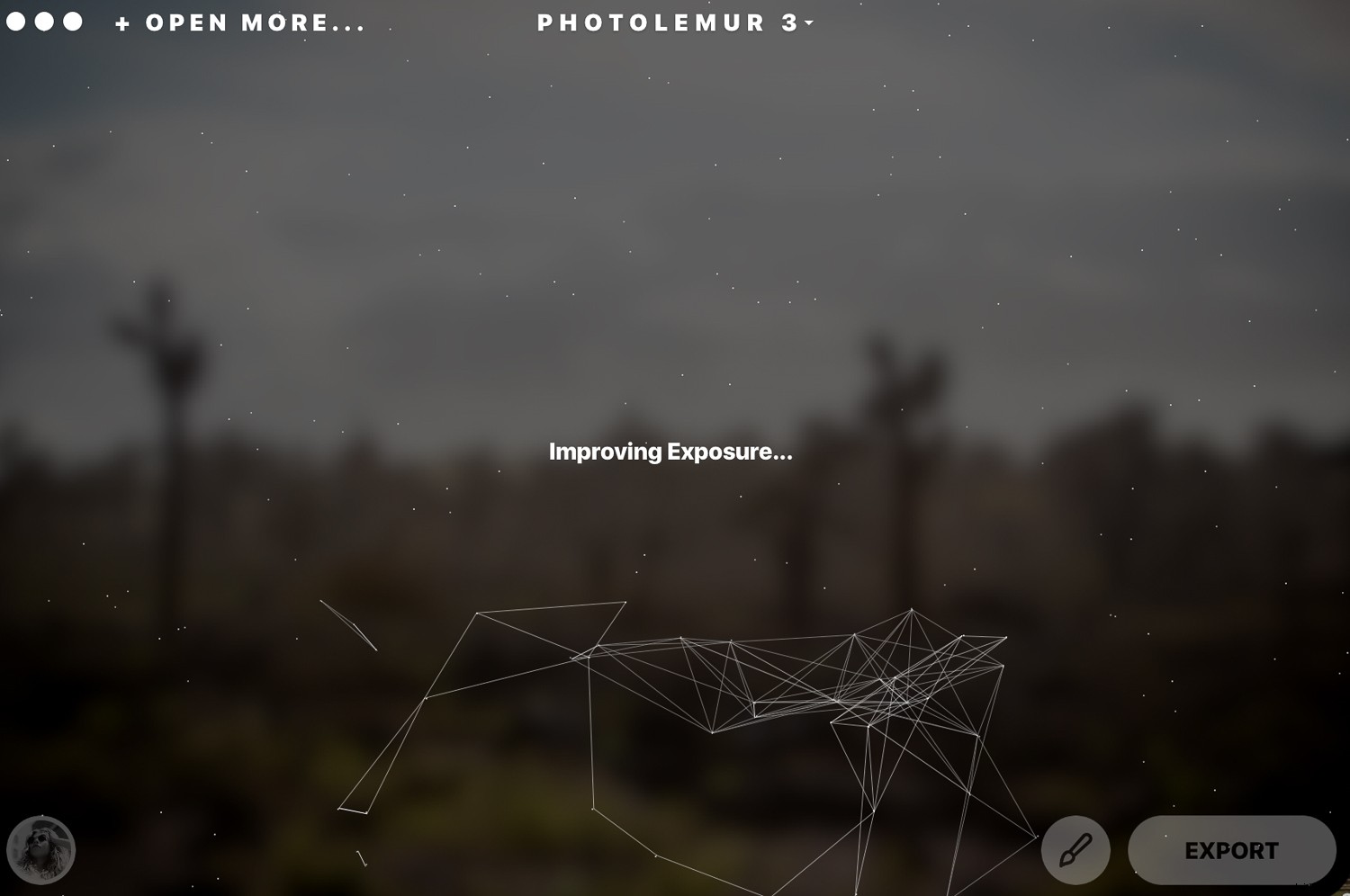
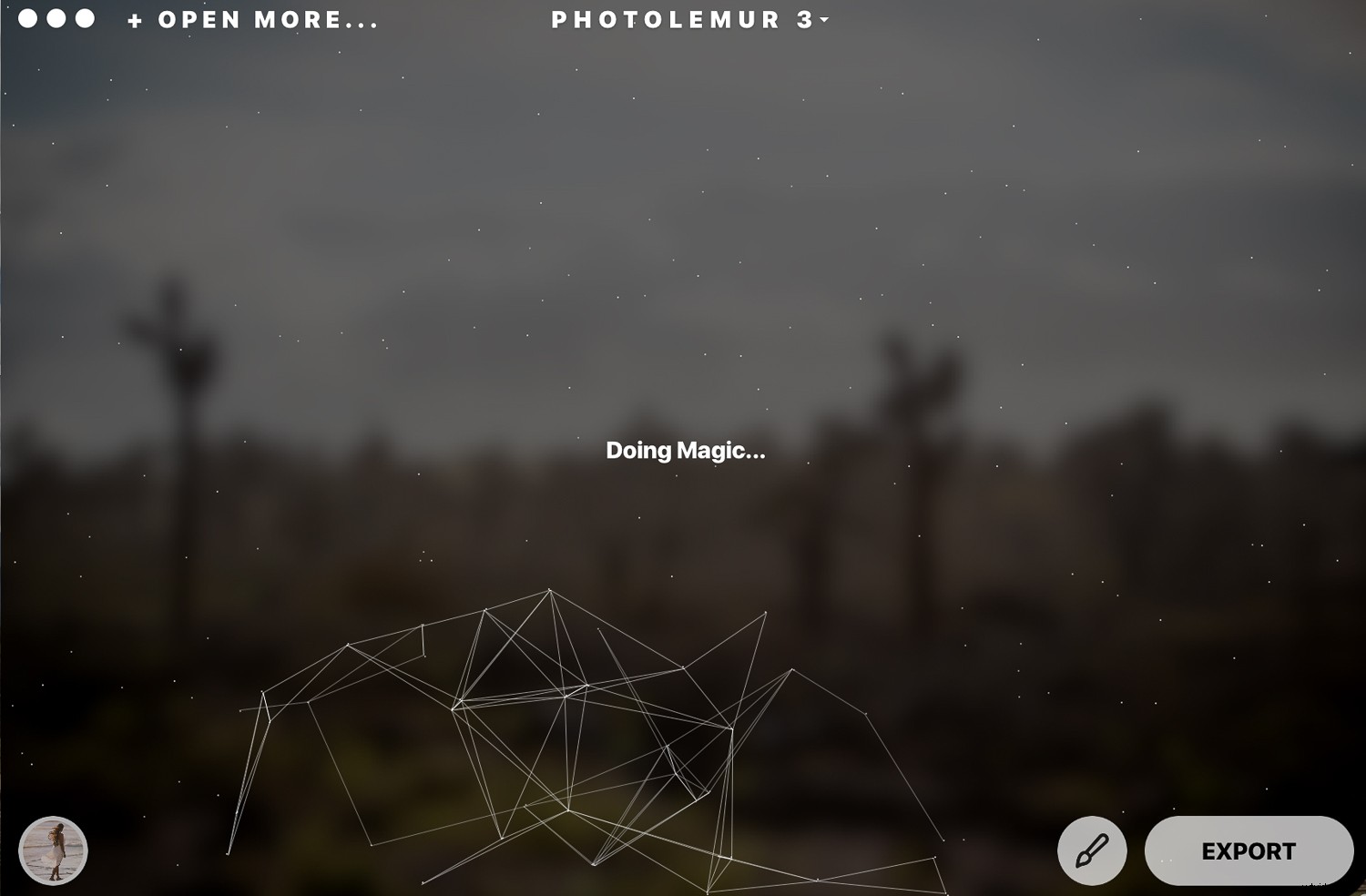
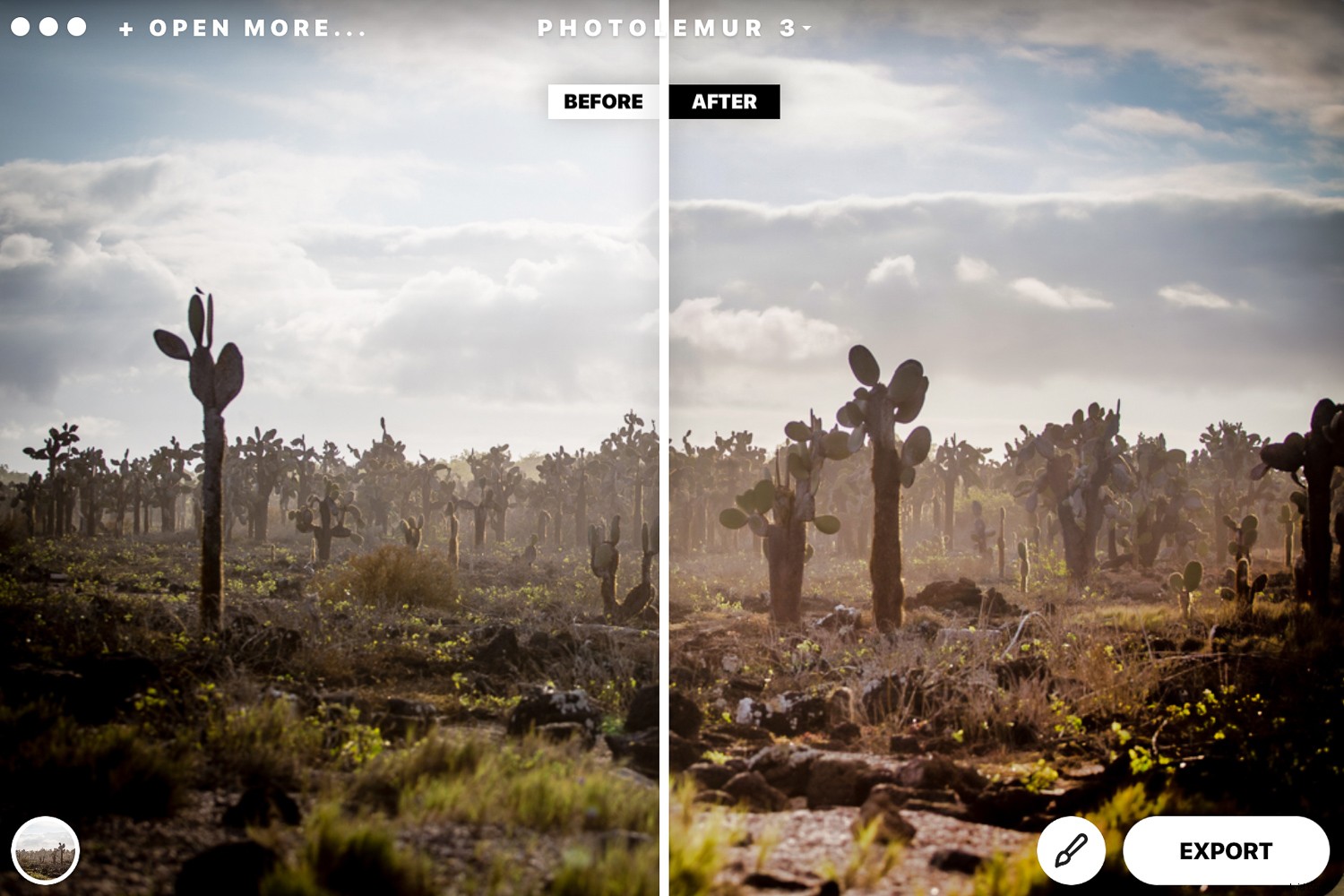
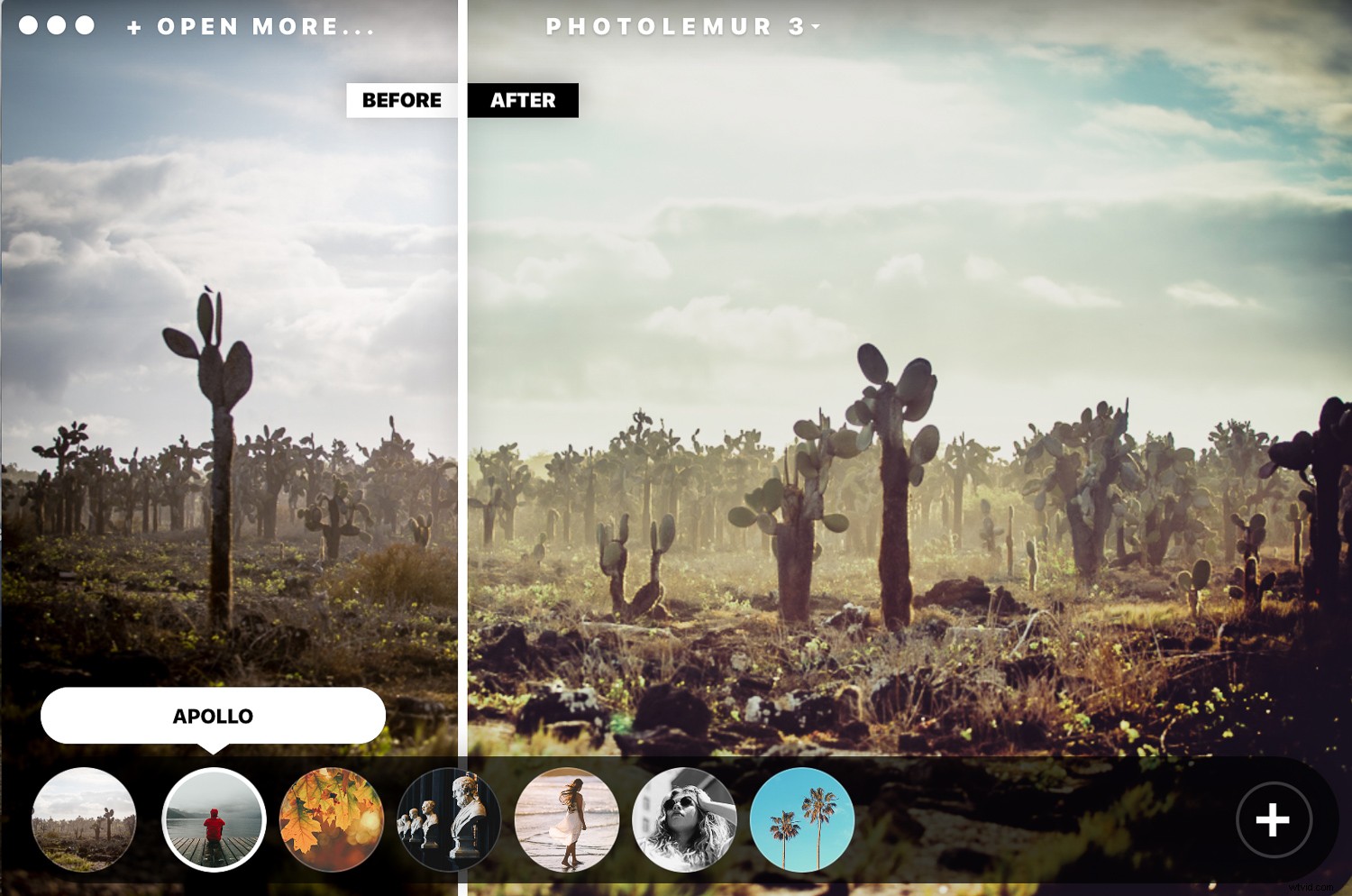
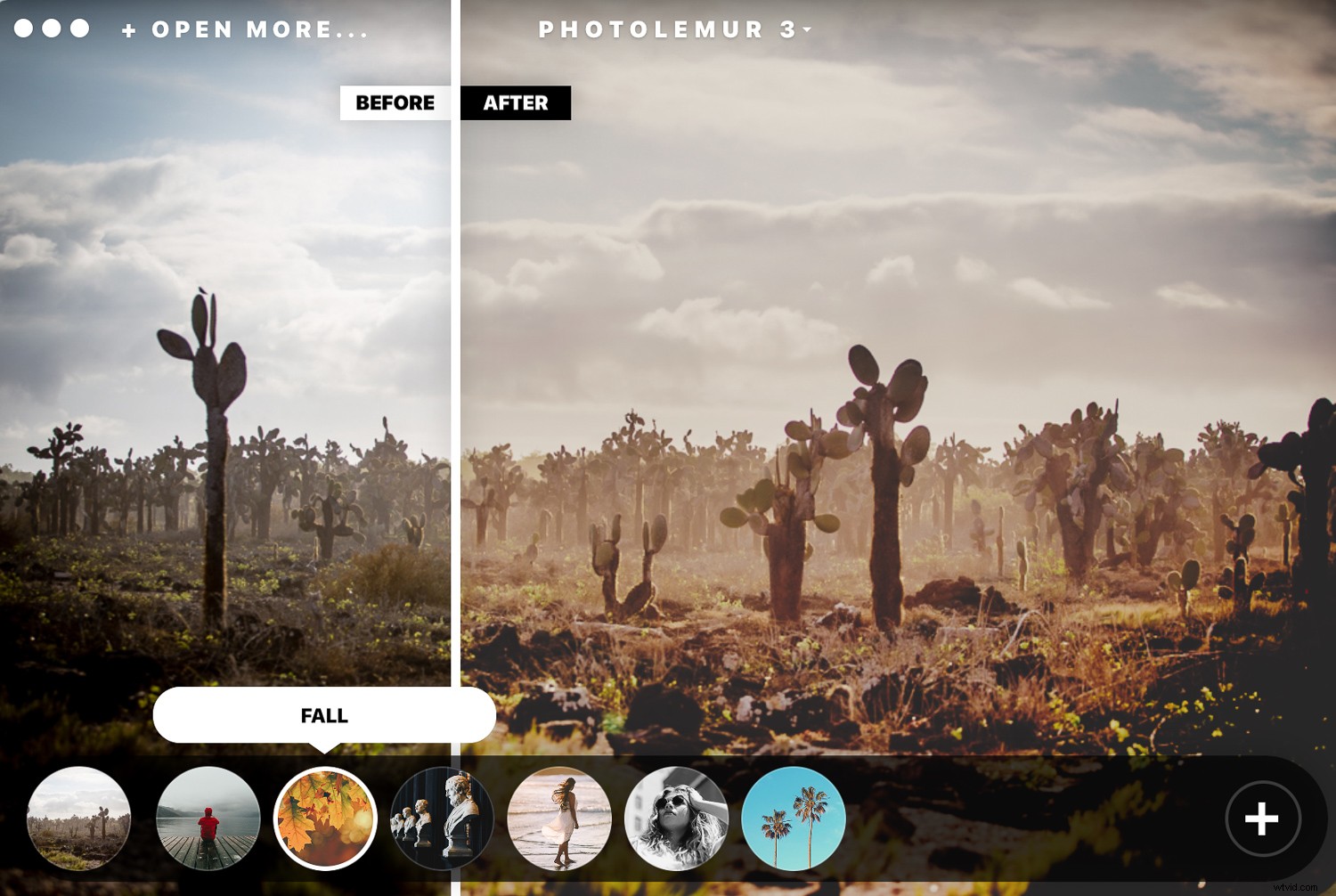
After Photlemur finishes analyzing your images, it gives you a before and after view with a fun slider. You can see and compare the enhancements applied to your photos.
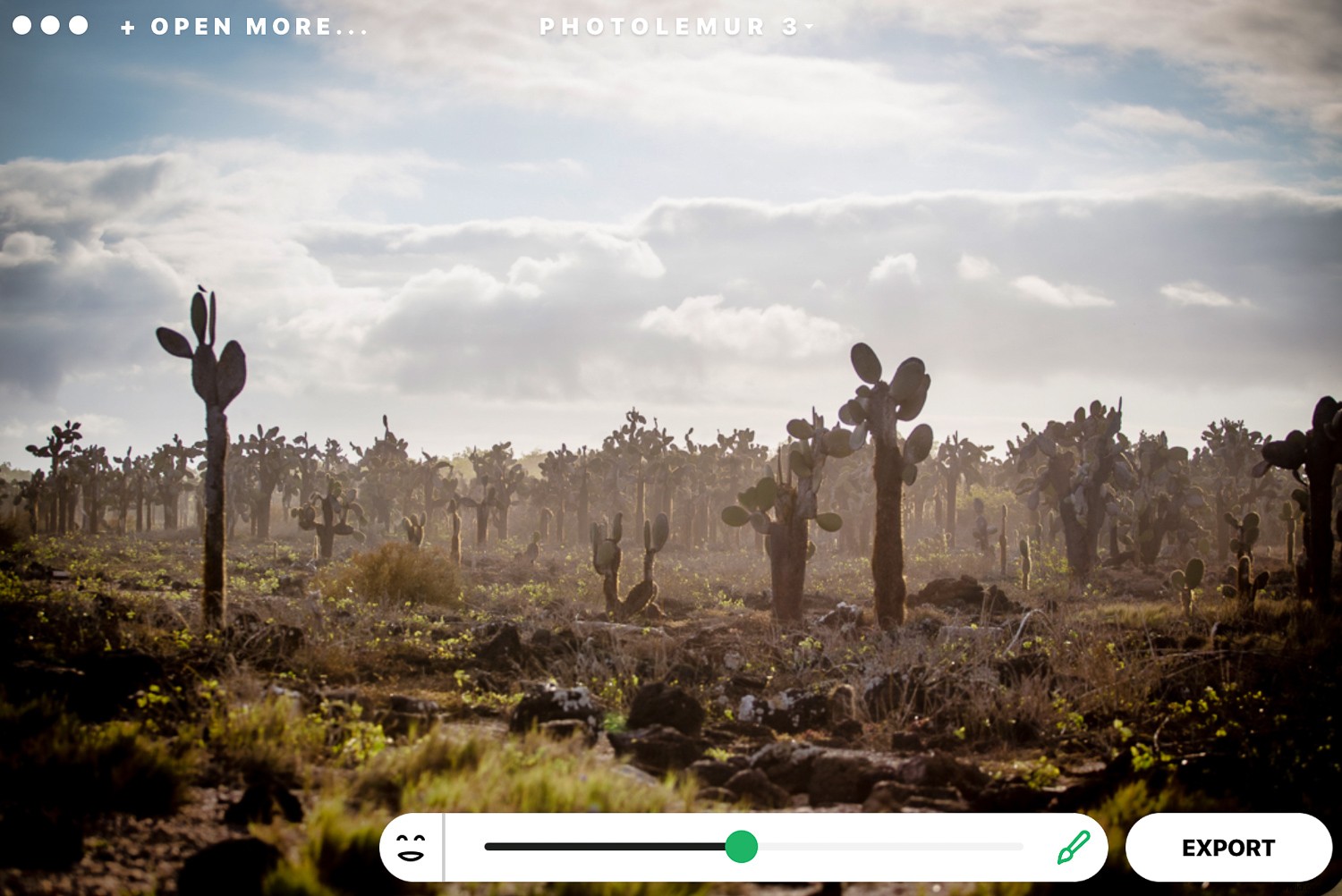
At the bottom, you can click on the paintbrush and gain access to a slider that lets you adjust the amount of enhancement that you want to apply. The software won’t let you adjust the changes individually. For example, you can’t edit the exposure only. It does a pretty decent job at making the skies pop and fixing any exposure issues automatically.
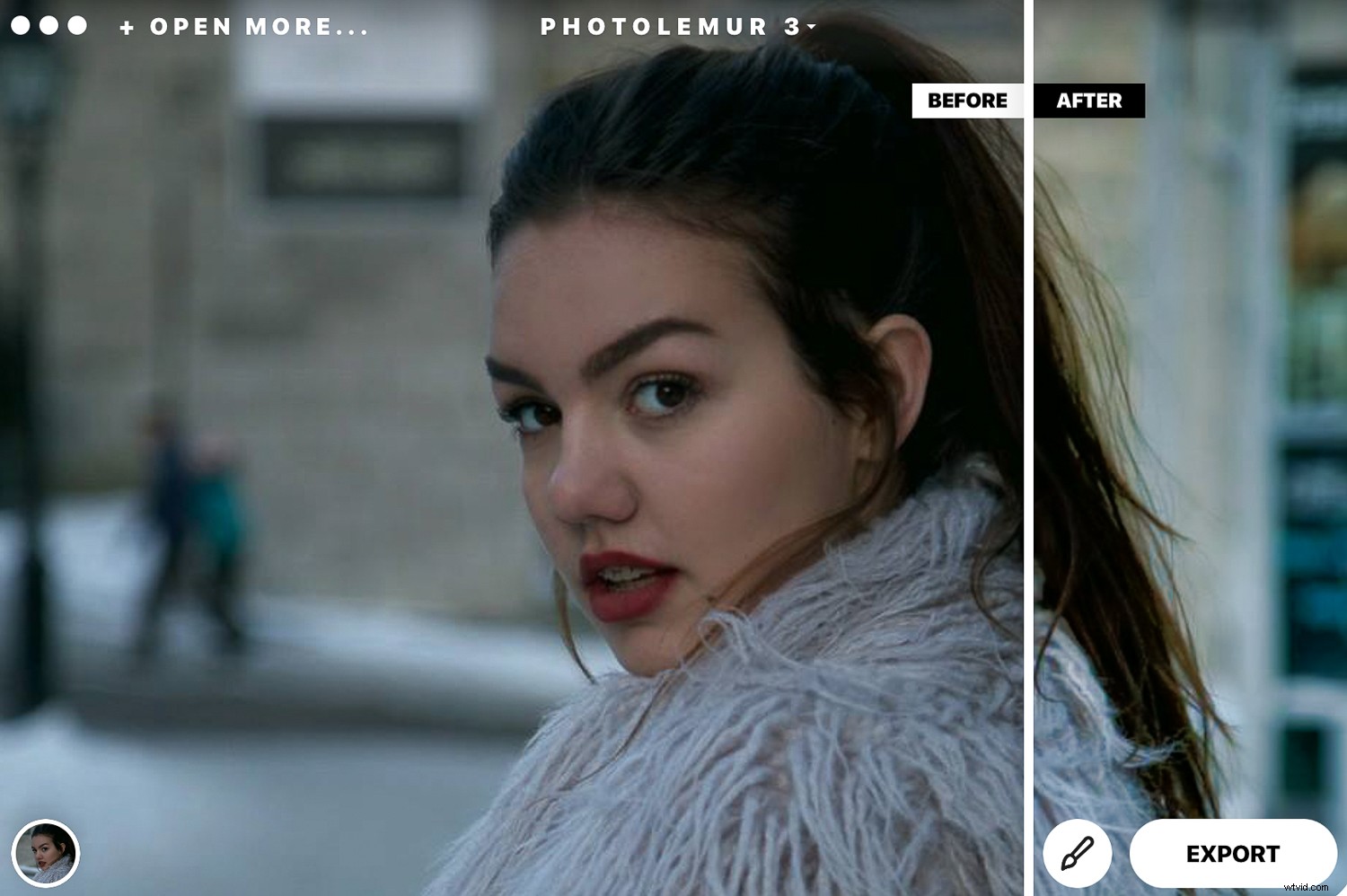
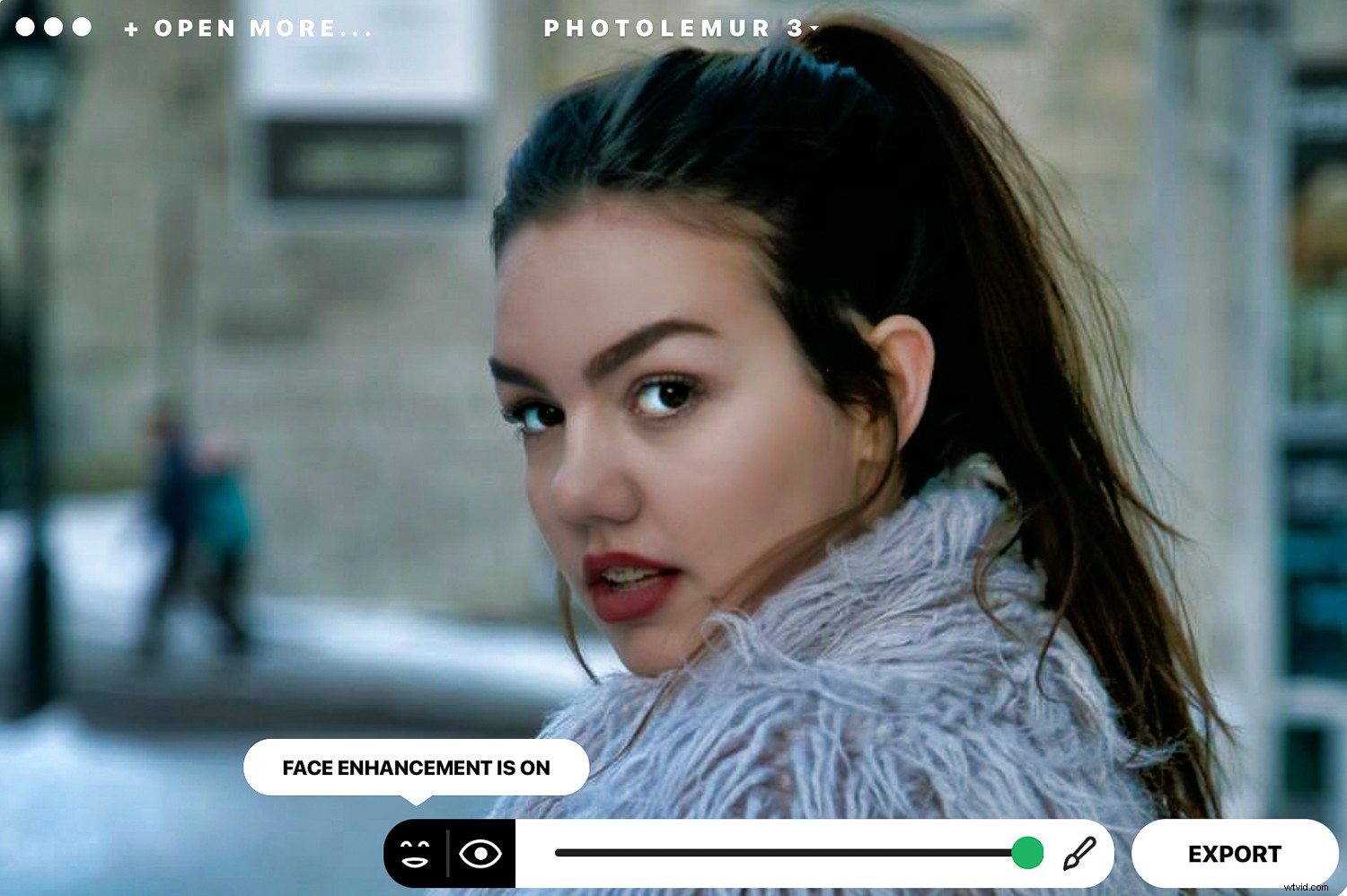
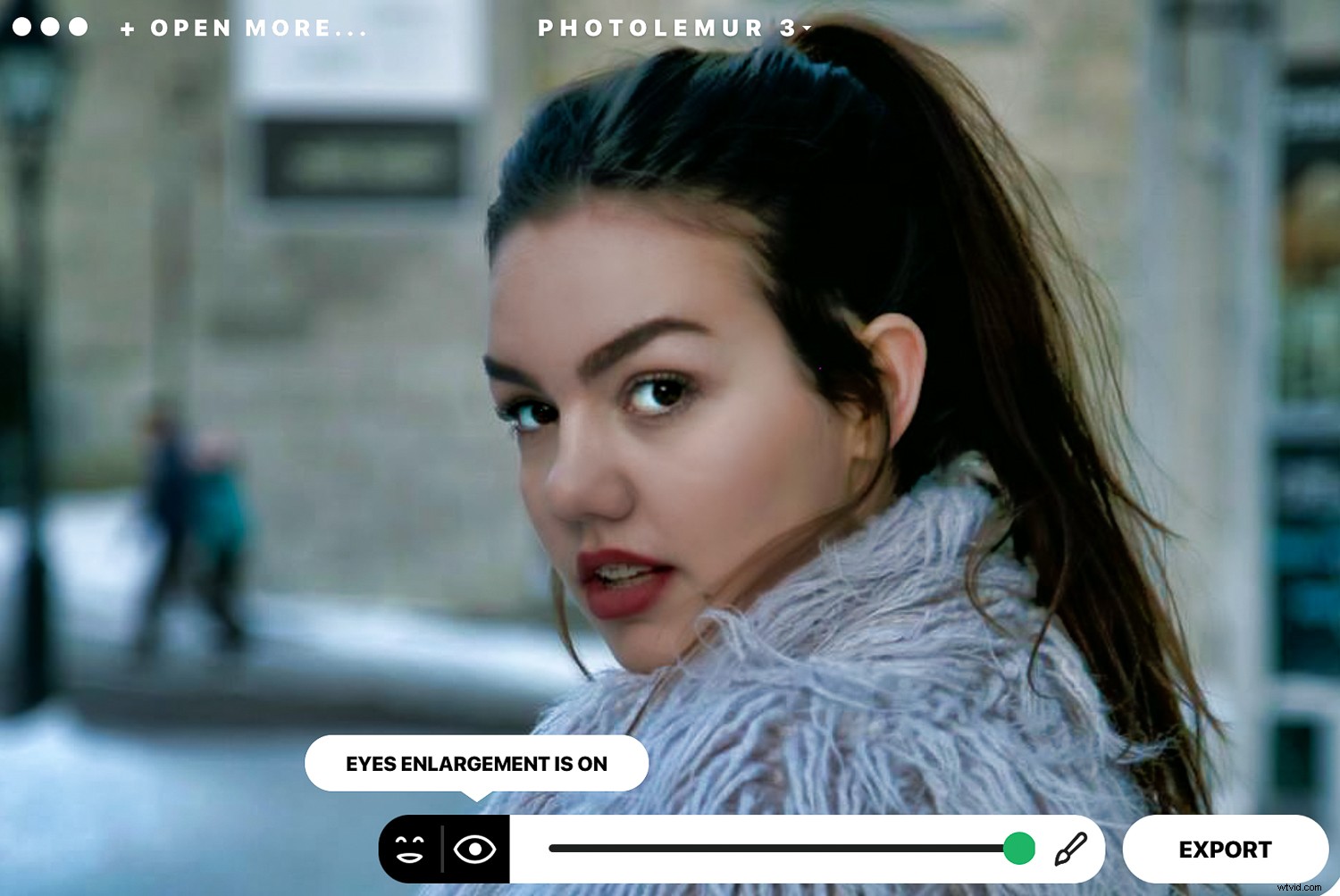
Photolemur 3 also features a face and skin enhancer that fix your portrait photos instantly by smoothing skin and imperfections, enhancing eyes, and whitening teeth.
On the left-hand side of the bottom slider, you will notice icons that let you turn on or off the “EYES ENLARGEMENT” and the “FACE ENHANCEMENT”.
I didn’t particularly like what happened to the hair of my model in this image. I would probably glide the slider a little to the left for portrait photos.
Applying filters
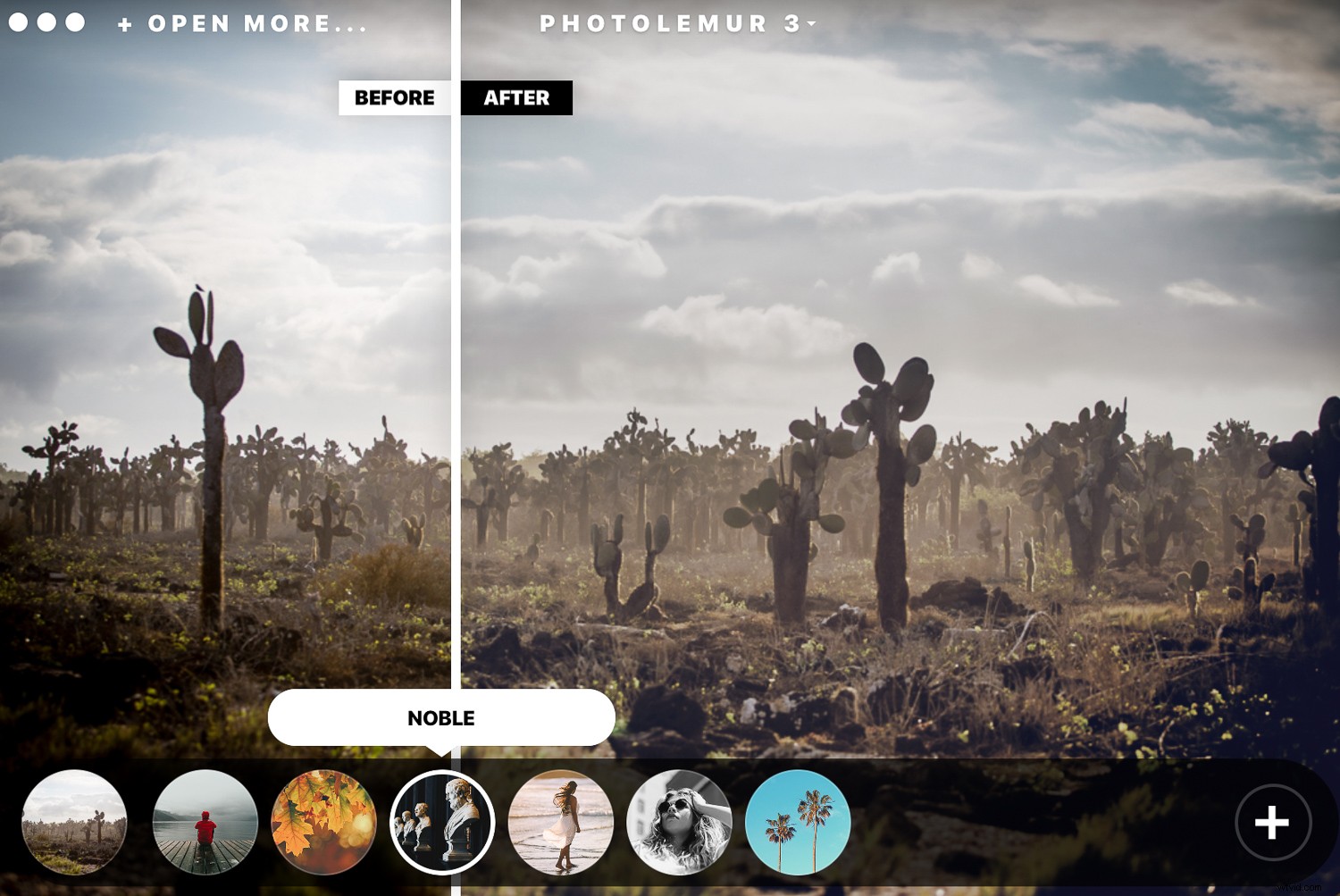
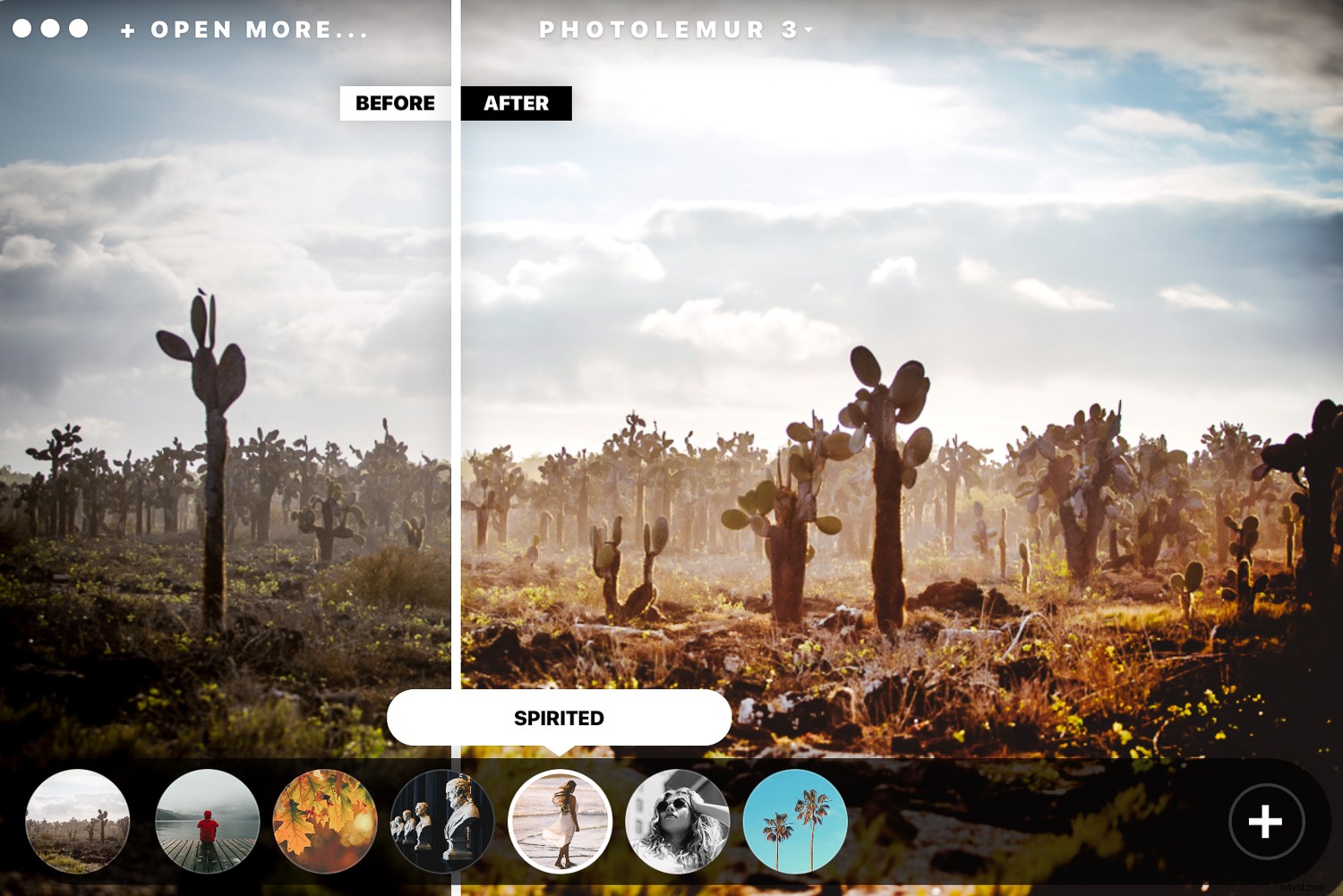
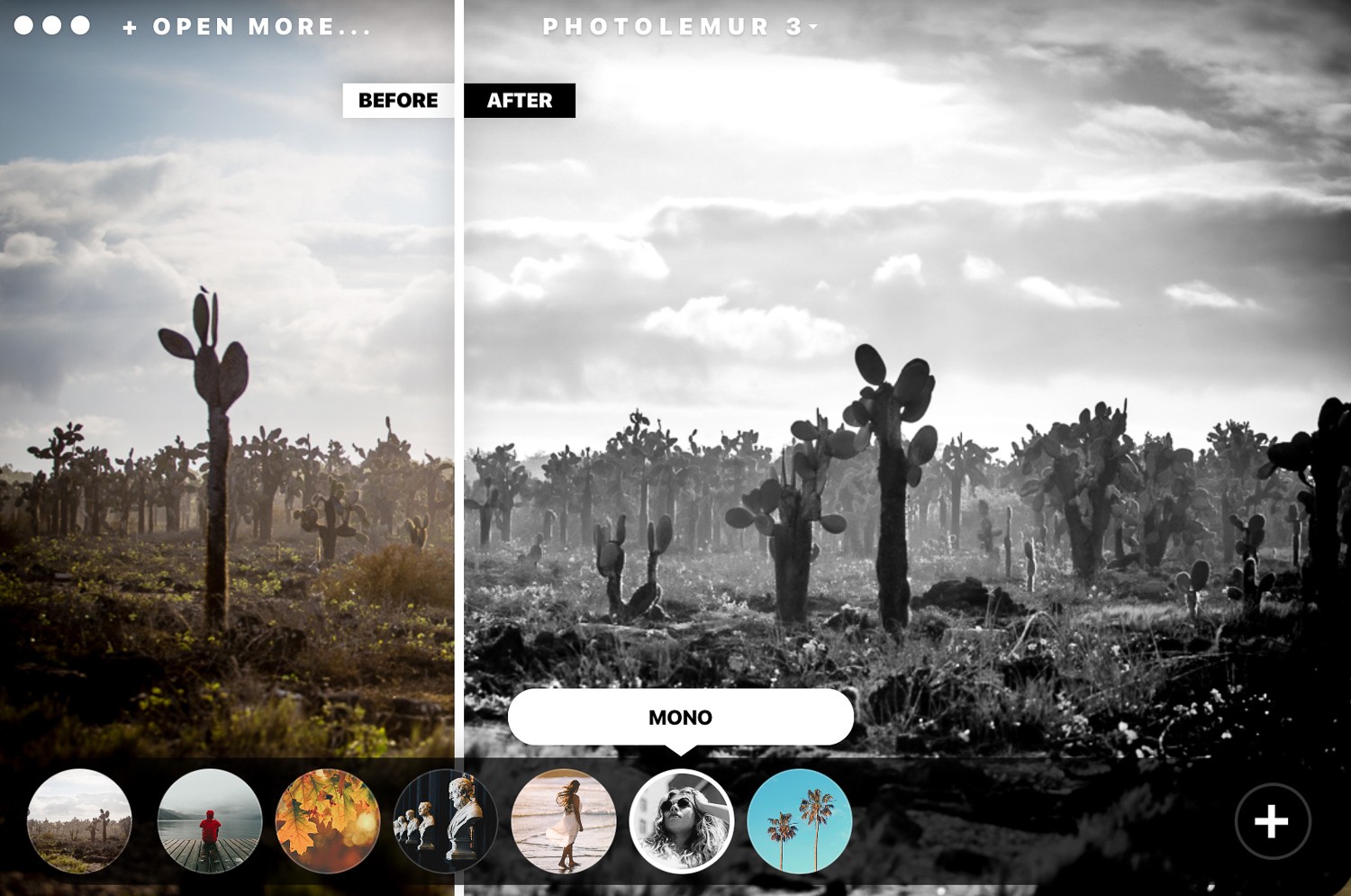
The software has integrated filters you can apply to your images. The filters are very similar to the ones you find on apps like Instagram. Click on the circle at the bottom and get access to all the filter options. If you’re a fan of filters, these do the trick pretty well. The mono filter transforms your photos to black and white with commendable results.
Exporting options
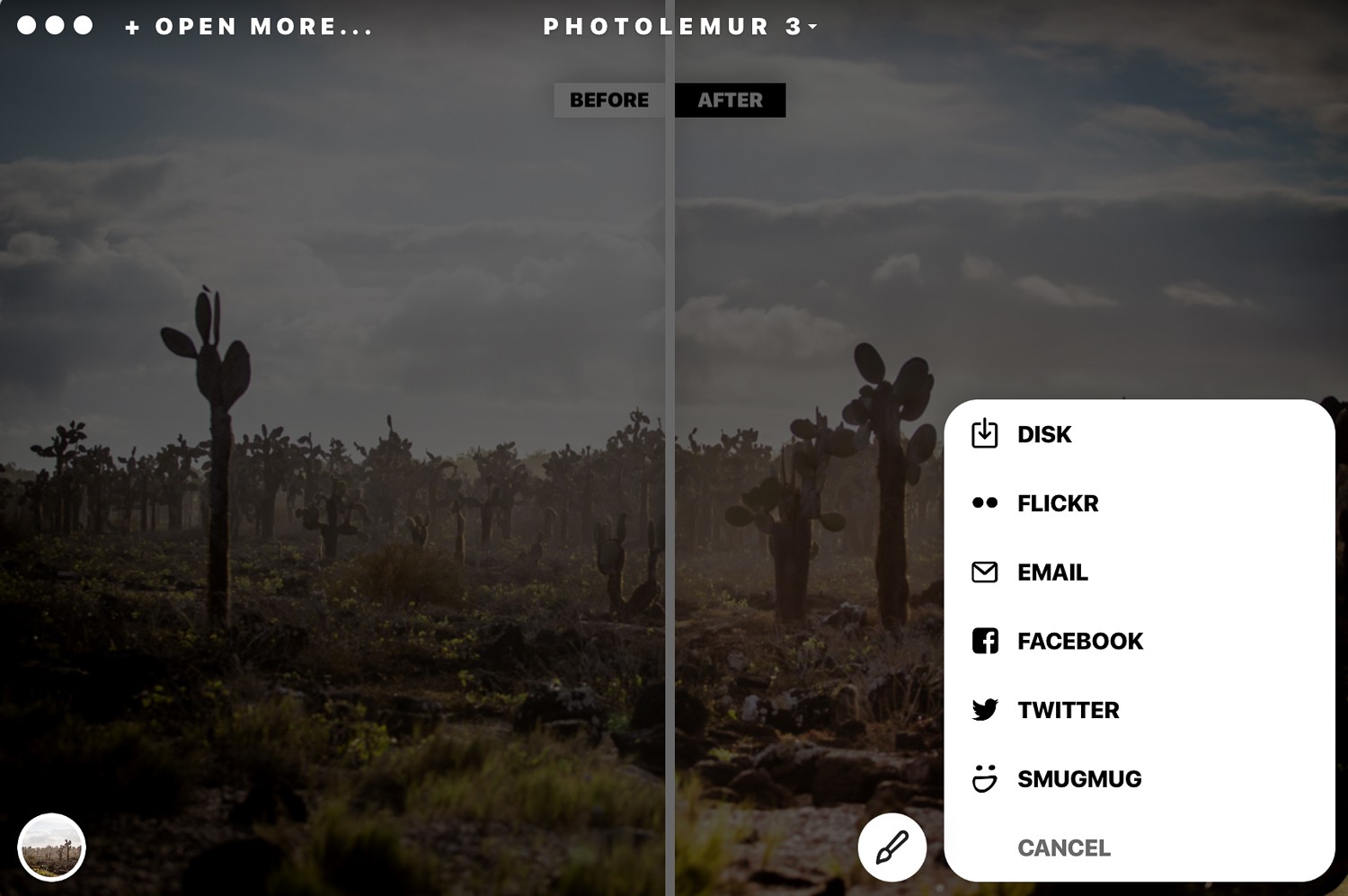
Once you’ve finished editing your photos, you can export them to your computer, upload them on various social media sites, or attach them directly to an email.
Standalone and Plug-in
You can use Photolemur 3 as a standalone app on your computer, and you can also add it as a plugin for Photoshop and Lightroom. Upon initial installation, you are prompted to add the plugin if you wish to do so.
Who it’s for
Photolemur 3 is a great tool for beginner or amateur photographers who want to easily and quickly enhance their photos. It does what it claims and has made photo enhancing stress-free. However, I don’t think that professional photographers will use this software on a regular basis because of its limitations.
It’s ideal for landscape photographers because of the sky enhancer and also for portrait photography. It’s super easy to set-up and get going. You can get your photos edited in a few minutes with a few simple clicks.
What it doesn’t do
If you have Photoshop or Lightroom knowledge and are accustomed to editing your photos manually, you will find Photolemur 3 restrictive. If you don’t like the way the software adjusted your exposure and colors, there is no way to go in deeper to adjust these results individually.
That said, it does a pretty good job automatically.
The program makes some sounds when it does certain actions that I’m not a fan of. Thankfully you can go to the settings drop-down menu and disable this feature.
Conclusion
I particularly like the way Photolemur 3 processes the skies to look better and how it corrects any exposure issues. However, I would go a little easy on the face enhancement features so that portraits don’t look over-edited.
You can give Photolemur 3 an unlimited free trial before you purchase it. Download the free limited version from their website and test it out for yourself. The free version adds a watermark and has other restrictions like no batch processing and limited export size.
This type of technology is the future of photo editing, and we will be seeing more algorithms and artificial intelligence applied to photography software and apps. I’m all for professional results done in a less time-consuming way. More time to have fun shooting!
Have you used Photolemur 3? What are your thoughts?