

Nov 08, 2025• Proven solutions
Whether you’ve captured a memorable moment with friends or filmed a breathtaking natural scene, you’ll often want to share or upload the clip. Large video files can make sending or uploading cumbersome, and storage on your phone can fill up quickly. Compressing the video on Android before sharing is the simplest way to reduce file size, free up space, and keep your footage ready for social media or messaging apps.
Below are six carefully selected free Android applications that will help you compress videos efficiently. Each app offers unique features, so you can choose the one that best fits your workflow.
Part 1: Quick Comparison of Video Compression Apps for Android
Before exploring the individual apps, review the table below for a snapshot of key capabilities, supported formats, and cost.
| Video Compress | Resize Video | Video Compressor by Sunshine | Videos & Movies Compressor | Video Dieter 2 | Video Compressor | |
|---|---|---|---|---|---|---|
| Android Version | Yes | Yes | Yes | Yes | Yes | Yes |
| iOS Version | No | No | No | No | No | No |
| Supported File Format | MP3, MP4, AVI, WMV… | / | MP3, MP4… | MP3, MP4, FLV… | MP3, MP4… | MP4, 3GP, and AVI |
| HD Compression | Yes | Yes | Yes | Yes | Yes | / |
| Share Video Directly | Yes | Yes | Yes | Yes | Yes | Yes |
| Free or Not | Yes | Yes | Yes | Yes | Yes | Yes |

Best Video Compressor for PC – Filmora
- Compress videos on PC and Mac with a few clicks
- Edit clips with a rich set of effects after compression
- Customize resolution and format to suit your needs
- Export to MP4, MOV, MKV, GIF, and more
Try It Free
For Win 7 or later (64‑bit)
 Secure Download


You May Also Like:
- How to Compress a Video on Android Without Losing Quality
- How to Compress a Video on iPhone and Reduce Your File Size in Minutes
Part 2: Top 6 Free Android Apps for Compressing Video
1. Video Compress
Video Compress delivers a streamlined workflow for shrinking files and sharing them on social networks such as Facebook, Google+, WhatsApp, and more.
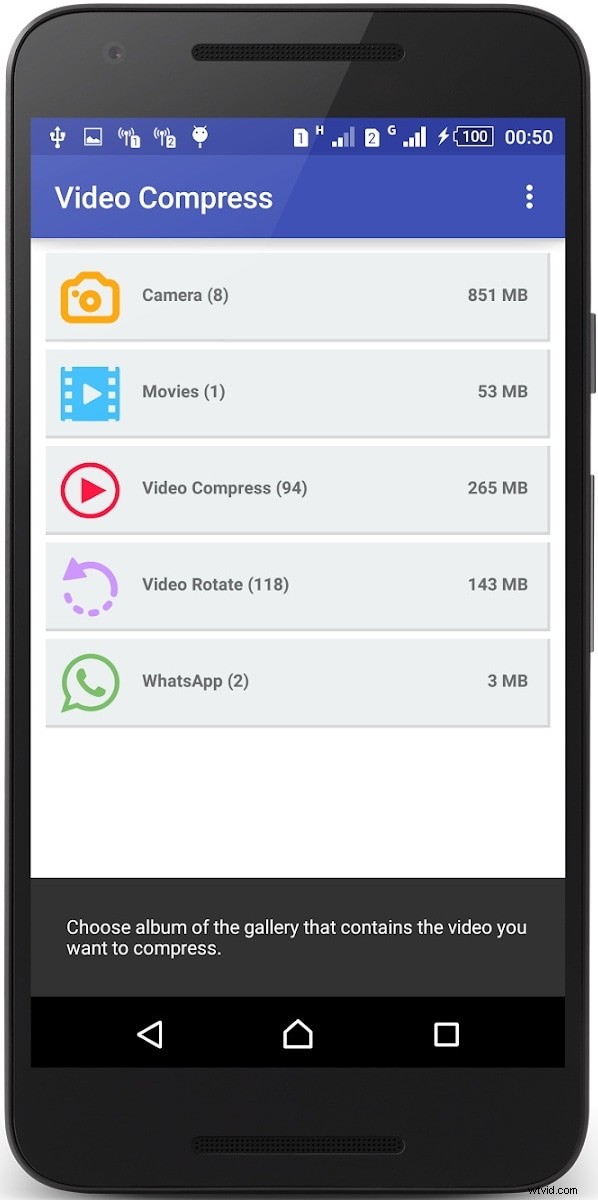
Pros:
- Adjust quality between high, normal, and low to control compression level
- Intuitive interface and rapid processing time
- Supports every common video format
- Option to remove audio for additional size savings
- Convert video to audio‑only MP3 when needed
Cons:
- Deleting newly created files can be confusing at times
- SMS sharing feature is unreliable for some users
2. Resize Video
Resize Video makes it easy to change resolution, trim length, and add or remove audio before compression.

Pros:
- Resize, crop, and trim directly within the app
- Mute audio or overlay background music as desired
- Share instantly via Facebook, Gmail, and other platforms
- Save or delete compressed videos from the app interface
Cons:
- Some users find the default compression ratio insufficient for extreme size reduction
3. Video Compressor by Sunshine
Sunshine’s compressor is one of the few Play‑Store apps that can combine multiple videos into a single compressed file, saving valuable phone space.
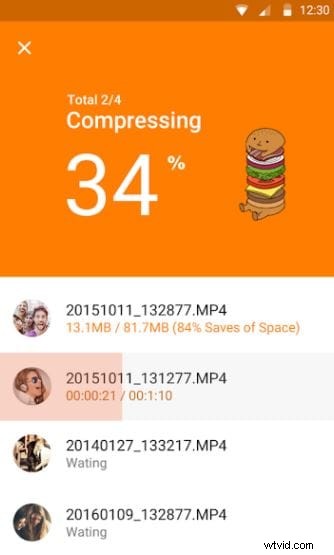
Pros:
- Merge several large videos into one smaller package
- Free up to 90 % of storage by overwriting originals
- Choose from FHD, HD, or SD compression settings
- Instant transfer of compressed clips
Cons:
- Only compresses locally created files, not downloaded media
4. Videos & Movies Compressor
This app supports every popular video format and compresses in the background so you can multitask.
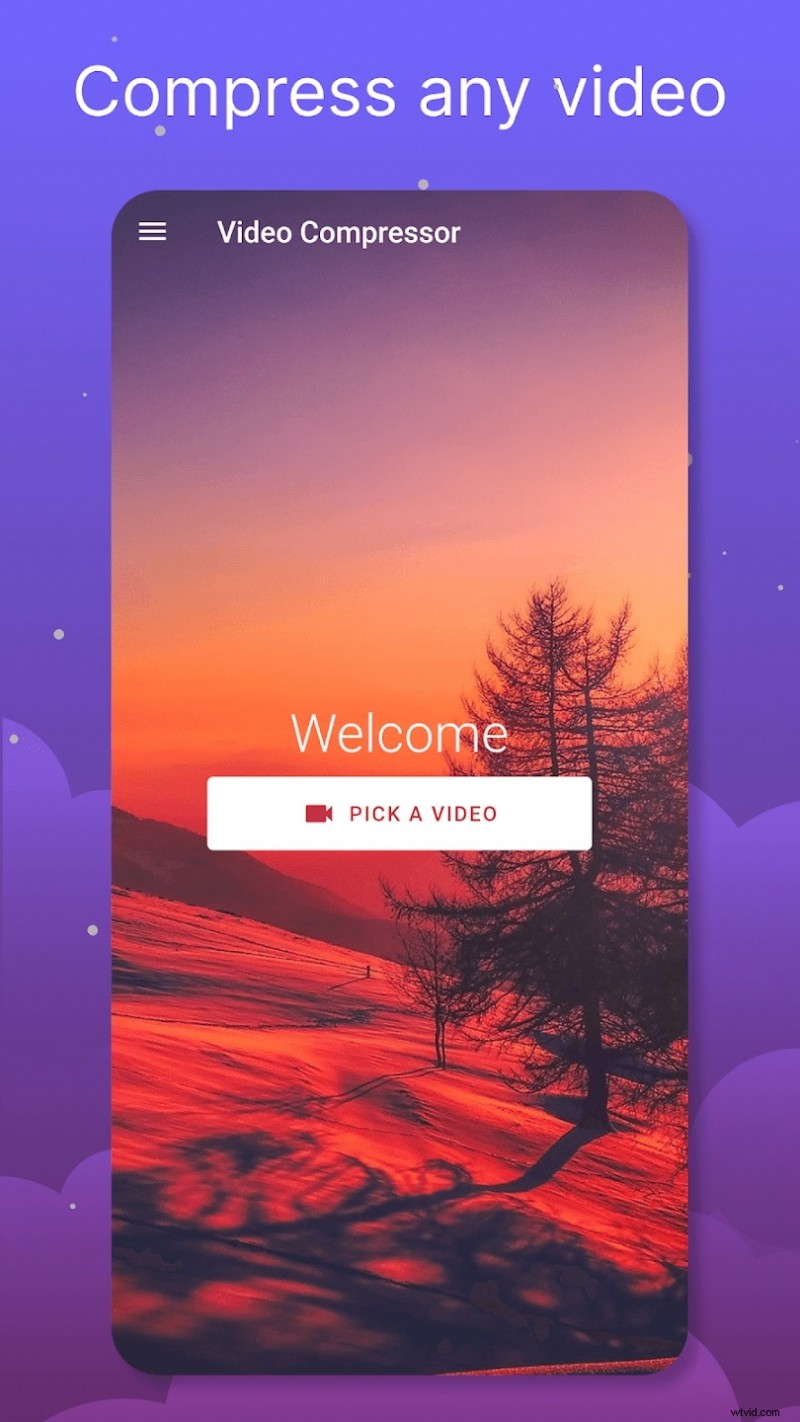
Pros:
- All major formats are supported
- Slider controls the compression ratio for precise sizing
- Gallery picker simplifies video selection
- Background compression allows continued phone use
Cons:
- No option to merge multiple videos
- Heavy compression may degrade picture quality
5. Video Dieter 2
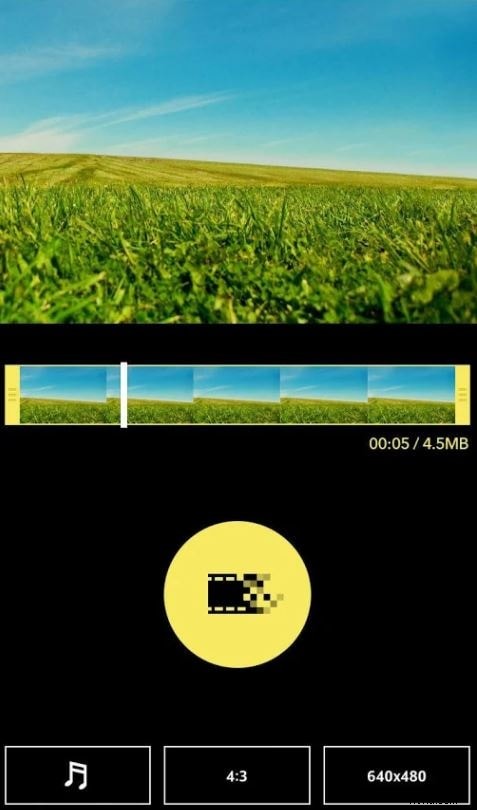
Video Dieter lets you balance size reduction with quality preservation, while providing convenient trimming and time‑lapse options.
Pros:
- Trim unwanted segments before compression
- Fast transcoding for rapid output
- Pre‑set resolution and quality parameters
- Enable slow‑motion or time‑lapse effects
Cons:
- Limited file‑name customization and storage path options
6. Video Compressor
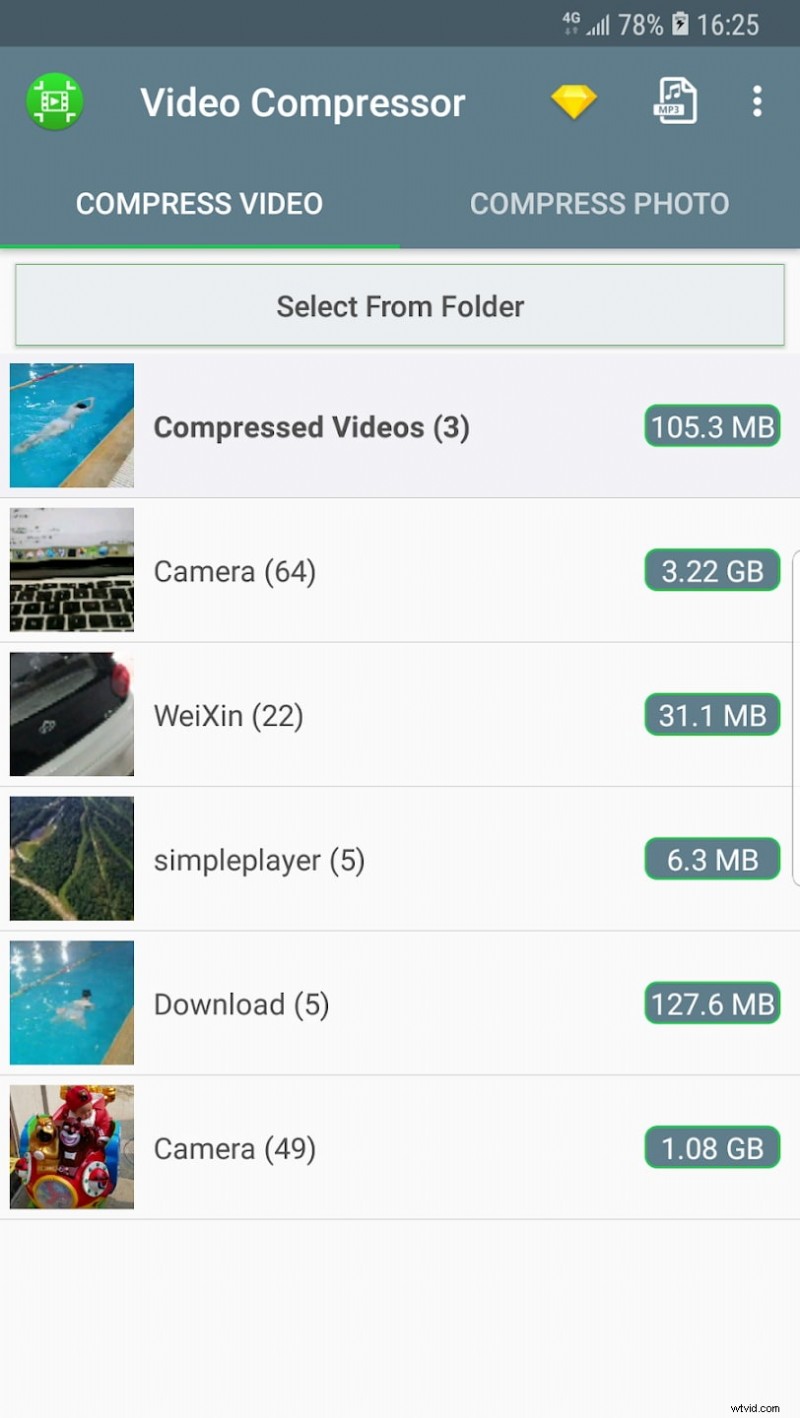
Ideal for beginners, this app compresses videos quickly and supports preview before sharing.
Pros:
- Gallery picker for easy selection
- Supports MP4, 3GP, and AVI formats
- Preview compressed video before final output
Cons:
- Some advanced formats are not supported
Part 3: Elevate Video Quality with a Desktop Compressor
For users who worry about quality loss when compressing on a phone, a desktop solution can provide more control and better preservation. Wondershare Filmora is a top‑rated program that applies AI‑powered compression to reduce file size while maintaining visual fidelity.
Why Filmora? Its algorithm intelligently selects bitrate and resolution settings, delivering minimal quality loss even for aggressive compression. The user interface is intuitive, allowing you to fine‑tune settings or apply edits before the final compression step.
Key Features:
- High‑quality compression that retains sharpness and color
- Multiple format export options (MP4, MOV, MKV, GIF)
- Easy‑to‑navigate UI for all skill levels
- Integrated editing tools for trimming, effects, and more
Try It Free – For Win 7 or later (64‑bit)
Secure Download
Conclusion
Choosing the right Android app to compress video can save storage space and simplify sharing across social platforms. The six apps highlighted here each offer distinct strengths—whether you need a quick on‑the‑go solution or a more advanced desktop workflow.
If video quality is your top priority, consider switching to Wondershare Filmora for desktop compression. Regardless of your choice, you’ll be able to reduce file size efficiently and share your footage with ease.
Ollie Mattison
Ollie Mattison is a writer and a lover of all things video.
Follow @Ollie Mattison