
The video‑generation landscape has reshaped how narratives are captured and shared on screen. Embracing cinematic videography empowers creators to elevate visual storytelling, adding depth, emotion, and a sense of immersion that resonates long after the viewing experience.
Demand for cinematic videography now outpaces traditional approaches, thriving across weddings, corporate events, and creative media. This shift has enabled professionals to craft lasting, engaging content that leaves a memorable impact on audiences worldwide.
In this article
- Overview of Cinematic Videography
- Techniques & Equipment
- Practical Applications
- Post‑Production with Wondershare Filmora
- Conclusion
Part 1: Understanding Cinematic Videography – The Basics
Cinematic videography represents a deliberate stylistic shift in filmmaking. The goal is to deliver a movie‑like experience that captivates viewers through nuanced camera work, lighting, composition, and editing.
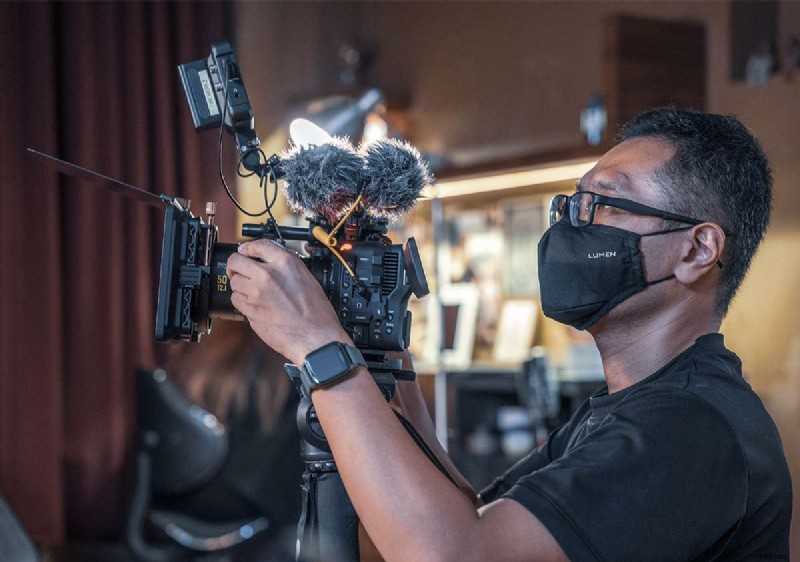
Critical Elements in Cinematic Videography
Below are the core components that distinguish cinematic videography from its conventional counterpart:
- Camera Movement
- Lighting Conditions
- Composition
- Color Grading
1. Camera Movement
Strategic motion—such as panning, tracking, and dolly shots—injects visual interest and fluidity. By selecting appropriate movement, filmmakers can guide audience focus and amplify narrative tension.
2. Lighting Conditions
Effective lighting shapes mood. Techniques like three‑point lighting and chiaroscuro establish atmosphere, while precise manipulation of light and shadow adds depth and polish.
3. Composition of Video
Framing decisions—rule of thirds, leading lines, framing within framing—create impactful visuals. Proper composition aligns perspective and depth, mirroring cinematic aesthetics.
4. Color Grading
Post‑production color grading sets tone and mood, reinforcing the narrative’s emotional core. Thoughtful grading can transform a raw shoot into a cohesive visual story.
Part 2: Techniques and Equipment Used in Cinematic Videography
Mastering cinematic videography requires a blend of creative techniques and the right gear. Below, we outline essential practices and hardware that elevate your footage.
Key Techniques in Cinematic Videography
- Shallow Depth of Field
- Slow‑Motion Shots
- Creative Camera Angles
1. Shallow Depth of Field
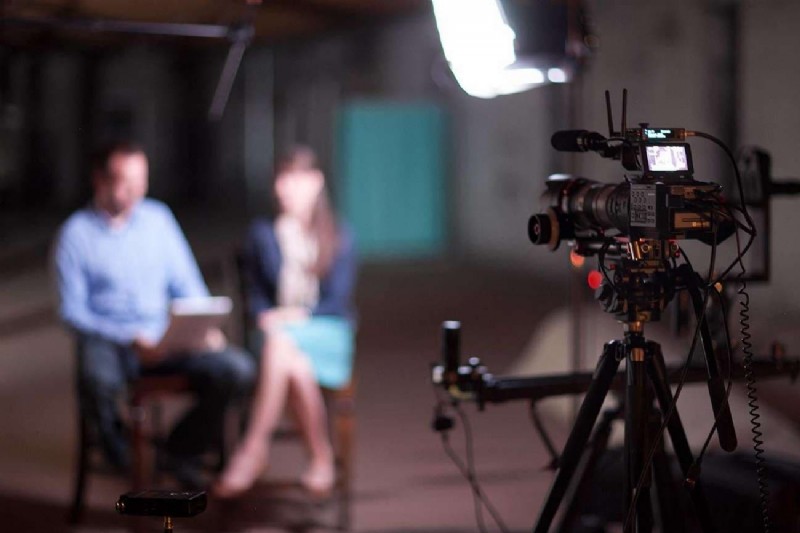
Wide apertures isolate subjects, blurring backgrounds and adding dramatic focus. This technique directs viewers’ attention and imparts a professional cinematic feel.

2. Slow‑Motion Shots
Capturing at high frame rates and playing back at standard speeds highlights action details, creating a sense of wonder and emotional resonance.

3. Creative Camera Angles
Low and high angles provide unique perspectives, shaping narrative tone and emotional impact. The choice of angle should align with the story’s intent.
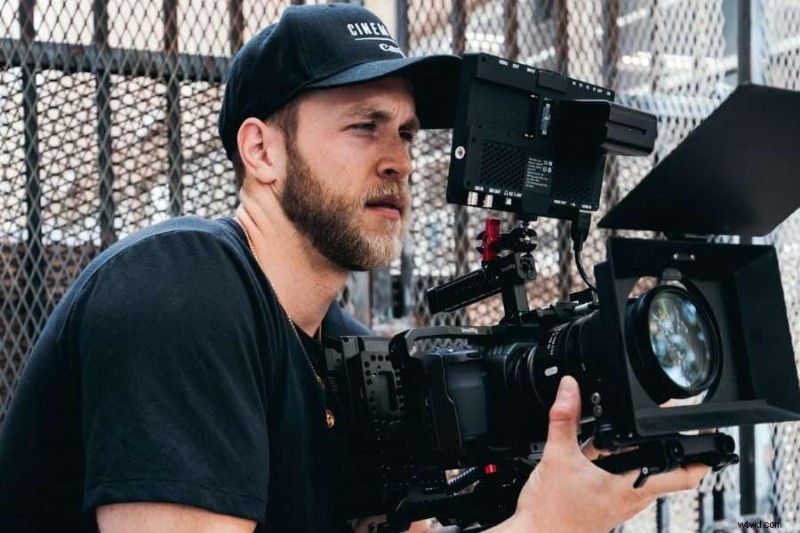
Advanced Lighting Techniques
- Natural Light
- Artificial Lighting
- Manipulation of Shadows
- Lighting Control Tools
1. Natural Light
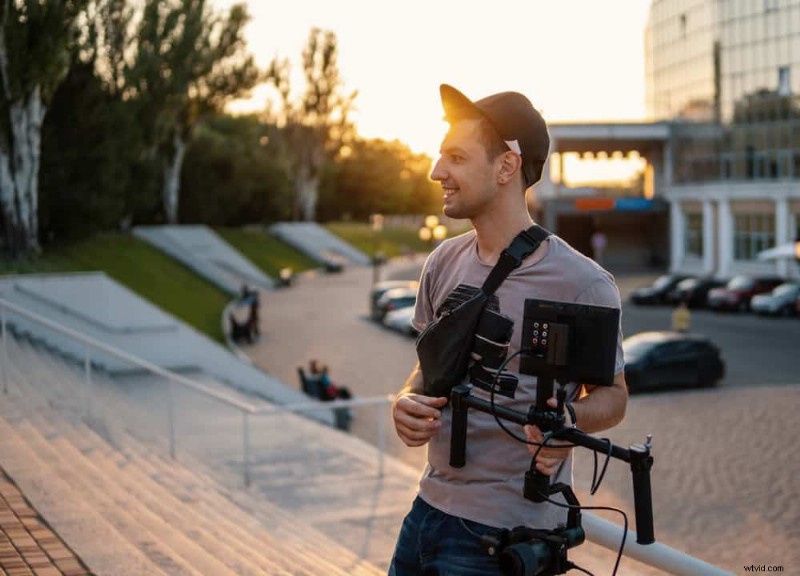
Leveraging daylight—soft at sunrise, harsh during midday—provides realism and a natural mood that can be subtly enhanced with diffusers or reflectors.

2. Artificial Lighting
When natural light is insufficient, tungsten or LED lights offer control over intensity and color temperature, enabling the creation of tailored atmospheres.

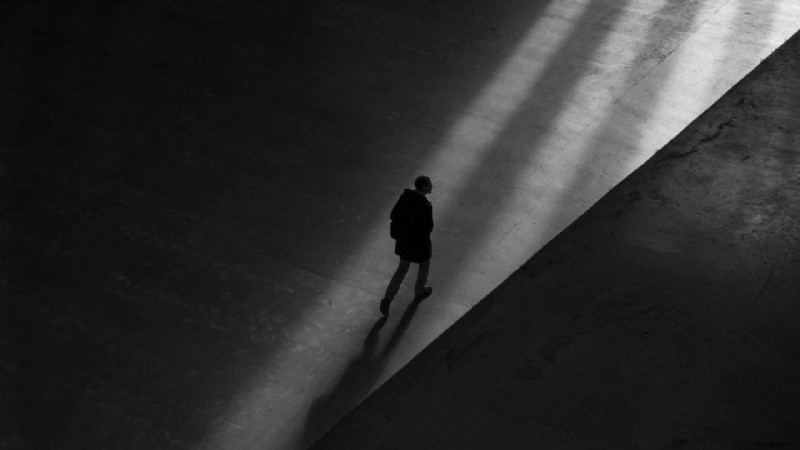
3. Manipulation of Shadows
Strategically positioned lights produce shadows that add texture and depth, reinforcing storytelling nuances and visual intrigue.
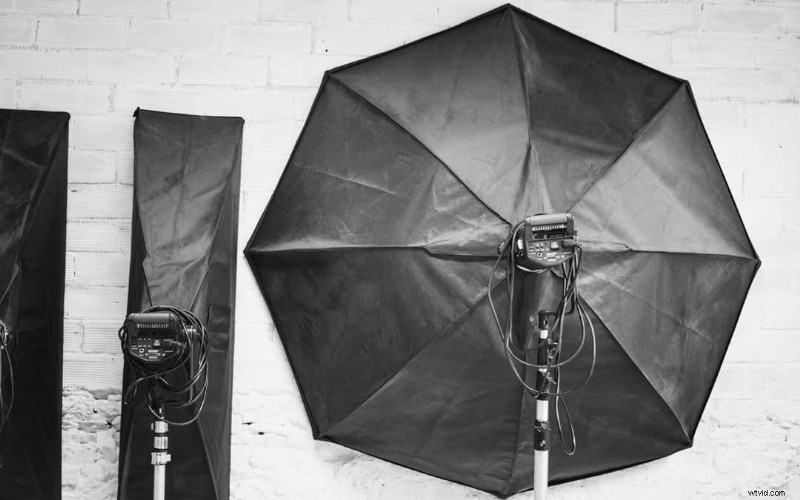
4. Lighting Control Tools
Reflectors, diffusers, and flags shape and direct light with precision. These tools are essential for achieving the sophisticated illumination expected in cinematic work.
Essential Equipment for Cinematic Videography
- Professional Cameras
- Lenses
- Stabilizers
- Drones
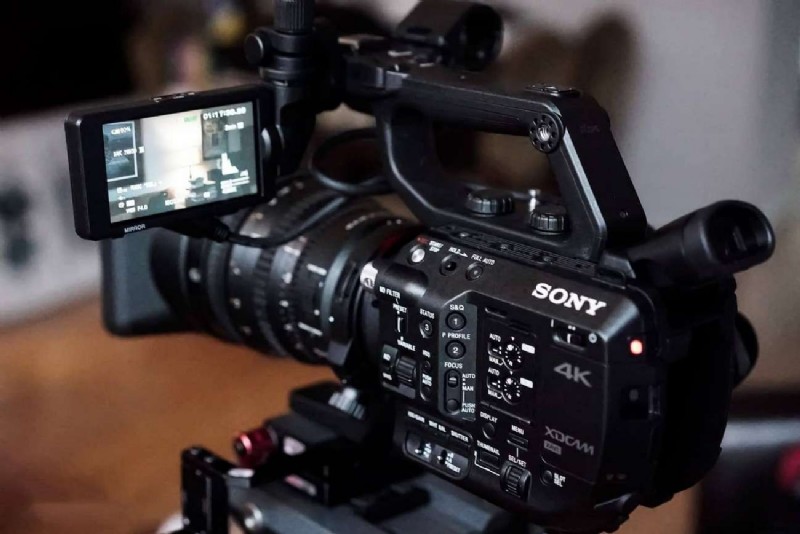
1. Professional Cameras
Large‑sensor DSLRs or mirrorless models provide high resolution and robust control, ensuring every detail is captured with clarity.
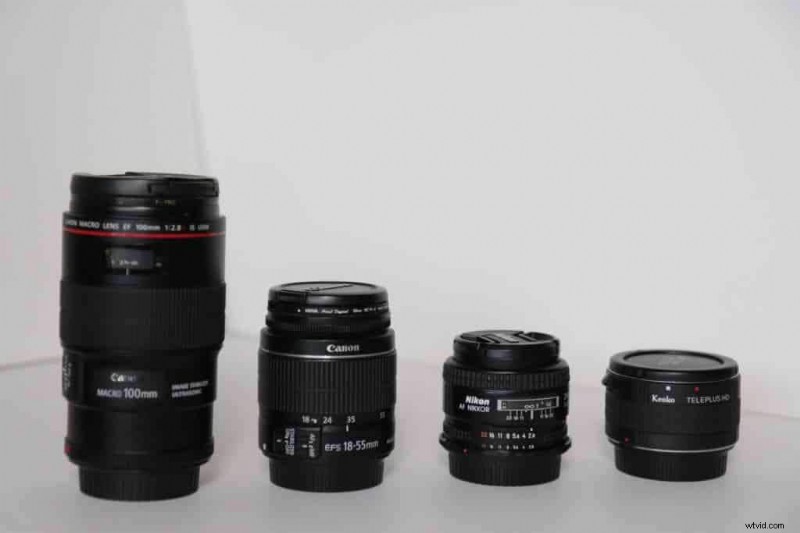
2. Lenses
Interchangeable lenses enable versatility: wide apertures for shallow depth, prime lenses for crisp focus, and zooms for dynamic framing.
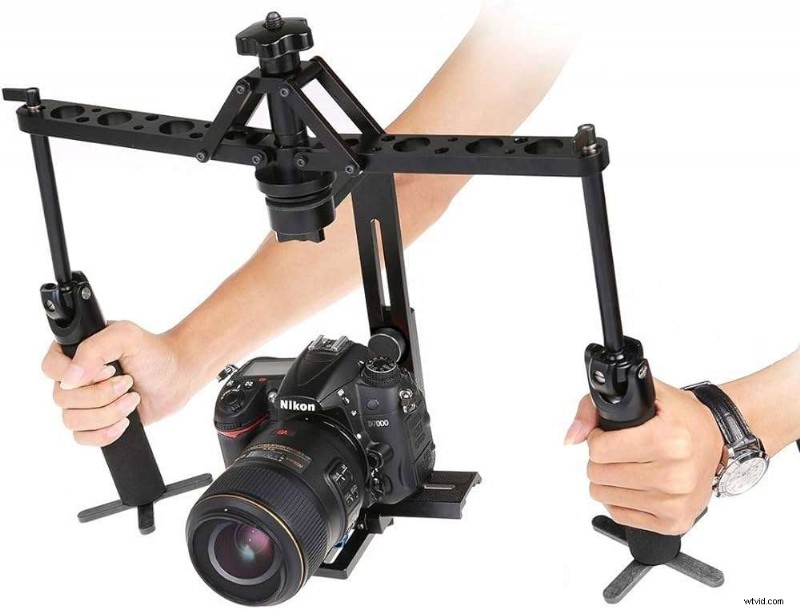
3. Stabilizers
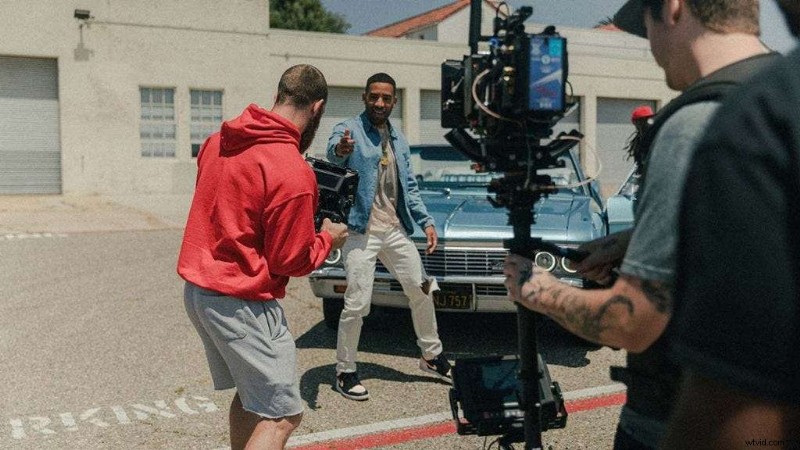
Gimbals and steady‑cams eliminate shake, delivering smooth, cinematic motion that maintains viewer immersion.
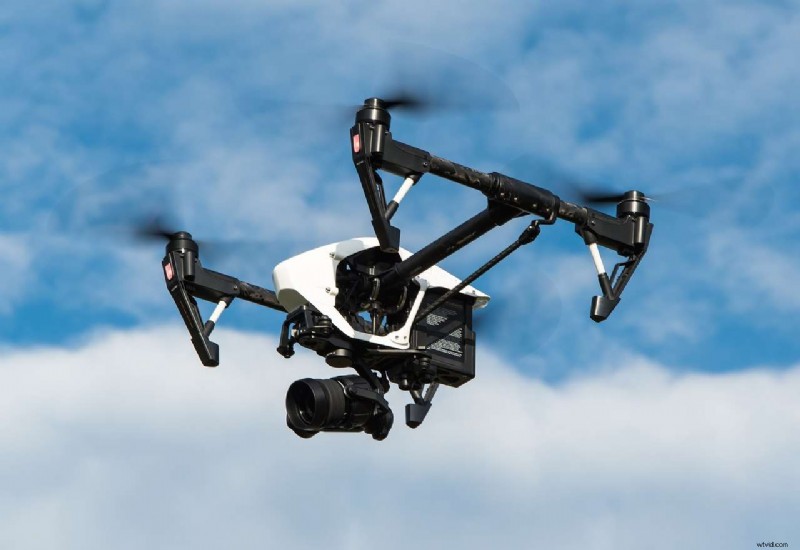
4. Drones
Drones provide breathtaking aerial perspectives. With high‑resolution cameras, they add scale and narrative breadth without the expense of traditional aircraft.
Part 3: Practical Applications of Cinematic Videography
With a solid foundation, cinematic videography can transform a variety of media forms:
- Wedding Films – Capture the emotional arc with slow motion, aerial shots, and fluid camera movements to preserve memories.
- Music Videos – Use color grading and creative editing to amplify a song’s mood and message.
- Commercials – Harness cinematic techniques to deliver a deeper brand narrative that engages consumers.
- Short Films – Convey powerful stories in limited time by mastering framing, lighting, and motion.

Part 4: Making Cinematic Videos Effective With Enhanced Elements in Wondershare Filmora
Post‑production is pivotal to refining cinematic footage. Wondershare Filmora combines robust editing tools with AI‑powered enhancements, enabling creators to polish videos efficiently.
Filmora’s integration with Filmstock provides a library of cinematic templates, soundtracks, and visual effects. By leveraging these resources, editors can streamline the workflow and achieve professional results.
Step‑by‑Step Process of Creating Cinematic Videos Using Wondershare Filmora
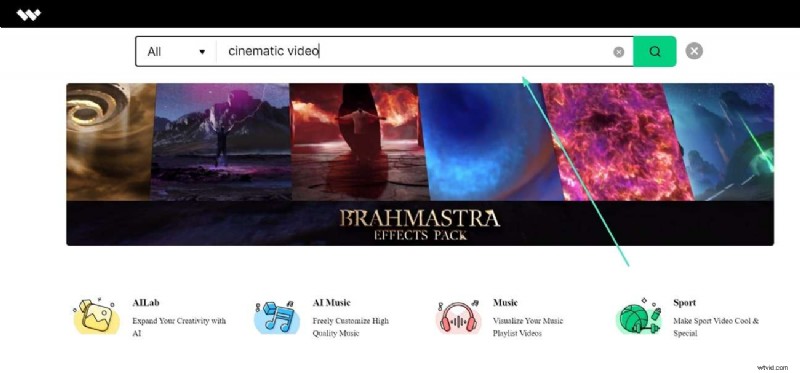
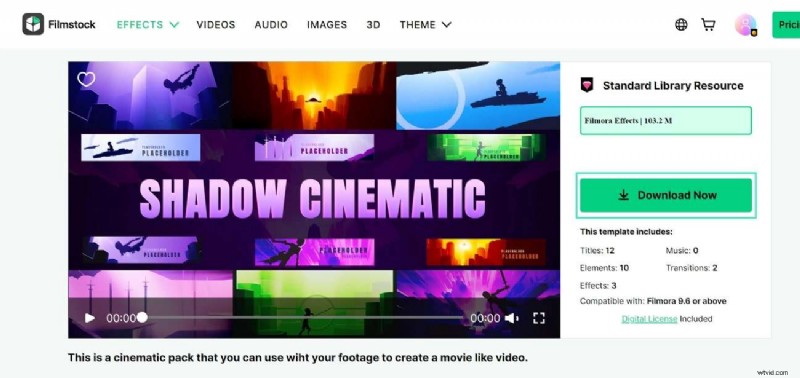
Step 1: Search Filmstock Resource Pack
Navigate to the Filmstock website, log in, and use the search bar to locate cinematic packs that match your project’s vision.
Step 2: Download the Cinematic Resource Pack
Click “Download Now” on the selected pack, then import the assets directly into Filmora.
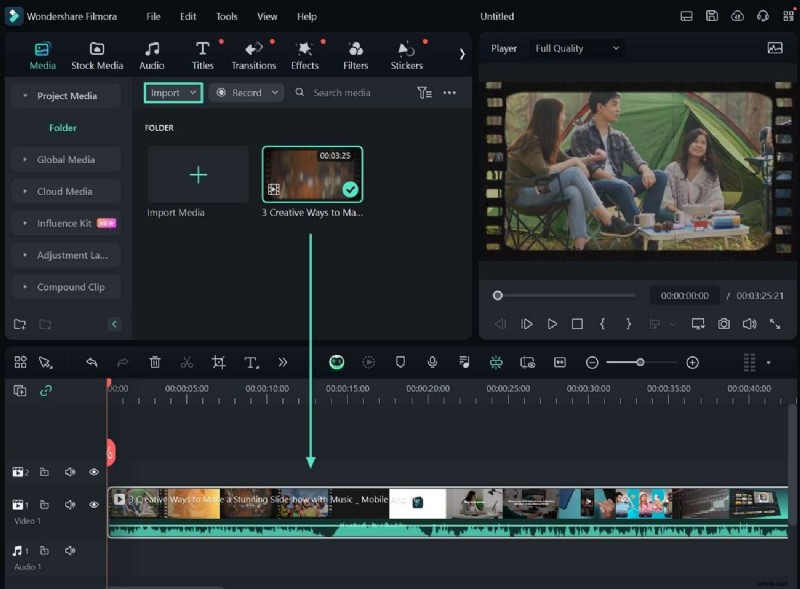
Step 3: Open Filmora and Import Media
Create a new project, import your footage, and place it on the timeline for editing.
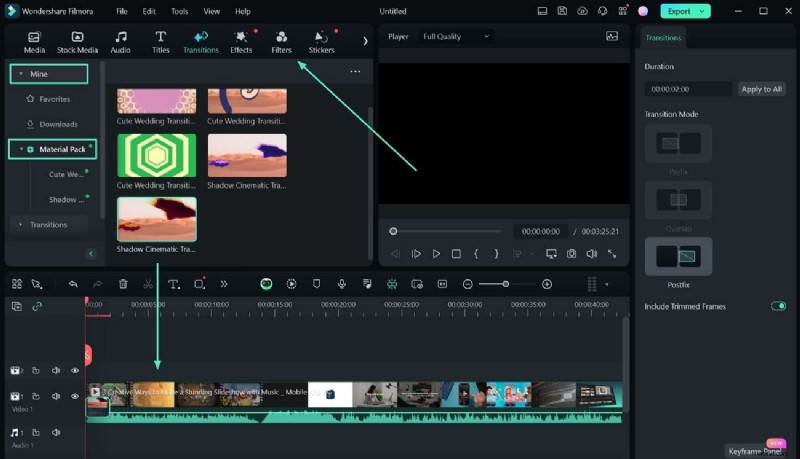
Step 4: Apply Cinematic Elements
Access the “Mine” category to find your downloaded pack. Drag and drop the desired titles, effects, or transitions onto the timeline.
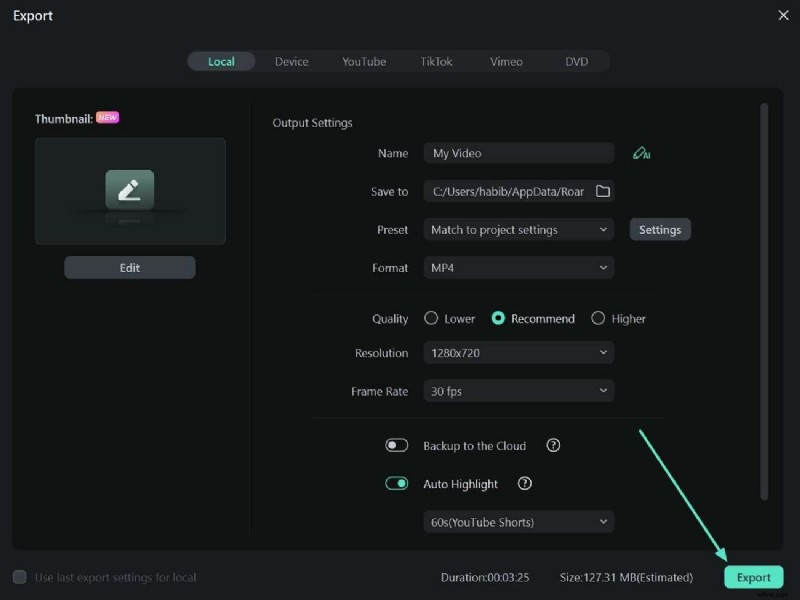
Step 5: Export Final Cinematic Video
Click “Export,” choose your settings, and render the finished product for distribution.
Conclusion
This guide offers a thorough exploration of cinematic videography—from foundational elements and essential equipment to real‑world applications and post‑production workflows. By mastering these techniques and leveraging tools like Wondershare Filmora, creators can craft compelling visual stories that resonate with audiences.