
In a world full of background chatter, capturing clear audio is increasingly challenging. Fortunately, a range of noise‑cancellation apps can help you eliminate distractions, whether you’re recording a podcast, editing a video, or simply listening to music. Below is a detailed, E‑E‑A‑T‑compliant review of the best mobile noise‑cancellation apps for 2026.
How We Selected the Apps
- User Ratings – High scores on the App Store or Google Play indicate reliable performance.
- Interface Simplicity – An intuitive UI lets you adjust settings in seconds.
- Core Functionality – Must support real‑time denoising, customizable profiles, and essential audio‑editing tools.
- Cross‑Platform Compatibility – Apps that work on both Android and iOS broaden your options.
- Cost‑Effectiveness – Free or reasonably priced premium tiers that deliver tangible value.
Quick Comparison Table
| App | Supported OS | Rating | Pricing | Noise Reduction | Additional Features |
|---|---|---|---|---|---|
| Filmora | Android, iOS | 4.7/5 (App Store) | Free (In‑app purchases) | Advanced | AI‑powered video editing, speech enhancement |
| Noise Killer | Android | 3.5/5 (Soft 112) | Free (In‑app purchases) | Moderate | Equalizer, shake‑adjusted volume |
| Denoise | iOS | 2.5/5 (App Store) | Paid ($1.99+) | Advanced | Voice enhancement, waveform editor |
| Audio Noise Reducer | Android, iOS | 4.6/5 (Google Play) | Free | Basic | Voice recording, batch processing |
| UrbanDenoiser | Android, iOS | 4/5 (CNET) | Free | Moderate | Batch processing, adaptive algorithms |
| Noise Eraser | Android, iOS | 4.7/5 (App Store) | Free (In‑app purchases) | Basic | Sound effects, RAW export |
| Neutralizer | Android | 4.1/5 (Google Play) | Free (In‑app purchases) | Basic | Voice equalizer, presets |
| Audio Noise Reducer & Recorder | Android, iOS | 4.3/5 (App Store) | Free (In‑app purchases) | Advanced | Recording, editing, multi‑format export |
Filmora – All‑in‑One Video & Audio Editor

Filmora combines robust video editing with AI‑driven audio denoising. Its four noise‑removal presets target outdoor ambience, electrical interference, echo, and low‑volume voices, making it ideal for podcasts, lectures, and social‑media videos.
- Noise‑reduction slider with real‑time preview
- AI speech enhancement and multiple audio formats
- Integrated video editor with creative AI tools
Pros: User‑friendly, cost‑effective, versatile. Cons: Watermarks in free version, depends on source quality.
Noise Killer – Android‑Focused Noise Suppression
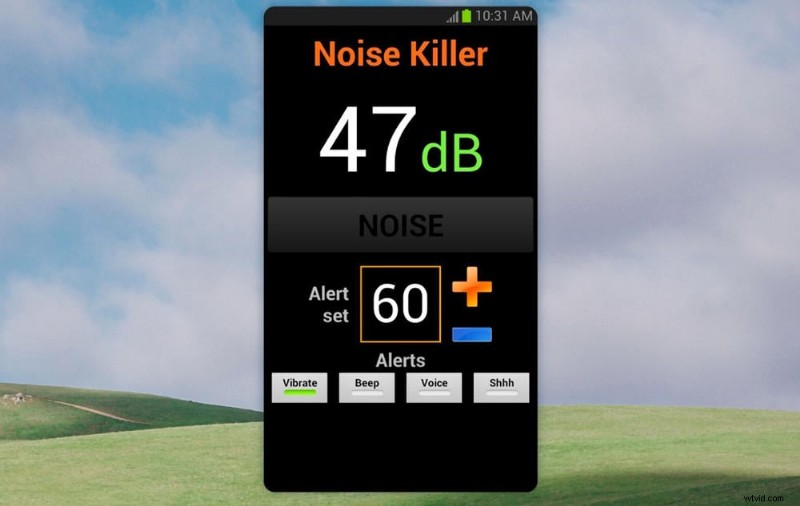
Designed for Android, Noise Killer auto‑lowers volume when background noise drops and offers a shake‑based volume control. Its white‑noise masking library keeps you focused without draining battery excessively.
- Active noise cancellation, customizable masks
- Shake‑adjusted volume, geolocation support
Pros: Effective, adjustable, easy to use. Cons: Limited free features, battery usage, ads.
Denoise – iOS Extension for Studio‑Quality Audio
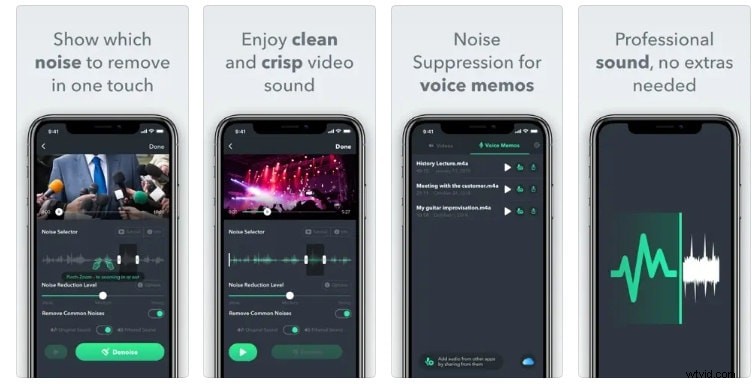
Denoise plugs into iOS’s native recording framework, instantly removing background noise during capture. The paid version offers a detailed frequency‑band analyzer for post‑recording tweaks.
- Real‑time suppression, interactive analyzer
- Voice memo & video compatibility
Pros: Powerful, intuitive. Cons: No free trial, high battery consumption.
Audio Noise Reducer – Cross‑Platform Basics
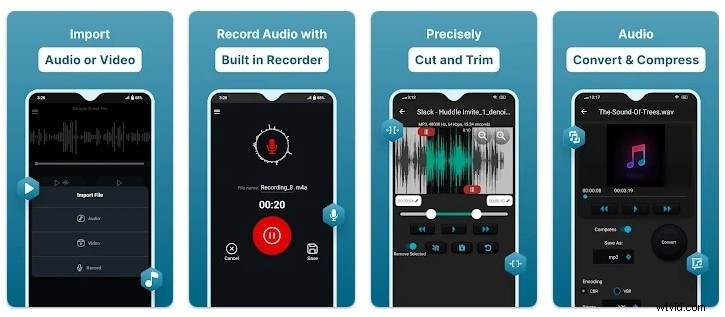
Ideal for podcasters and musicians, this app offers batch processing and multiple export formats. It’s a solid free tool but may struggle with very subtle background hiss.
- Real‑time processing, intelligent algorithms
- Built‑in recorder & player
Pros: Free, easy to use. Cons: Battery drain, quality‑dependent.
UrbanDenoiser – Targeted for Urban Environments
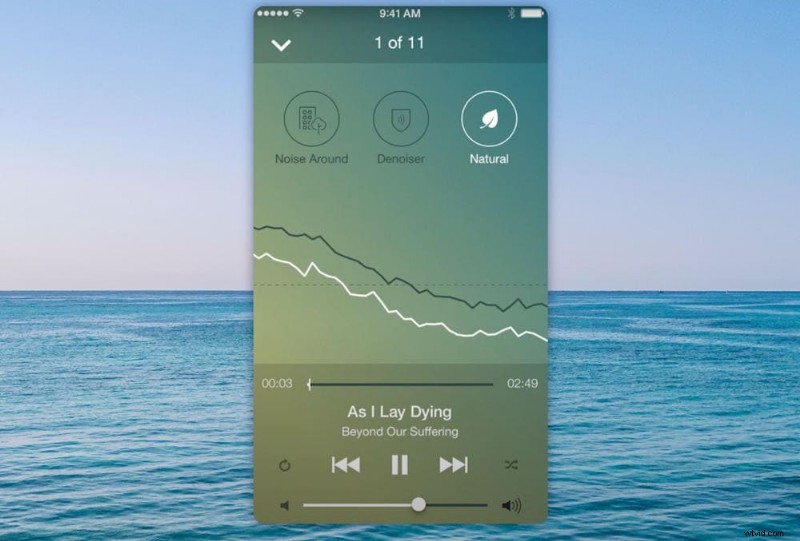
UrbanDenoiser’s adaptive algorithms excel in noisy public spaces, quickly boosting speech clarity. Watch for intrusive ads, though.
- Adaptive noise reduction, real‑time processing
- Multiple formats, adjustable settings
Pros: Intuitive, quick results. Cons: Resource‑heavy, high‑frequency removal.
Noise Eraser – Advanced Recording Toolkit
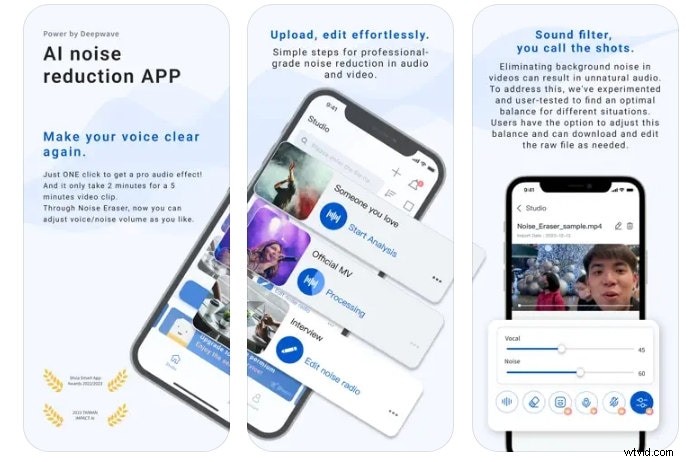
For serious recording, Noise Eraser delivers professional‑grade AI denoising, with customizable noise profiles and RAW export. A 7‑day trial unlocks all features.
- Real‑time denoising, custom profiles
- Optional sound effects, RAW output
Pros: User‑friendly, clear output. Cons: Limited free tier, battery usage.
Neutralizer – Android‑Only Personalization
Neutralizer tailors sound to your hearing profile, automatically boosting music volume while suppressing ambient noise.
- Frequency‑range presets, real‑time processing
- Multiple listening profiles
Pros: Customizable, intuitive. Cons: No music‑vocal separation, Android only, battery heavy.
Audio Noise Reducer & Recorder – Dual Functionality
With built‑in recording and advanced denoising, this app offers MP3, MP4, and other format exports. It’s a free, ad‑free solution, though subtle hiss may persist.
- Recorder, advanced algorithms, multi‑format export
Pros: Free, no ads, versatile. Cons: No subtle noise detection.
Practical Tips for Optimal Use
- Match the app to your goal—music listening, video editing, or live recording.
- Record in a quiet environment; the better the source, the more effective the denoiser.
- Fine‑tune settings—most apps allow you to adjust intensity and select presets.
- Leverage additional features such as equalizers or batch processing for best results.
- Monitor battery consumption—many apps are CPU‑intensive.
- Test multiple apps and compare outputs to decide which suits you best.
Conclusion
Noise‑cancellation apps can dramatically improve your audio experience, whether you’re editing a professional video or simply relaxing to music. For content creators seeking a comprehensive toolkit, Wondershare Filmora remains the top recommendation. If you need a straightforward, Android‑focused solution, try Noise Killer; for iPhone users, Denoise is worth the one‑time purchase.
Explore the apps above, test them in your typical environment, and finally silence the world around you.