
Usage of Android phones has significantly improved within a very short period of time. The delivery of facilities, ease of use, and affordability played a huge role in making it so popular. Android Smartphones are great as a source of videos. Watching movies and videos using Android devices has become extremely popular over the past few years. In fact, you can watch any video on your smartphone with a single click, regardless of the location and time.
When it comes to the videos, there are various file formats available in the industry. People tend to share their favorite video content in different file formats. However, there are certain restrictions when it comes to file formats. In general, Android phones are compatible with file formats like MP4, 3GP, and similar types. This is where you need the support of an Android video converter to convert the videos into playable (compatible) versions. Let's have a look at some of the available Android video converters.
In this article
-
- Video Converter, Compressor
- VidConverter
- Video Converter
- Video Converter
-
- Media.IO
- FreeConvert Android Video Converter
- Online-convert.com
Part 1: Top Recommendation for Converting Videos on Windows PC & Mac
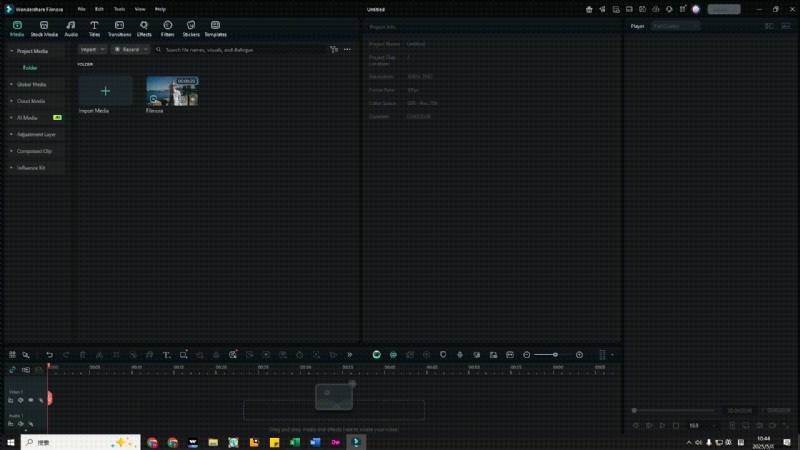
To convert videos into smaller video sizes or convert videos to specific video formats such as MKV, MOV, FLV, or MP4, you can try Wondershare Filmora on both your Windows PC and your Mac Computer.
 Secure Download
If you want to edit your video on your Android smartphone with an easier app, you can also try Wondershare Filmora. It has almost all the editing functionalities you’d need from a PC editing program. It allows you not only to create a slideshow of your media files, such as images, pictures, and soundtracks, but also to do some basic editing, such as trimming/merging/cropping/rotating videos, and add background music or voiceovers to videos. And there are cool special effects available in the app, such as overlay and filter effects, animated text and title effects, motion elements, etc.
Secure Download
Part 2: Other Recommended Video Converter Apps for Android
2.1: Video Converter, Compressor
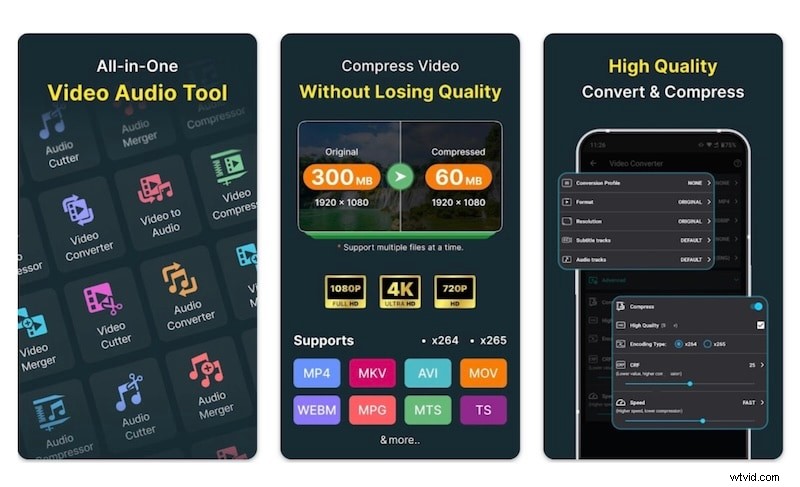
Video Converter, Compressor is truly an all-in-one app for everything you might want to do with a video file. It supports several file formats, and users can compress, trim, cut, and merge their videos with ease, along with several other features such as convert audio, convert video to audio, etc. Batch processing is supported, and users can add audio and subtitle tracks easily. The app is regularly updated, so you can be confident that it is in active development and well-supported.
2.2: VidConverter
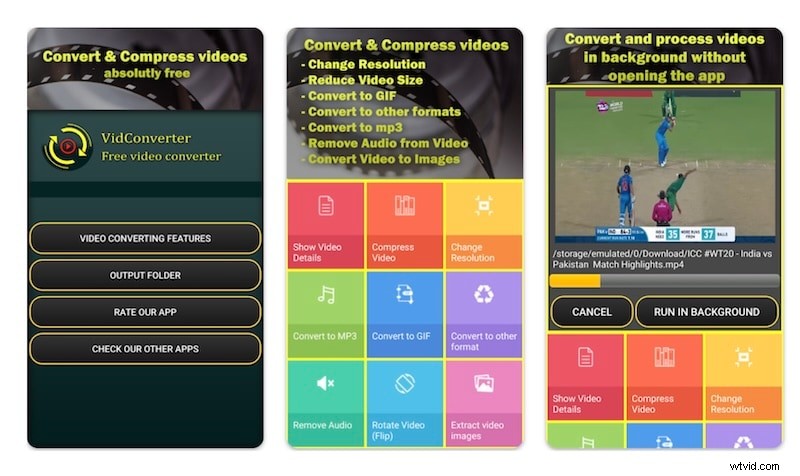
VidConverter is another video editing app on Android that you may use, depending on your aesthetic sensibilities and requirements. The app interface is clunky, but it gets most of the jobs done. You can convert and compress videos, change resolutions, and even process videos in the background. The app is not regularly updated, seeing that the last update was over a year ago. Also, there is no way to remove ads.
2.3: Video Converter
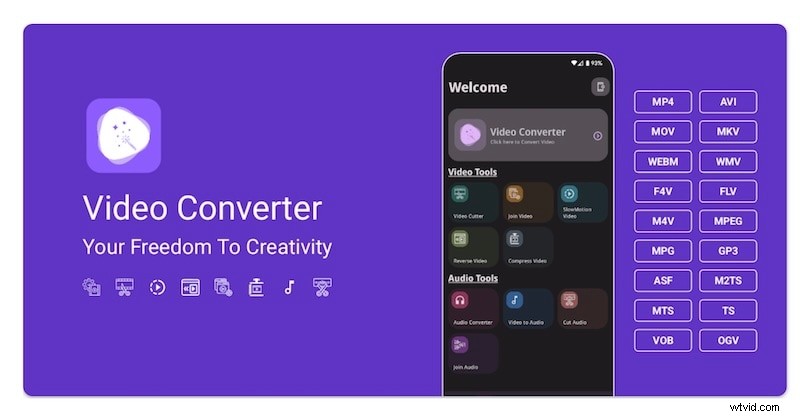
Video Converter is marketing itself as the complete video toolbox, and it does not seem too far off from the claim. It supports a wide variety of video formats, and users can edit, convert, and compress videos easily. Batch processing is also supported to make jobs easier and the experience more professional. Typical features present in other apps, such as merging videos, trimming videos, converting MP3, etc., are also present in this app. Naturally, it simply boils down to user experience, and it is certainly a clean one. The free app supports ads, and users can pay to remove the ads. It is also regularly updated.
2.4: Video Converter
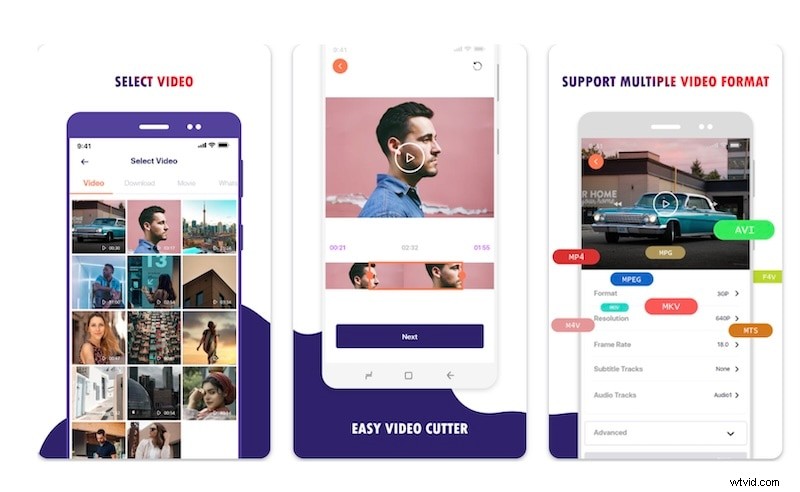
Video Converter by developer ‘kkapps’ is another popular Android video converter app on the Google Play Store with over a million downloads, but a rating of just three stars. However, don’t let that deter you, as the app is reasonably capable and you might just find that it serves the purpose! The app has a clean and modern UI, and users can convert, cut, and share videos easily. It is frequently updated, so the app is in active development.

Filmora
AI Video Editing App & Software
The Best Tool to Edit or Convert Videos in Minutes!
A versatile video converter that offers a user-friendly interface, supports multiple formats, and includes built-in editing tools for enhancing videos before conversion.
Part 3: Online Video Converter Tools for Android
By nature, online Android video converters are operating system-agnostic, meaning they can run on any operating system, not specifically Android. Below are some commonly used and recommended online video converters you can use.
3.1: Media.io
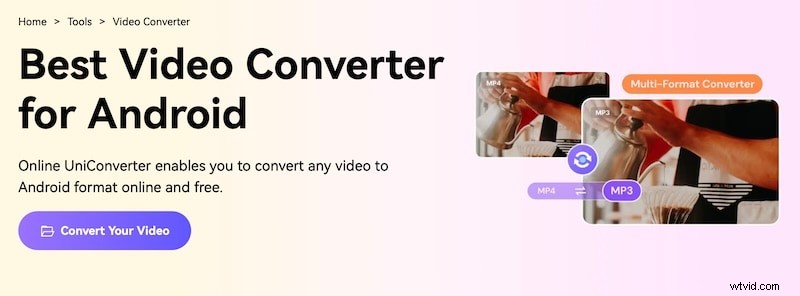
Media Studio is an excellent online video converter tool you can use on your Android phone, or any other phone for that matter. It is free, and users can convert their videos in just three steps. Simply upload your video, select the output format, let the video be converted, and you can download it to your device. That’s it!
Now, if you want to do more, you can use Media.io Studio to do a whole bunch with it, such as use templates, add subtitles automatically, add animated effects, etc., apart from the usual editing staples such as trim and merge. What’s more, Media.io is all-in on Artificial Intelligence, which means that your editing process is supercharged by AI, and you can use special AI tools to get an editing experience unlike any other. Want Albert Einstein in your video to dictate physics formulas? Yes, you can with AI-powered Media.io! To use the complete Media.io Studio, visit the Media.io online video converter website from a desktop for an optimum experience.
3.2: FreeConvert - Android Video Converter
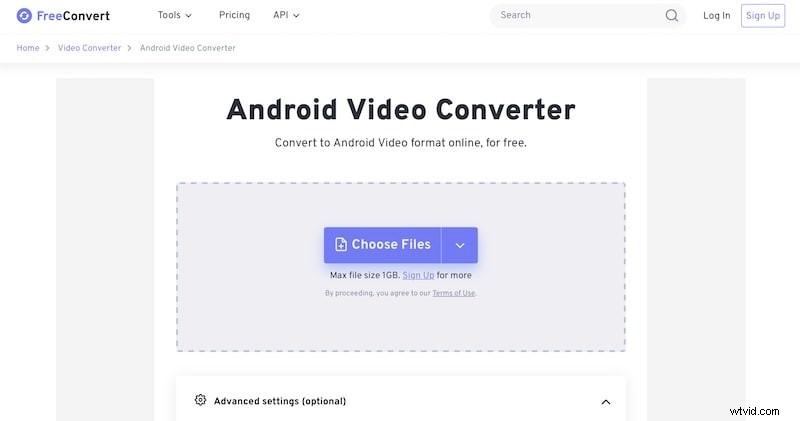
FreeConvert Android Video Converter is a comprehensive online Android video converter. At first glance, it may seem simple, but you might quickly find yourself inundated with the depth of options available. Nonetheless, you can use the online Android video converter to convert videos up to 1 GB in size into Android-playable videos online and even do things such as encode subtitles. There are options to trim video and crop video, too. All in all, it is a simple online Android video converter that is worth giving a try.
3.3: Online-convert.com
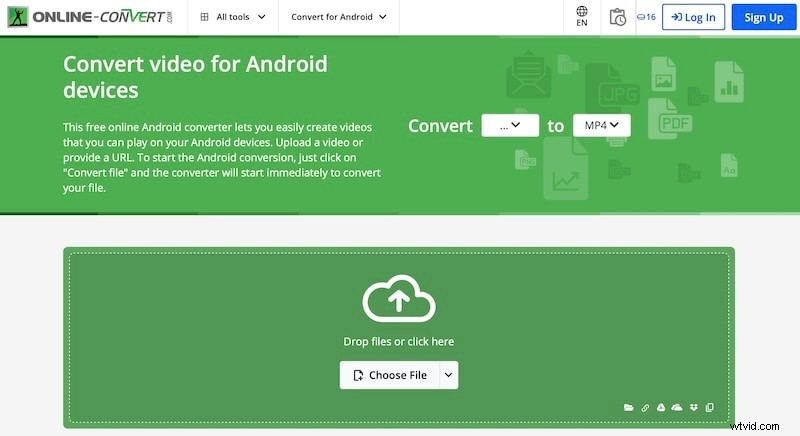
Online-convert.com allows users to convert video files online for Android devices, meaning it allows video conversion into Android-playable formats easily, and online. To make Android video conversion even easier, there are presets users can choose from. Certain advanced-level controls are offered, such as the ability to add black bars, control aspect ratio, disable audio track, and even trim a video.
3.4: FreeConvert
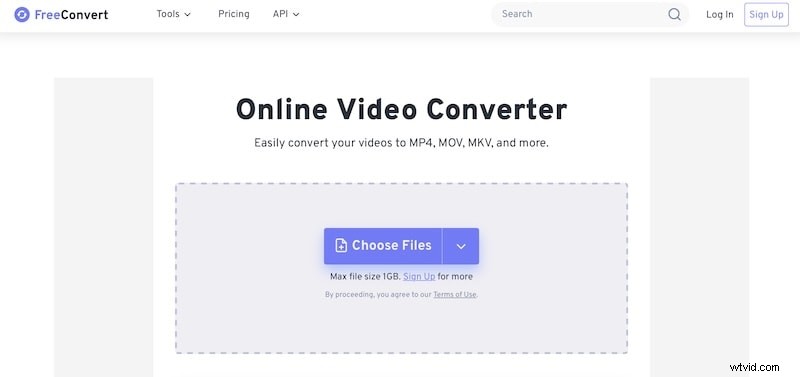
FreeConvert Video Converter, at first glance, may look exactly like FreeConvert Android Video Converter, but there are differences. While the Android video converter gives users options to do more during the video conversion process, the standard online video converter is a 3-step video converter tool that does not present those options immediately. Those options are presented once you add the video to convert. There are several video formats you can convert to. The difference between this and the Android video converter is essentially that of selected options by default. By default, Android video converter selects the Android device output for convenience, whereas the standard video converter lets you choose from its entire spectrum of choices and does not select anything for you on its own.
Final Words
With the boom in videography has come the need for video editing for everyone on every level, and the space is full of apps and online services promising the holy grail for everyone. Normally, you can simply pick one without thinking much if all you want to do is some basic everyday stuff, but if you are looking to step up your game or use your videos on social media or upload them to YouTube for consumption, then you need the best video editing app you can get for your purpose, and fortunately, there are two that can be recommended in good faith – Wondershare Filmora and Media.io. Take your pick, you shall not be disappointed with either!
Secure Download
FAQs
With so many Android video converters to choose from, chances are you might be confused and need some more answers. Here are your frequently asked questions answered:
-
1: Is it safe to use online video converters?
As a rule, anything that you upload to the internet becomes subject to the terms of the site you uploaded to. So, use online video converters only in a pinch or for videos that you wouldn’t mind ‘borrowed’ for whatever use. To mitigate this issue, use apps that would convert videos on your device.
-
2: Which is the best Android video converter?
The answer to this is subjective and objective alike. What works for one may not work for another. You may like an interface, but it does not do what you want, so it won’t work for you. You may not like an interface, but it does what you need it to, so you will necessarily have to use it. The point is, with so many options, there is one for everyone, and that is the best for them.
-
3: Are Android video converters and desktop video converters the same?
Android video converters that you can use online or as apps are designed to give you the best possible experience on your Android device. Due to constraints such as screen space and high processing power required, they may not be able to offer the complete experience that they can on the desktop. So, you may want to check out full-fledged online video converters such as Media.io or Filmora to see what more you can get if you use the video converters from a desktop app or desktop web browser.