
If you’re working on a video editing project, chances are you’ve come across two big names: Movavi and Filmora. The whole Filmora vs Movavi debate pops up a lot, and it’s no surprise why.
But when it comes to picking one, things can get tricky. Think of it like choosing between two flavors of ice cream that both sound amazing.
So if you’re stuck in the whole Movavi video editor vs Filmora loop, don’t worry. This guide breaks it all down in a chill, easy way so you can figure out which editor fits your vibe best.
In this article
-
- Pricing Plans
-
- Pricing Plans
-
- AI Features Save Serious Editing Time
- Better Subtitle and Voiceover Tools
- Translation support is next level
- Smoother Mobile and Desktop Experience
- Made for YouTubers and Social Creators
- Fresh Updates with Creative Extras
- High-quality exports
Part 1.Closer Look at Wondershare Filmora: Creative, Trendy, and Packed with AI Tools
To kick off the Filmora vs Movavi comparison, let’s take a look at Filmora first. If you’ve scrolled past clean, trendy edits on YouTube or TikTok, chances are Filmora had something to do with it. This all-in-one video editor is packed with creative features and makes the whole editing process way easier.
With Filmora, everything feels fast, fun, and super beginner-friendly. That’s why it’s a go-to for short-form creators, hobbyists, or anyone who wants pro-looking videos without the complicated setup.
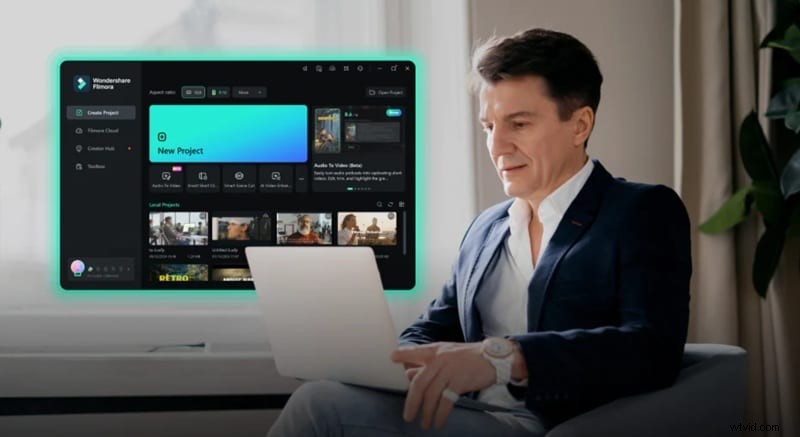
In the Filmora vs Movavi video editor showdown, Filmora has a lot going for it. Here are some of the best things it offers:
- Creative Ready-to-Use Templates: Filmora has cool templates you can use right away. Drop in your clips, make a few changes, and your video is ready to share.
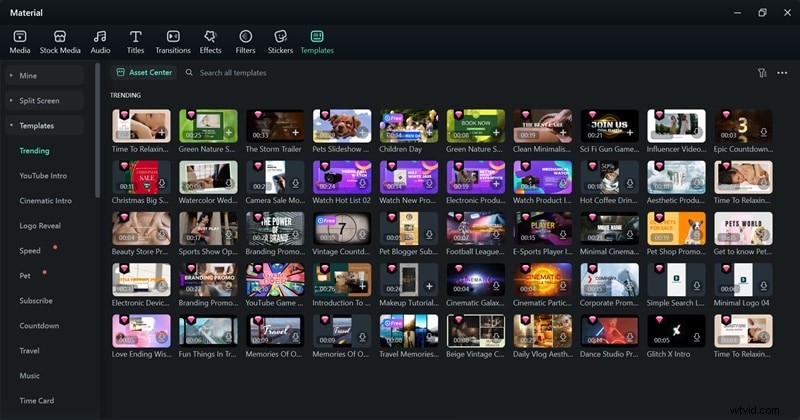
- Complete Editing Toolkit: You get all the tools you need. Cut clips, add text, throw in some effects, and more, it’s all there and easy to find.
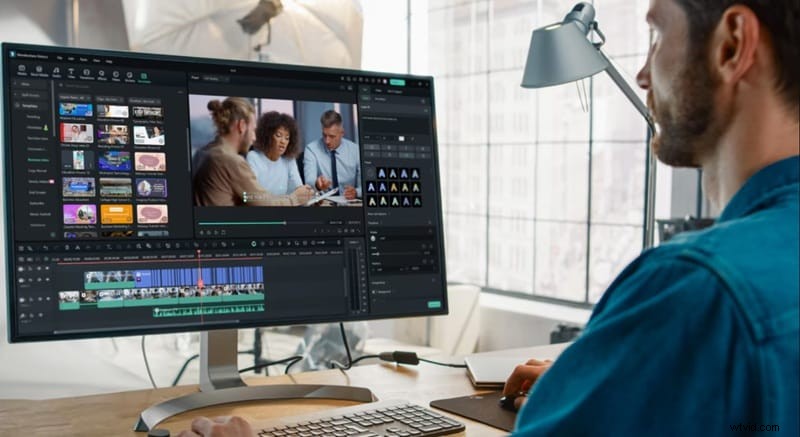
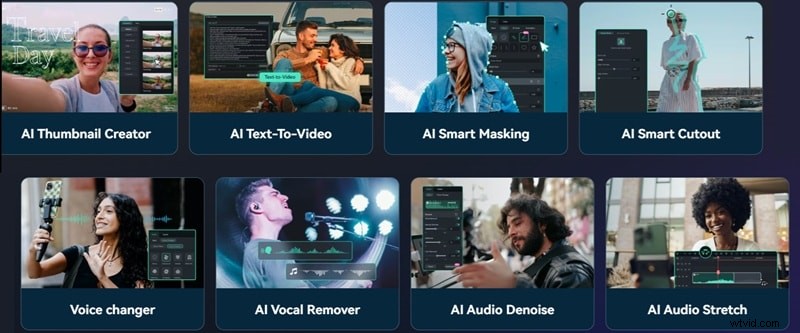
- Wide Range of AI Features: Filmora has smart tools that help a lot. You can make subtitles, sync your video to music, or turn text into voice with ease.
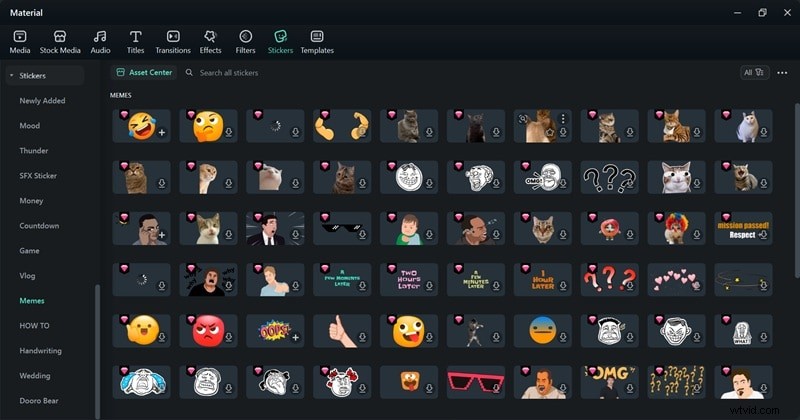
- Extensive Media Library: Filmora offers a big collection of music, stickers, video effects, and so much more. It’s fun to explore and find what fits your vibe.
- Voice and Audio Enhancer tools: With AI Video Enhancer, AI Audio Denoise, and AI Audio Enhancer, you can make your voice sound clear and remove background noise easily.

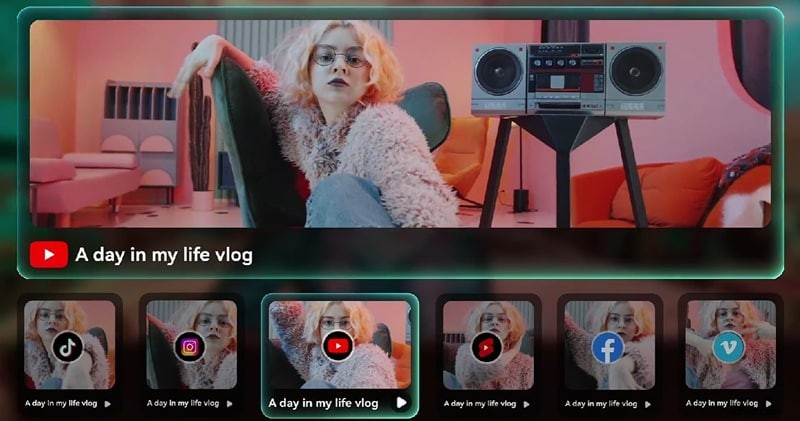
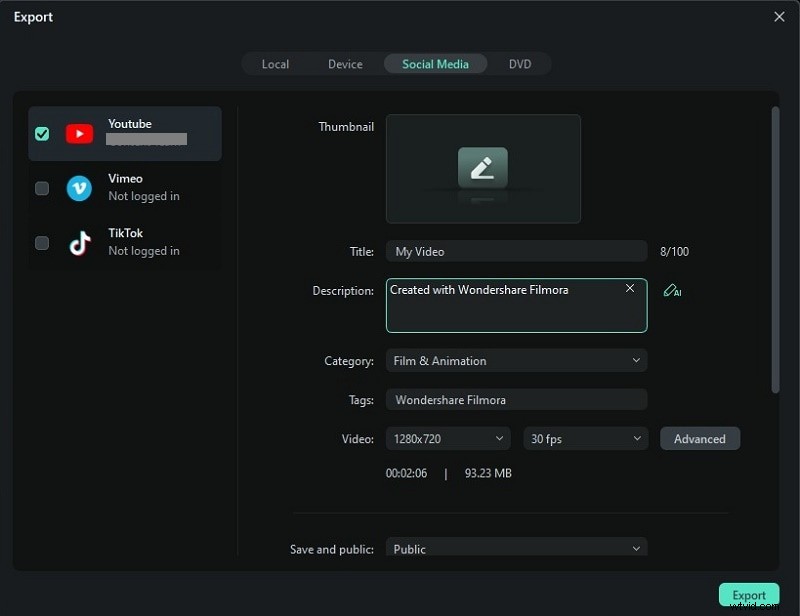
- Easy sharing: When your video’s done, send it straight to TikTok, YouTube, or Instagram. No need for other apps, just hit export and post.
Pricing Plans
With everything Filmora can do, you’d think it would burn a hole in your wallet. Well, that’s not actually the case here. Filmora keeps it simple with flexible pricing plans that won’t mess with your budget. Here’s a quick look at the pricing:
| Plan | Price | Details |
| Free | $0 | Try out the tools with a watermark on export. |
| 1-Year Plan (Basic) | $49.99 USD | Great for short projects or quick tryouts. |
| 1-Year Plan (Advanced) | $59.99 USD | Full access for a year, with free updates. |
| Perpetual Plan | $99.99 USD (one-time fee) | Pay once and keep it forever. |
Each plan gives you all the core editing tools, AI features, and export options so you can create videos without limits. So, no matter your budget or project size, Filmora gives you space to create. Just pick your plan and start editing your way.


Part 2.Closer Look at Movavi Video Editor: Clean, Fast, and User-Friendly
Now that we’ve seen what Filmora brings to the table, let’s switch gears and check out Movavi in the Movavi vs Filmora match-up. Well, Movavi is all about keeping things simple.
It’s built for beginners and casual creators who want to get clean, polished videos without spending hours figuring things out. The layout is neat, the tools are easy to find, and the whole experience feels smooth from start to finish.
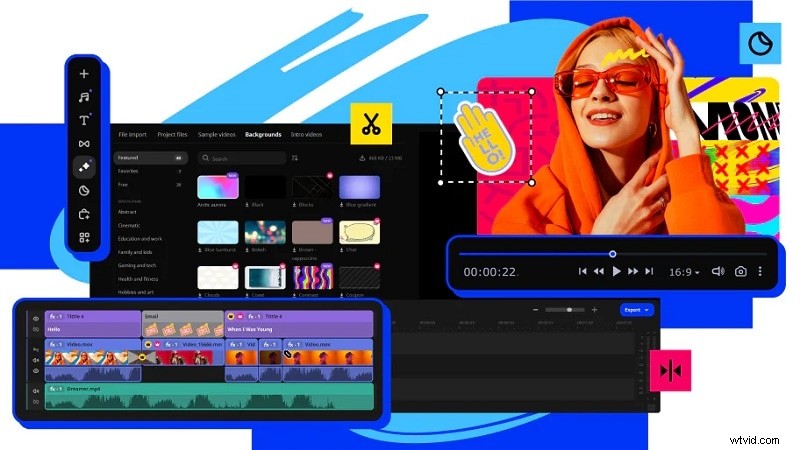
Here’s what Movavi brings to the Movavi vs Filmora comparison:
Pricing Plans
Movavi also keeps things simple when it comes to pricing. You’ve got a few options depending on how long you plan to stick with it. Here’s what the pricing looks like:
| Plan | Price | Details |
| Free Trial (7 days) | $0 | Try it out with limited features and watermark. |
| 1-Year Plan | $54.95 USD | Full access with updates for a whole year. |
| Lifetime Plan | $79.95 USD (one-time fee) | Pay once and keep it forever. |
| Video Suite Bundle | $99.95 USD per year | Includes extra tools like screen recorder and converter. |
As you can see, Movavi’s plans are also pretty flexible, making it easy to get started without spending too much upfront. That said, the free trial only lasts 7 days, and after that, a few features might be limited.
Part 3. Filmora vs Movavi Showdown: 5 Key Differences to Help You Pick the Right Tool for Your Style
Now that we’ve seen what each editor can do, it’s time to put them side by side. In this Filmora vs Movavi showdown, we’ll look at what really sets them apart.
We’re talking beginner ease, smart AI tools, how flexible they are with different types of projects, how smooth the mobile experience feels, and what they can generate for you.
Here's a quick look at how Filmora vs Movavi video editor compares when it comes to the stuff that really matters:
| Feature | Filmora | Movavi |
| Ease of Use for Beginners | Super intuitive with drag-and-drop tools that feel easy from the start. | Simple timeline setup with drag-and-drop editing. |
| AI-Powered Editing Tools | Over 30 AI tools to help with everything from video creation to beat sync. | A few solid options like background noise remover and auto-captions. |
| Project Range | Works for basic edits and advanced projects too. | Best for basic to intermediate projects. |
| Mobile App Experience | Runs smoothly on Android, iOS, and iPadOS. | Not available on mobile just yet. |
| Generation Features | AI music, AI stickers, AI sound effects, and even AI image creation. | No AI content generation features at the moment. |
Bonus: 7 Reasons Why People Pick Filmora Over Movavi
After checking out the table, it’s clear why so many creators lean toward Filmora in the Filmora vs Movavi comparison. Movavi keeps things simple and easy, which is great, but Filmora does that too, and adds way more advanced features on top. It’s also more flexible when it comes to where you can use it, and it offers better value with more editing options for the price.
Aside from all that, here are a few more reasons why people keep picking Filmora:
1. AI Features Save Serious Editing Time
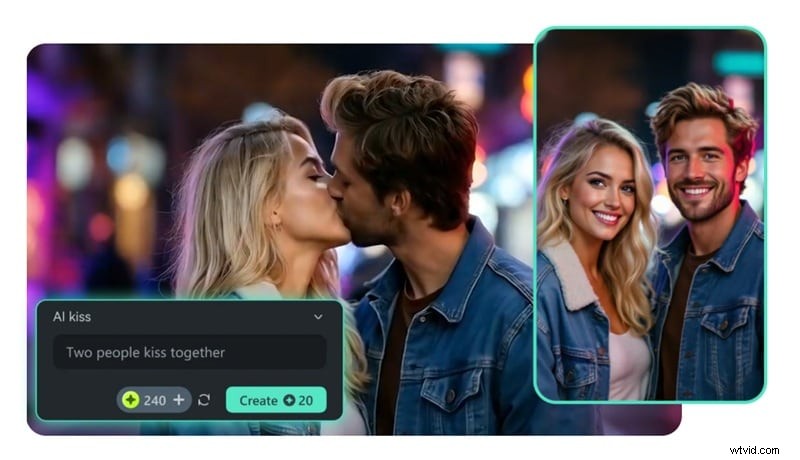
With tools like AI Text to Video, AI Audio to Video, AI Image to Video, and AI Idea to Video, creating content feels quick and effortless. You just drop your idea in, and Filmora turns it into something real before you even finish your coffee.
2. Better Subtitle and Voiceover Tools
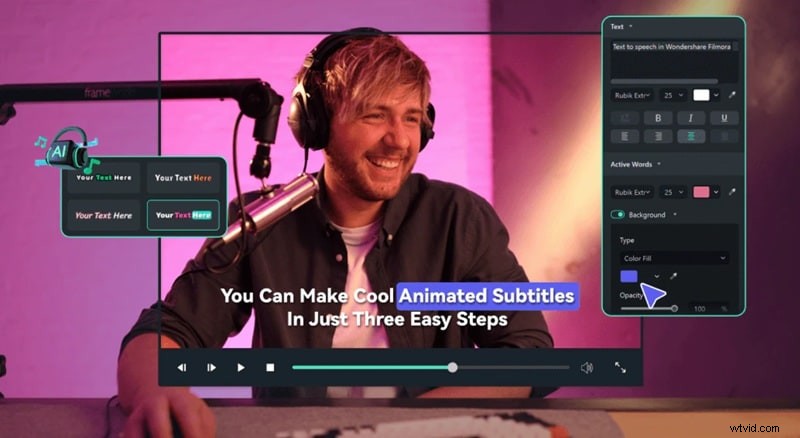
Auto Caption, Speech to Text, and Text to Speech features help you handle voiceovers and subs without the hassle. It’s perfect for making your content easier to watch, even with the sound off.
3. Translation support is next level
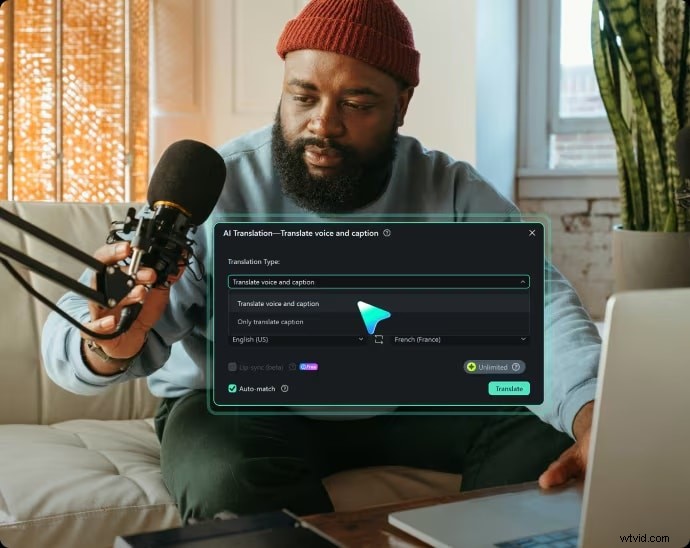
Filmora’s AI translation feature covers multiple languages and even syncs lip movement to match. You can reach a global audience without hiring a translator.
4. Smoother Mobile and Desktop Experience
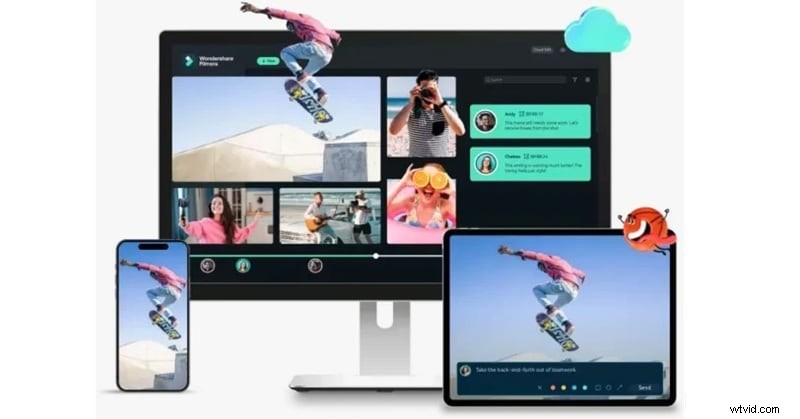
Switch between your phone, tablet, or laptop without losing your flow. Filmora keeps your projects in sync so you can jump in wherever you are.
5. Made for YouTubers and Social Creators
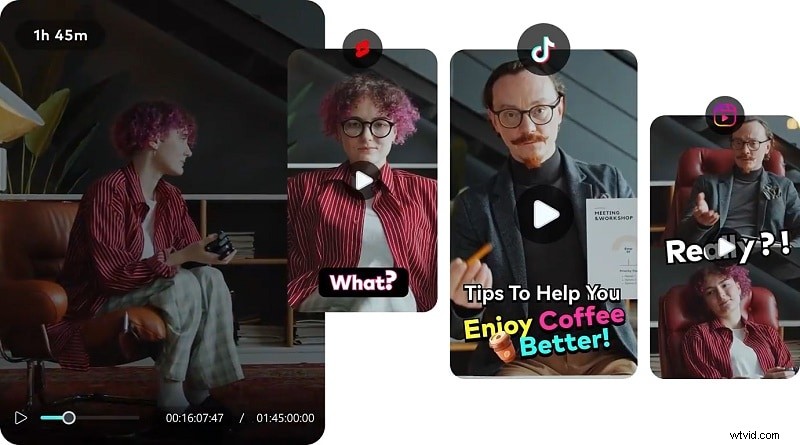
With tools like AI Smart Short Clips and AI Reels Maker, Filmora is built for TikTok, Reels, and Shorts magic. Getting your content ready for different platforms is fast, easy, and fun.
6. Fresh Updates with Creative Extras
New assets and features drop often, so your content stays trendy and fun to work with. There’s always something new to play with, from effects to sound packs.

7. High-quality exports
Save your videos in different formats and export up to 4K with just a few taps. No stress about compression or blurry uploads, your video stays crisp and clean.
Conclusion
The debate between Filmora vs Movavi video editors is a hot topic in the editing world, and this guide was made to finally clear things up. We looked at what each one brings to the table and lined them up side by side in a proper Filmora vs Movavi showdown. While both editors have their strengths, one clearly stands out.
When it comes down to it, the Movavi vs Filmora battle leans heavily in Filmora’s favor thanks to its powerful AI tools. Filmora gives you everything Movavi does and adds even more. Those factors include mobile app access, smart generation features, instant video creation tools, translation with lip-sync, and loads of creative extras.