
Looking for a video editor with more advanced features than your basic tools offer? The Pinnacle Studio software delivers a full suite of editing power, all in one streamlined package. It's designed for creators who want more control, more effects, and a faster editing workflow.
With Pinnacle Studio Ultimate, you get access to premium features that can really elevate your projects. In this review, we'll break down the Pinnacle video editing experience, covering its key features, usability, pros and cons, and who it's best for.
Plus, it'll also give you great alternatives if you're still exploring your options. Let's get started!
Part 1. What is Pinnacle Studio Software?
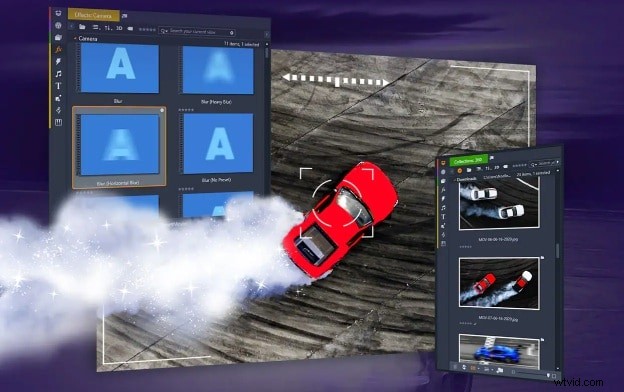
Pinnacle Studio is a Windows‑based video editing software developed by Corel. It’s part of the Pinnacle video editing family and focuses on delivering professional features through a one‑time purchase model.
This editor has evolved significantly since its early releases. Earlier versions offered basic editing tools and transitions, while recent iterations added motion tracking, color grading, and multi‑camera editing. Pinnacle has become a powerful choice for hobbyists and freelancers looking to elevate their projects.
In its 2025 edition, Pinnacle Studio continues to refine advanced editing tools for users who prefer a single purchase over a subscription. Pinnacle Studio Ultimate remains the flagship option in the product line.
Key Highlights
Here are the features that make Pinnacle Studio a compelling video editor in 2025:
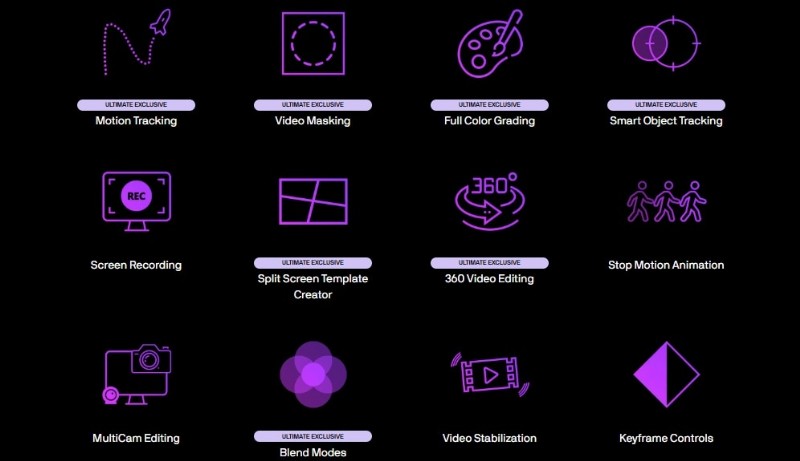
- Support for HD, 4K, and 360° video formats.
- Advanced tools such as video masking, motion tracking, and color grading.
- Built‑in screen recording and multi‑camera editing.
- Effects driven by keyframes, blend modes, and animated titles.
- DVD burning with full menu authoring capabilities.
Pricing
Pinnacle Studio follows a one‑time payment model—no monthly or yearly fees. The 2025 pricing tiers are:
- Standard Edition: $49.99 (originally $59.99).
- Ultimate Edition: $99.99 (originally $129.99).
- Ultimate Bundle: $119.99 (previously $1,165.93, saving $1,045).
For a detailed breakdown and the latest promotions, visit the official pricing page.
Part 2. Features and Usability
The platform offers a robust set of tools for precise and creative control. While the interface may feel busy initially, most tools remain accessible once you understand the layout.
Pinnacle Studio's Key Features
Below are five standout features that define Pinnacle Studio’s workflow:
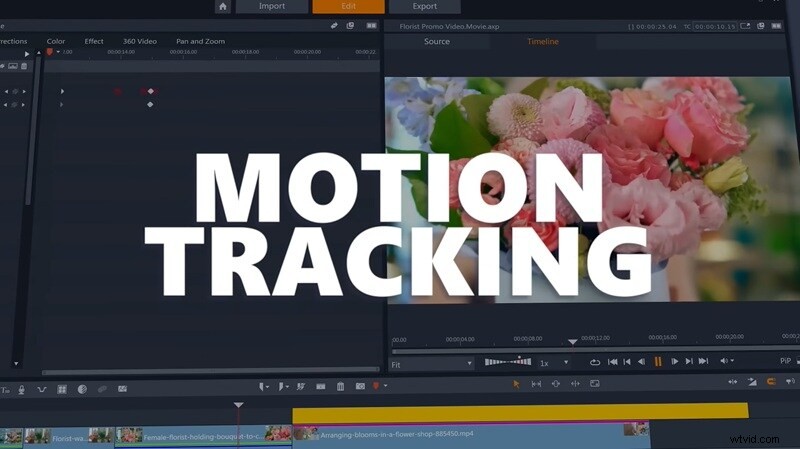
Motion Tracking
Track subjects in footage and attach titles, graphics, or effects that follow them. Use it to highlight action, follow faces, or blur moving objects.
Smart Object Tracking
AI‑powered tracking that follows faces, bodies, or gestures, even when they change direction. It offers higher accuracy for fast or complex movements.
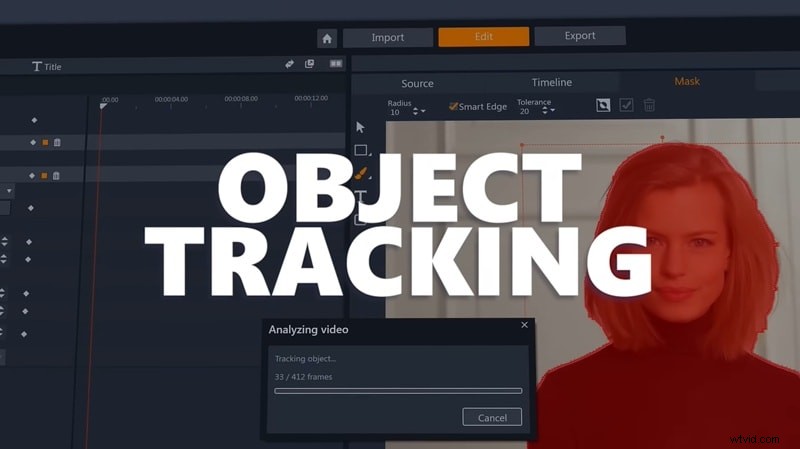
Video Masking
Use shapes or custom paths to hide, highlight, or layer parts of a clip. Create custom transitions, clone effects, or apply color adjustments to isolated areas.
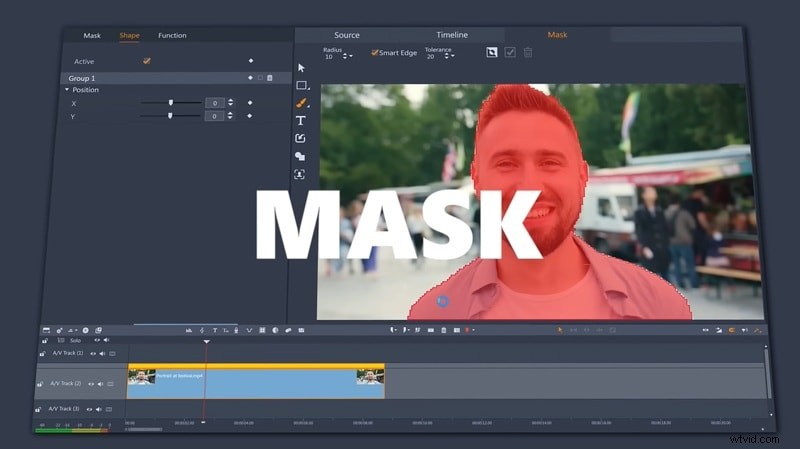
Full Color Grading
Adjust tones, shadows, and highlights to set the mood of your scene. Supports LUTs and full curve controls for cinematic looks and precise color matching.
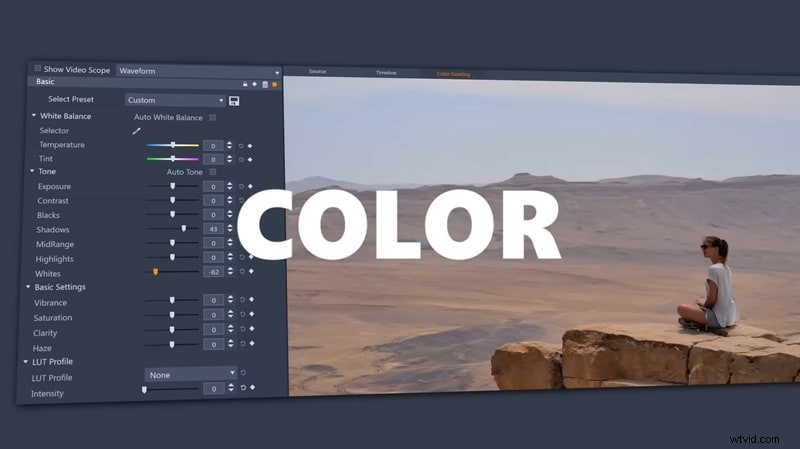
MultiCam Editing
Switch between up to six synced camera angles on one timeline—ideal for interviews, live events, or any multi‑angle footage that needs quick cuts.
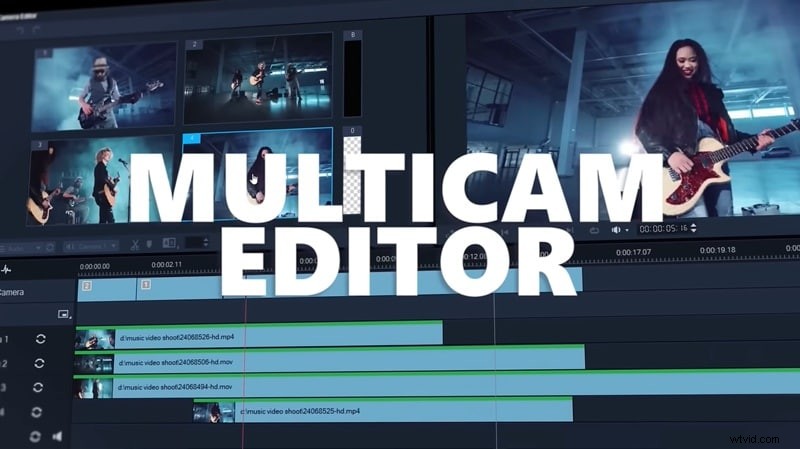
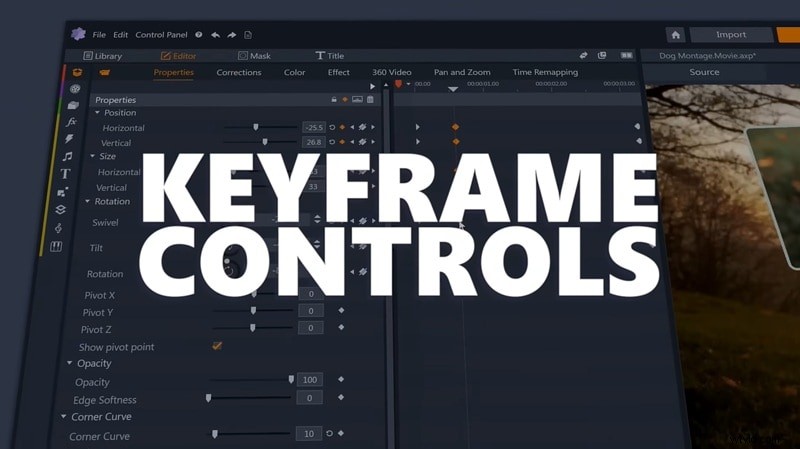
Keyframe Controls
Animate effects, movement, and properties over time with detailed keyframes, giving you full control over how elements change from start to finish.
System Requirements
To run Pinnacle Studio smoothly, your system should meet these specifications:
- OS: Windows 10 or Windows 11 (64‑bit only)
- Processor: Minimum Intel Core i3 or AMD A4 (3.0 GHz). Recommended Intel Core i5/i7 (≥1.06 GHz) or AMD A10+ for AVCHD, UHD, 360°, and Multi‑Cam editing.
- RAM: Minimum 4 GB; recommended 8 GB+ for high‑resolution and multi‑camera projects.
- Graphics: Minimum 256 MB VRAM; recommended 512 MB+ for better performance. Supports NVIDIA GeForce 700+, AMD Radeon HD 5000+, and Intel HD Graphics (Ivy Bridge+).
- DirectX: 11 required for 3D titles.
- Display: 1024 × 768 resolution or higher.
- Sound: Windows‑compatible sound card.
- Storage: Minimum 10 GB free space; SSD highly recommended for faster editing and exporting.
- Internet: Required for installation, activation, updates, and product registration.
Part 3. User Experience
Reviews often highlight Pinnacle Studio’s powerful feature set, but they also note a learning curve. Beginners may need time to adjust, whereas users with some editing background can adapt quickly. Once accustomed to the layout, the tools feel accessible and well organized.
Hands‑On Experience
Pinnacle Studio offers a traditional editor layout: timeline at the bottom, media on the left, and preview on the right. All tools remain visible, which can feel overwhelming at first but speeds workflow once you know where to look.
Workflow highlights include:
- Drag‑and‑drop editing for quick trimming and arranging.
- Key tools—effects, transitions, titles—are pinned and easily accessible.
- Resizable or collapsible panels for a focused workspace.
- Built‑in screen recorder, great for tutorials or game capture.
Users transitioning from simpler programs like iMovie or Clipchamp may feel initially overwhelmed. However, those familiar with more advanced editors or earlier Pinnacle releases typically adjust comfortably.
Performance Testing
Compared to earlier versions, Pinnacle Studio 2025 feels snappier and more stable. Corel has improved timeline performance and export efficiency, even with multiple video layers and effects.
Notable performance gains:
- Sm smoother preview with transitions and motion effects.
- Faster export times, especially with GPU acceleration.
- Color grading tools respond quickly without slowing the timeline.
- Handles 4K, 360°, and multi‑cam projects without crashes.
- For heavy editing or long timelines, use an SSD and at least 8 GB RAM.
Part 4. Pros and Cons
Like many mid‑tier editing tools, Pinnacle Studio offers strengths that appeal to hobbyists and advanced users alike, but it also has trade‑offs that may affect your workflow.

- Pros:
- One‑time purchase with no subscription.
- Advanced tools—video masking, motion tracking, color grading.
- MultiCam support, built‑in screen recording, keyframe control.
- Solid export speeds and timeline performance on mid‑range PCs.
- Cons:
- Steep learning curve for new users.
- Windows‑only; no macOS support.
- Limited built‑in stock assets; may need to source media or buy add‑ons.
Part 5. Who This Product is for
Pinnacle Studio is ideal for creators seeking more flexibility than basic editors provide. It’s not for absolute beginners, but for those ready to level up without paying a monthly fee.

Recommended Use Cases
- YouTube content creation: visual control, transitions, and multi‑camera support.
- Tutorials and screen recordings: built‑in capture and timeline tools.
- Event and documentary projects: MultiCam editing and color grading for weddings, interviews, or personal projects.
- Freelance work: social media promos, corporate videos, or highlight reels.
Target Users
- Intermediate editors who have outgrown beginner tools.
- Budget‑conscious creators preferring one‑time payment.
- Windows users only, as the software doesn’t run on macOS.
- Previous Pinnacle users seeking better performance.
Part 6. Better Alternatives to Pinnacle Studio
While Pinnacle Studio offers strong features and value, it may not be the best fit for everyone—especially if you want a cleaner interface, advanced collaboration, or macOS support.
Here are three standout alternatives:
1. Wondershare Filmora
Filmora delivers an intuitive workflow that balances ease of use with creative control. It’s ideal for creators who want speed and simplicity.
- Available on Windows, macOS, Android, iOS, and iPad.
- Large built‑in library of stock assets, transitions, and templates.
- AI features—auto subtitles, audio stretch, text‑to‑speech.
- Beginner‑friendly interface with a gentle learning curve.
2. Adobe Premiere Pro
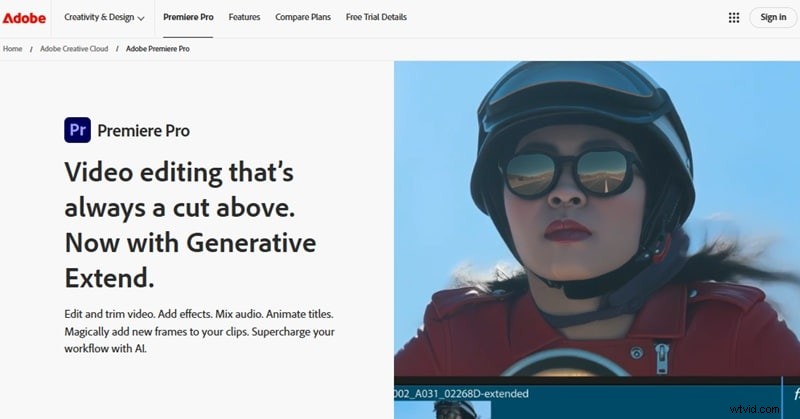
Premiere Pro is the industry standard, offering professional tools, frequent updates, and creative flexibility.
- Full integration with Adobe Creative Cloud (Photoshop, After Effects, Audition).
- Industry‑standard color grading and audio mixing.
- Extensive plugin and template marketplace.
- Real‑time team collaboration via Adobe Team Projects.
3. DaVinci Resolve
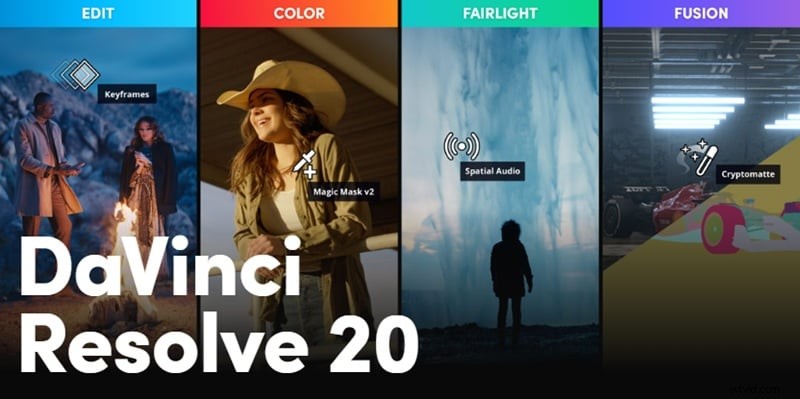
Resolve combines editing, color grading, audio post, and VFX in one app. It’s free, with a paid Studio version for extra tools.
- Professional node‑based color grading.
- Integrated Fairlight audio and Fusion VFX.
- Cross‑platform: Windows, macOS, Linux.
- Advanced timeline trimming, masking, and MultiCam editing.
- Free version includes most pro features.
Each editor addresses different needs—ease of use, pro‑level control, or platform support. If you feel limited by Pinnacle’s layout or Windows‑only access, consider one of these alternatives.
Conclusion
Pinnacle Studio offers powerful editing tools without a subscription. It’s a solid choice for creators who want professional features with a single purchase. Pinnacle Studio Ultimate brings motion tracking, color grading, and MultiCam editing—ideal for intermediate Windows users. For quicker edits with built‑in effects, try Filmora. For pro‑level workflows and collaboration, go with Premiere Pro. For precise grading and sound design, DaVinci Resolve delivers.
Choose the editor that fits your style and start editing with confidence!

Filmora
⭐⭐⭐⭐⭐
The Best AI‑powered Video Editing Software and App