
Mobile video editing has evolved from a trend to a necessity for creators on the move. Among the available tools, Videoleap by Lightricks has gained popularity. But does it deliver on its promise of professional quality or is it merely stylish? Our in‑depth Videoleap review examines every facet—from AI‑powered tools to performance—to help you decide if it’s right for your workflow.

Part 1: What is Videoleap?
Videoleap is a robust mobile video editor that runs on iOS, Android, and the web. Its color‑coded interface is designed to accommodate both beginners and seasoned editors. Whether you’re trimming a quick reel or layering multiple clips, the app offers professional‑grade tools in a touch‑friendly environment.
With precise trimming, multi‑layer timelines, and a library of effects and templates, Videoleap excels at short‑form content. For longer projects, its browser‑based version allows creators to transition to a desktop workflow, offering a practical path to polished videos.
Platforms supported: iOS, Android, Online.
Plans & Pricing: Monthly: $5.83 / month; Annual: $70 / year.
2025 Updates:
- Smart Templates: Auto‑generated layouts for trending themes such as travel, fitness, and lifestyle.
- AI Filters: One‑click visual styles that adapt to your footage.
- Improved social‑sharing – instant uploads to Instagram, TikTok, and Snapchat.
Part 2: Videoleap Features & Functionality
The app’s feature set is engineered for speed and precision on mobile devices.
Video Effects
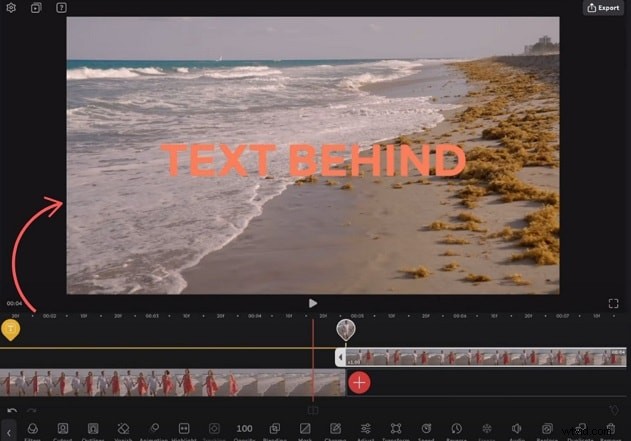
A wide array of filters—glitch, retro, cinematic—lets you define a distinct visual voice. Transitions, overlays, and lighting flares are applied with a single tap.
Object Eraser
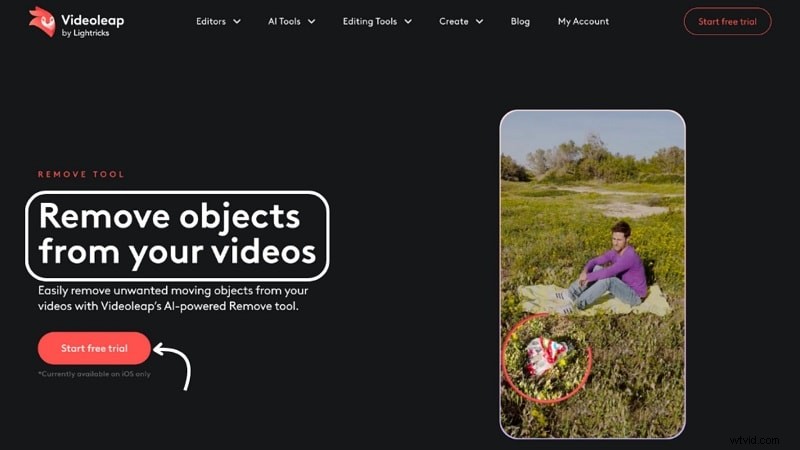
Remove unwanted elements with an AI‑driven brush. Simply swipe over distractions and the tool seamlessly blends the background.
AI Video Editor
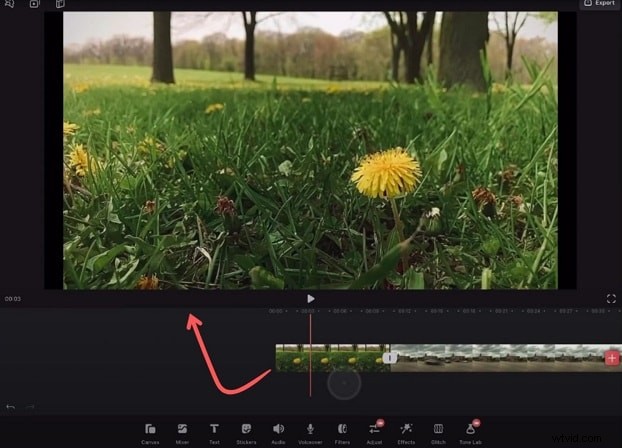
Automatic clip analysis recommends filters, trims, and layout options, enabling quick, polished results even for novice editors.
Background Remover
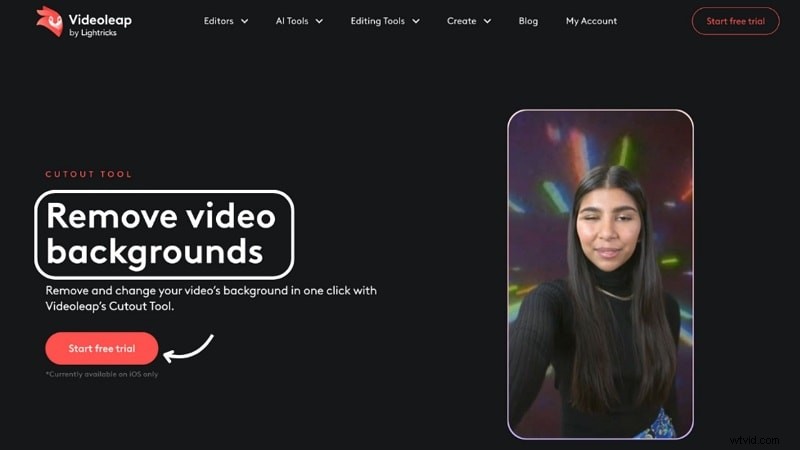
AI separates foreground from background, allowing you to replace it with a solid color, image, or another video—ideal for green‑screen simulations.
Subtitle Generator
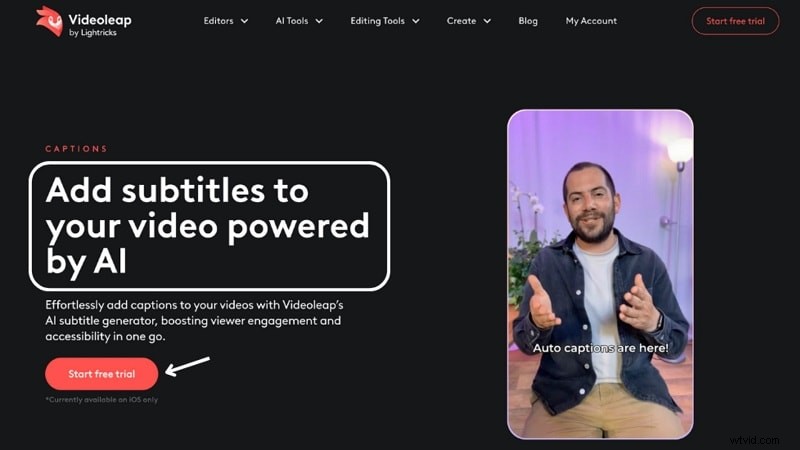
Automatic transcription and caption placement boost accessibility and engagement, particularly for silent viewers.
Performance
Videoleap performs smoothly on most modern smartphones, with fast rendering and responsive tools for short‑form projects. Heavy multi‑layer edits or high‑resolution footage can cause temporary stutter, and the app is best suited for clips under five minutes.
Offline editing is limited; a stable internet connection enhances the AI features and export options. For large‑scale or long‑form work, a desktop‑grade solution like Filmora may be preferable.
Expert and User Feedback
TechRadar describes Videoleap as “fun, easy‑to‑use,” praising its AI capabilities that help creators stand out. Creative Bloq highlights its AI‑first design, noting that smart templates and automated tools streamline complex editing tasks.
While many users applaud the app’s flexibility and creative freedom, some report issues such as locked features, limited export options, and performance hiccups with longer clips.
Part 3: Who Should Use Videoleap?
Everyday Users
Anyone can quickly edit family footage, travel vlogs, or daily moments thanks to the intuitive interface and AI assistance.
Content Creators
Social‑media creators benefit from a rich set of effects, text tools, and filters that produce polished content without steep learning curves.
Influencers
Fast editing tools like Magic Edit and object tracking save time, allowing influencers to focus more on storytelling.
Small Businesses
Brands can produce professional product videos or ads directly from their phones, making Videoleap a budget‑friendly marketing solution.
Part 4: Pros & Cons
With the 2025 enhancements, Videoleap feels more capable than ever, yet some trade‑offs remain.
Pros
- Clean, beginner‑friendly layout.
- Advanced tools for professional creators.
- Effective AI background removal and object erasing.
- Full editing capability on smartphones.
- Device sync for flexible project management.
- Balanced mix of simple and deep editing functions.
Cons
- Free version adds a watermark and limits features.
- Many premium tools, including some AI, require additional purchase.
- Subscription cost can be high for frequent users.
- No full desktop editing support.
- Older devices may experience slowdown due to processing demands.
- App collects data from other apps and browsing activity.
Part 5: Alternatives for Deeper Control
While Videoleap excels for mobile‑first editing, it falls short for long‑form projects or cross‑platform workflows. Filmora Mobile offers a more robust solution.
Filmora Mobile – Beyond Mobile Editing
Available on Android and iOS, Filmora Mobile combines speed with advanced tools. Its clean layout and smooth workflow support multi‑layer editing and seamless transition to the desktop version, a feature Videoleap lacks.

Key Features
- Smart Cutout: Precise background removal or subject isolation.
- AI AutoCut: Intelligent trimming based on footage content.
- AI Beats: Syncs video pacing with music automatically.
- Voiceover recording, text‑to‑speech, and auto‑captions.
- AI‑generated music tailored to mood and scene.
- Motion tracking and AR effects for dynamic visuals.
Filmora’s unified ecosystem eliminates the need to export between apps, making it ideal for creators who demand flexibility and depth.
Conclusion
Videoleap delivers speed, creativity, and ease of use—particularly for short videos and quick edits. However, its limitations in feature depth and performance with larger projects mean that professionals seeking comprehensive control might look toward alternatives like Filmora Mobile. For creators who value instant, polished results on a mobile device, Videoleap remains a solid choice.

Filmora – AI Video Editing App & Software
Best tool for making videos anywhere for all creators! Simplify every step of video editing, from pre‑processing to finalizing—Filmora AI stays tuned.