
Kling AI has become a go‑to platform for converting text and images into cinematic videos with lifelike motion and rich storytelling. Its standout features—high‑quality image‑to‑video conversion, dynamic camera moves, and a robust prompt interpreter—have earned praise from creators testing cutting‑edge AI tools.
Yet many users now seek reliable alternatives due to long queue times, restrictive free credits, and regional barriers. Reddit discussions often focus on faster rendering and broader access, underscoring the need for a dependable replacement.
Whether you’re looking for a free Kling AI alternative image‑to‑video tool to bypass daily limits or the best Kling AI alternative for professional cinematic motion, exploring the top platforms of 2026 will restore creative freedom. Below, we highlight the most discussed options on Reddit and beyond.
Why Consider a Kling AI Alternative in 2026?
While Kling AI remains impressive, the competitive landscape of AI video production is evolving. Users now demand faster rendering, flexible pricing, and worldwide availability. The following constraints frequently prompt creators to explore alternatives:
- Daily credit limits – Free tiers cap usage, limiting experimentation and batch production.
- Long generation queues – Peak‑hour wait times can stall projects, especially for complex prompts.
- Regional restrictions – Some countries experience delayed or limited access, disrupting workflow continuity.
- Paid‑plan dependency – Advanced features and higher resolutions typically require a subscription.
- Team scalability – Collaboration and bulk production can be constrained by the current credit model.
These pain points explain the growing interest in alternatives that offer greater flexibility and a smoother production experience.
As high‑quality AI videos become more ubiquitous, creators now rely on multiple platforms. From free image‑to‑video converters to professional systems for commercial projects, the tools below deliver powerful alternatives.
Each option is evaluated on motion realism, rendering efficiency, creative flexibility, and scalability.
1. Runway Gen‑4 – The Premier Professional Kling AI Alternative
Runway Gen‑4 tops Reddit discussions thanks to its “Director Mode,” which offers motion brushes and precise camera path control. This makes it the leading choice for creators demanding pixel‑perfect image‑to‑video output.
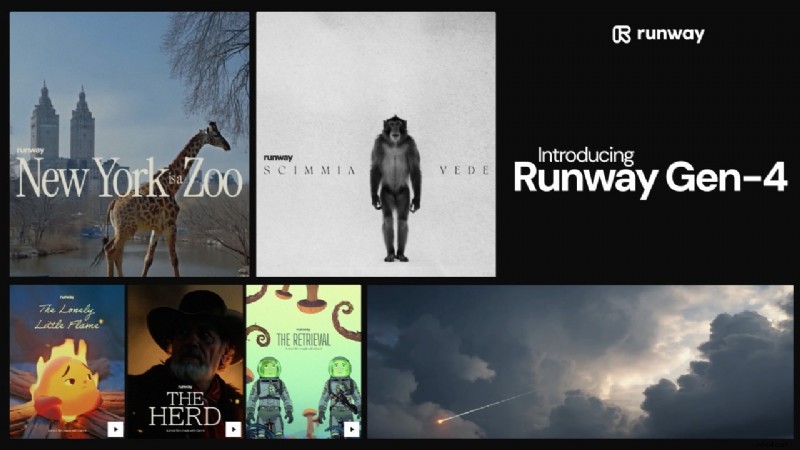
Highlights: Granular control, deep scene manipulation, integrated editing.
Pricing: Free plan (watermark); subscriptions start at $15/month.
Best For: Commercial creators and production teams.
Pros
- Advanced scene editing beyond prompts
- Comprehensive editing suite
- Consistent character and object tracking
Cons
- Premium tiers can be costly for large teams
- Learning curve for advanced tools
- Watermark on free exports
Runway stands out for precision and flexibility, making it the top choice for creators who need high‑end control.
2. Wondershare Filmora – All‑in‑One AI Video Editor & Kling Alternative
Filmora uniquely blends AI image‑to‑video motion with a powerful editing suite. It bridges the gap for creators who find standalone AI tools too limiting, offering timeline control and professional cinematic effects that Kling lacks.
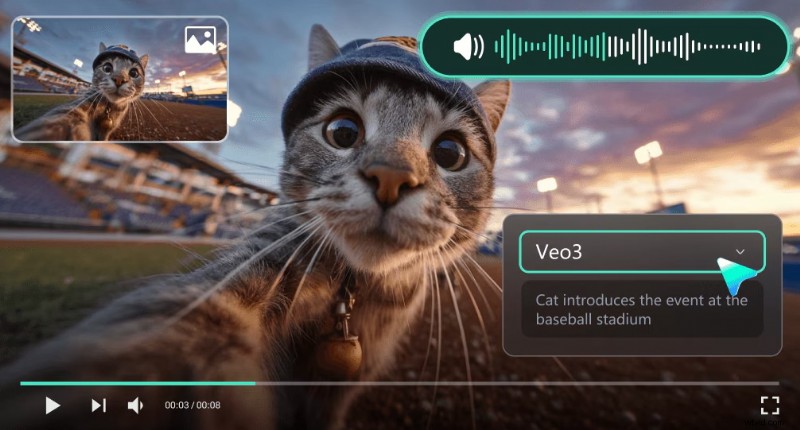
Highlights: Versatile AI enhancements, robust editing, intuitive workflow.
Platforms: Windows, Mac, iOS, Android.
Best For: Creators seeking a hybrid AI editor and storytelling tool.
Pros
- Full‑featured editor plus AI motion tools
- Rich transitions, effects, titles
- Low learning curve for both beginners and pros
Cons
- Watermarked exports on free tier
- Subscription needed for premium features
Filmora is ideal for users who prioritize editing control while leveraging AI enhancements.
3. Luma Dream Machine – Real‑World Physics for Cinematic Visuals
Luma Dream Machine delivers hyper‑realistic physics and stable character consistency. Its robust environmental interaction reduces the occasional “morphing” glitches seen in Kling, making it a top free alternative for 2026.
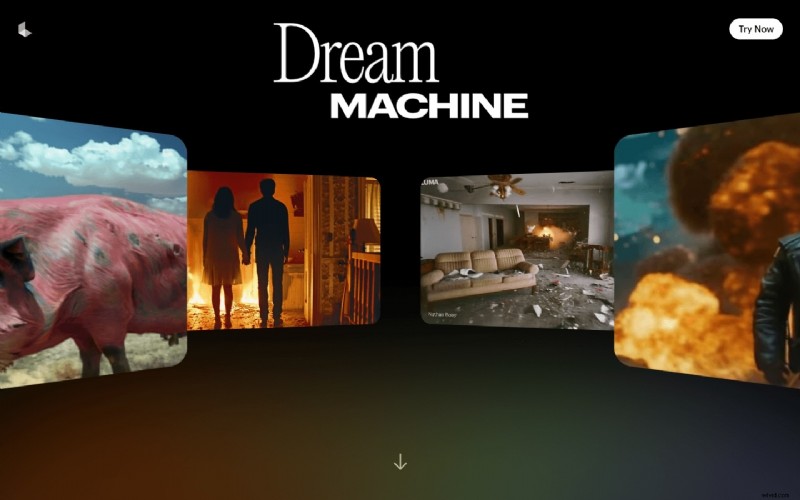
Highlights: Realistic physics, natural motion.
Pricing: Free tier (limited); paid plans start at $7.99/month.
Best For: Cinematic visuals requiring realistic movement.
Pros
- Superior environmental interaction and spatial coherence
- Consistent subject preservation across scenes
- Minimal prompt configuration for strong results
Cons
- Clip duration limits restrict long storytelling
- Queue delays during peak demand
- Fewer manual editing options than advanced tools
For realism‑centric projects, Luma offers a compelling alternative.
4. Google Veo 3 – Long‑Form AI Video for Narrative Projects
Google Veo 3 excels in extended storytelling, surpassing Kling’s typical 5‑10 second clips. It’s a strong contender for creators seeking longer, context‑rich narratives.
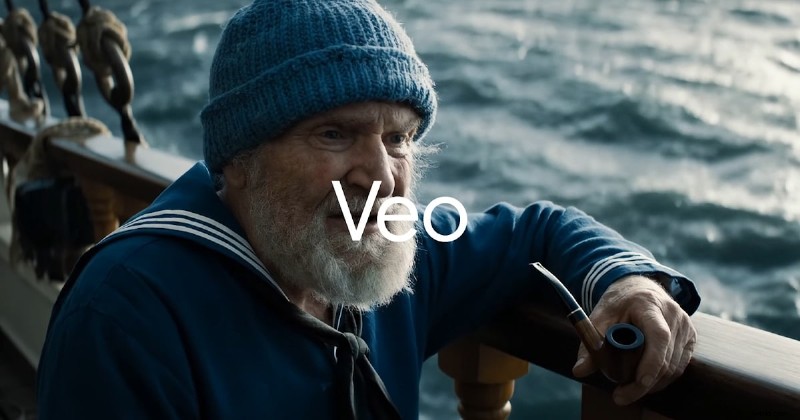
Highlights: Long‑form capability, contextual understanding.
Pricing: Free (100 monthly credits in eligible regions); Enterprise plans start at $19.99/month (1,000 credits).
Best For: Narrative‑focused projects.
Pros
- Longer sequence generation
- Strong contextual prompt interpretation
- Improved narrative coherence
Cons
- Limited global availability
- Enterprise‑focused pricing
- Restricted public experimentation
Veo 3 is ideal for extended storytelling needs.
5. Pika 2.0 – Social‑Media‑Focused Animation & Lip‑Sync
Pika 2.0 is the go‑to choice for social‑media creators, featuring lip‑sync and sound‑effect integration that outpace Kling in character‑driven content. It remains a Reddit favorite for its free, community‑driven approach.

Highlights: Animation, lip‑sync strength.
Pricing: Free tier (credits); paid plans start at $8/month.
Best For: Character‑centric or animated content.
Pros
- Effective facial motion alignment
- Rapid style experimentation
- Community‑driven feature updates
Cons
- Inconsistent hyper‑realism
- Credit limits impact heavy usage
- Frame stability may vary in complex scenes
Pika is a top pick for animation‑heavy projects.
6. Hailuo AI (MiniMax) – Fastest Rendering for Quick Clips
Hailuo AI prioritizes speed, making it the best choice for users frustrated by long queues. Its straightforward workflow delivers rapid, stable short‑form outputs.
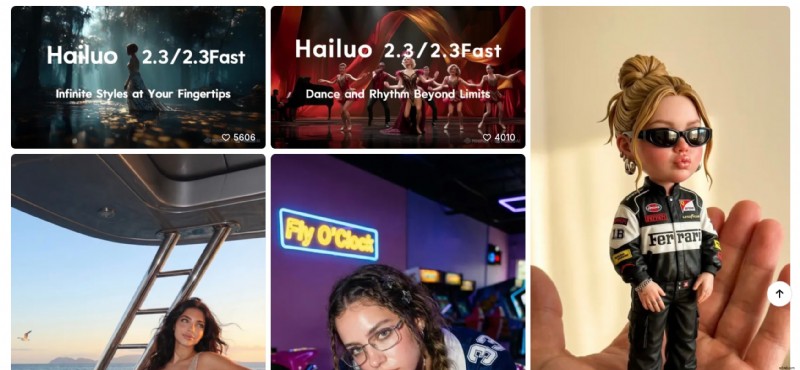
Highlights: Fast generation, clean interface.
Pricing: Free trial (usage limits); paid plans start at $14.99/month.
Best For: Social media clips requiring quick turnaround.
Pros
- Faster rendering than many competitors
- Sleek, simple workflow
- Stable short‑form output
Cons
- Limited cinematic depth
- Short maximum duration
- Fewer advanced motion refinements
For users where time is critical, Hailuo AI delivers a smooth experience.
7. Kaiber AI – Artistic Music‑Video Generation
Kaiber AI focuses on creativity, producing stylish music videos, abstract visuals, and audio‑reactive content. Its unique visual identities make it ideal for projects driven by mood and sound.
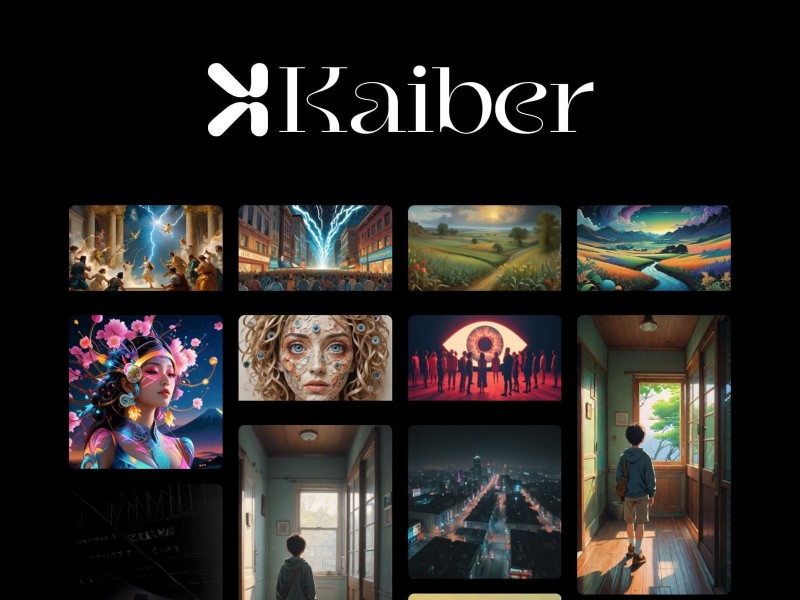
Highlights: Music‑reactive visuals.
Pricing: Free (limited); paid plans start at $5/month.
Best For: Audio‑reactive videos.
Pros
- Excellent sound‑to‑motion sync
- Distinct visual identity
- Ideal for reels and promos
Cons
- Less realistic animation
- Subscription needed for high resolution
- Limited manual camera control
Kaiber shines when mood and music guide the visual narrative.
8. PixVerse AI – Stylized Visual Control for Marketing
PixVerse emphasizes aesthetic consistency, allowing creators to produce stylish product teasers and digital art campaigns with a coherent visual theme across frames.
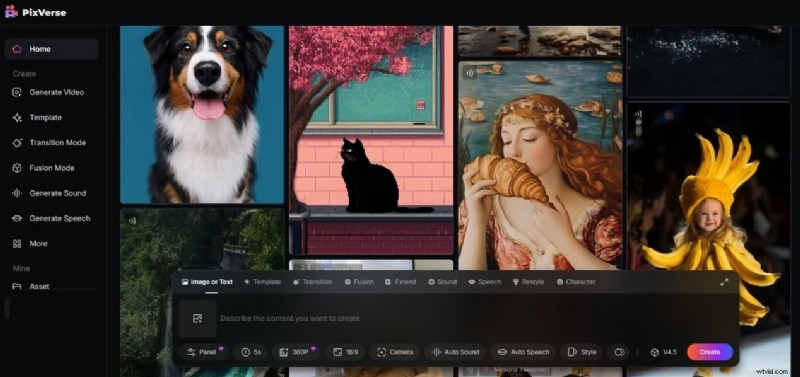
Highlights: Stylized visual control.
Pricing: Free plan (limitations); paid plans start at $10/month.
Best For: Creative and marketing visuals.
Pros
- Consistent style across frames
- Strong fit for branded content
- Balanced speed and quality
Cons
- Motion can feel slightly artificial
- Limited manual camera adjustments
- Free exports may have restrictions
PixVerse is a solid choice for visually engaging marketing material.
9. Leonardo AI Motion – Free Workflow for AI Artists
Leonardo AI Motion offers a free daily token system, making it an excellent option for designers expanding into video while maintaining visual consistency from still art.
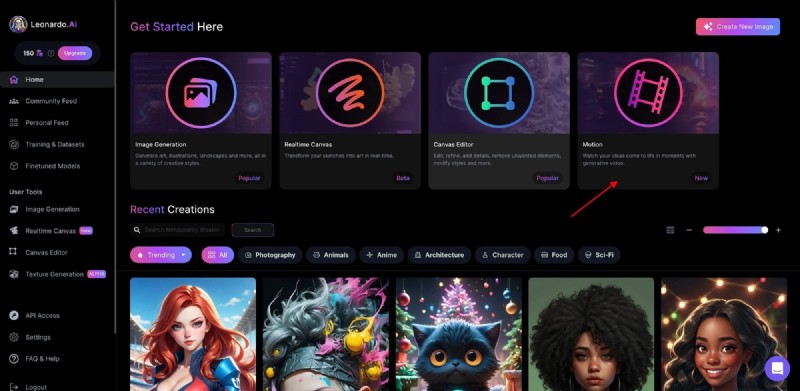
Highlights: Integrated image‑to‑motion workflow.
Pricing: Free daily tokens; paid plans start at $10/month.
Best For: Designers venturing into video.
Pros
- Unified image‑and‑video ecosystem
- Maintains visual consistency
- Feature set expanding rapidly
Cons
- Token limits constrain experimentation
- Short clip durations
- Limited advanced cinematic simulation
Leonardo AI Motion is ideal for creatives who want a seamless transition from art to video.
10. Stable Video Diffusion – Open‑Source Flexibility
For developers seeking full control, Stable Video Diffusion offers a customizable, open‑source model. Users can host, fine‑tune, and experiment without platform limits.
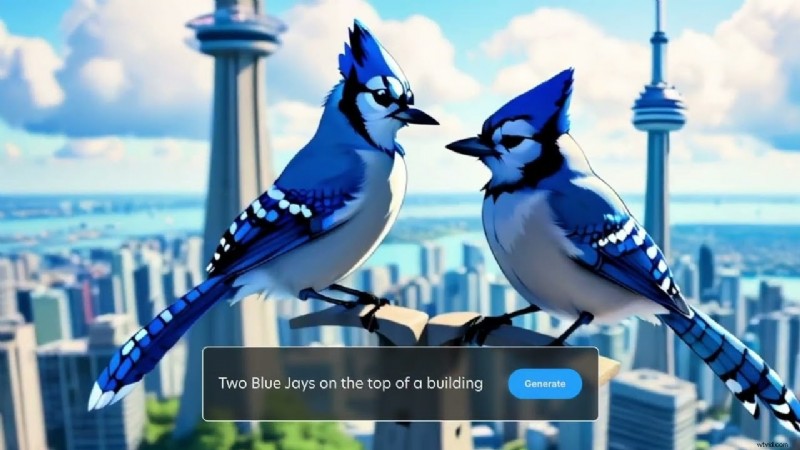
Highlights: Open‑source ecosystem.
Platforms: Web and local deployment.
Pricing: Free (open‑source).
Best For: Developers and technical users.
Pros
- Highly customizable workflows
- No regional restrictions
- Active developer community
Cons
- Requires technical knowledge
- Quality depends on configuration
- Less plug‑and‑play for casual creators
Stable Video Diffusion is the go‑to choice for advanced users who want maximum flexibility.
Reddit Community Favorites
Reddit threads consistently reveal that creators evaluate tools on real production experience rather than hype. Common themes include:
- Frustration with Kling’s queues and credit limits.
- Criticism of Kling’s pricing, with users citing $50 for a handful of renders.
- Discontent with recent updates that block SFW uploads.
Comparison Snapshot
| Tool | Free Plan | Image‑to‑Video Strength | Motion Realism | Pricing Model | Best For |
|---|---|---|---|---|---|
| Runway Gen‑4 | Yes (watermark) | Advanced control | High | Subscription | Professional production |
| Filmora | Yes (watermark) | AI motion + editing | High | Subscription | Hybrid workflow creators |
| Luma Dream Machine | Yes (limited credits) | Strong realism | High | Credit‑based | Cinematic short clips |
| Google Veo 3 | Limited access | Long‑form capability | Super High | Enterprise | Narrative storytelling |
| Pika 2.0 | Yes (credits) | Stylized animation | Medium | Credit‑based | Character content |
| Hailuo AI | Trial | Fast generation | Medium | Tiered plans | Quick social clips |
| Kaiber AI | Yes | Music‑reactive | Medium | Subscription | Audio‑driven videos |
| PixVerse AI | Yes | Stylized visuals | Medium | Freemium | Marketing visuals |
| Leonardo AI Motion | Yes (daily tokens) | Image‑to‑motion workflow | Medium | Token‑based | Designers to video |
| Stable Video Diffusion | Free (open‑source) | Customizable | Varies | Self‑hosted | Technical users |
Enhancing AI‑Generated Videos with Filmora
Even the best AI tools can leave raw edges. Filmora’s AI‑powered suite elevates footage with color grading, motion tracking, and audio enhancement, turning rough clips into polished productions.
Below is a quick workflow to maximize your AI output using Filmora.
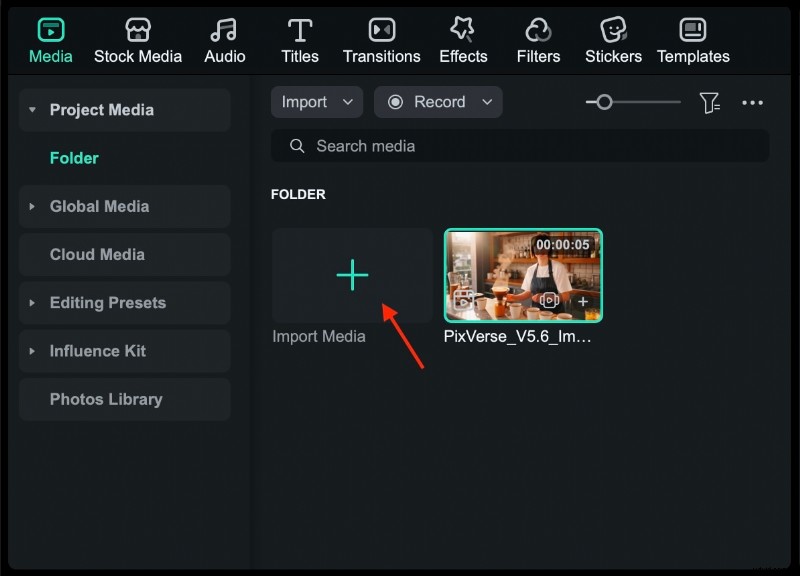
Step 1: Import Your AI Video
Export the clip from your chosen AI platform in MP4 or MOV, then drag it into Filmora’s Media Library and place it on the timeline.
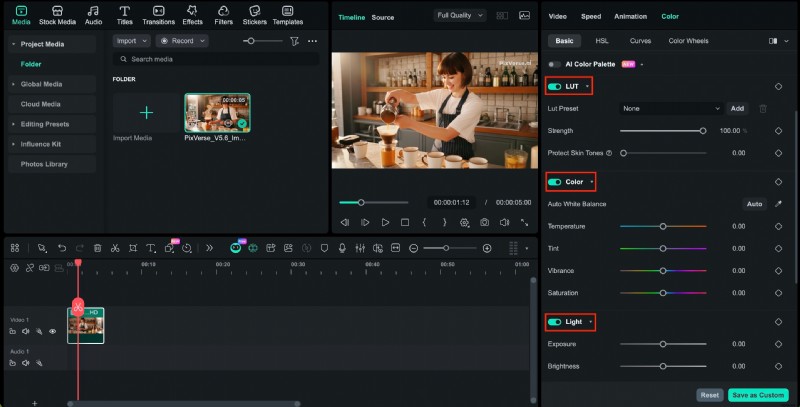
Step 2: Apply Color Grading
Use advanced color correction tools, LUT presets, and manual exposure controls to unify lighting and elevate visual quality.
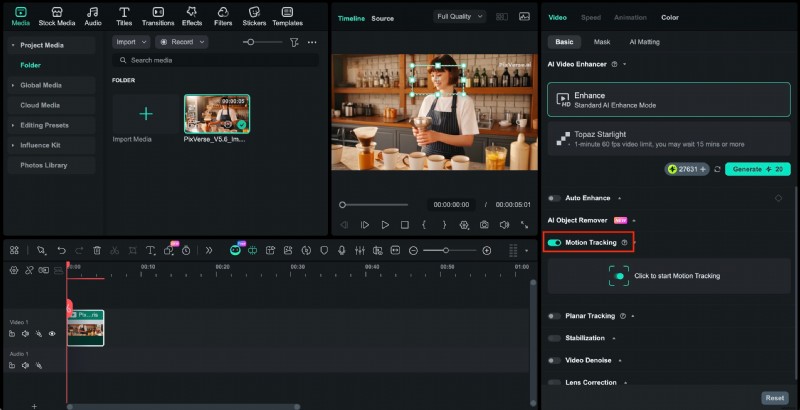
Step 3: Leverage Motion Tracking
Attach graphics or text to moving objects, stabilize footage, and add callouts for a professional finish.
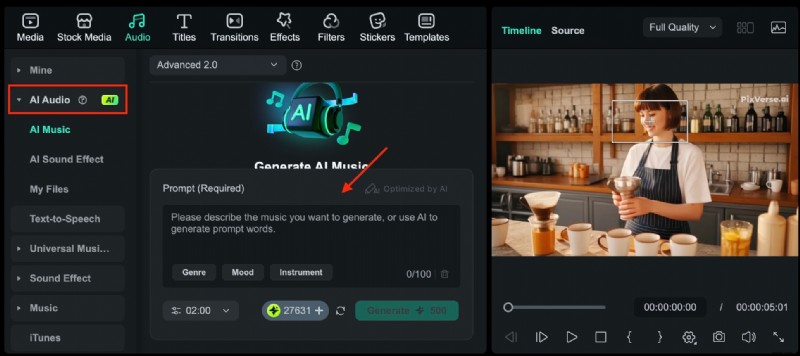
Step 4: Enhance Audio
Add AI‑generated sound effects, royalty‑free music, and apply noise reduction to create immersive soundscapes.
Why Pair AI Generators with Filmora?
Combining AI generation with Filmora gives creators full editorial control. You can fine‑tune tempo, adjust colors, integrate branding, and produce content ready for YouTube, Reels, or commercial campaigns.
Conclusion
Choosing the best Kling AI alternative in 2026 hinges on your specific needs. Whether you value Runway’s professional precision, Luma’s realism, or Filmora’s all‑in‑one editing, these tools remove credit limits and unlock creative potential. Test the free image‑to‑video solutions today and elevate your content to the next level.
From realistic physics to animation and marketing visuals, the 2026 landscape offers flexible, high‑quality options for creators of all levels.
