Want to burn your home movies and downloaded videos to DVD, regardless of format and with zero quality loss? You are in the right place. This article will recommend you with 3 best DVD burning tools to let you easily burn video to DVD. Just read through the article to get them.
You may also like: Best Free DVD Player Software >>
Recommendation 1 A Great Video Editing Program to Export Video to DVD
Recommend Wondershare Filmora video editor to burn video to DVD
- Support different video and audio input and output formats.
- Share your video by uploading to YouTube, Facebook, and burning to DVD.
- Make your own Hollywood movie by applying 300+ Effects to your video.
- Supported OS: Windows 10/8/7, Mac OS X 10.11 (El Capitan) and later
Why Choose Filmora Video Editor to burn video to DVD
1. Burn Video to DVD with Ease
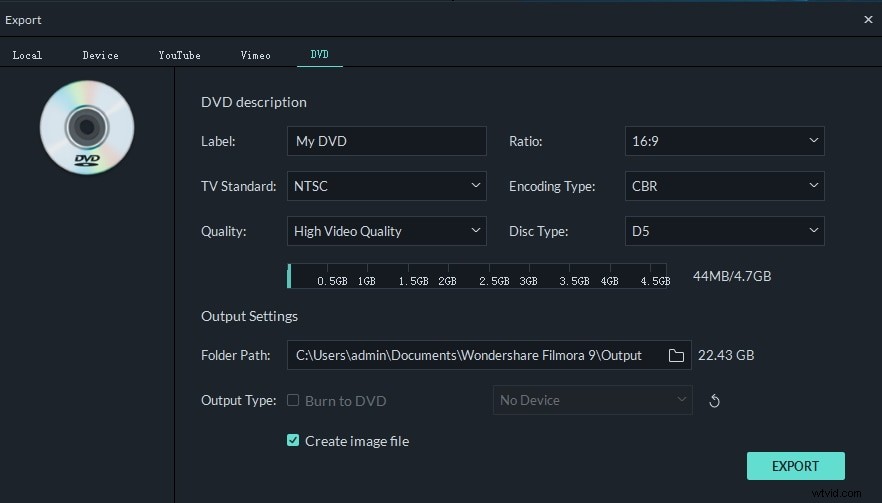
Though it is designed for editing videos, it lets you share your video by simply burning it to DVD when exporting. You can burn video to DVD in DVD disc, DVD folder, and ISO disc image file format.
2. Easy to Use
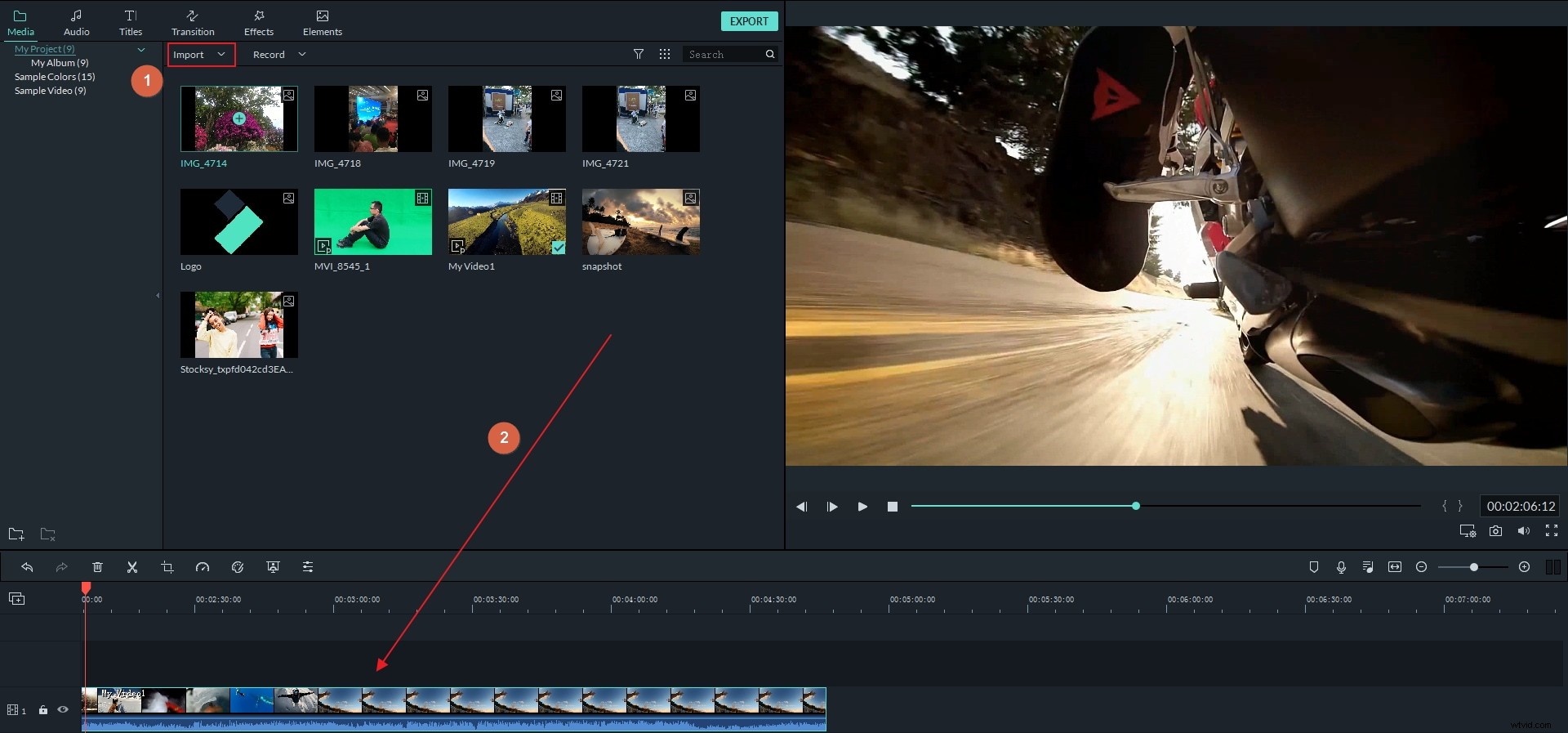
The intuitive and user friendly interface makes it much easier to burn DVD. You don't need to possess any technical knowledge about DVD burning. Just drag and drop your videos to the timeline and then click the Export button to save the video to DVD.
3. Support Various Video Formats
You can use Filmora video editor as a DVD burner without file format limitation. Any video or audio can be directly imported into Filmora and then save to DVD.
Click to check the supported video formats of Filmora
4. Touch Up Video with Filmora
Just grab this video editor to enrich your video with its powerful video editing function. Making a video with magic effects has never been easier. You can add royalty free music from the audio library, write text and titles to the video with some cool effects in the Title library, add transitions between clips and filters, overlays and interesting elements to the video with drag-n-drop.
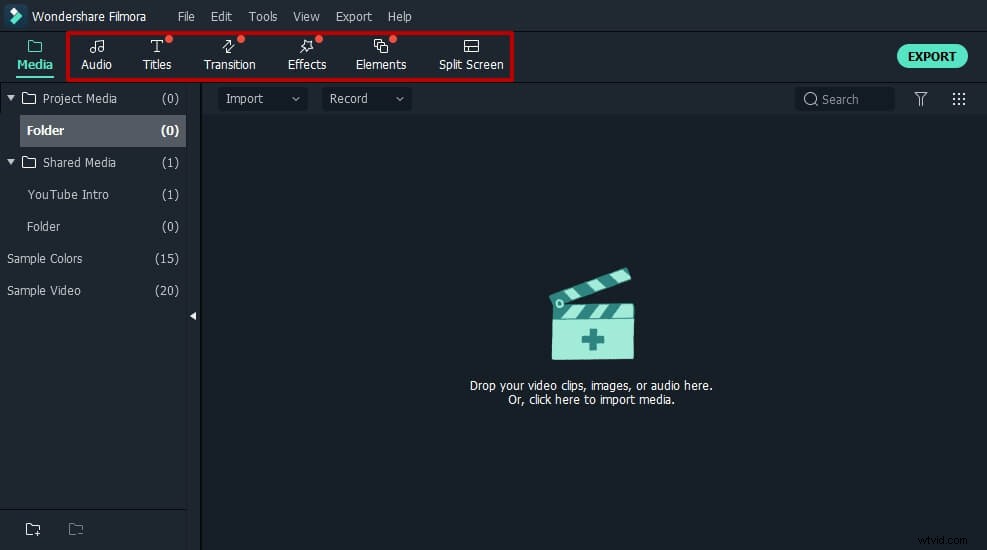
If you want to know more details about how to add this effects and elements to video, you can check our ultimate guide about how to edit videos >>
Recommendation 2 Professional DVD Burner for Windows / Mac: Wondershare DVD Creator
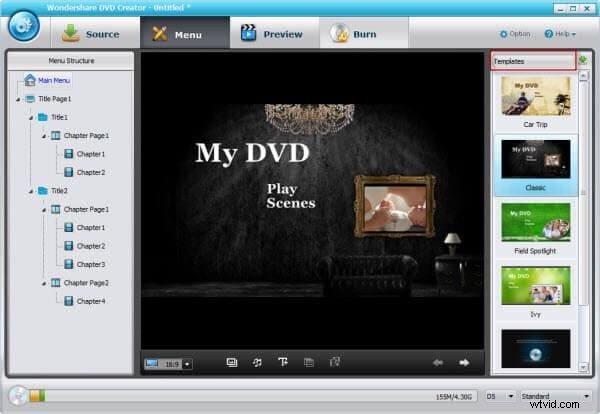
- Burn video, audio, image into a DVD, making a great DVD masterpiece.
- Make a great photo slideshow with background music and funny effects.
- Perfect your DVD with many free DVD menu templates in different themes.
- Touch up your video and photo before burning with the built-in editor.
- Burn video to different formats, DVD disc, DVD folder and ISO files.
- Supported OS: Windows 10/8/7/XP/Vista/2003, Mac OS X 10.11 (El Capitan), 10.10, 10.9, 10.8, 10.7, 10.6
Why Choose DVD Creator
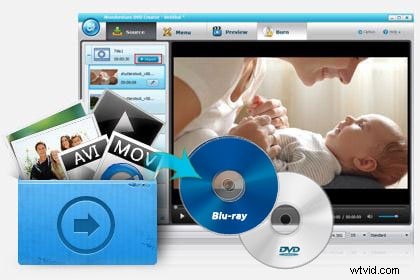
1. Burn Video to / from Different Formats
You can import any video, audio and image into this DVD burner, and then easily burn your files to DVD Disc, DVD folder, ISO image file.
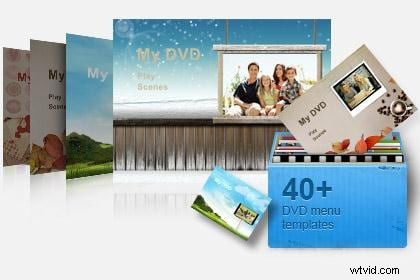
2. Massive Built-in DVD menu Templates
This DVD burning software has 40 free static and dynamic DVD menu templates. You can even customize the menu templates according to your tastes.
3. Make Photo Slideshow
You can combine photos and music in any format together to make a photo slideshow for better preserving your memory.
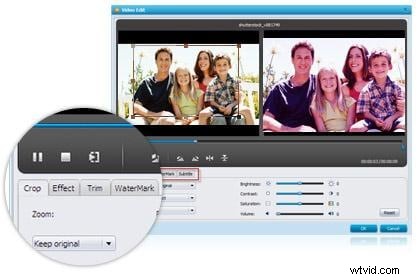
4. Personalize Video&Photo
You can enhance your video by trimming, adding watermark or subtitle, applying transitions, adjusting video brightness, contrast, saturation, etc
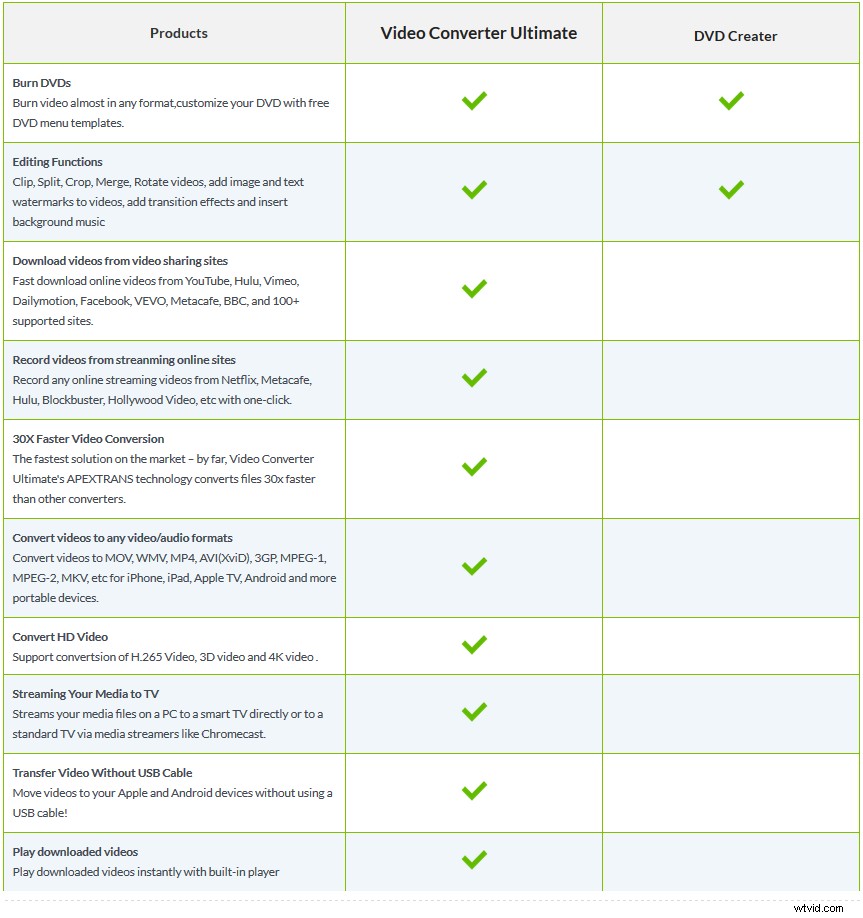
Recommendation 3 The most Powerful DVD burner, Video Converter, Video Editor & Video Downloader: Wondershare Video Converter Ultimate
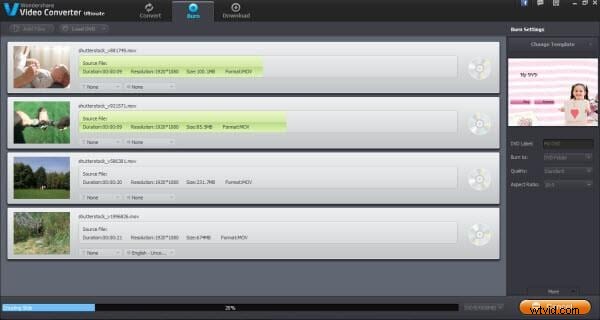
- Burn video almost in any format,customize your DVD with free DVD menu templates.
- Edit, Enhance & Personalize Your Videos File.
- Convert to Over 150 Formats Including 4K/3D.
- Download videos from another 1000+ video sharing sites with One Click!
- Easily record streaming online videos
- Streaming Your Media to TV.
- Supported OS: Windows 10/8/7/XP/Vista, Mac OS X 10.11 (El Capitan), 10.10, 10.9, 10.8, 10.7, 10.6
Why Choose Video Converter Ultimate
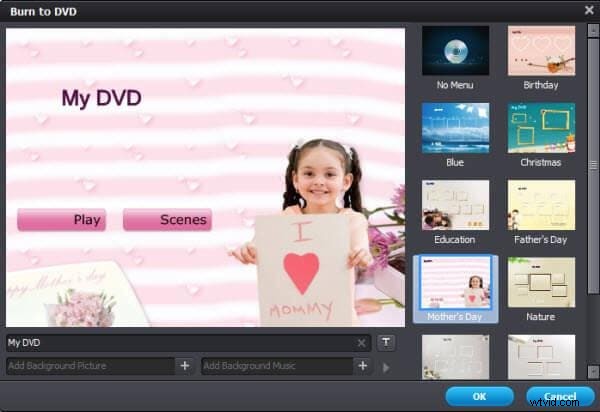
1. Burn Video to DVD
Drag and drop your media files into the converter, choose menu templates, and then batch convert video to DVD in high quality.
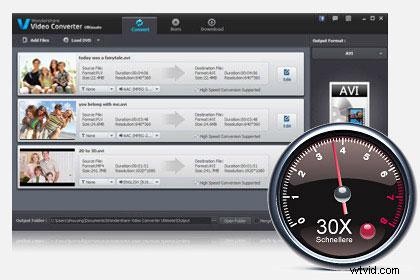
2. Fastest Speed
It performs at 30X faster speed than any tool. You can finish the video to DVD burning process in just a few minutes.
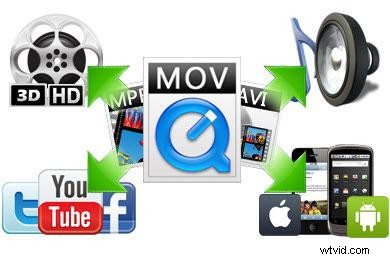
3. Wide Video Format Support
This video to DVD converter lets you burn any format videos. Just import your files into it and directly burn to DVD.
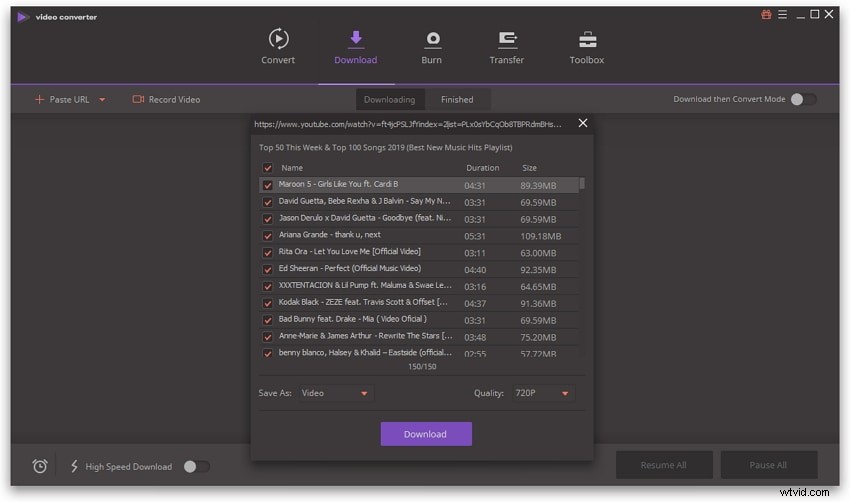
4. Download YouTube videos
Download videos from many video sharing sites including Netflix, YouTube, Facebook, etc.
DVD Burner Comparison: