
Sketch animation has been in style for a very long time, and there is no doubt that it is a time-consuming process. But the sketch animation maker available these days helps us a lot. Are you aware of all these? Do you know how these are helping us currently?
Don't worry if you are unaware because here we are discussing the same in detail and will help you to get the best tool for the same too. Let's get started!
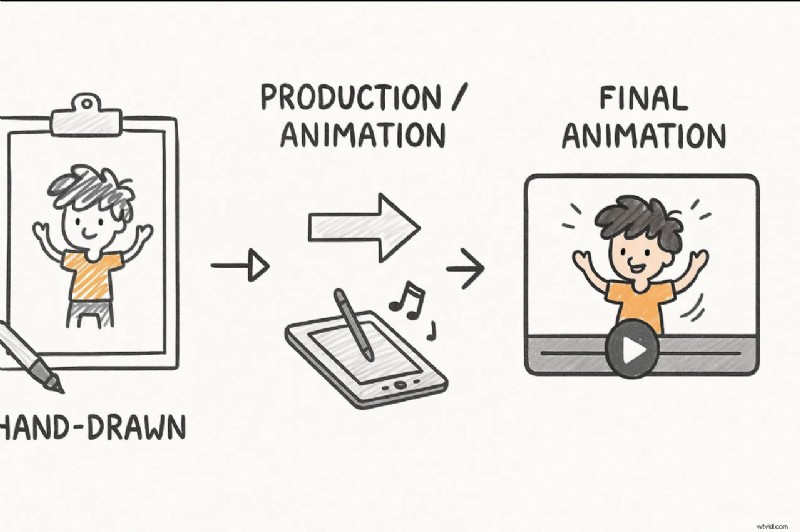
Part 1 What is Sketch Animation? (And Why Use It?)
Sketch animation is a simple way to bring ideas to life using rough, hand-drawn sketches. The drawings don't need to be perfect—they just need to tell a clear story.

You'll often see sketch animations used for:
- Advertising and marketing - to explain product features with humor or storytelling
- Product design & process demos - to make complex ideas easy to understand
- Presentations - to capture attention and simplify explanations
To create high-quality results, it's not only about drawing skills—you also need the right sketch animation video maker. The right tool turns rough sketches into engaging videos your audience will remember.
Part 2 Top 10 Sketch Animation Video Makers Reviewed
In this section, we are discussing the best software to help you with Sketchup animation easily. All this software will cater to your needs for creating the best animations seamlessly. These are as follows:
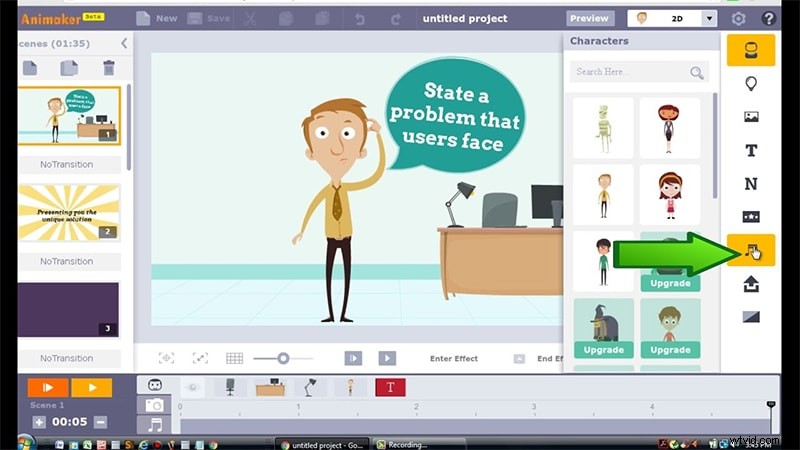
Animaker - Best for beginners & pros using template-driven animations
Animaker is the most famous name in the list of software when you are looking for a whiteboard sketch animation maker. It features a drag and drop animation option, helping you to create the content easily. It is a suitable tool for professionals and beginners alike. It also offers thousands of templates that can be customized as per the needs of the user. You can simply utlize the stock videos and photos for better results.
Pros
- Easy to use.
- The results are delivered quickly.
- Suitable for professionals and beginners alike.
Cons
- Some users complain about its interface.
- Sometimes video creation takes a lot of time.
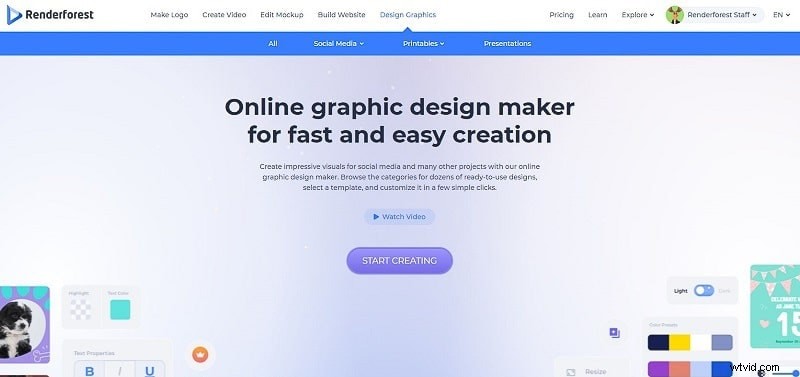
Renderforest video maker - Best for free online sketch animation creation
Renderforest video maker is the best platform for all those who are looking to create sketch animation and other videos. It provides a free plan, and the same is available limitlessly for users. It features thousands of stock clips and a library of music tracks for creating the content seamlessly.
Pros
- Easy to use.
- Different features are integrated.
- Impressive interface.
Cons
- Complaint about the content's quality.
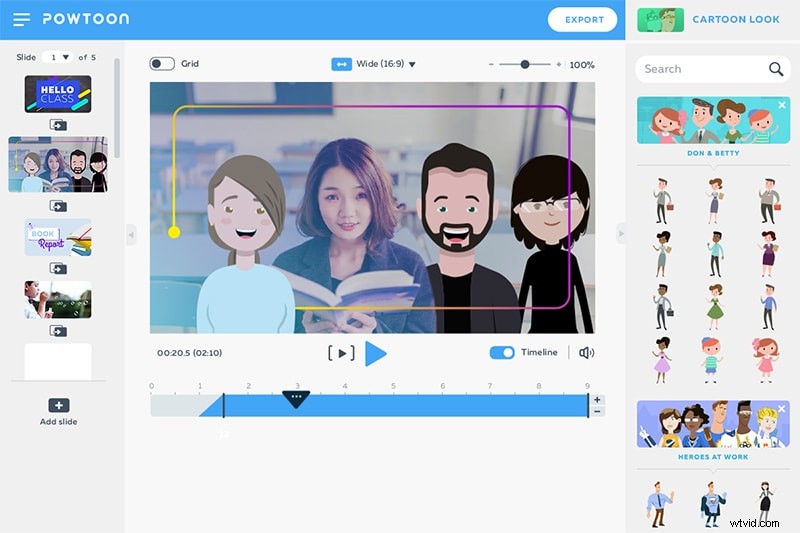
Powtoon - Best for marketing & educational short videos
Powtoon is among the best visual communication platforms available, helping in creating short videos with animation. It features professionally designed templates along with some additional tools, including clips, audio, characters, and so on, which a user can utilize while creating the animation video. It comes up with paid and free options, and users can utilize any of them.
Pros
- Easy to use.
- Templates are innovative.
- It makes engaging content.
Cons
- Some find it difficult to use.
Vyond - Best for professional corporate explainer videos
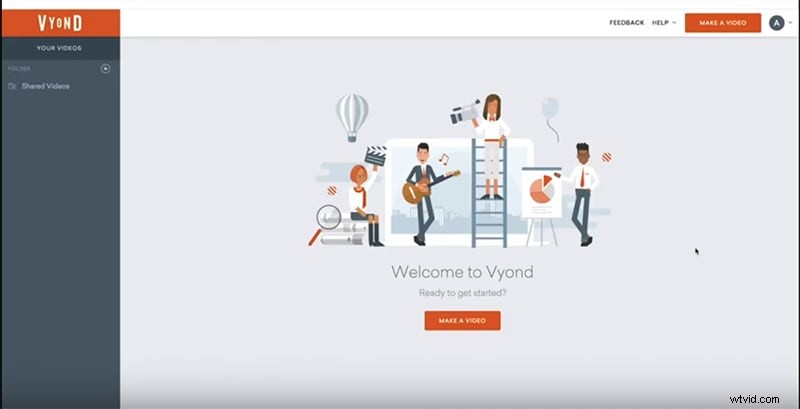
Vyond is among the best sketch animation makers and offers a free trial to all users. This is especially true for professionals with all the skills. Some pre-built templates are also there to help users create the content seamlessly. It features royalty-free music along with some stock characters that can be utilised in the content.
Pros
- Good video creation tool.
- Many functions are integrated.
- One can upload content directly and get the animation.
Keyshot - Best for designers needing photorealistic animations
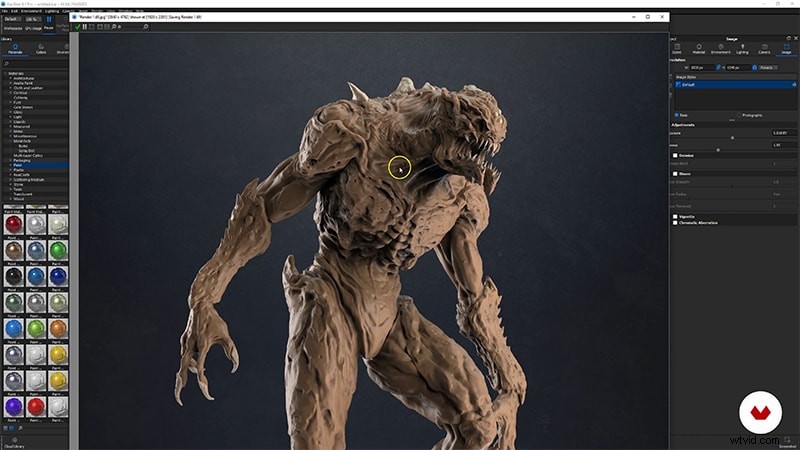
Keyshot is the best sketch animation software available these days. It features file formats along with some photorealistic rendering. The outcome created with it appears to be a real animation, and users can also add on some interactive visual studio. It also comes with a free trial, so users can use it and analyse whether they want to go for the paid version or not.
Pros
- Innovative interface.
- Support for two different extensions of models.
- A library of materials and textures is available.
Cons
- Utilizing all the features seems to be difficult.
3ds Max Design - Best for experienced 3D animators
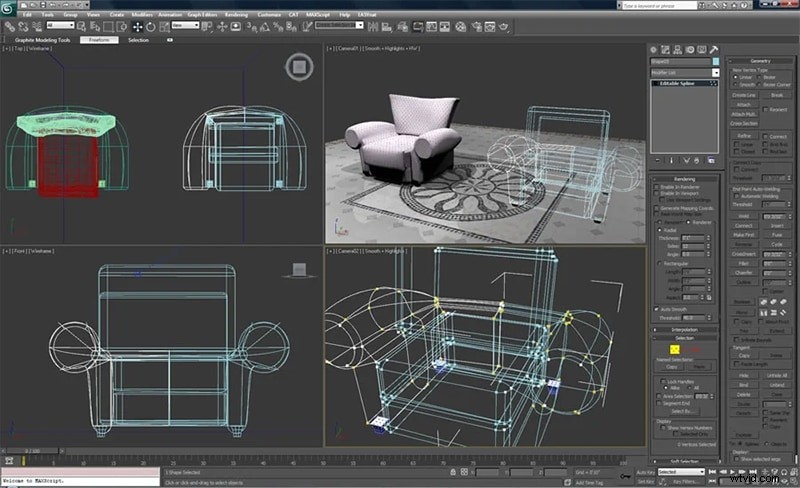
3ds Max design is the best sketch animation software for users when they are looking to create sketch animations. The best part is that it offers realistic animation behaviour along with all the sophisticated particle effects. There are certain third-party extensions that are available that a user can integrate for better results.
Pros
- Third-party extensions are available.
- Realistic animation behaviour.
- Procedural tools are available.
Cons
- Beginners find it difficult to use.
Moovly - Best for cloud-based quick sketch animations
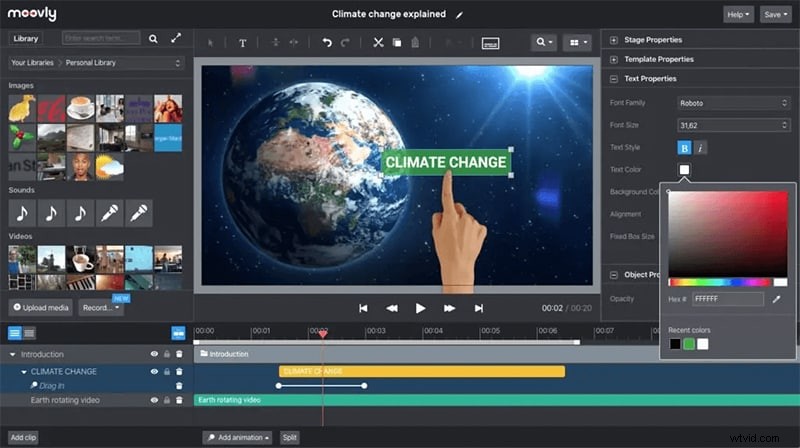
Moovly is a cloud-based software with a drag and drop interface. Whenever you are looking to create sketch animations, this tool will help you out with it. It also has millions of free stock images and other content available, helping in creating the content as a user requires.
Pros
- Simple to use.
- Innovative interface.
- Limitless features.
Cons
- The interface appears to be buggy sometimes.
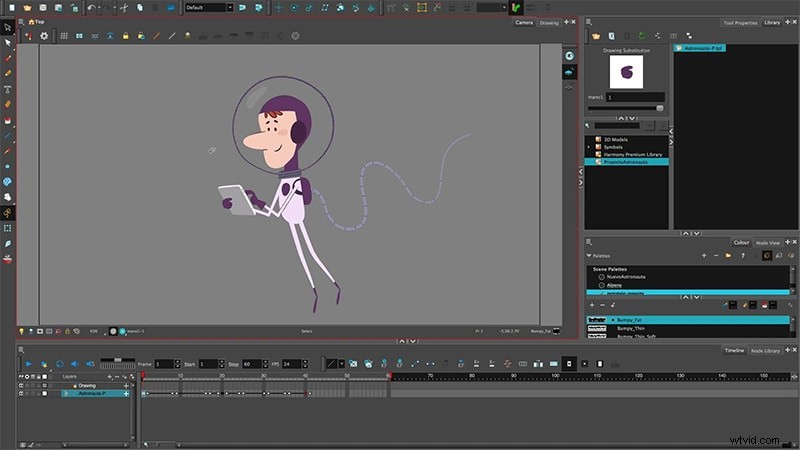
Harmony - Best for detailed professional animations
Harmony is also among the best reproduction animation software available, which is helpful in creating the content with special lighting, shading, and special effects. There are certain options and features available to help in creating the content with the texture and sound management options. It comes in free and paid versions, and the free trial version will help users analyse whether they want to go for it or not.
Pros
- Easy to use.
- Clean interface.
- Bugs free.
Cons
- Beginners find it difficult to use.
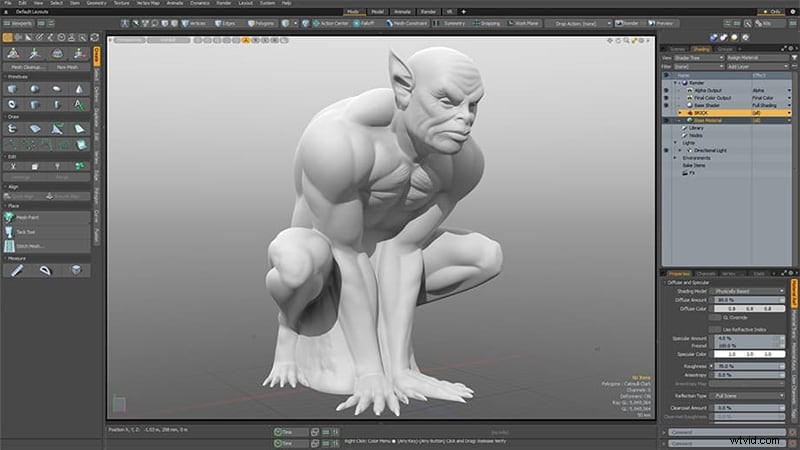
Modo - Best for fast 3D sketch animation with easy navigation
Modo is the best modeling, rendering, texturing, and sketch animation software available. Whenever you are looking for a sketch animation maker, this tool will definitely hit the top. The navigation through the software is really very easy, and users can get the outcome immediately as they want.
Pros
- Navigation throughout is easy.
- The interface is innovative.
- Community support is available to help in case of issues.
Cons
- Outcome delivered a bit late.
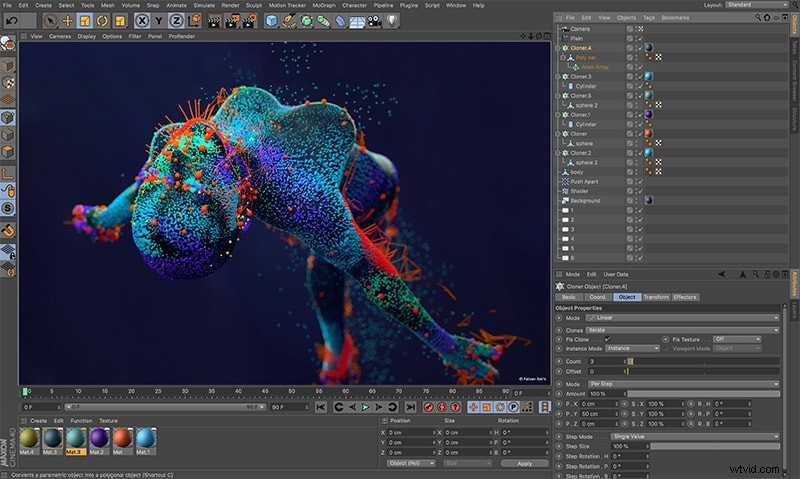
Cinema 4D - Best for professional-level 3D animations
Cinema is among the software available for sketch animation that has an innovative interface along with some additional features. It comes with object tracking and some cartoon styling features that help users get the outcome they want. A free trial option is also integrated for convenience.
Pros
- Easy to use.
- Additional layouts are integrated.
- Mouse shortcuts are easy to use.
Cons
- Beginners find it difficult to use.
Quick Comparison Table
Here's a quick comparison of the top sketch animation software to help you choose the right tool for your needs.
| Software | Best For | Ease of Use | Templates/Stock Media | Free/Paid |
| Animaker | Beginners & pros | Easy | Thousands | Free + Paid |
| Renderforest | Free versatile online tool | Easy | Thousands | Free + Paid |
| Powtoon | Marketing & education | Easy | Professional | Free + Paid |
| Vyond | Professional corporate videos | Moderate | Pre-built templates | Paid + Trial |
| Keyshot | Designers & engineers | Moderate | Extensive library | Paid + Trial |
| 3ds Max Design | Experienced 3D animators | Hard | Limited | Paid |
| Moovly | Cloud-based quick animation | Easy | Millions | Free + Paid |
| Harmony | Professional detailed animations | Moderate | Advanced features | Free + Paid |
| Modo | Quick 3D sketch animations | Easy | Moderate | Paid |
| Cinema 4D | Professional-level 3D animations | Moderate | Extra layouts | Free + Paid |
Part 3 How to Make Sketch Animations
Well, when it comes to making sketch animations, users are confused about the steps that they need to follow for the same. Well, do know that the steps are very simple to follow and one can easily complete the task with a few steps.
The steps needed to be followed are:
Step 1
Write and Record Your Script
Start by writing the script for your animation. This helps define:
- The story or process you want to explain.
- Key scenes and flow of ideas.
Record a narration if needed. This audio will guide your animation timing.
Step 2
Create a Storyboard
Sketch the main frames on paper or directly in a sketch animation maker:
- Map each scene to the script.
- Decide on visual cues, characters, and transitions.
This step ensures your animation has a clear structure.
Use drawing tools to create each frame:
- Rough, hand-drawn sketches are enough.
- Keep it simple and focused on storytelling.
After creating your sketches, you'll need software that can animate them. With features like timeline editing, motion effects, and frame arrangement, tools such as Wondershare Filmora make turning static sketches into a video quick and easy.
 Secure Download
Step 4
Scan, Import, and Edit
- Scan physical sketches or prepare digital drawings.
- Import them into Filmora (or your preferred sketch animation software).
- Edit and refine each frame as needed.
Tip: This step is crucial—final adjustments are easier before turning sketches into video.
Step 5
Turn Sketches into Video
Option 1: Traditional Video Editing
With Filmora, you can manually animate each sketch frame by frame and customize every movement:
- Apply motion effects and transitions to each frame.
- Sync sketches with narration or background music.
- Add annotations or custom effects for storytelling.
This approach gives you full control over each frame, timing, and effects.
Option 2: Quick Sketch-to-Video Templates (AI-Powered)
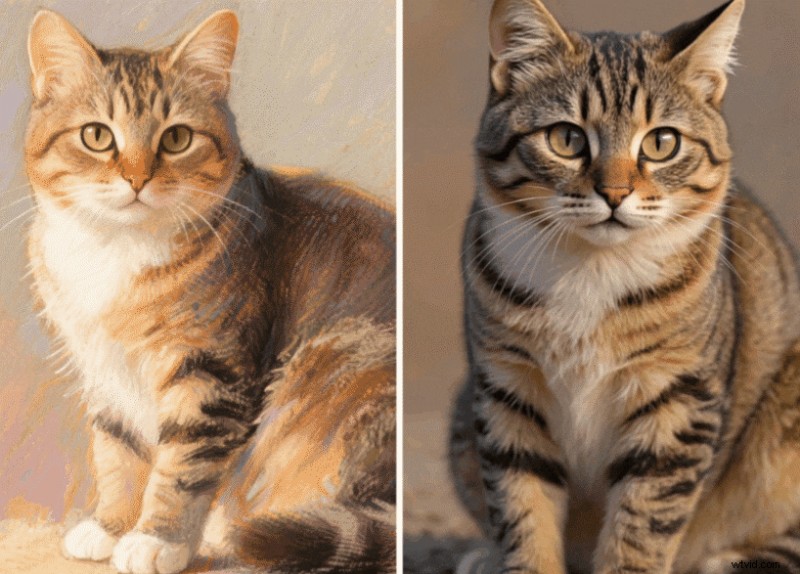
Generated by Filmora Image to Video
For faster results, Filmora offers AI-powered sketch-to-video templates:
- Upload your sketches and choose a ready-made animation template.
- The AI automatically animates your sketches, adds transitions, and sync audio.
- Customize with text, effects, or music if desired.
- Export a professional-looking sketch animation in minutes.
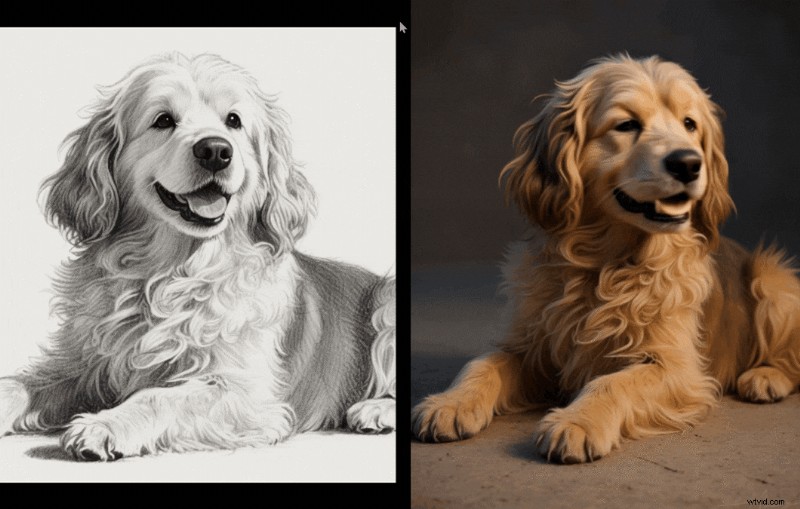
Generated by Filmora Image to Video
This method is ideal for users who want high-quality results quickly without manual frame-by-frame editing.
Secure Download
Step 6
Export Your Sketch Animation
- Preview your animation.
- Export in your preferred format (MP4, MOV, etc.).
- Share it for presentations, marketing, or social media.
Conclusion
Creating sketch animations has never been easier thanks to the wide range of tools available today. Whether you prefer traditional frame-by-frame editing or want to leverage AI-powered sketch-to-video templates, there's a solution for every skill level and project type.
Key takeaways:
- Start with a clear script and storyboard to plan your animation.
- Choose the right software based on your needs—beginners may prefer template-driven tools like Animaker, while professionals might use Keyshot or 3ds Max for advanced 3D animations.
- Use Filmora to turn static sketches into fully animated videos, either manually or using AI templates for faster results.
- Optimize sketches with audio, transitions, and annotations to create engaging, polished animations in Filmora.
With the right approach and tools, you can transform simple sketches into compelling animated stories that communicate ideas effectively and leave a lasting impression on your audience.

Filmora
AI Video Editing App & Software
Best tool for making videos anywhere for all creators!
Your Perfect First Video Edit Starts Here - No Experience Needed