
When you are trying to create a funny cartoon, explainer videos, or other short informative content to post online, 2D animation software is a breeze to use.
With access to the best 2D animation software, you can create compelling and intricate stories that will help you sync with the audience.
1. Wondershare Filmora
 Secure Download
Features You'll Love
- Unlimited Video Tracks.
- Audio Noise Reduction.
- Automatic Audio Sync.
- Motion Graphics animation support.
- Auto color correction.
- Available for Mac and Windows.
Price
Pros
- Numerous preset options
- Both for beginners and professionals
- Quick video trim/edits
Cons
- Straightforward user interface
- Lacks various shortcuts
- May need high system requirements
What Users Are Saying
"I am solving the problem of getting an easy-to-use, all-in-one video editor. In addition, the editor gives you the ability to command over your audio files, whereas other editors just give you the basic audio editing capabilities. Lastly, the fully editable text effects and the vast numbers too."
🤩 Posts You Might Be Interested In: Motion Blur in Final Cut Pro Review: What Works in 2025 >>
2. Opentoonz
Features You'll Love
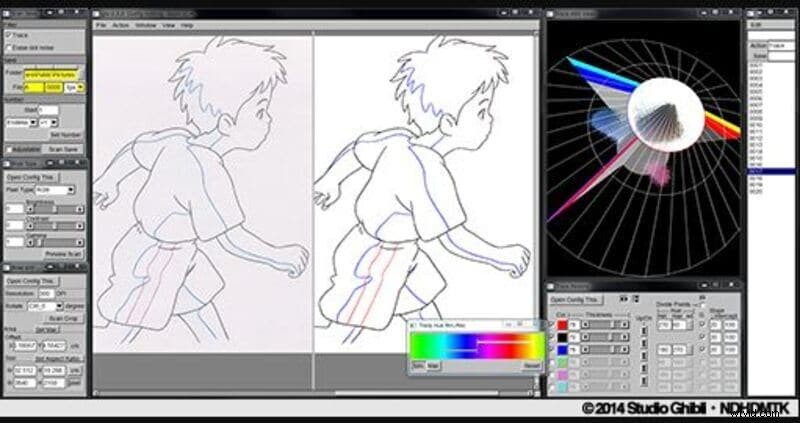
- GTS scanning tool
- Easy to modify picture styles
- Add light and distortion effects
- Works with black and white and colored scans
Price
Price: Free
Pros
- Accessible plugin to automatically create animation effects
- Unique Xsheets & Timelines features
- Audio/Soundtrack Implementer
Cons
- Somewhat Limited drawing capabilities
- Intricate setup
- A bit outdated UI design
What Users Are Saying
"Not a very self-explanatory 2D animation software. I had to look up some help, but it worked out in the end (youtube tutorials)."
3. Pencil 2D
Features You'll Love
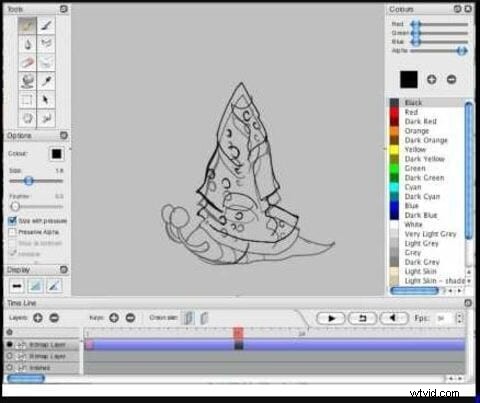
- Simplistic design to let you make animation easily
- Raster and vector workflow switching
- Cross-platform compatibility to free download
Price
Price: Free
Pros
- Easy to use
- Open sources
- Supports multiple languages
Cons
- It doesn't support shape tools
- Only for beginners
- It doesn't support 3D animation
What Users Are Saying
"The main thing against Pencil2d is the lack of complicated tools. Some tools are not there to bring better color effects, curves, drawing tools, etc. But honestly, this is not a big problem, the intention to be the most robust in the world but to be a tool that provides you a great introduction to animation with vector drawing."
4. Maefloresta/TupiTube
Features You'll Love
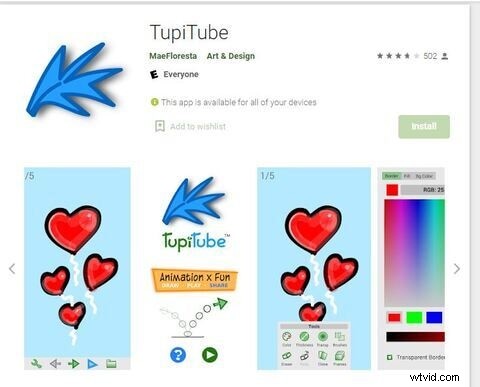
- A free downloadable app that assists on tablets and smartphones
- Simple software with tutorials
- Interactive user interface that beginners can use with ease
Price
Price: Free
Pros
- Great for beginners
- Effective tools management
- Friendly price plan
Cons
- Differences in color correction
- Certain confusing tools
- Unable to erase unwanted frames
What Users Are Saying
"Honestly, I love the app, but I wish there were an eraser, but other than that, it is great for everything from experimental clips to my YT videos that will be coming out in a few months."
5. Synfig
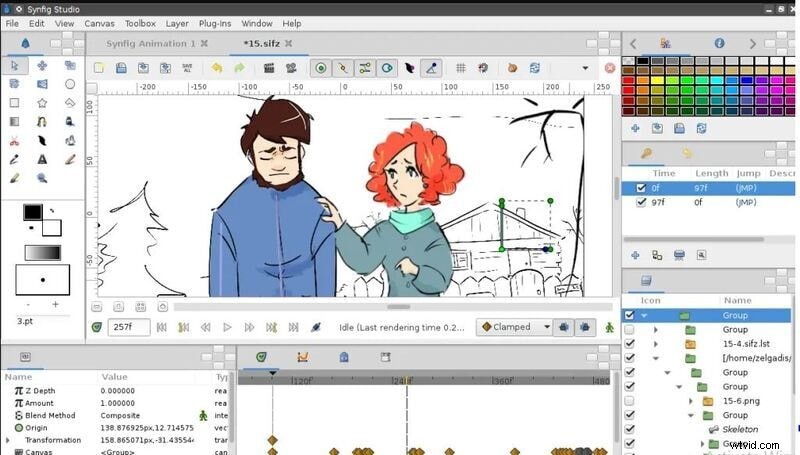
Features You'll Love
- Compatible with multiple content layers
- The bone system assists for the cutout animations creation from bitmap images
- Consistent with sound support to allow for the addition and syncing of narration and music to the video
Price
Price: Free
Pros
- Offers 50+ layers
- Easy to use layout
- Lots of technical tools and functions
Cons
- Difficult layout
- Hard learning curve
- Only a few tutorials available
What Users Are Saying
"It is cumbersome. You will look for tutorials to understand it, even if you have the best 2D animation software Background. - Though, it's not famous so you may not wander for information about it as easily. - You do need high PC requirements to operate it, it is heavy. - You have to Constantly save because there are a few operations that make it crash."
6. CelAction 2D
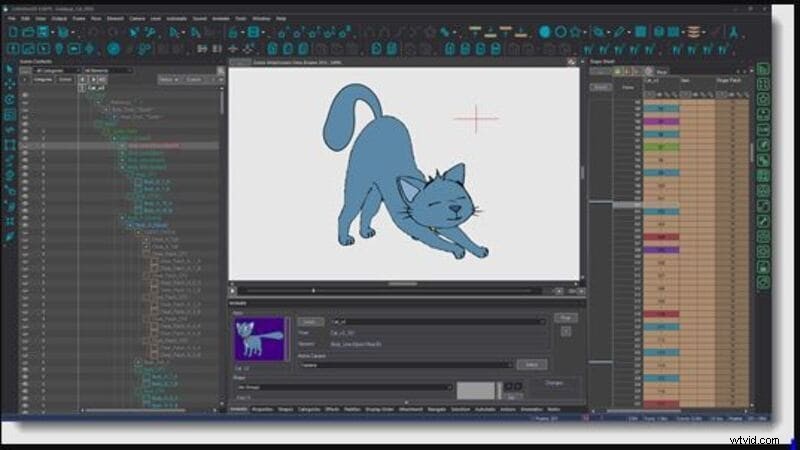
Features You'll Love
- Quick and straightforward to use professionally
- Features ergonomic controls
- Simply manages complicated projects with different layers
- Compatible with all modern Windows machines - 32 and 64-bit Also runs with Macs through Boot Camp
- The multiplane camera helps you have more excellent controls
Price
Price: $1300 Studio Edition (Single License Use)
Pros
- Fast to use
- Low system requirements
- Add-ons available
Cons
- Less dynamic
- Less in demand
- Time-Consuming to learn
What Users Are Saying
"I found the software pretty responsive and may not be good for beginners. Being a beginner, I need easy-to-use free download 2D animation software with low learning, and it didn't fit my needs entirely."
7. Moho (Anime Studio) Pro
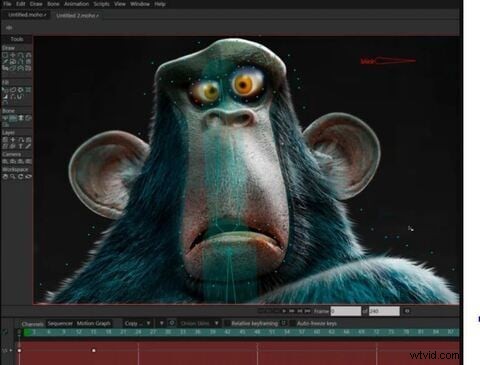
Features You'll Love
- Improved freehand drawing tools
- Beizer manages to make it simpler for you to design your videos
- Brilliant warp feature assists in creating custom meshes to twist and bend your animations
- Realistic motion blur
- Best 2D Animation software for different layers at the same time
Price
Price: $399 (Full Pack)
Pros
- Regular updates available
- Advanced features
- Also good for beginners
Cons
- Doesn't automatically sync
- Some functions are highly advanced
- Lacks flexibility
What Users Are Saying
"I am freelance, and Moho12 has allowed me to give more character to animated characters that I can use for some clients. The compatibility that I get with Adobe Illustrator and the speed of the render makes it one of my central tools when it comes to working with character animations."
8. FlipBook
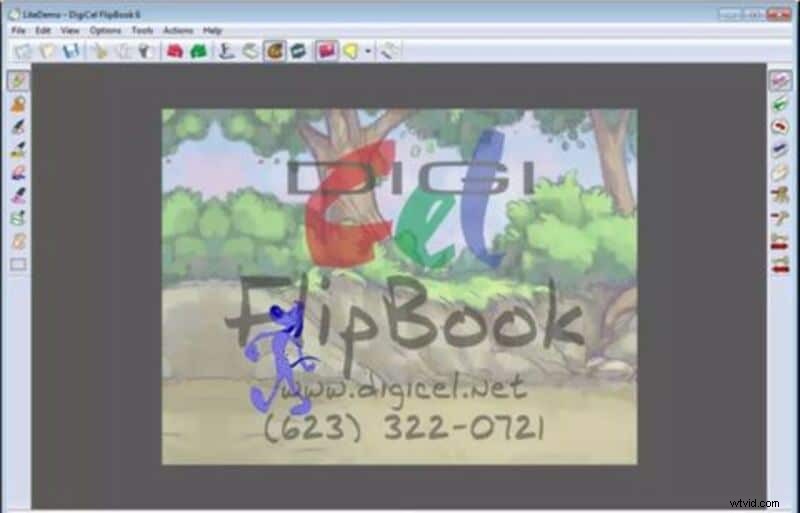
Features You'll Love
- Modifications will be active while you draw the animation, so FlipBook is pretty quick
- Easy to use the shift key to make speed painting
- Ten animation layers for adding extra touches
- Simple to use a scanner to import images
Price
Price: $19.99 (FlipBook Lite); $49.99 (FlipBook Studio); $149.99 (FlipBook Pro); $199.99 (FlipBook Pro HD)
Pros
- Simple to draw
- Easy to import from a scanner
- Quick uploads
Cons
- No free version
- Challenging to make subtle changes
- May not be user-friendly features
What Users Are Saying
"FlipBook does not contain a steep learning curve, and even first-time animators will be able to produce creative projects."
9. Reallusion CrazyTalk Animator
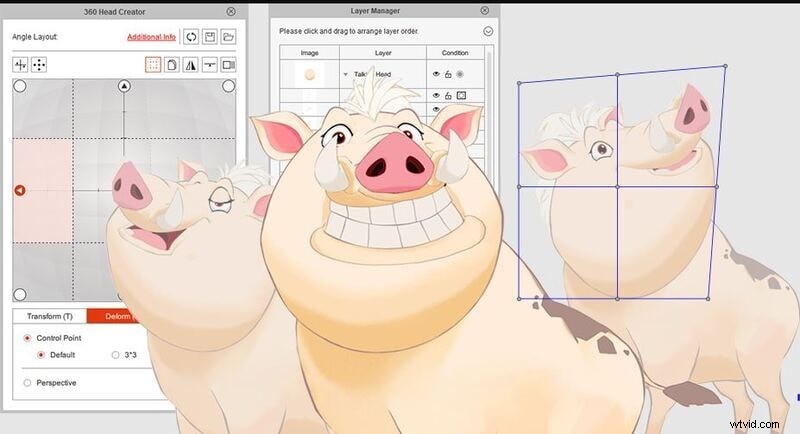
Features You'll Love
- Assists real-time facial expression with precise modification
- Black magic to transform the image into a moving cartoon
- You can make 2D visual effects for professionals
Price
Price: $199 (Pipeline); $99 (Pro)
Pros
- Large library of appealing templates
- Both for beginners and professionals
- Easy to control characters
Cons
- No drawing tools
- A bit high learning curve
- Hard to sync voice
What Users Are Saying
"This is a 2D animation maker online that makes sense. CTA makes sense in everything it does. One will find the tools exactly where they are supposed to be, and things work exactly the way one expects them to work."
10. Stop Motion Studio
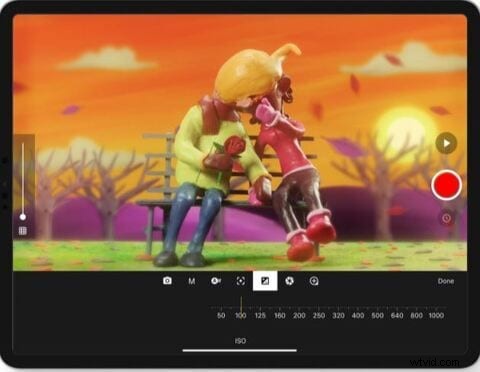
Features You'll Love
- Onionskin helps you to view previous frames via a transparent overlay
- Audio recording and Chroma key and audio recording to better narrate and add voice effects
- Simple
- one-click upload to Facebook and YouTube
- DSLR camera assistance for creating perfect 1080p recordings
Price
Price: $59.99
Pros
- Inbuilt sound editor
- Easy to schedule
- Not free
Cons
- Certain hoops
- No bone ringing tools or template designs
- Only for 2D stop motion, 2D animation online
What Users Are Saying
"So I am in high school, Considering an animation class. Currently, we use this to make a claymation. I have noticed a few complexities with it. The camera does not aim well, which is a big hassle. It also Consists of a glitch where sometimes, if you hit the undo frame, it will delete all your other projects. When that happened to me, I was not happy. Now, this last part may just be nitpicking, but when I saw the official company's animation, I saw their fingers in it, and the animation was not smooth."
11. Harmony
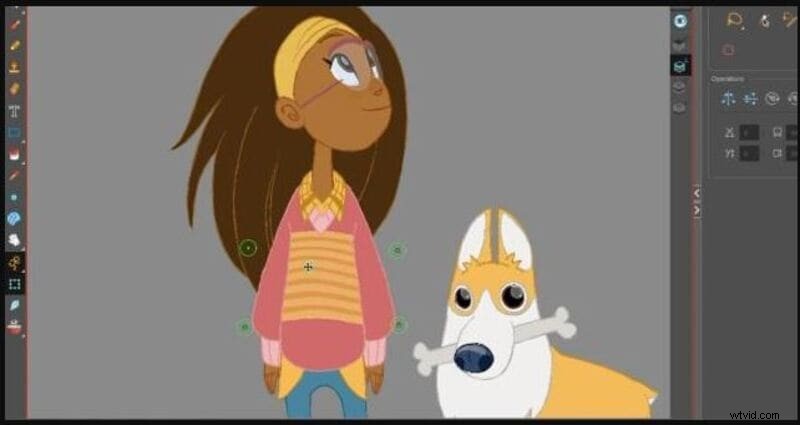
Features You'll Love
- Smooth lines
- Stabilizer
- It offers 3, 4, and 5-point guides for curved perspectives.
- It helps create cut-out animation.
- Easy integration with software available in the production pipeline.
- It offers 2D or 3D integration.
Price
Price: $25.50/month (Harmony Essentials); $64.50/month (Harmony Advanced); $117.50/month (Harmony Premium)
Pros
- Lots of animation and drawing tools
- Offers various color controls
- Flexible 2D animation
Cons
- Complicated to learn
- High system requirements
- Not free
What Users Are Saying
"I have created really powerful 2D animations with Harmony; it offers almost every tool to be precise and creative in the artworks and the advanced tools for paperless animations, which they helped me a lot."
12. Krita
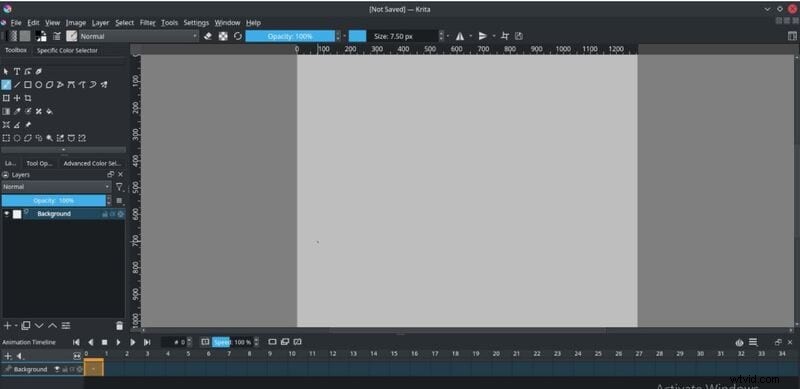
Features You'll Love
- This online 2D animation maker software allows you to add a stabilizer to the brush to smooth it.
- Personalized brush with nine different brush engines.
- Create comic panels with built-in vector drawing tools.
- Create seamless patterns and textures by making image reference on the x and y-axis.
- Import brush packs and texture from other artists.
- You can flatten, combine, or order layers to organize your artwork.
Price
Price: Free
Pros
- Completely free
- Easy to use
- High compatibility
Cons
- No dedicated support
- Use only on desktop
- Outdated UI
What Users Are Saying
"Krita helps me with my advertising videos as well as logos and other image editing use cases. I mainly use it to make thumbnails for my youtube channel and featured images for the articles on my website. I also use it to make some quick logos for my youtube channel and website."
13. Animaker
Features You'll Love
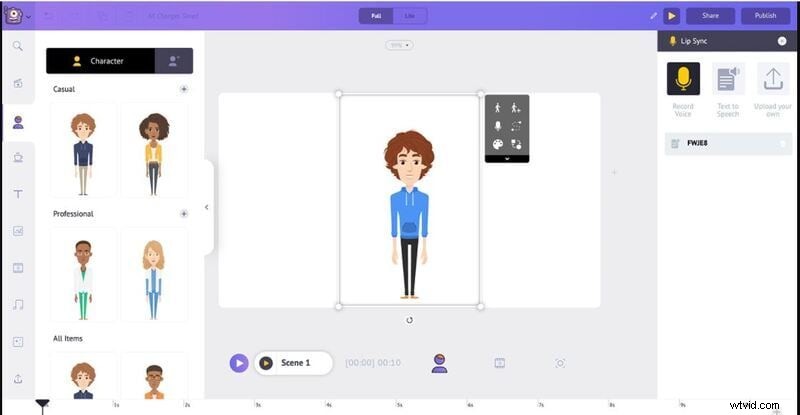
- Create animated videos in 6 unique video styles like 2D, handcraft, infographics, whiteboard, 2.5 D, and typography.
- Beginners can create videos and use them as both animation and animated presentations.
- Best free download 2D animation software has 200 sound effects to choose from.
- It offers 100 background music tracks.
- It helps you to record direct voice recordings.
- Animaker allows the team to collaborate.
- Export video in full HD quality.
Price
Price: $10/mo (Basic); $19/mo (Starter); $49/mo (Pro); Custom Pricing (Enterprise)
Pros
- Helpful app
- Able to make beautiful videos
- Tons of features
Cons
- May not work on specific systems
- Chunky UI
- Time-Consuming
What Users Are Saying
"Firstly, it displays that you are limited to the materials that you can use. If you want it, you can go for its paid version, which I think is ideal for a company but still hard. Secondly, I am trying to execute a project for my science class, and so far, I've had three days to work on it."
14. SketchBook
Features You'll Love
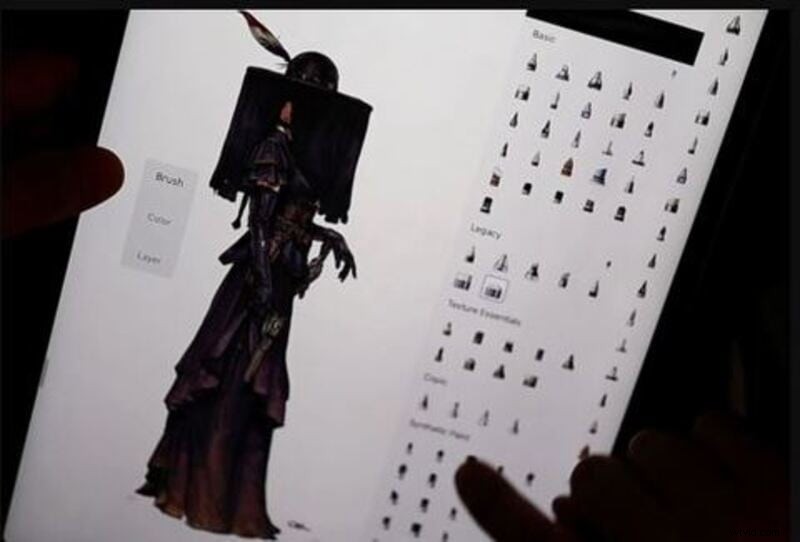
- It helps you draw basic shapes like circles, triangles, rectangles, etc.
- Adjust the rules as per your desire.
- Fill color into your artwork.
- Also, import or export the layer as PSD.
Price
Price: Free
Pros
- Many options of pencils, brushes etc.
- Various color options
- Ideal for quick inspirations
Cons
- It may be hard to enlarge projects
- Lack of usability in some features
- Some functions are confusing
What Users Are Saying
"Sketchbook has helped us in mobility. Since it is also available for tablets like iPad, it can be used to create quick artworks and concept arts and be used as a notebook to take notes. The different features also come in real handy, and the artwork created can be used to display professionally with a good amount of details."
15. Animate CC
Features You'll Love
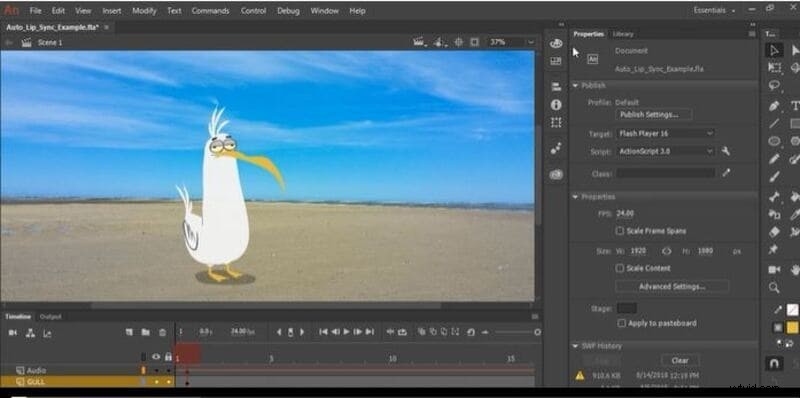
- Create new poses for vector images or figures.
- It helps you to arrange your layers in a parent-child hierarchy.
- Automatically matches mouth poses to voice inflections.
- Easy to export 360 VR animations.
- Create ads directly with Animate.
- Export images with the correct resolution by bypassing the image optimization and using image settings.
Price
Price: $20.99/mo
Pros
- Helpful user interface
- Various essential modules
- Extremely smooth
Cons
- High battery utilization
- Steep learning curve
- Lack some tools for handling sound
What Users Are Saying
"We use Animate to make educational videos, but we also use some of the drawing tools to create vector-based illustrations, and we can export them out from Animate to use them in printed products."
Key Takeaways from This Episode
Key Takeaways from This EpisodeUsing 2D animation software is simpler when you have the right software. You already have a storyboard and a script in mind, but now you can realize your vision in unique and intricate ways.
So, if you want to make 3D animation, various 3D animation software options are also for you. If any of the products above will serve you well, you could use Filmora, which comes first in the series of 2D animation software.

Filmora
AI Video Editing App & Software
Best tool for making videos anywhere for all creators!