
Making videos and shooting short films has been growing in popularity for several reasons, among them the proliferation of high-traffic sharing sites like YouTube, and the increased availability of professional quality camcorders and video devices. It's very easy today to become proficient enough to shoot high-quality videos for entertainment, for business and to assist with teaching. Sony is one of the brands that are popular with video makers, and in this tutorial we walk you through the steps on editing videos shot by Sony camcorder.
How to Edit Videos Shot by Sony Digital Camcorder
Video editing software for Sony camcorder
Video editing software is tiered by level, with options available for basic, mediate, and advanced programs. Here's a closer look at select software options:
- Basic Editing Software for Sony Digital Camcorders
- Mediate Editing Software for Sony Digital Camcorders
- Advanced Editing Software for Sony Digital Camcorders
Basic Editing Software for Sony Digital Camcorders
1. Wondershare Filmora
Wondershare Filmora (Latest version X) is not only one of the most affordable video editing software options, it's also one of the most advanced. The interface is simple, but there are numerous advanced features available, including overlays, filters, audio editing features and more.
2. Windows Movie Maker
It comes free with Windows, is designed with ease-of-use in mind and offers a surprisingly robust package of features. Convenience and simplicity make Windows Movie Maker the top free video editing software.
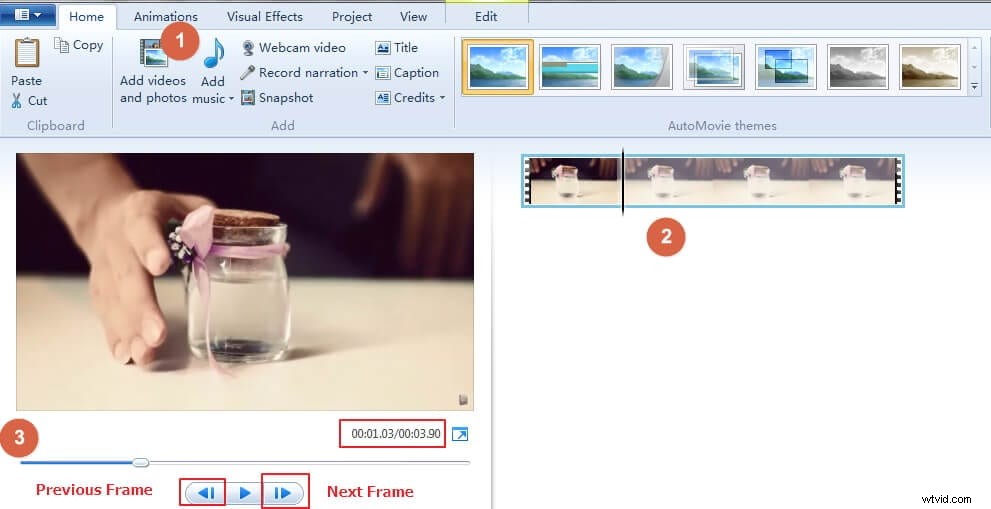
See how to edit videos with Windows Movie Maker here.
Mediate Editing Software for Sony Digital Camcorders
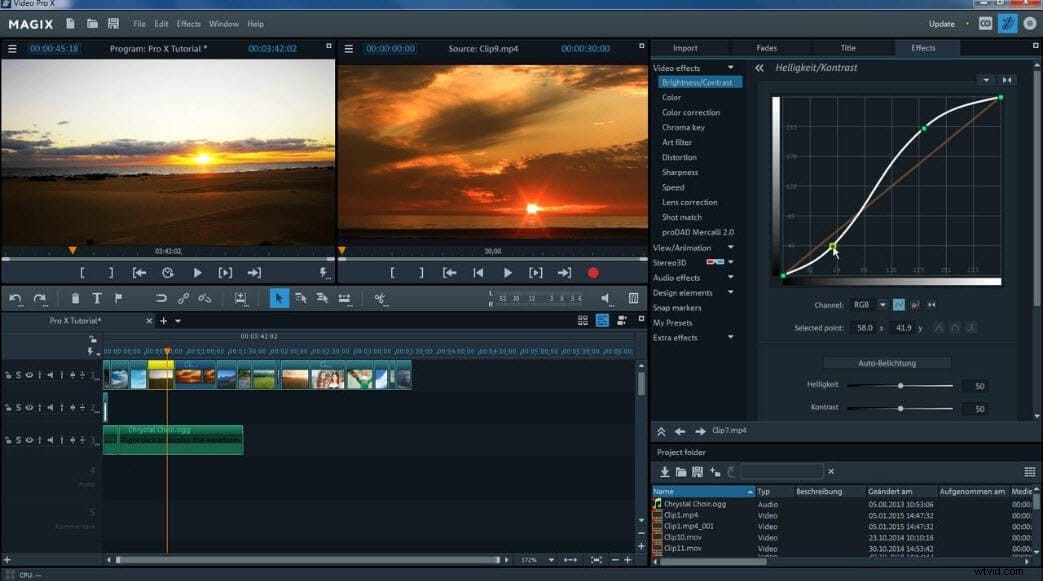
1. Magix Movie Edit Pro
It excels in areas of advanced features, formats supported and attractive interface. However, it loses points for slow rendering performance and some complexity in the interface. The low price makes the exchange worth it for many users.
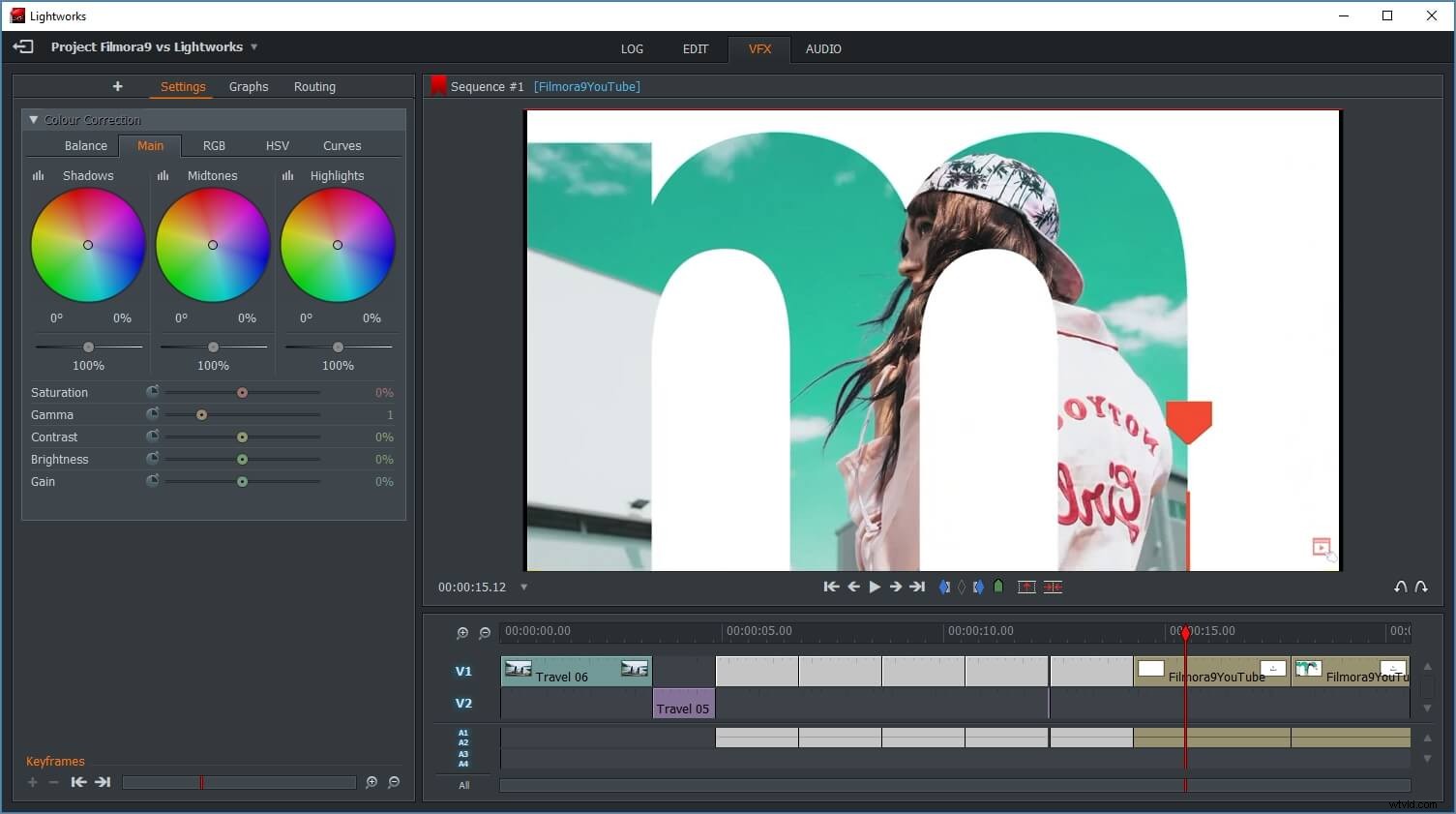
2. Lightworks
It has an extensive list of features and capabilities that provide as near to professional performance as you can find in a free video editing program. The learning curve is a little steep, but if you're willing to invest the time then you have access to a powerful program.
Advanced Editing Software for Sony Digital Camcorders
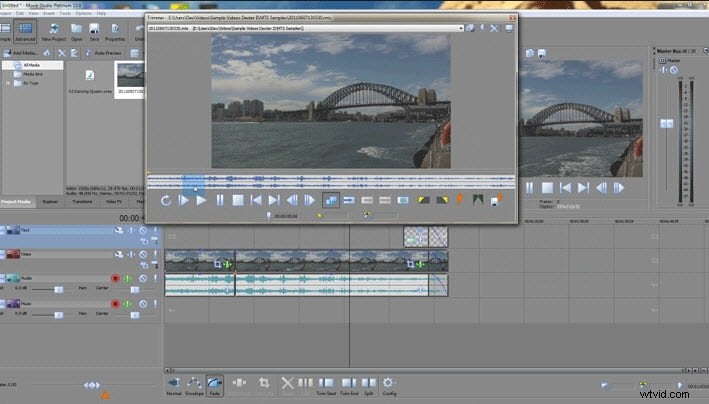
1. Movie Studio 13 Suite
It is from Sony, so you can expect that it works well with Sony digital camcorders. The interface is more inviting than is usually the case with a product aimed at professionals and the roster of advanced features is top-notch. Other than the price, there are very few drawbacks to this product.
Final tip: Understand what you want and balance your needs against your budget and your interest in learning a new application, then you will be able to select the best software to edit videos shot on your Sony camcorder.
How to edit videos shot by Sony camcorder
How easy is it to edit videos shot by Sony digital camcorder? This easy:
- Step 1: Shoot your video
- Step 2: Transfer the video from camcorder to computer (using either USB connection or using the SD card).
- Step 3: Use video editing software to edit your video on the computer.
Steps 1 and 2 are so easy they need no explanation. Step 3 is where you might need some help and some explanation of your options for editing videos shot by Sony digital camcorder is worthwhile.