
VirtualDub is a free and powerful video capture and processing software for Windows platform. For those who have previously used VirtualDub for editing or recording their videos files, are you looking for an alternative that runs on different platforms (Windows, Mac and Linux)? In this article, we introduce top 10 VirtualDub alternatives. Read on and find the best one that fits your needs.
Best Alternatives to VirtualDub
1. Wondershare Filmora
Wondershare Filmora is an ideal VirtualDub alternative. It virtually supports much more formats than VirtualDub and includes almost all the common video editing functions VirtualDub provides. Although it doesn't support plug-ins, you can easily easily retouch your video with effects like jump cut, tilt-shift and much more and share your works with the world.


Main features of Wondershare Filmora Video Editor
- Intuitive interface
- Powerful editing functions
- Various output selections
It provides a nice organized work space that allows for video, text and audio layering. The drag-n-drop feature enables you to easily access everything. The preview window is also included in the main interface so that you're able to see the real-time effect immediately.
You can adjust your video using Contrast, Brightness and Saturation options with just one-click. An array of video effects like video filters, transitions, intro/credits, tilt shift, mosaic, face off, jump cut and more are also provided to enhance your video instantly.
When the editing process is over, you can easily save or share the creation. Different output methods include encoding the video into a specific file format that's compatible with mobile devices; direct uploading onto YouTube or Facebook or burning a DVD
2. Video Converter
Video Converter supports the processing and conversion of almost all of the popular file types that's currently used. It has less editing options provided by VirtualDub, but the built-in video editor also provides several basic video editing functions such as crop, trim, rotate, add filters and more. On top of that, you can download videos directly from the online sites or create and burn your own videos onto a DVD. The preset of best video settings for playback on a variety of portable devices makes it even more convenient.
3. Virtual VCR
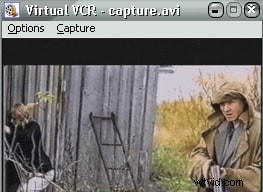
Virtual VCR is a DirectShow video capture application for Windows. It works together with video capture cards to capture audio and video to your hard drive in the AVI file format. It also digitizes audio/video content from sources like webcams, camcorders, and VCRs (Video Cassette Recorder). However, the editing functions are less powerful compared to VirtualDub.
4. Free Video Dub
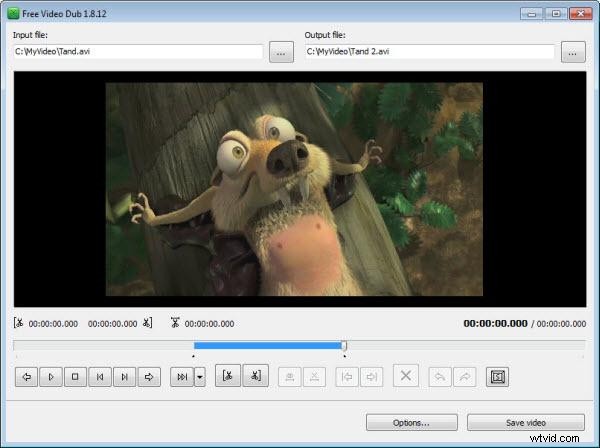
Free Video Dub is lightweight and user-friendly video editing tool for Windows which just like VirtualDub. It supports various video formats including AVI, MOV, FLV, MOD, MKV, MTS/M2TS and more. The main function is to delete the unwanted parts from video files without re-coding, which means it keeps the original quality of your video, so it may lack of some video editing functions you're looking for.
5 Avidemux
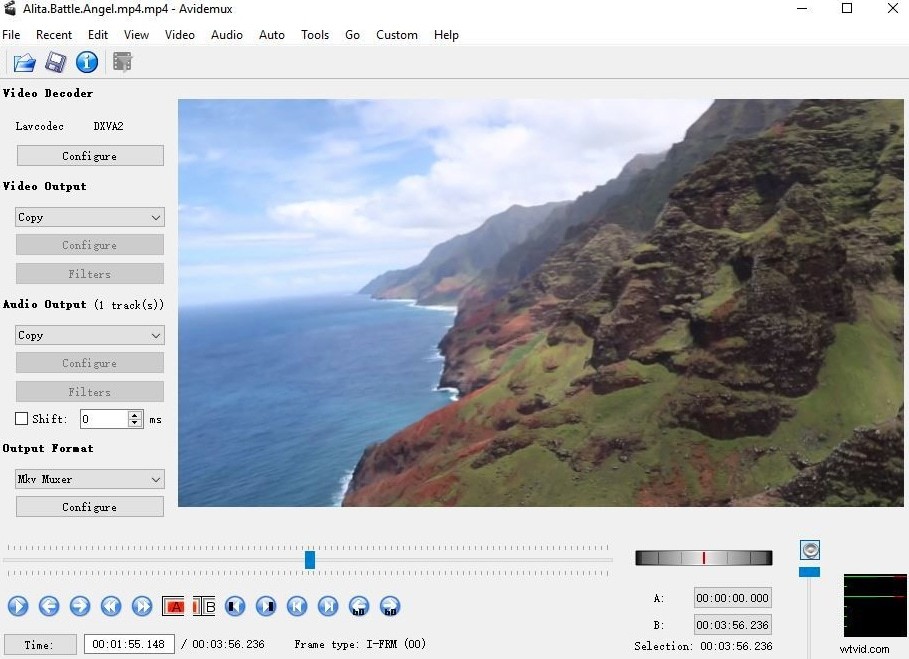
Avidemux is very close to VirtualDub on the basis of functions. It even runs on more platforms including Linux, Mac OS X and Windows. It's designed for simple video cutting, filtering and encoding tasks. It supports more file types than VirtualdDub, including AVI, DVD compatible MPEG files, MP4 and ASF, using a variety of codecs. Tasks can be automated using projects, job queue and powerful scripting.
6 OpenShot
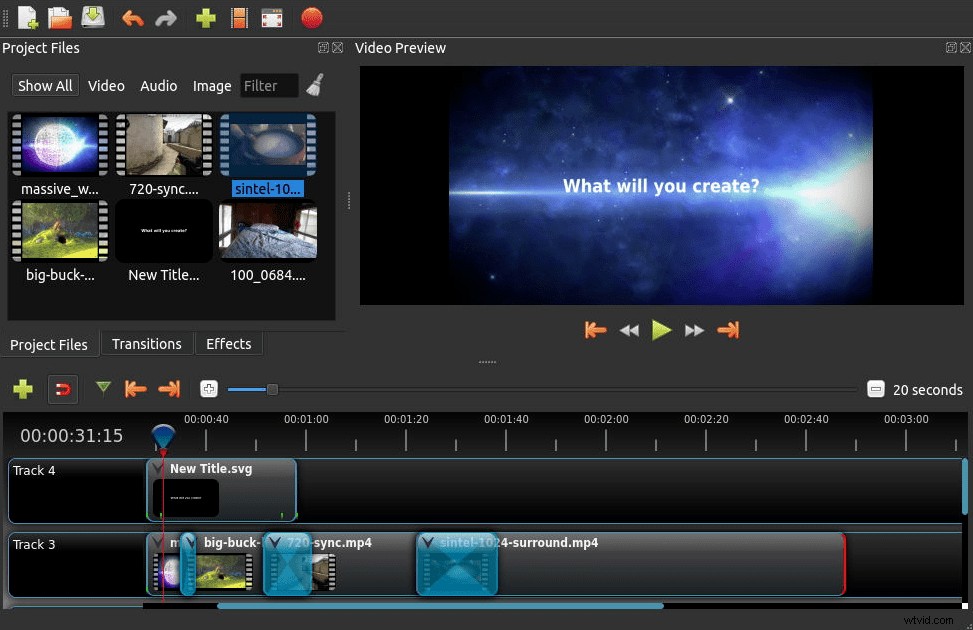
OpenShot comes with a more user-friendly interface than VirtualDub. It supports different audio, video and image formats and enables you to do some basic video editing tasks such as trim, cut, crop and more. It also let you easily add subtitles, transitions and effects, and then export your video to DVD, YouTube, Vimeo, Xbox 360, and many other common formats.
7 Windows Movie Maker
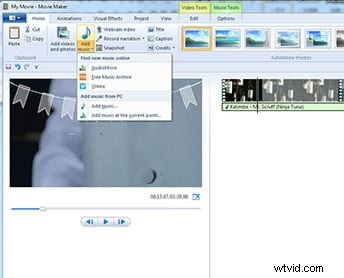
Windows Movie Maker is a free video editing software for Windows. You can easily edit, edit and share your videos with a few simple drag-n-drops. The editing features include adding video effects, transitions, titles/credits, audio track, narration and more. When the editing is done, you can directly share your video via the web, email or CD.
8 iMovie
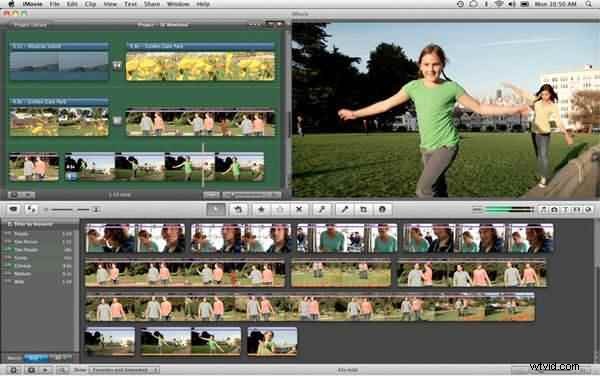
iMovie is a great and free video editor for Mac which receives good reputation. It's equipped with many creative features such as movie trailer, one step video and audio effect, PIP function and more. When you finish all the editing process, iMovie enables you to share your video to YouTube or export for your iPad, iPhone, iTunes, etc. But it doesn't support plugins any more.
9Jahshaka
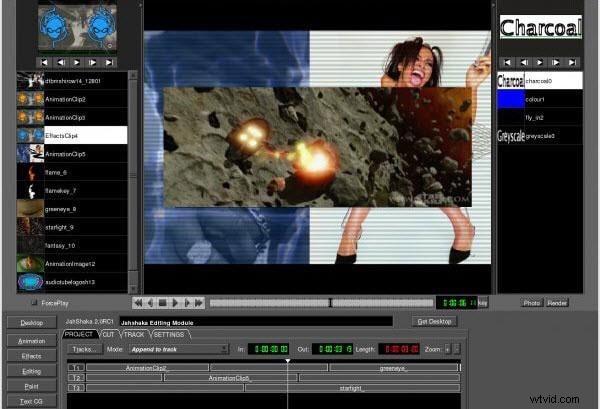
Jahshaka is an advanced video editor currently runs on Linux, Windows and Mac OS X. It has multiple capabilities: make make 2D/3D animations, correct colors and edit video and more. You can also easily manage and share all the elements you need as a part of creating impressive content.
10 Video Toolbox
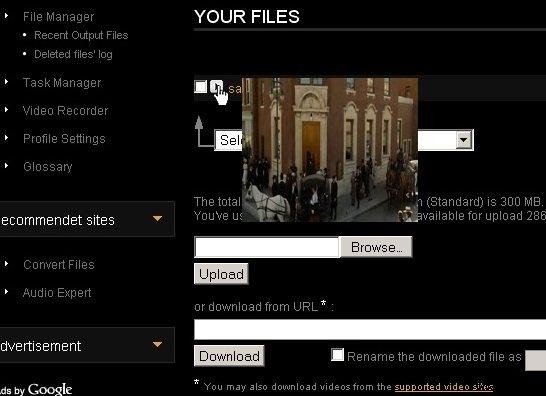
Video Toolbox is a free online video editing tool to help you convert, edit, cut, record, crop or demux video files. It's very easy to use - you just need to upload your files, select the task you need, do the editing and the site will process the video for you.