
FAQ videos offer a fast, visual way to answer the questions your customers ask most often. This guide walks you through every step—from identifying the right questions to measuring success—so you can deliver clear, concise, and professional videos that boost SEO, cut support calls, and strengthen brand loyalty.
What Exactly Is an FAQ Video?
An FAQ video is a concise clip that answers common questions about your brand, product, or service. When placed on a dedicated FAQ page, these videos increase dwell time, improve search rankings, and provide a more engaging experience than plain text.
Step‑by‑Step Process to Build Your FAQ Video
1. Identify the Questions Your Customers Actually Ask
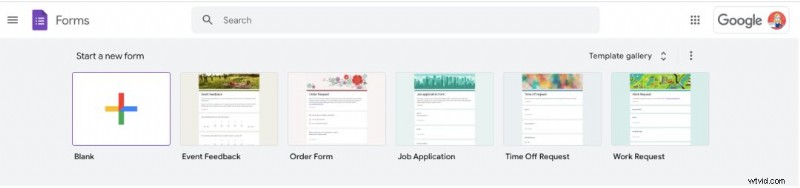
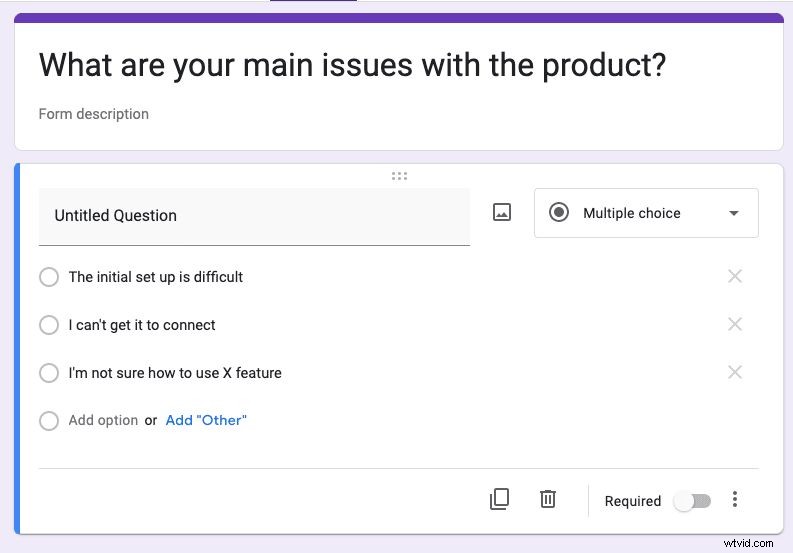
Start by gathering data from your support team, help desk logs, or customer surveys. A simple Google Form can capture what people need most. Example screenshots show a multiple‑choice and free‑text response layout.
Once you have a shortlist, prioritize the questions that appear most frequently or cause the most support tickets.
2. Draft a Clear, Concise Script
A well‑structured script is the backbone of every effective video. Outline the key points, keep sentences short, and use plain language. If you’re new to scripting, refer to our guide on writing a video script (template included).
3. Choose the Right Video Style
Different products call for different approaches:
- Straight‑to‑camera – perfect for quick, personable answers.
- Product demo – close‑ups and on‑screen instructions showcase how to use features.
- Screen recording – ideal for SaaS tutorials and software walkthroughs.
Watch a variety of FAQ videos to decide which format best serves your audience.
4. Place Your Videos Where Customers Can Find Them
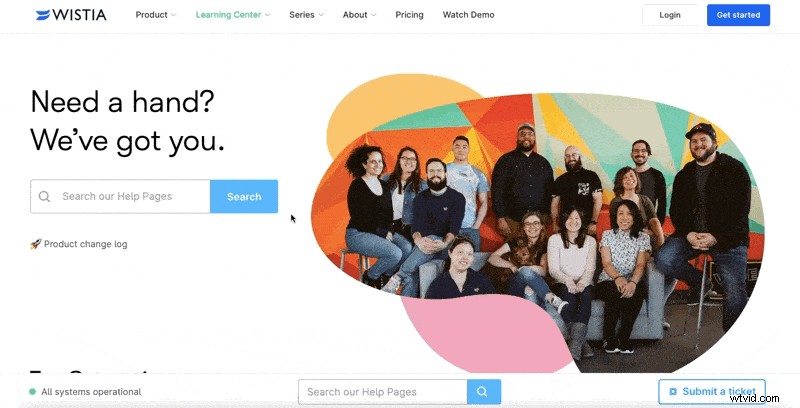
Create a dedicated FAQ video landing page. Mimic industry leaders like Wistia’s support site, which offers a searchable library and video for nearly every common query.
5. Track Performance and Refine
Use analytics to measure watch time, completion rates, and click‑throughs to related pages. Look for trends—e.g., does adding on‑screen text improve engagement? Aim for a length that balances depth with brevity.
Why FAQ Videos Matter
1. Video Is the Preferred Format
Research shows that most users choose video over text for answers. By turning static FAQs into short videos, you make the information more accessible and enjoyable.
2. Builds Brand Loyalty
Consistent, friendly faces or characters in your videos humanise your brand. Think of BlendTec’s Will it Blend? series—over 19 million views, 15 years of content, and a recognisable host that turns product demos into storytelling.
3. Improves SEO
Video content increases dwell time, a key signal for search engines. In fact, 82% of marketers say video boosts page time, helping you rank higher.
4. Cuts Support Calls
Only 5% of people prefer phone support for learning about products. By offering clear videos, you empower customers to solve issues independently, freeing staff for complex queries.
Top 5 Tips for a Winning FAQ Video
1. Research First, Then Create
Make sure your videos answer real customer pain points—otherwise they’ll be ignored.
2. Keep It Professional
Consumers watch an average of 19 hours of online video per week. A polished look signals credibility. Whether you hire an agency or use in‑house tools, invest in quality audio, lighting, and editing.
3. Be Short and to the Point
Attention spans are shrinking. Aim for 1–2 minutes per question, cutting out fluff while covering every essential detail.
4. Make It Easy to Find
Embed the video on your FAQ page, but also share it on YouTube and social media to increase discoverability.
5. Add Personality
Inject brand personality—whether through a recurring character or a distinct visual style—to build trust and make the content memorable.
Inspiring FAQ Videos to Learn From
1. Wistia
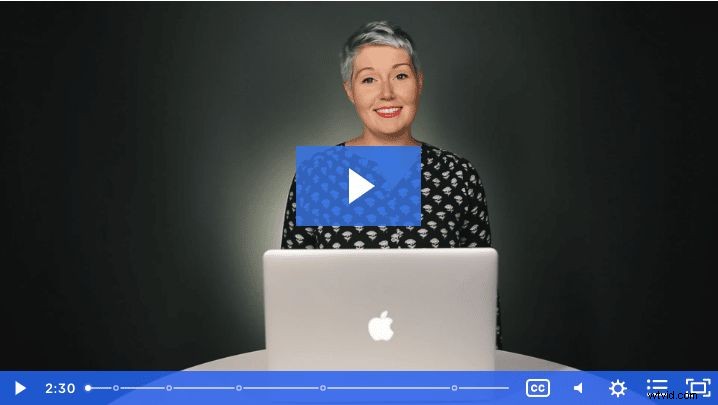
Wistia’s library covers everything from uploading to podcasting, with clear on‑screen demos and friendly presenters.
2. BritBox
Animated guides for older users—slow pace, on‑screen prompts—ensure lasting relevance even as the platform evolves.
3. Samsung
Quick, close‑up tutorials help premium customers start using their projectors in under two minutes.
4. B&Q
Longer, chapter‑led assembly videos give DIY customers a thorough, step‑by‑step walkthrough.
5. Dyson
Zero‑frills, no‑voiceover video that shows how to replace a vacuum grip in a matter of seconds.
6. Service Credit Union
Under‑60‑second sign‑up tutorial uses zooms and highlights to guide users instantly.
Final Thoughts
FAQ videos empower customers, reduce support overhead, and enhance your brand’s trustworthiness. For more guidance on creating high‑impact videos, visit our Customer Service Videos page.