
In this comprehensive review, we explore Wondershare Filmora’s pricing, feature set, and overall value for creators of all skill levels.
Industry Insight
Video marketing is booming: 84% of consumers want more brand videos, and 93% of marketers consider video essential to their strategy.
With fierce competition, videos must be polished and engaging. Wondershare Filmora aims to simplify that process.
TL;DR
Filmora is a versatile, beginner‑friendly video editor that delivers a solid suite of tools—including its proprietary Filmstock asset library—at a competitive price.
Pros: User‑friendly interface, fast rendering, affordable pricing.
Cons: Limited customization options, fewer advanced features compared to professional suites.
Overall Rating: ★★★★☆

What Is Wondershare Filmora?
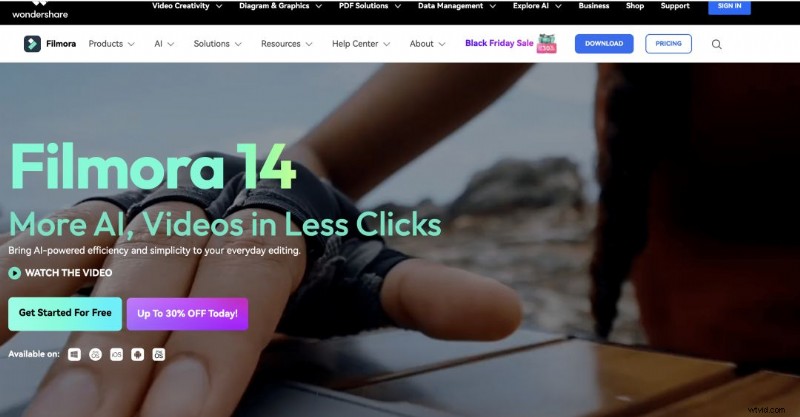
Wondershare Filmora is a cross‑platform video editor designed for everyone—from novices to seasoned pros. Developed by Wondershare Technology, it bundles core editing tools (trim, cut, split) with advanced features such as audio editing, color grading, and text overlays.
Available on Windows and macOS, Filmora supports a wide array of file formats, allowing you to export projects in your preferred resolution and codec.
Who Should Use Filmora?
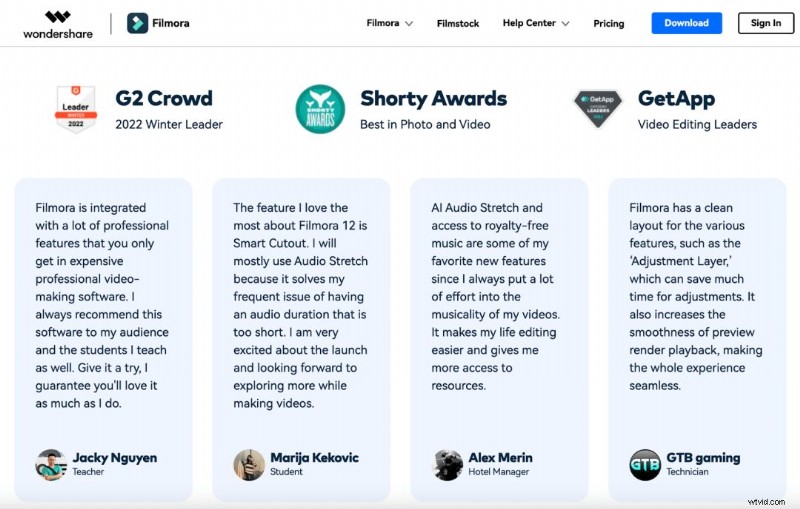
With over 100 million users in more than 150 countries, Filmora caters to anyone who wants to create compelling videos. Testimonials on its homepage span students, business owners, and content creators alike.
Filmstock – Filmora’s Asset Library
Filmstock offers an extensive collection of templates, transitions, titles, video clips, music, sound effects, and high‑resolution images—all curated to elevate your projects.
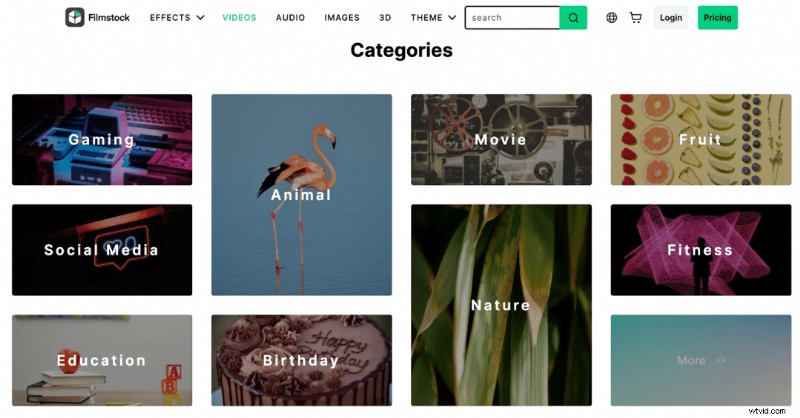
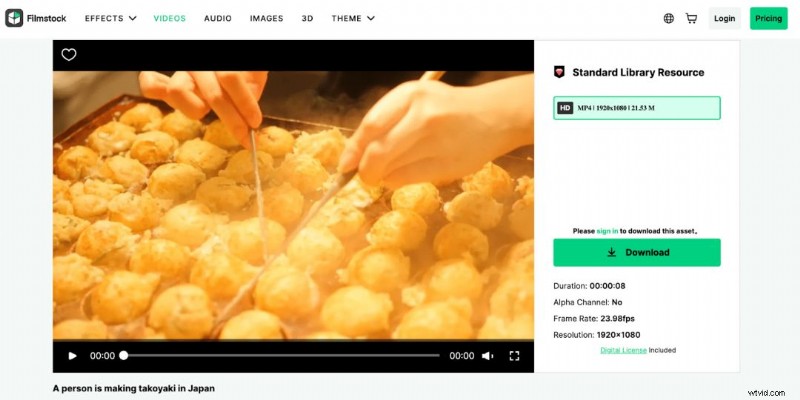
Access Filmstock directly from Filmora, preview assets, and download the ones that fit your vision. Imported assets integrate seamlessly into the timeline.
User Experience
Filmora’s layout mirrors industry standards, making the learning curve gentle. Features such as automated scene detection help you segment long clips efficiently.
All effects—filters, transitions, titles, motion elements—are accessible via a drag‑and‑drop interface. The pre‑built templates add professional polish with minimal effort.
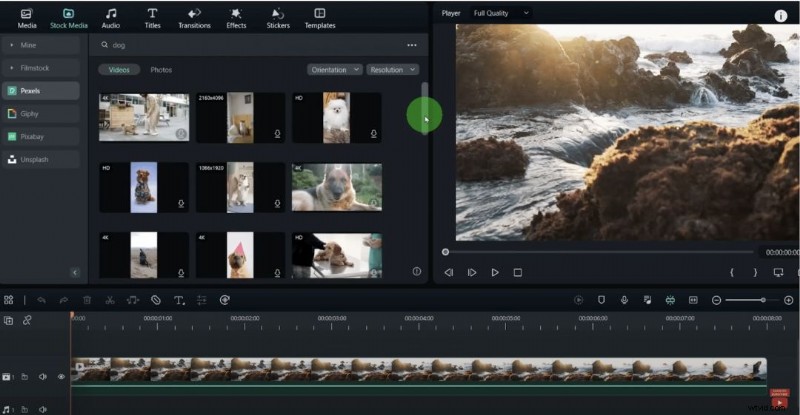
Rendering is lightning‑fast, and exported videos retain high quality. Finished projects can be saved locally or uploaded instantly to platforms like YouTube or Vimeo.
Pros & Cons
Pro 1 – Intuitive Interface
Filmora’s user‑friendly design makes it accessible for beginners while still offering depth for experienced editors.
Pro 2 – Rapid Rendering
Export times are short, which is crucial for creators producing multiple videos.
Pro 3 – Value‑for‑Money
A perpetual license costs under £70, granting lifetime access to the current version, Filmstock Standard, and dedicated support.
Con 1 – Limited Customization
Advanced users may find the preset‑centric workflow restrictive when fine‑tuning individual elements.
Con 2 – Missing Pro‑Level Features
Capabilities such as multicam editing or VR support are absent, so highly specialized projects may require a more robust editor.
Pricing Plans
Filmora offers several options:
- Perpetual Plan – One‑time payment for lifelong access to the current version.
- Subscription – Ongoing access to all future releases.
- Cross‑Platform – Higher price for use across Windows and macOS.
- Team, Business, Student & Educator plans – Tailored for group usage and educational discounts.
See the official pricing page for the latest details.
Customer Support
Filmora’s Help Center features a comprehensive user guide, video tutorials, and FAQs. The search bar allows quick access to troubleshooting articles.
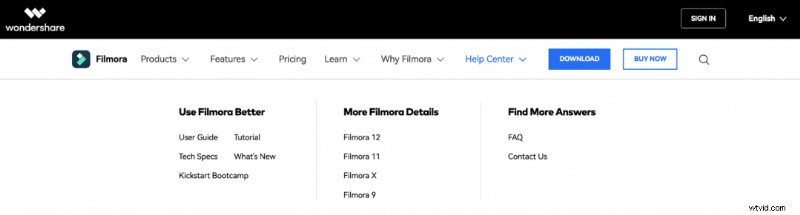
If you need additional assistance, contact the support team directly through the platform.
Final Verdict
Wondershare Filmora is an excellent choice for creators seeking a straightforward, cost‑effective tool that delivers polished results. Its extensive feature set, fast rendering, and built‑in asset library make it suitable for both novices and seasoned professionals. However, users demanding granular control or advanced editing capabilities may need to look elsewhere.

Curious how Filmora stacks up against alternatives? Check out our reviews of Motion Array and HitFilm Pro.

Samantha – Copy Team Manager at Wyzowl. With over 1,000 scripts and hundreds of video marketing articles, Samantha’s insights are trusted by creators worldwide.